 PluginStats
Jinja installs statistics
By wholroyd · VS Code Marketplace · Programming Languages
Jinja template language support for Visual Studio Code
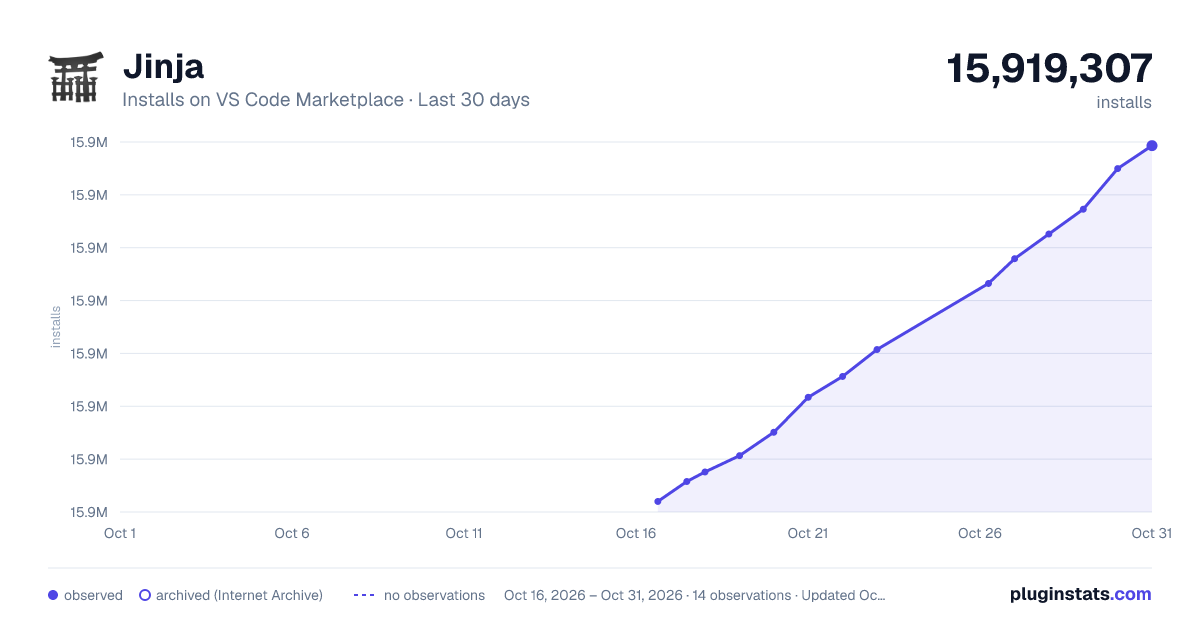
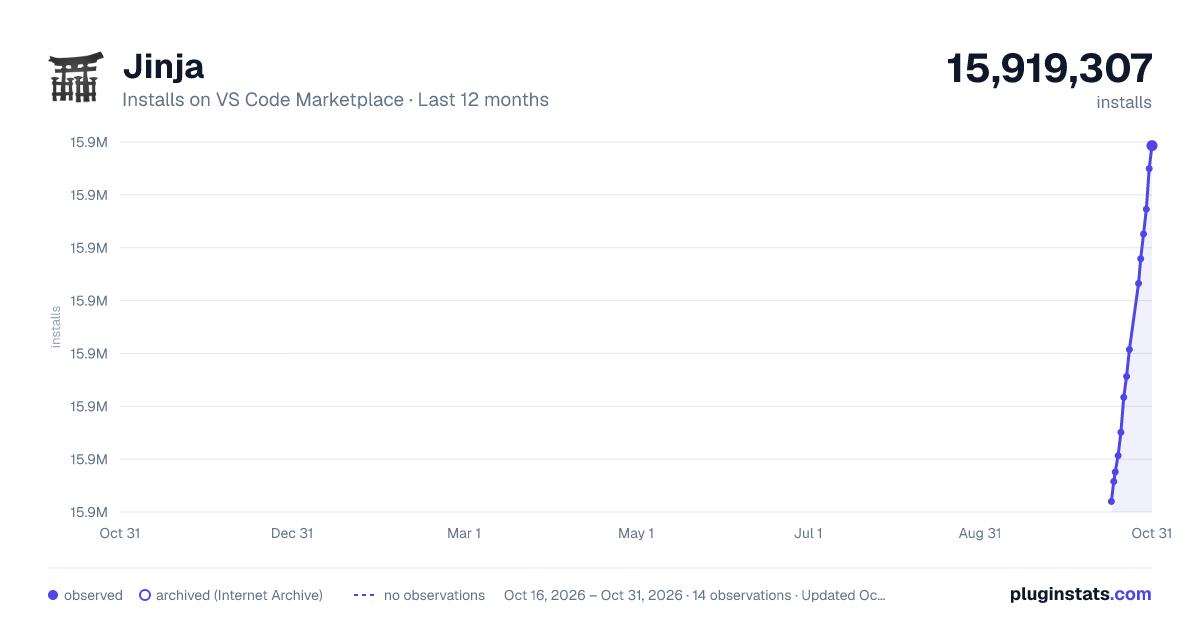
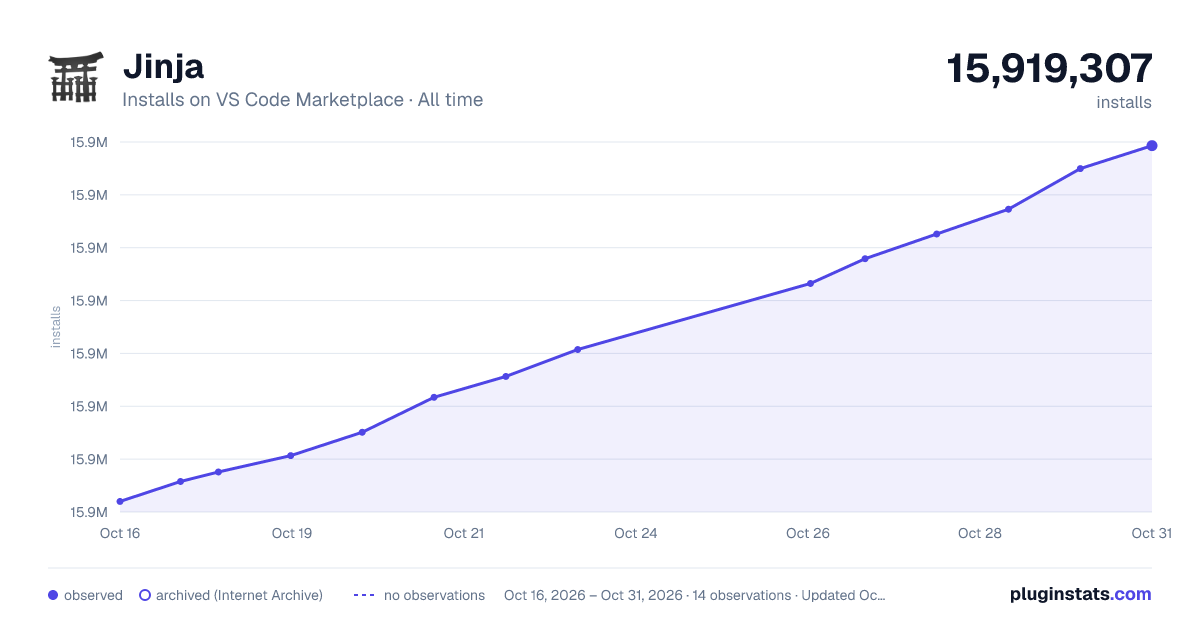
Jinja has 15,857,571 recorded installs on VS Code Marketplace.
It ranks #67 of 2,500 tracked VS Code Marketplace listings by installs.
It is rated 3.8 out of 5 from 17 ratings.
PluginStats has 3 daily observations since Oct 16, 2026; the latest is from Oct 18, 2026.
Rating: 3.82 / 5 from 17 ratings
About Jinja
Jinja for Visual Studio Code
This extension adds syntax highlighting and snippets for the Jinja template language.
Using
Install Visual Studio Code 1.75 or higher. In the command palette (cmd-shift-p / ctrl-shift-p) choose Install Extensions and search for Jinja.
Jinja has no single standard file extension, so the extension maps a few common ones and leaves the rest to you.
| Language mode | Extensions |
| Jinja | .j2, .jinja, .jinja2 | | Jinja HTML | .html.j2, .html.jinja, .html.jinja2 | | Jinja YAML | .yml.j2, .yaml.j2, .yml.jinja, .yaml.jinja, .sls |
Jinja HTML is a separate language from HTML. Emmet abbreviations work there because the extension maps jinja-html to HTML for Emmet. Script and style blocks use JavaScript and CSS commenting instead of HTML comments.
To treat other names as Jinja, use files.associations:
Do not associate *.html globally if you also edit plain HTML in that workspace. Prefer a folder setting, or double extensions like .html.j2.
This extension does not replace VS Code's built-in HTML or YAML languages. That used to happen, and it broke commenting, Emmet, and other HTML features in every HTML file.
Contributing
Pull requests are welcome for highlighting, snippets, and language configuration. IntelliSense, go to definition, and formatters need a language server. This extension does not provide one.
If you're new to VS Code extensions, start at https://code.visualstudio.com/api.
Run npm test for grammar fixtures and a check that we still don't attach grammars to the built-in HTML or YAML languages. Pull requests run the same command in GitHub Actions.
To work on this extension:
1. Open the Debug viewlet, select Launch Extension, and run (F5). That starts a second Code window with this folder loaded as the extension.
2. Reload that second window (Ctrl+R or Cmd+R on Mac) after you change files.
If you already have the Marketplace build installed, the debug window uses this folder instead. Your stable window keeps the installed version.
Contributors
• Mikhail Kashkin • TuxOtaku (Ryan Draga) • Silvenga (Mark Lopez) • Tim Wilde • Juan Castano • MortalCatalyst (Sayth) • gmotos
License
MIT
Description from the VS Code Marketplace listing.
- html
- jinja
- jinja2
- JinjaHTML
- jinja-html
- JinjaYAML
- jinja-yaml
- snippet
- yaml
Where Jinja sits in the listing
Each band is one page of 20. Installs on a log scale. Placement is projected from installs, so it can differ from the marketplace's own sort order. Hover a dot to see the listing.


Charts
Images: 30d · 1y · all time · 1600×900 dark

Adoption over time


7/30/90-day growth


Filled points are observed values; hollow points come from Internet Archive snapshots of the listing page. Dashed segments span periods with no observations — values between points are not interpolated.
Recent observations
Full history (3)Similar VS Code Marketplace Programming Languages plugins
Data source
Install counts, average rating, and rating counts come from the public Visual Studio Marketplace gallery API. Installs are cumulative and exclude updates.
Listing: https://marketplace.visualstudio.com/items?itemName=wholroyd.jinja. First seen Oct 16, 2026; last successful collection Oct 18, 2026. See the methodology.