 PluginStats
Version Lens installs statistics
By pflannery · VS Code Marketplace · Programming Languages
Shows the latest version for each package using code lens
Version Lens has 2,551,854 recorded installs on VS Code Marketplace.
It ranks #289 of 2,500 tracked VS Code Marketplace listings by installs.
It is rated 4.6 out of 5 from 94 ratings.
PluginStats has 3 daily observations since Oct 16, 2026; the latest is from Oct 18, 2026.
Rating: 4.60 / 5 from 94 ratings
About Version Lens
VersionLens for Visual Studio Code
This project is active, not sponsored or funded.
VersionLens shows version information when opening a package or project file in VS Code. It abides by semver rules and uses the Node Semver package to compare and sort versions.
Contents
• Supported Languages & Ecosystems • How do I see version information for a package? • Pre-release versions • Can I check for package vulnerabilities? • What do the suggestion links mean? • Will this extension install packages for me? • How do I authorize packages that need credentials? • How do I install this extension? • How do I troubleshoot this extension? • Commands & Settings • Development Guide
Supported Languages & Ecosystems
VersionLens supports a wide range of ecosystems:
• Cargo (Rust): crates.io • Composer (PHP): packagist.org • Deno (JSR/NPM): deno.com • Docker: Docker Hub / MCR • Dotnet: NuGet • Dub (D): code.dlang.org • Go: proxy.golang.org • Maven (Java): Maven Central • NPM (Node): npmjs.com, JSPM, PNPM • Pub (Dart/Flutter): pub.dev • Python: PyPI • Ruby: rubygems.org
Note: TOML files require an extension that registers the TOML language with VS Code (e.g., Even Better TOML).
How do I see version information for a package?
Select the V icon in the package/project file toolbar.
You can also find this in the editor ... (secondary) menu as Show release versions.
You can also set the default startup state using versionlens.suggestions.showOnStartup in your settings.
Can I see pre-release versions?
Yes, select the tag icon in the package/project file toolbar.
You can also find this in the editor ... (secondary) menu as Show prerelease versions.
You can also set the default startup state using versionlens.suggestions.showPrereleasesOnStartup.
Can I check for package vulnerabilities?
VersionLens integrates with OSV.dev to highlight vulnerable packages directly in your manifest files.
• Editor Diagnostics: If a vulnerability is found for your current version, a red squiggle will appear. Hovering over the version will show the vulnerability details and a direct link to the advisory. • Update Safeguards: If you click to update to a version that is known to be vulnerable, a modal confirmation will appear to prevent accidental updates to insecure versions. • Visual Indicators: Updatable versions with known vulnerabilities are marked with a ⚠️ indicator in the CodeLens title.
Note: This feature is enabled by default and can be toggled using the versionlens.suggestions.showVulnerabilities setting.
Will this extension install packages for me?
Yes, you can define a custom task that runs when you save a package document.
To set this up, follow the Custom Install Task Guide.
How do I install this extension?
Install via the VS Code Extension Gallery.
Manual Installation
Visit the Releases page for VSIX instructions.
Installation Troubleshooting
If you are unable to install the extension, try a clean install:
1. Shut down VS Code. 2. Delete the extension folder: {home}/.vscode/extensions/pflannery.vscode-versionlens. 3. Restart VS Code and reinstall.
Note: Check the Log (Extension Host) in the Output channel for specific errors during installation.
How do I troubleshoot this extension?
• CodeLens Enabled: Ensure "editor.codeLens": true is set in your settings. • Action Icons: Ensure "workbench.editor.editorActionsLocation": "hidden" is not set. • Clear Cache: Open the Command Palette (Ctrl+Shift+P / Cmd+Shift+P) and type VersionLens: Clear cache. • Cache duration is managed by versionlens.caching.duration (default is 3 minutes). • Logging: Set your log level to debug via the Command Palette (Developer: Set Log Level) or the VersionLens output channel. • Developer Tools: If no logs are visible, check for errors in the VS Code Developer Tools (Help > Toggle Developer Tools).
Commands & Settings
For a full list of available commands and configuration options, see the Commands & Settings Guide.
License
Licensed under ISC.
Copyright © 2016+ contributors
Description from the VS Code Marketplace listing.
- c#
- composer
- csharp
- dart
- deno
- dependencies
- docker
- dockercompose
- dockerfile
- dotnet
- dub
- f#
- fsharp
- go
- go.mod
- java
- json
- jsonc
- jspm
- maven
Where Version Lens sits in the listing
Each band is one page of 20. Installs on a log scale. Placement is projected from installs, so it can differ from the marketplace's own sort order. Hover a dot to see the listing.


Charts
Images: 30d · 1y · all time · 1600×900 dark
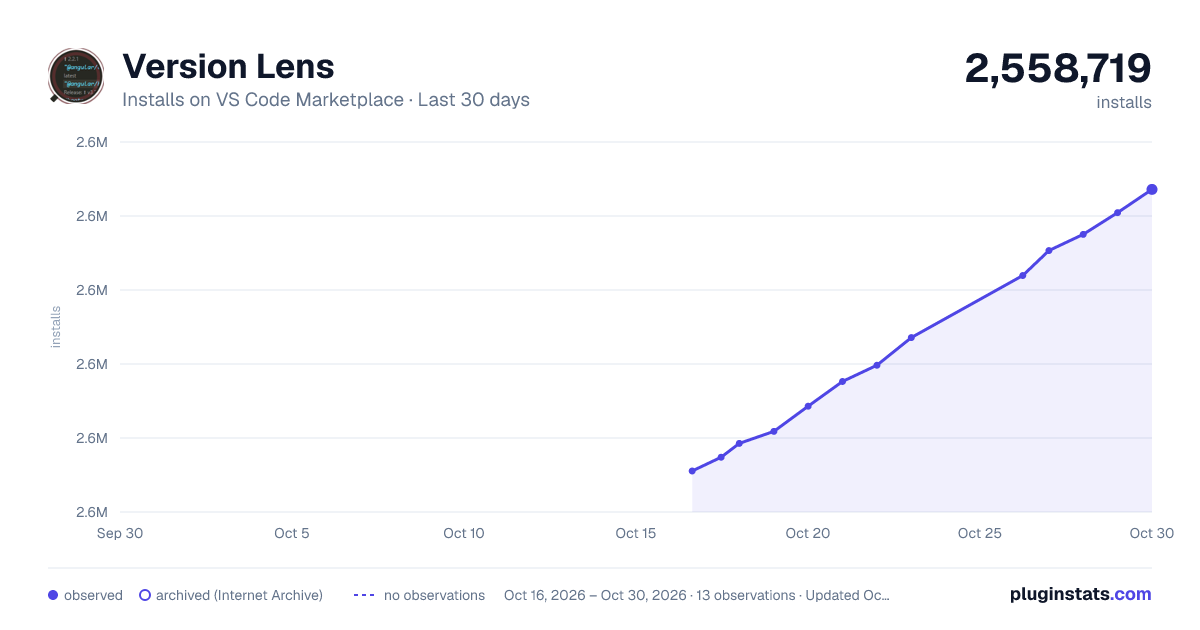
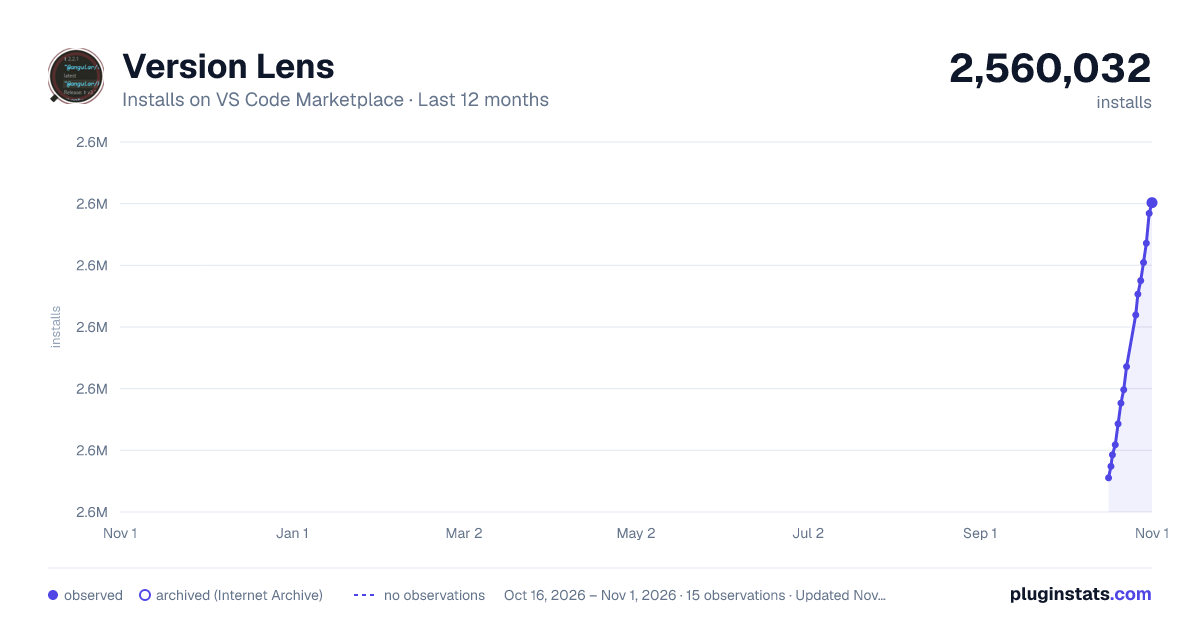
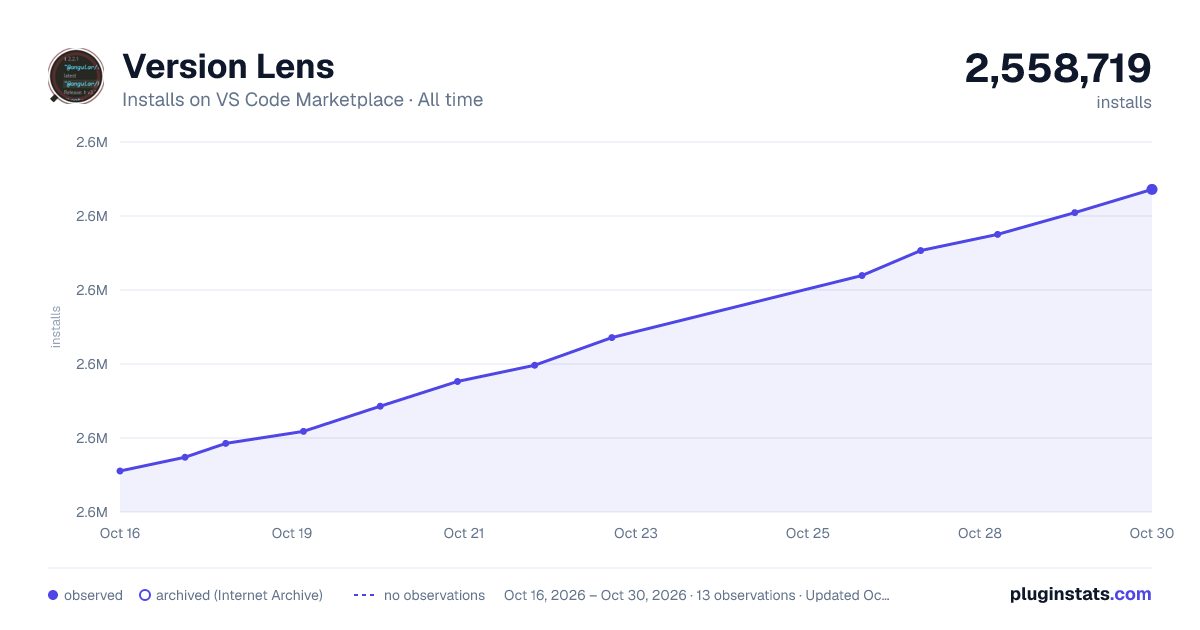

Adoption over time


7/30/90-day growth


Ranking history


Filled points are observed values; hollow points come from Internet Archive snapshots of the listing page. Dashed segments span periods with no observations — values between points are not interpolated.
Recent observations
Full history (3)Similar VS Code Marketplace Programming Languages plugins
Data source
Install counts, average rating, and rating counts come from the public Visual Studio Marketplace gallery API. Installs are cumulative and exclude updates.
Listing: https://marketplace.visualstudio.com/items?itemName=pflannery.vscode-versionlens. First seen Oct 16, 2026; last successful collection Oct 18, 2026. See the methodology.