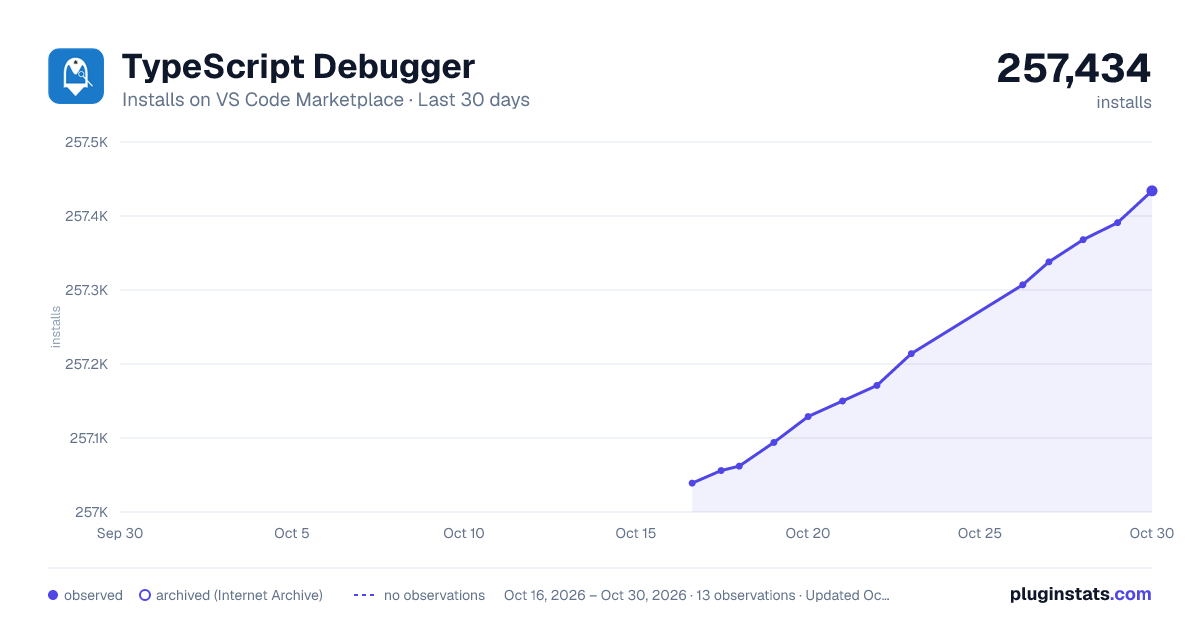
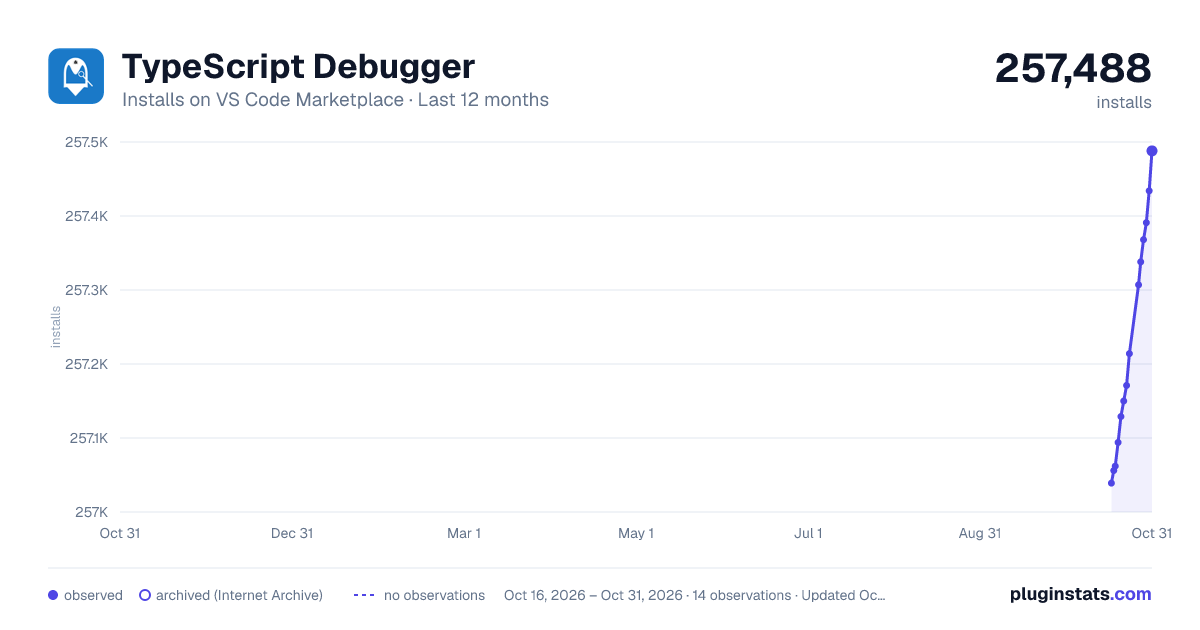
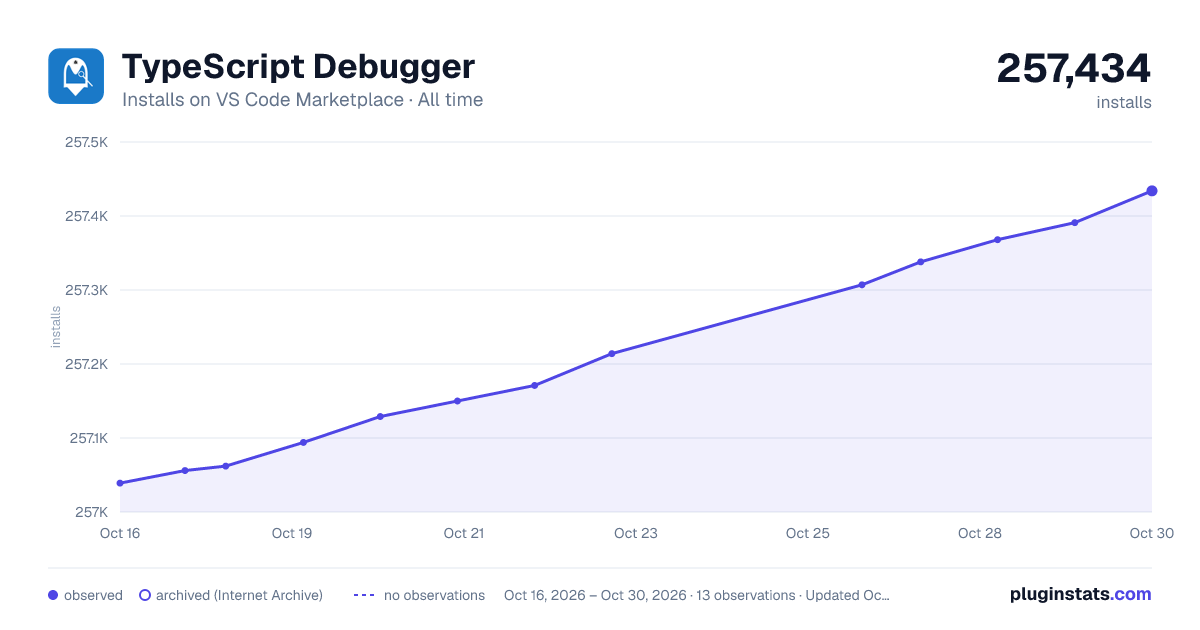
TypeScript Debugger has 257,094 recorded installs on VS Code Marketplace, ranking #1282 of 2,501 tracked listings.
Rating: 2.75 / 5 from 4 ratings
About TypeScript Debugger
VS Code TS Debug
Required
• ts-node
• typescript
About TS Debug
Using TS Debug
• Install the TS Debug extension in VS Code.
• Create a new 'program' file *.ts.
• Switch to the debug viewlet and press the gear dropdown.
• Select the debug environment "TS Debug".
Description from the VS Code Marketplace listing.
debuggers
javascript
ts
tsx
typescript
README badge
Show your rank in a README or on your website. The badge updates automatically.
Filled points are observed values; hollow points come from Internet Archive snapshots of the listing page. Dashed segments span periods with no observations — values between points are not interpolated.
Each band is one page of 20. Installs on a linear scale. Placement is projected from installs, so it can differ from the marketplace's own sort order. Hover a dot to see the listing.
Install counts, average rating, and rating counts come from the public Visual Studio Marketplace gallery API. Installs are cumulative and exclude updates.
 PluginStats