 PluginStats
Project Manager for Java installs statistics
By Microsoft (223 listings) · VS Code Marketplace · Other
Manage Java projects in Visual Studio Code
Project Manager for Java has 47,406,321 recorded installs on VS Code Marketplace.
It ranks #27 of 2,500 tracked VS Code Marketplace listings by installs.
It is rated 3.6 out of 5 from 12 ratings.
PluginStats has 3 daily observations since Oct 16, 2026; the latest is from Oct 18, 2026.
Rating: 3.58 / 5 from 12 ratings
About Project Manager for Java
Project Manager for Java
Manage Java projects in Visual Studio Code
Overview
A lightweight extension to provide additional Java project explorer features. It works with Language Support for Java by Red Hat to provide the following features:
Project View
Create Java Projects
Export Jar
Note: For Spring Boot projects, please use the build tool to build the executable jar, for example: mvn package.
Manage Dependencies
You can work with JAR files directly without any build tools. Go to JAVA PROJECTS view, find the Referenced Libraries node and click the + icon:
If you want to fine-tune this, go to settings.json and look for the java.project.referencedLibraries entry.
You can tell that the glob pattern is supported. And here's more - you can include/exclude certain files, and attach source JARs:
Stay Secure and Up to Date
Project Manager for Java keeps an eye on your project's Java runtime and dependencies, so you don't have to track them yourself. When it spots something worth your attention, it offers a one-click recommendation to fix it:
• Upgrade recommendations – Get notified when your Java runtime or libraries are out of date, deprecated, or have reached end of life, along with a suggested target version. • Security recommendations – Get alerted when known vulnerabilities (CVEs) are detected in your dependencies, so you can address them before they become a problem.
When you accept a recommendation, the upgrade or fix is carried out for you by the GitHub Copilot app modernization extension. If the extension isn't installed yet, it will be set up automatically as part of the flow.
You can turn these reminders on or off at any time with the java.dependency.enableDependencyCheckup setting.
Requirements
• VS Code (version 1.95.0+) • Language Support for Java by Red Hat
Settings
| Setting Name | Description | Default Value |
| java.dependency.showMembers | Specify whether to show the members in the Java Projects explorer. | false | | java.dependency.syncWithFolderExplorer | Specify whether to link Java Projects Explorer with the active editor. | true | | java.dependency.autoRefresh | Specify whether to automatically sync the change from editor to the Java Projects explorer. | true | | java.dependency.refreshDelay | The delay time (ms) the auto refresh is invoked when changes are detected. | 2000ms | | java.dependency.packagePresentation | Specify how to display the package. Supported values are: flat, hierarchical.| flat | | java.dependency.enableDependencyCheckup | Show reminders when your Java runtimes or dependencies need an upgrade. | true | | java.project.exportJar.targetPath | The output path of export jar. When this setting is empty , a file explorer will pop up to let the user select the output location.| ${workspaceFolder}/${workspaceFolderBasename}.jar | | java.project.explorer.showNonJavaResources | When enabled, the explorer shows non-Java resources and lets you browse workspace folders without Java projects. When disabled, workspace folders without Java projects are hidden. | true |
Contribution
Build
• Prerequirement • Node.js • Java SDK 11 or above • Go to root folder:
Telemetry
VS Code collects usage data and sends it to Microsoft to help improve our products and services. Read our privacy statement to learn more. If you don't wish to send usage data to Microsoft, you can set the telemetry.enableTelemetry setting to false. Learn more in our FAQ.
This project has adopted the Microsoft Open Source Code of Conduct. For more information see the Code of Conduct FAQ or contact opencode@microsoft.com with any additional questions or comments.
Description from the VS Code Marketplace listing.
- explorer
- java
- keybindings
- language-model-tools
- project
- tools
Where Project Manager for Java sits in the listing
Each band is one page of 20. Installs on a log scale. Placement is projected from installs, so it can differ from the marketplace's own sort order. Hover a dot to see the listing.


Charts
Images: 30d · 1y · all time · 1600×900 dark
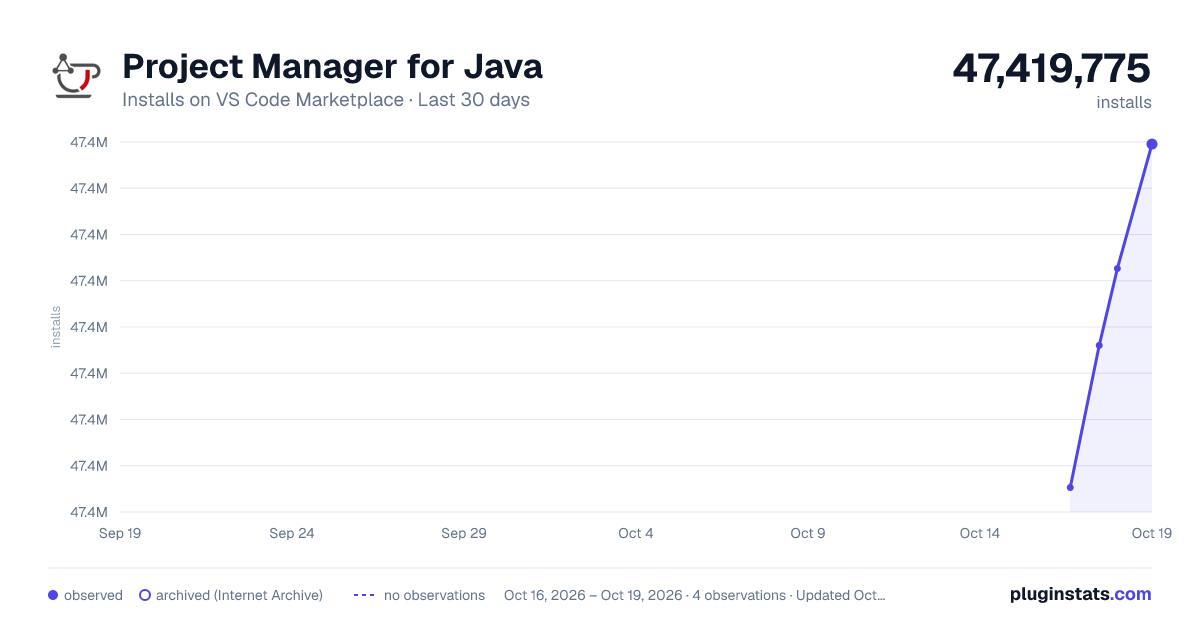
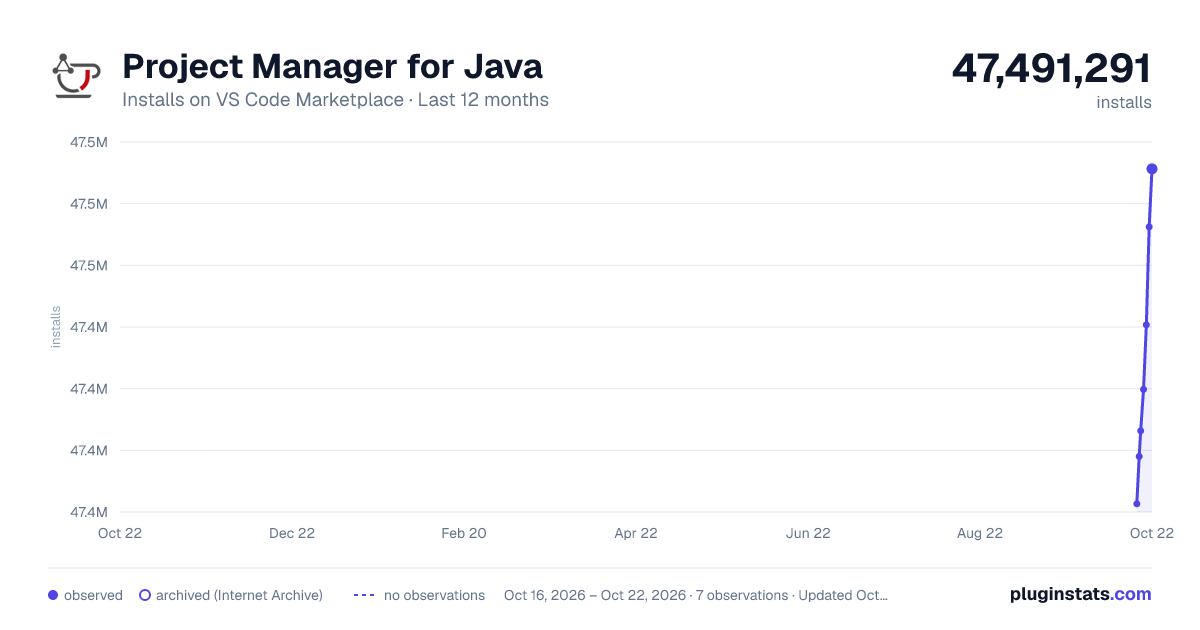
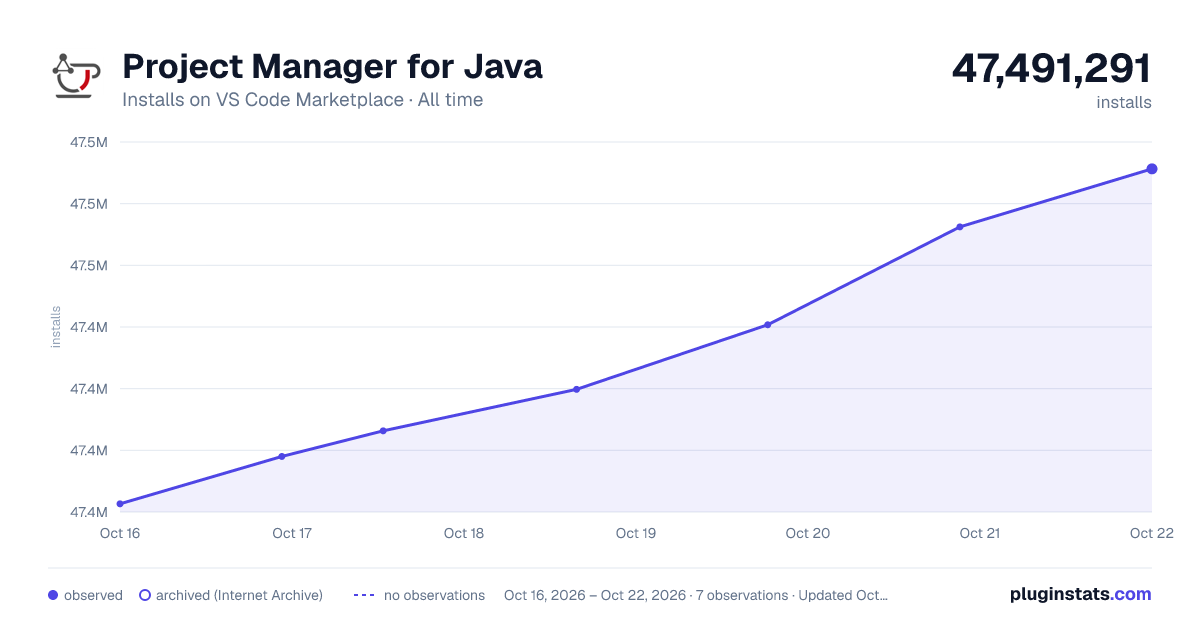

Adoption over time


7/30/90-day growth


Ranking history


Filled points are observed values; hollow points come from Internet Archive snapshots of the listing page. Dashed segments span periods with no observations — values between points are not interpolated.
Recent observations
Full history (3)Similar VS Code Marketplace Other plugins
Data source
Install counts, average rating, and rating counts come from the public Visual Studio Marketplace gallery API. Installs are cumulative and exclude updates.
Listing: https://marketplace.visualstudio.com/items?itemName=vscjava.vscode-java-dependency. First seen Oct 16, 2026; last successful collection Oct 18, 2026. See the methodology.