 PluginStats
Python Test Explorer for Visual Studio Code installs statistics
By Little Fox Team · VS Code Marketplace · Other
Run your Python tests in the Sidebar of Visual Studio Code
Python Test Explorer for Visual Studio Code has 2,580,513 recorded installs on VS Code Marketplace, ranking #285 of 2,501 tracked listings.
Rating: 4.52 / 5 from 25 ratings
About Python Test Explorer for Visual Studio Code
Python Test Explorer for Visual Studio Code
This extension allows you to run your Python Unittest, Pytest or Testplan tests with the Test Explorer UI.
Getting started
• Install the extension • Configure Visual Studio Code to discover your tests (see Configuration section and documentation of a test framework of your choice: • Unittest documentation • Pytest documentation • Testplan documentation • Open Test View sidebar • Run your tests using the icon in the Test Explorer
Features
• Shows a Test Explorer in the Test view in VS Code's sidebar with all detected tests and suites and their state • Convenient error reporting during test discovery • Unittest, Pytest and Testplan debugging • Shows a failed test's log when the test is selected in the explorer • Re-run tests on save • Supports multi-root workspaces • Supports Unittest, Pytest and Testplan test frameworks and their plugins
Comparison to Python extension's Test View
• Better error reporting during the discovery stage. In case of errors, you will see such tests in an errored state, and by clicking on them, a complete error message would be shown in the Output panel. Python Extension, at best, won't show your tests that contain errors (syntax errors and invalid imports, for example). • Works better with pytest plugins - Tavern, for example. Python Extension won't discover these tests. • Based on Test Explorer UI. This fact may be useful if you have a workspace with projects in different languages/frameworks. Test Explorer UI has a lot of plugins, and you can conveniently discover and run tests at the same View. • Shows you errors and a complete output of your tests just by clicking on a failed test. • Shows only relevant folders from your workspace. Showing all workspace folders, as the Python Extension is doing, can be an issue when you have multiple workspace folders, but only a couple of them have any tests. • There might be some configurations when this extension will discover and run your tests, but Python Extension - won't. • User experience with both extensions is highly subjective. However, you might like the user interface of this extension better. Also, each discovery, test execution, and test cancellation won't require you to select a folder when you have multiple in your workspace.
Configuration
By default the extension uses the configuration from Python extension for Visual Studio Code. To configure Python for your project see Getting Started with Python in VS Code.
However, the test framework used by this extension can be overridden by pythonTestExplorer.testFramework configuration property. Right now, the three available options are unittest, pytest and testplan. When the property is set to null, the configuration from Python extension is used.
Configuring Python test discovery and execution
List of currently used properties:
Property | Description
python.pythonPath | Path to Python. python.envFile | Path to environment variable definitions file. python.testing.cwd | Optional working directory for unit tests. python.testing.unittestEnabled | Whether to enable or disable unit testing using unittest (enables or disables test discovery for Test Explorer). python.testing.unittestArgs | Arguments used for test discovery (currently only -s and -p arguments are considered). python.testing.pyTestEnabled | Whether to enable or disable unit testing using pytest (enables or disables test discovery for Test Explorer). python.testing.pytestPath | Path to pytest executable or a pytest compatible module. python.testing.pyTestArgs | Arguments passed to the pytest. Each argument is a separate item in the array. python.testing.autoTestDiscoverOnSaveEnabled | When true tests will be automatically rediscovered when saving a test file. pythonTestExplorer.testFramework | Test framework to use (overrides Python extension properties python.testing.unittestEnabled and python.testing.pyTestEnabled). pythonTestExplorer.testplanPath | Relative path to testplan main suite. pythonTestExplorer.testplanArgs | Arguments passed in. Each argument is a separate item in the array. pythonTestExplorer.testplanUseLegacyDiscovery | Use old style of test listing for discovery (compatible with older versions of Testplan) pythonTestExplorer.testplanEnabled | Enable testing using Testplan. Note that Testplan is only supported for Python 3.7+. pythonTestExplorer.outputs.collectOutputs | Collect test run outputs in separate output channel. pythonTestExplorer.outputs.showOutputsOnRun | Activate test outputs channel on run.
Configuration supports a placeholders for the workspace folder as ${workspaceFolder} and environment variables in a form of ${env:YOUR_ENVIRONMENT_VARIABLE}.
Configuring Test Explorer UI
The following configuration properties are provided by Test Explorer UI:
Property | Description…
Description from the VS Code Marketplace listing.
- pytest
- python
- test
- testing
- unittest
README badge
Show your rank in a README or on your website. The badge updates automatically.
Charts
Images: 30d · 1y · all time · 1600×900 dark
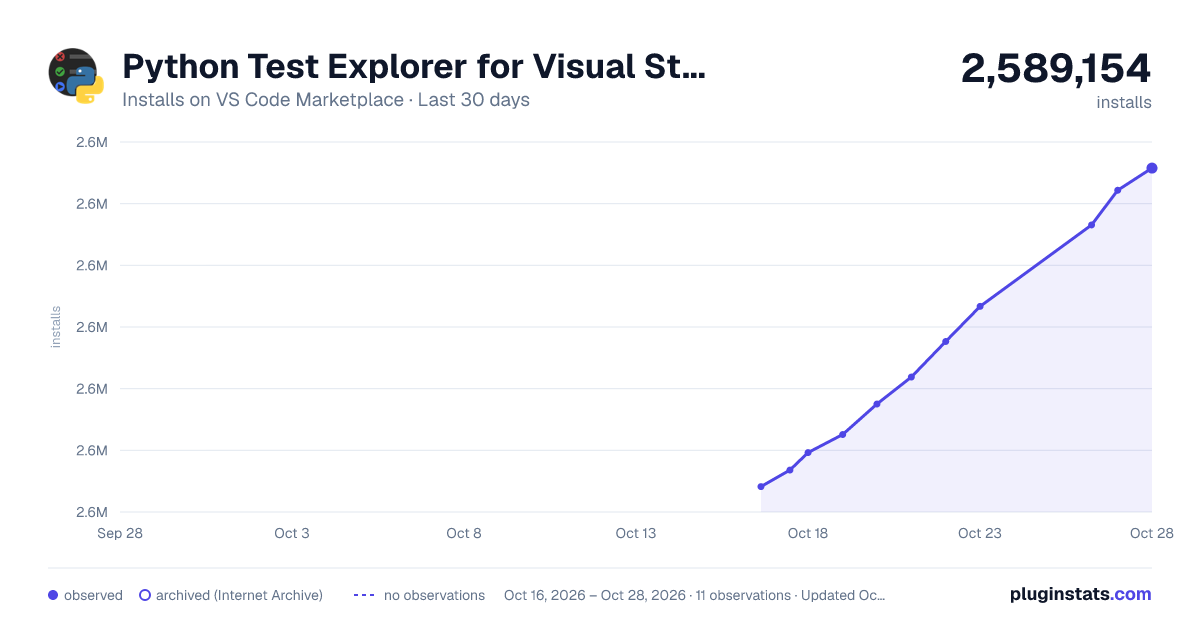
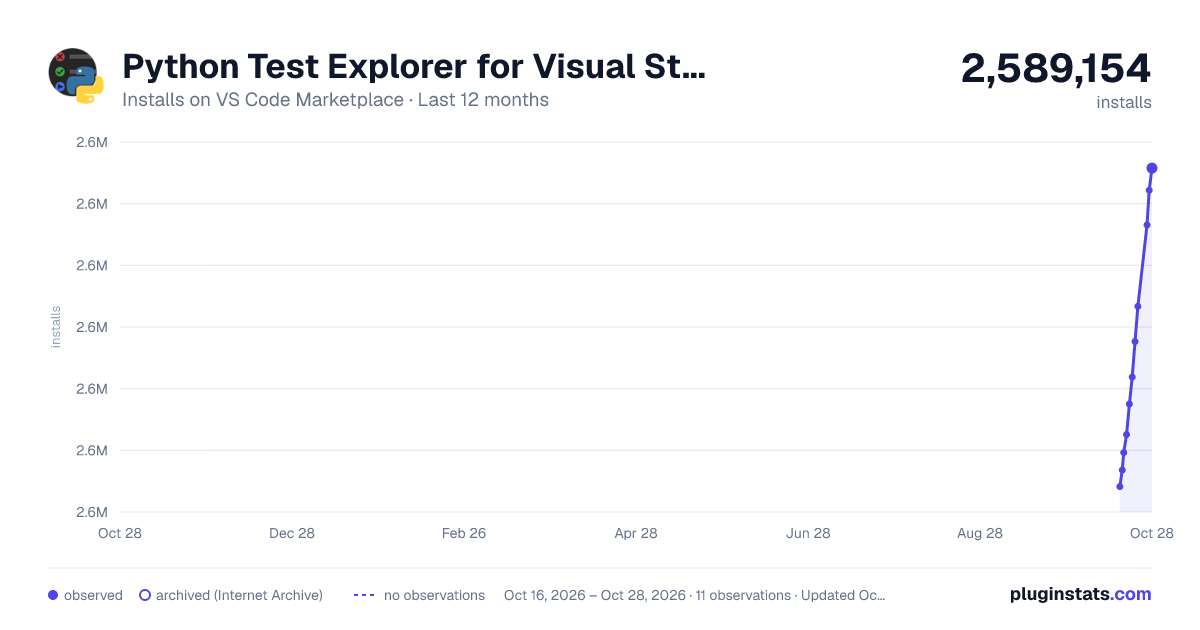
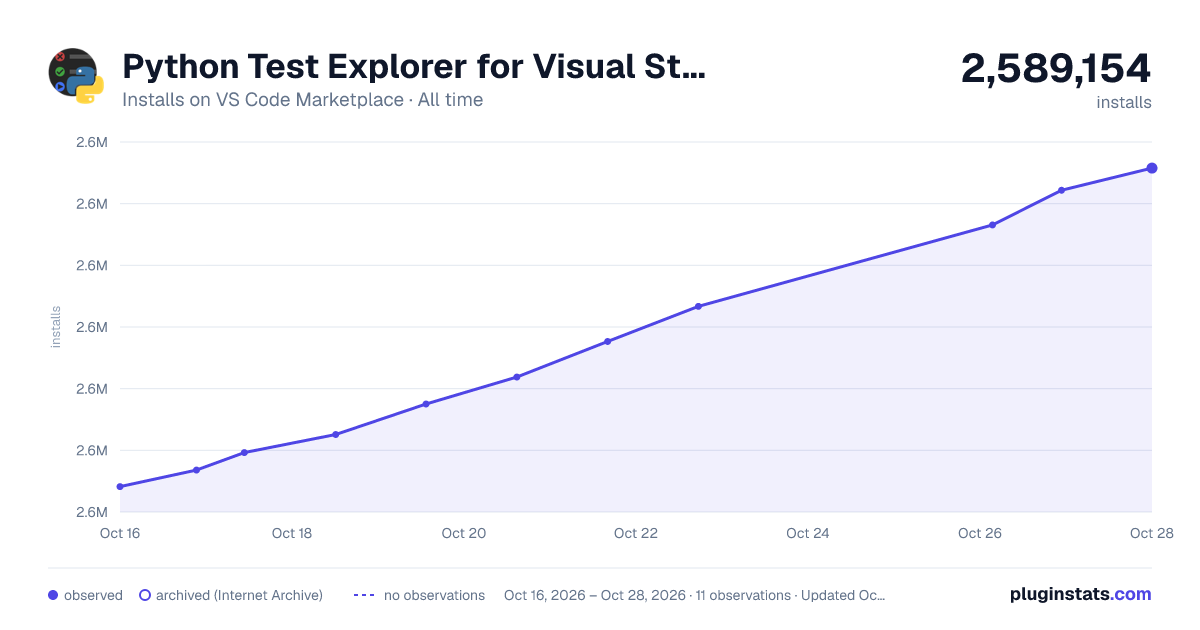

Adoption over time
7/30/90-day growth
Ranking history
Ratings over time
Listing placement
Listing placement
Filled points are observed values; hollow points come from Internet Archive snapshots of the listing page. Dashed segments span periods with no observations — values between points are not interpolated.
Each band is one page of 20. Installs on a linear scale. Placement is projected from installs, so it can differ from the marketplace's own sort order. Hover a dot to see the listing.
Recent observations
Full history (4)Similar VS Code Marketplace Other plugins
All 20 Python Test Explorer for Visual Studio Code alternativesData source
Install counts, average rating, and rating counts come from the public Visual Studio Marketplace gallery API. Installs are cumulative and exclude updates.
Listing: https://marketplace.visualstudio.com/items?itemName=LittleFoxTeam.vscode-python-test-adapter. First seen Oct 16, 2026; last successful collection Oct 19, 2026. See the methodology.