 PluginStats
SFTP has 1,351,745 recorded installs on VS Code Marketplace, ranking #449 of 2,501 tracked listings.
Rating: 3.95 / 5 from 247 ratings
About SFTP
sftp sync extension for VS Code


Syncs your local directory with a remote server directory. Allows you to optionally edit upload a file to the remote directory after it saves locally. This allows you to edit more or less directly on the server similar to WinScp or other similar programs.
Very powerful, with smart features. Very simple, requires just three lines of config! Very fast, finished in a blink.
- Features
- Browser remote with Remote Explorer
- Diff local and remote
- Sync directory
- Upload/Download
- Upload on save
- File Watcher
- Multiple configs
- Switchable profiles
- Commands
- Debug
- Support SFTP Project
Usage
If your latest files are on the server, you can start with an empty local folder, then download your project, and from that point sync.
- In
VS Code, open a local directory you wish to sync to the remote server (or create an empty directory that you wish to first download the contents of a remote server folder in order to edit locally). Ctrl+Shift+Pon Windows/Linux orCmd+Shift+Pon Mac open command palette, runSFTP: configcommand.- A basic configuration file will appear named
sftp.jsonunder the.vscodedirectory. Edit the parameters to match your setup.
For instance:
{
    "name": "Profile Name",
    "host": "name_of_remote_host",
    "protocol": "ftp",
    "port": 21,
    "secure": true,
    "username": "username",
    "remotePath": "/public_html/project",  <---- This is the path which will be downloaded if you "Download Project"
    "password": "password",
    "uploadOnSave": true
}
The password parameter is optional but if you don't add it, you will be constantly prompted for a password. Note that you must escape any backslashes and other special characters with a backslash.
There are other Example Configs below.
- Save and close the
sftp.jsonfile. Ctrl+Shift+Pon Windows/Linux orCmd+Shift+Pon Mac open command palette.- Type "sftp" and you'll now see a number of other comands.
- A good one to start with if you want to start with a remote folder is
SFTP: Download Project. This will download the directory shown in theremotePathsetting insftp.jsonto your local open directory. - Done - you can now edit locally and after each save it will upload to your remote file.
- Enjoy !
For detailed usage. Please go to wiki.
Example Configs
You can see the full config here.
Simple
{
  "host": "host",
  "username": "username",
  "remotePath": "/remote/workspace"
}
Profiles
{
  "username": "username",
  "password": "password",
  "remotePath": "/remote/workspace/a",
  "watcher": {
    "files": "dist/*.{js,css}",
    "autoUpload": false,
    "autoDelete": false
  },
  "profiles": {
    "dev": {
      "host": "dev-host",
      "remotePath": "/dev",
      "uploadOnSave": true
    },
    "prod": {
      "host": "prod-host",
      "remotePath": "/prod"
    }
  },
  "defaultProfile": "dev"
}
Note: context and watcher are only available at root level.
Use SFTP: Set Profile to switch profile.
Multiple Context
The context must not be same.
[
  {
    "name": "server1",
    "context": "project/build",
    "host": "host",
    "username": "username",
    "password": "password",
    "remotePath": "/remote/project/build"
  },
  {
    "name": "server2",
    "context": "project/src",
    "host": "host",
    "username": "username",
    "password": "password",
    "remotePath": "/remote/project/src"
  }
]
Note: name is required in this mode.
Connection Hopping
You can connect to a target server through a proxy with ssh protocol.
Note: Variable substitution is not working in a hop config.
Single Hop
local -> hop -> target
{
  "name": "target",
  "remotePath": "/path/in/target",

  // hop
  "host": "hopHost",
  "username": "hopUsername",
  "privateKeyPath": "/Users/localUser/.ssh/id_rsa", // The key file is assumed on the local.

  "hop": {
    // target
    "host": "targetHost",
    "username": "targetUsername",
    "privateKeyPath": "/Users/hopUser/.ssh/id_rsa", // The key file is assumed on the hop.
  }
}
Multiple Hop
local -> hopa -> hopb -> target
{
  "name": "target",
  "remotePath": "/path/in/target",

  // hopa
  "host": "hopAHost",
  "username": "hopAUsername",
  "privateKeyPath": "/Users/hopAUsername/.ssh/id_rsa" // The key file is assumed on the local.

  "hop": [
    // hopb
    {
      "host": "hopBHost",
      "username": "hopBUsername",
      "privateKeyPath": "/Users/hopaUser/.ssh/id_rsa" // The key file is assumed on the hopa.
    },

    // target
    {
      "host": "targetHost",
      "username": "targetUsername",
      "privateKeyPath": "/Users/hopbUser/.ssh/id_rsa", // The key file is assumed on the hopb.
    }
  ]
}
Config in User Setting
You can use remote to tell sftp to get the config from remote-fs.
In User Setting:…
Description from the VS Code Marketplace listing.
- ftp
- json
- remote
- sftp
- sync
README badge
Show your rank in a README or on your website. The badge updates automatically.
Charts
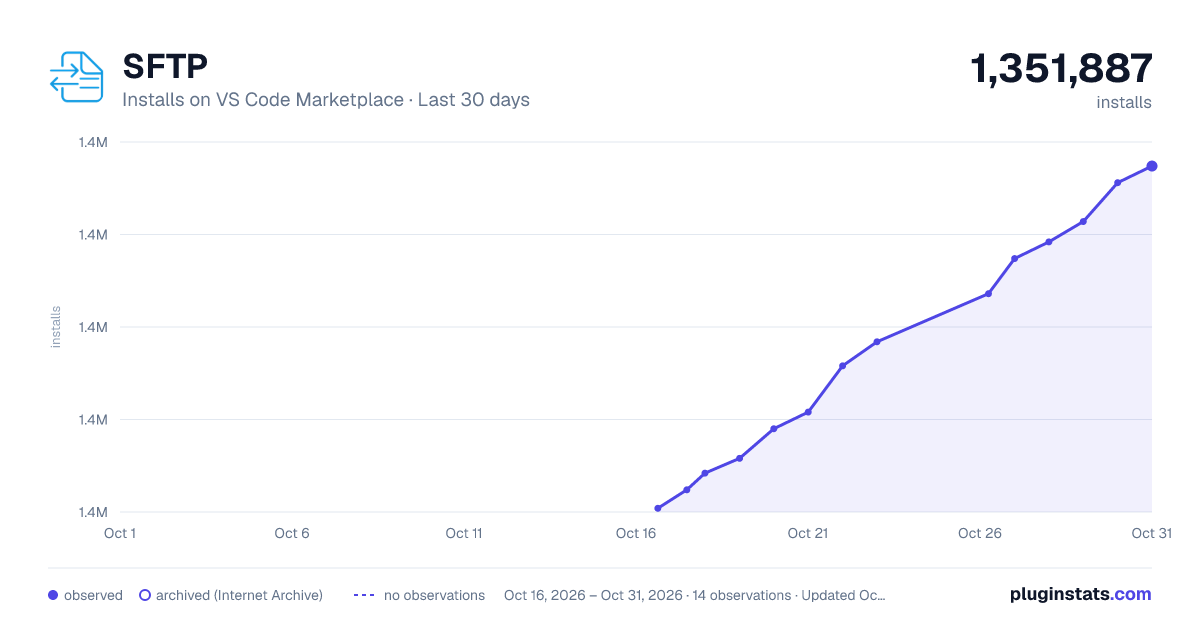
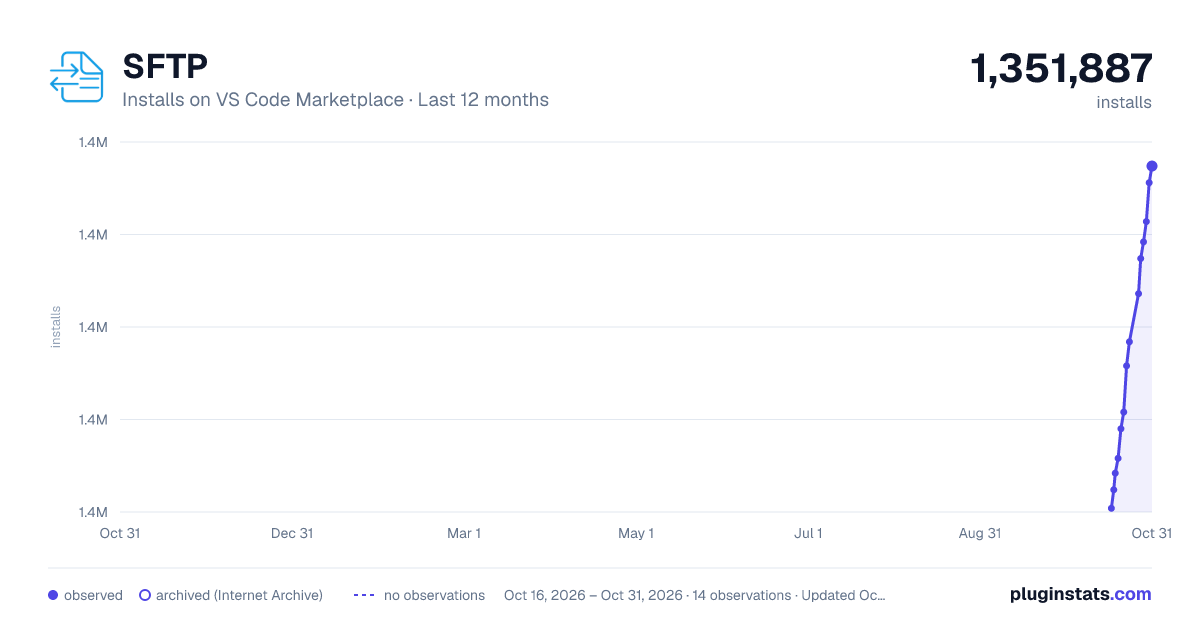
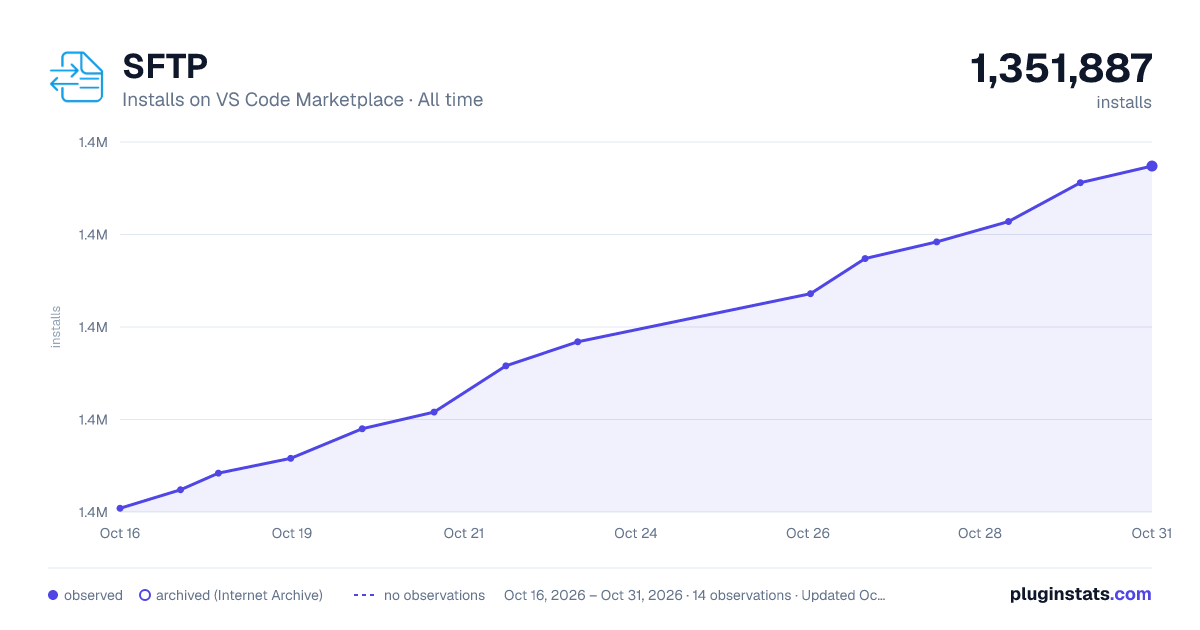
Images: 30d · 1y · all time · 1600×900 dark

Adoption over time
7/30/90-day growth
Ranking history
Ratings over time
Listing placement
Listing placement
Filled points are observed values; hollow points come from Internet Archive snapshots of the listing page. Dashed segments span periods with no observations — values between points are not interpolated.
Each band is one page of 20. Installs on a linear scale. Placement is projected from installs, so it can differ from the marketplace's own sort order. Hover a dot to see the listing.
Recent observations
Full history (5)Similar VS Code Marketplace Other plugins
All 20 SFTP alternativesData source
Install counts, average rating, and rating counts come from the public Visual Studio Marketplace gallery API. Installs are cumulative and exclude updates.
Listing: https://marketplace.visualstudio.com/items?itemName=liximomo.sftp. First seen Oct 16, 2026; last successful collection Oct 20, 2026. See the methodology.