 PluginStats
Apex Replay Debugger installs statistics
By Salesforce (33 listings) · VS Code Marketplace · Debuggers
Replay Apex execution from Apex Debug Log
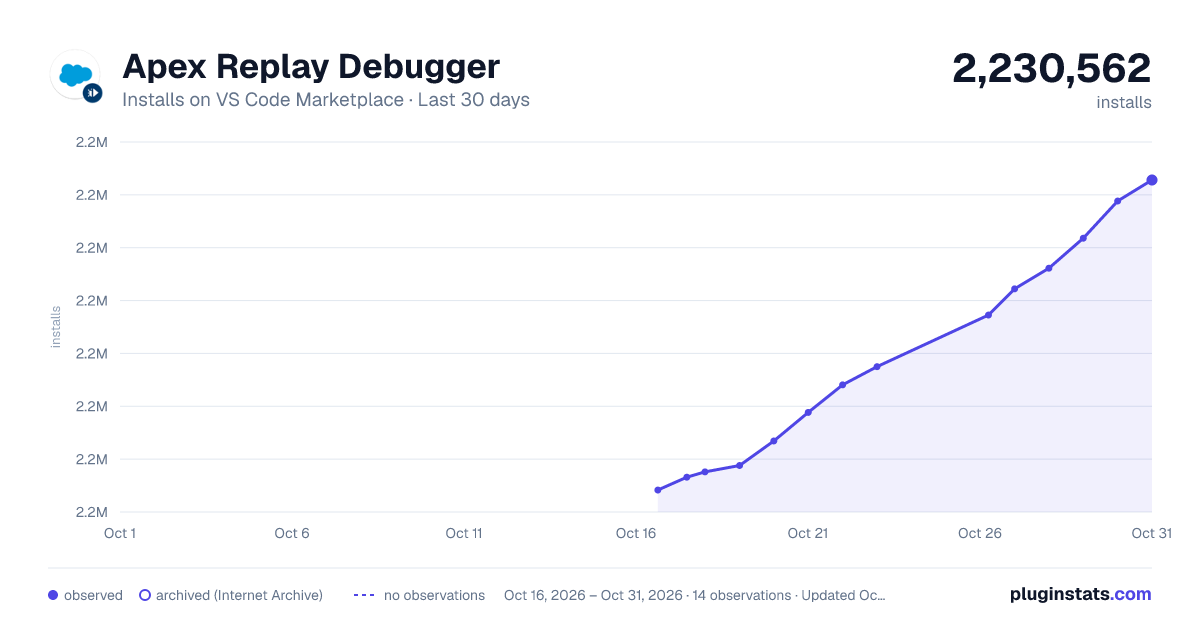
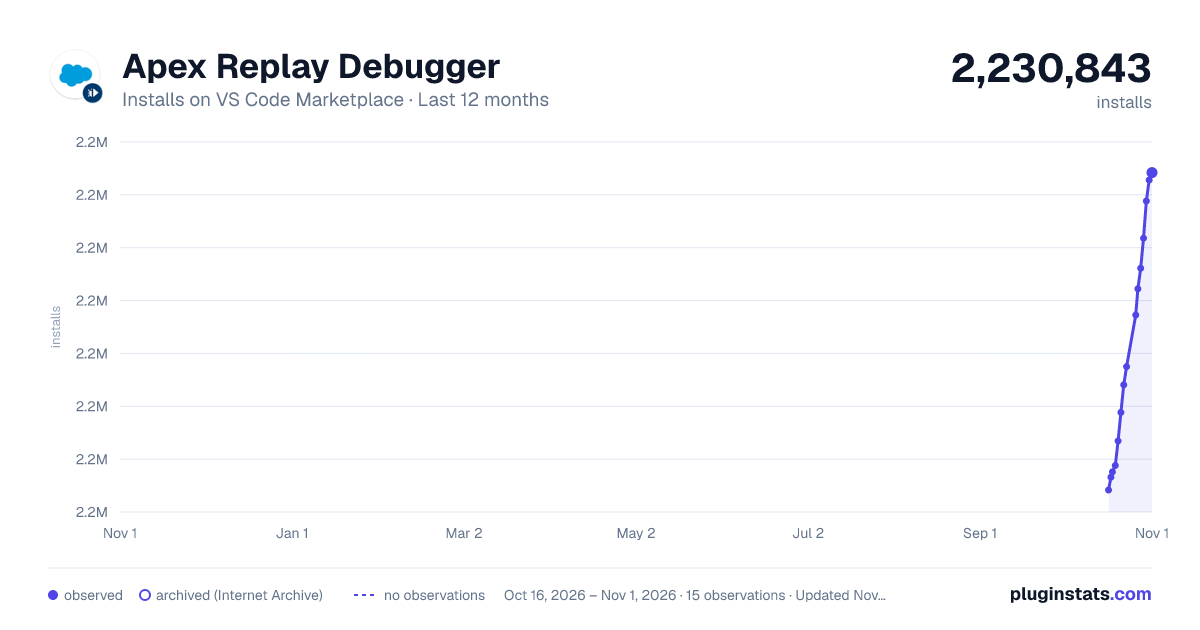
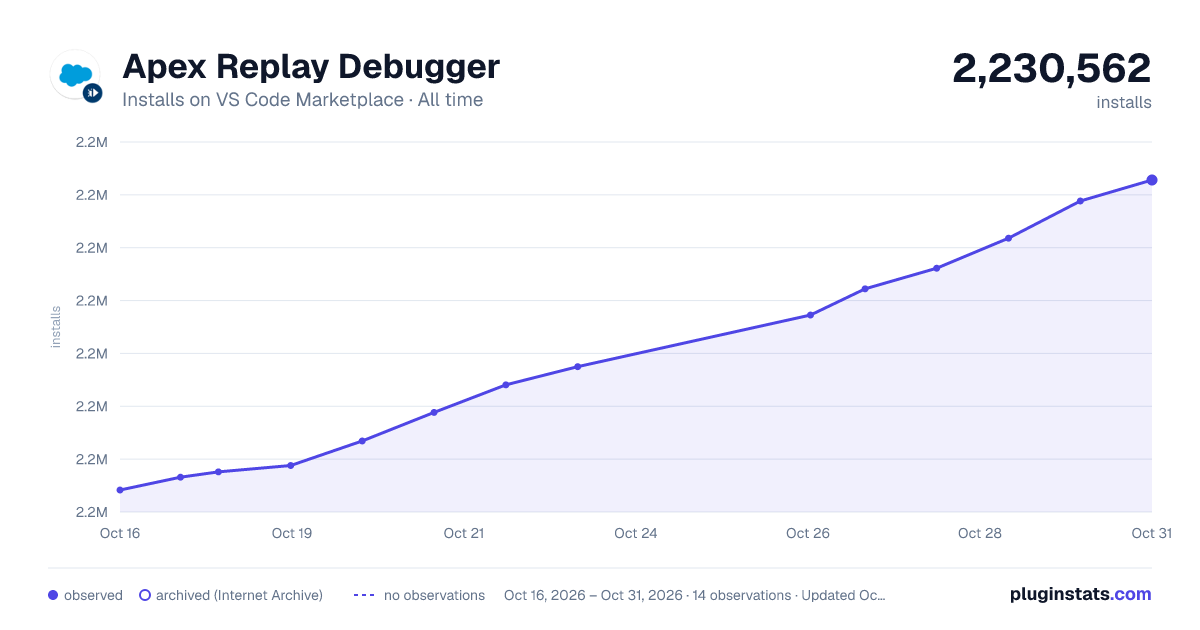
Apex Replay Debugger has 2,219,518 recorded installs on VS Code Marketplace.
It ranks #321 of 2,500 tracked VS Code Marketplace listings by installs.
It is rated 4.0 out of 5 from 1 ratings.
PluginStats has 3 daily observations since Oct 16, 2026; the latest is from Oct 18, 2026.
Rating: 4.00 / 5 from 1 ratings
About Apex Replay Debugger
Apex Replay Debugger for Visual Studio Code
Apex Replay Debugger simulates a live debugging session using a debug log that is a recording of all interactions in a transaction. You no longer need to parse through thousands of log lines manually. Instead, Apex Replay Debugger presents the logged information similarly to an interactive debugger, so you can debug your Apex code. The debugging process is a repetition of editing your Apex code, pushing or deploying the code to your org, reproducing the buggy scenario, downloading the resulting debug log, and launching Apex Replay Debugger with that debug log.
DO NOT INSTALL THIS EXTENSION DIRECTLY. Install the complete Salesforce Extension Pack instead.
Settings
| Setting | Type | Default | Description |
| salesforcedx-vscode-apex-replay-debugger.extensionLevelNotifications | string | "progressToastSuccessToast" | Controls notifications for all replay debugger commands. Options: "progressToastSuccessToast", "progressToastSuccessOff", "progressStatusBarSuccessStatusBar", "progressStatusBarSuccessOff". | | salesforcedx-vscode-apex-replay-debugger.commandLevelNotifications | object | — | Per-command notification settings (e.g. "Debug Apex Test Class", "Debug Anonymous Apex", "Update Checkpoints in Org"). Overrides extension-level setting for specific commands. |
Documentation
For documentation, visit the Salesforce Extensions for Visual Studio Code documentation site.
Bugs and Feedback
To report issues with Salesforce Extensions for VS Code, open a bug on GitHub. If you would like to suggest a feature, create a feature request on GitHub.
Resources
• YouTube—Salesforce Releases: Platform Services: Apex Replay Debugger • TrailheaDX ’18 session video: Banish the Bugs: Apex Debuggers to the Rescue! • _Apex Developer Guide_: Trigger Context Variables
Currently, Visual Studio Code extensions are not signed or verified on the Microsoft Visual Studio Code Marketplace. Salesforce provides the Secure Hash Algorithm (SHA) of each extension that we publish. Consult Manually Verify the salesforcedx-vscode Extensions' Authenticity to learn how to verify the extensions.
Description from the VS Code Marketplace listing.
- debuggers
Where Apex Replay Debugger sits in the listing
Each band is one page of 20. Installs on a log scale. Placement is projected from installs, so it can differ from the marketplace's own sort order. Hover a dot to see the listing.


Charts
Images: 30d · 1y · all time · 1600×900 dark

Adoption over time


7/30/90-day growth


Ranking history


Filled points are observed values; hollow points come from Internet Archive snapshots of the listing page. Dashed segments span periods with no observations — values between points are not interpolated.
Recent observations
Full history (3)Similar VS Code Marketplace Debuggers plugins
Data source
Install counts, average rating, and rating counts come from the public Visual Studio Marketplace gallery API. Installs are cumulative and exclude updates.
Listing: https://marketplace.visualstudio.com/items?itemName=salesforce.salesforcedx-vscode-apex-replay-debugger. First seen Oct 16, 2026; last successful collection Oct 18, 2026. See the methodology.