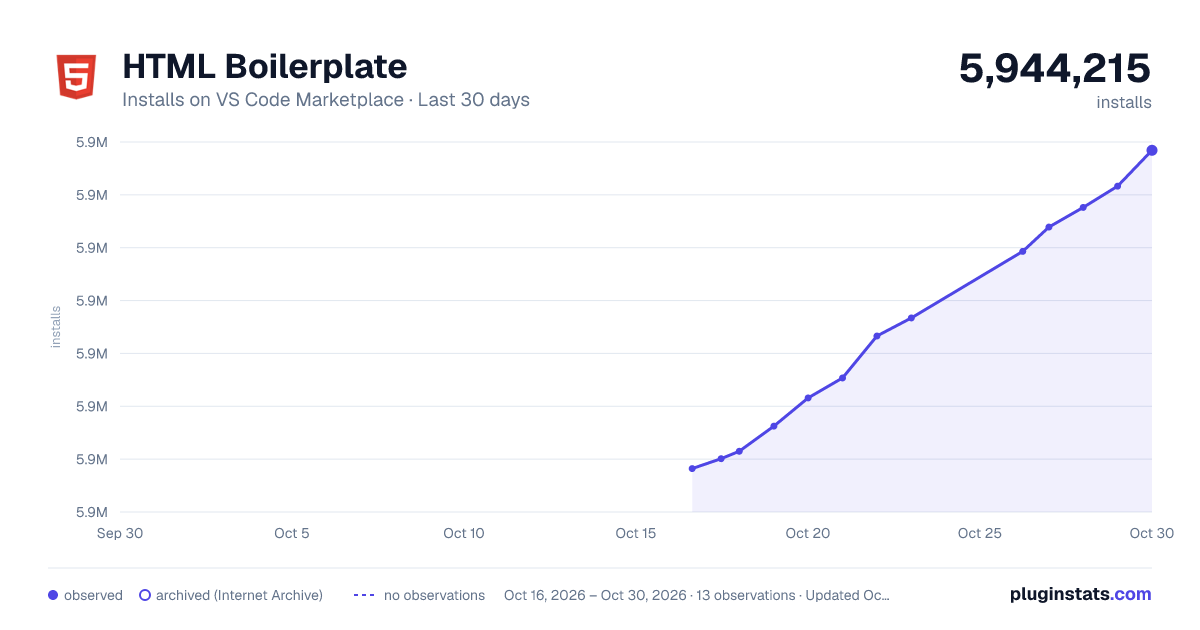
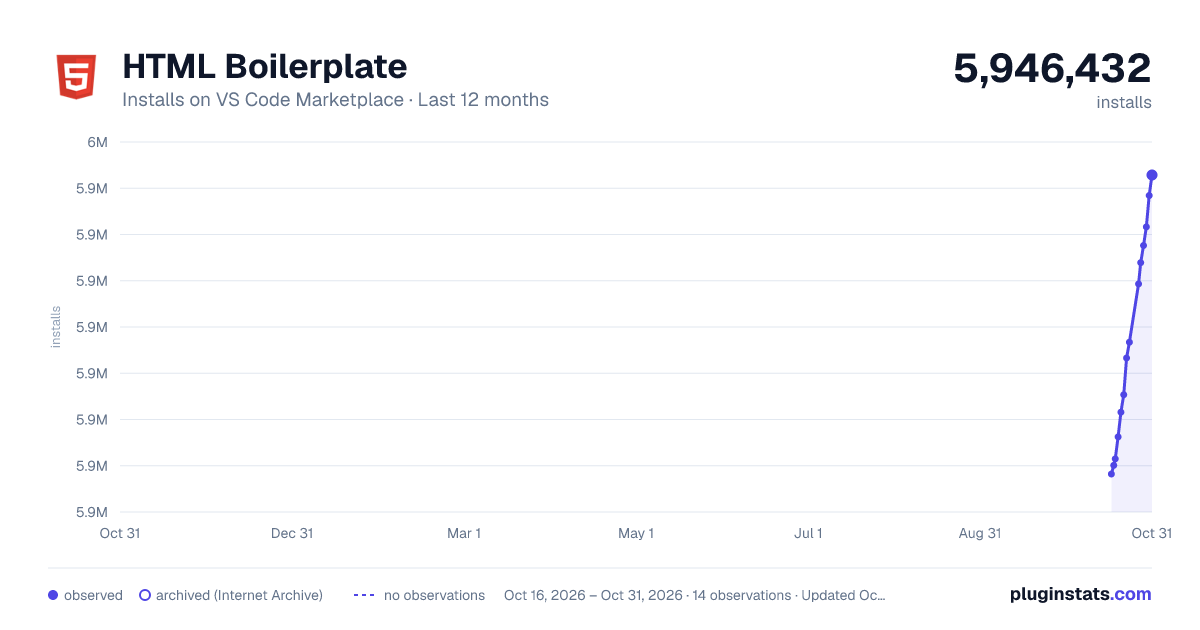
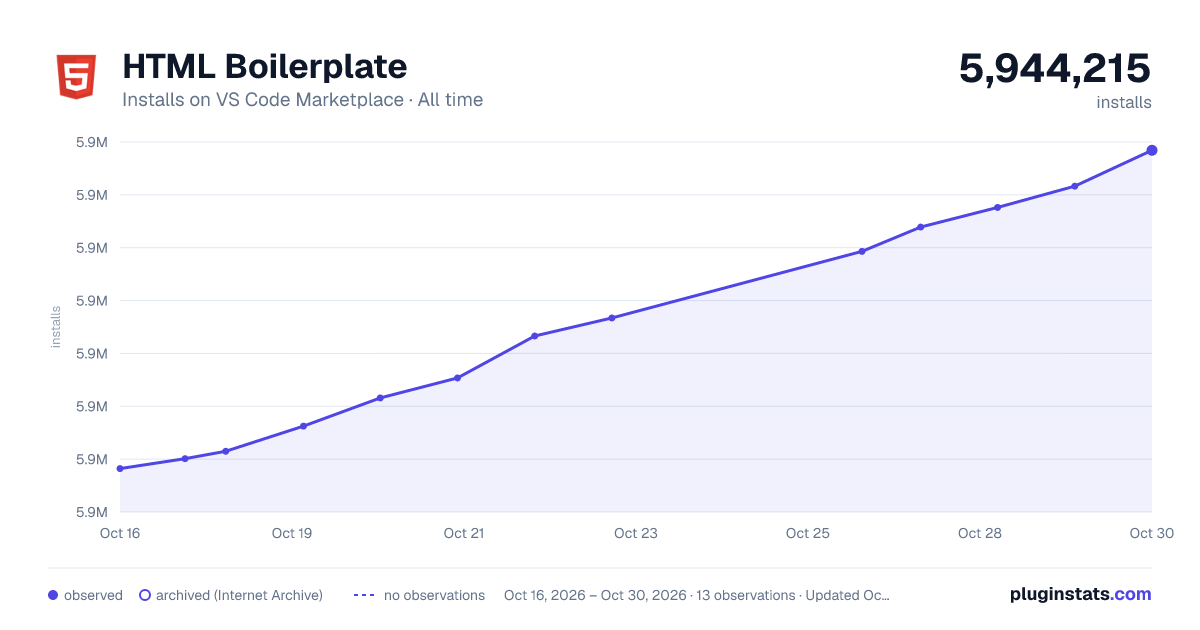
HTML Boilerplate has 5,928,355 recorded installs on VS Code Marketplace, a change of +0.2% over the past 7 days, ranking #161 of 2,502 tracked listings.
Rating: 4.39 / 5 from 18 ratings
About HTML Boilerplate
README
Visual Studio Code HTML Boilerplate
This extension provides the standard HTML boilerplate code used in all web applications.
Usage
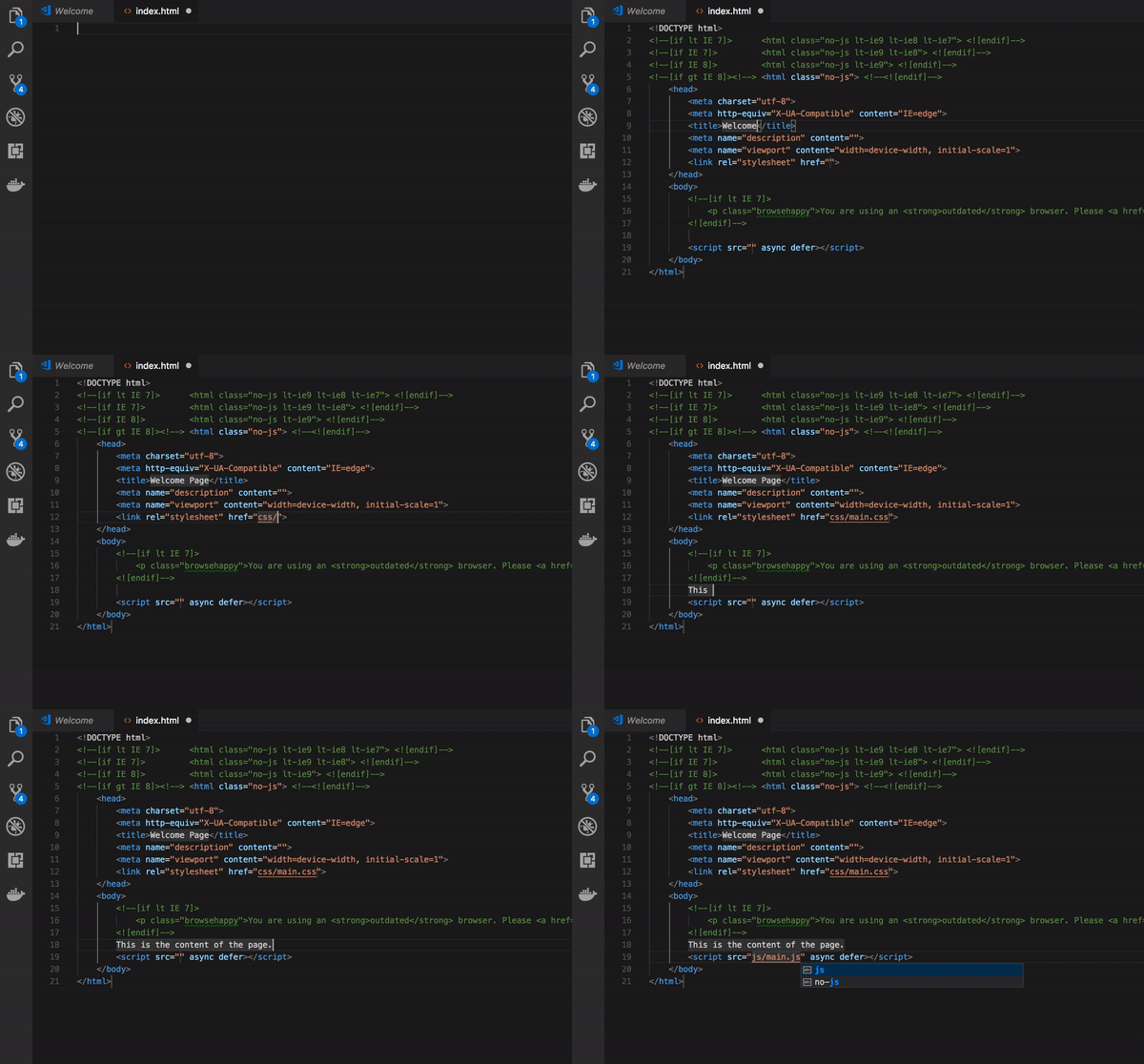
Type 'html5-boilerplate' in an HTML file and select the snippet from the auto suggestion dropdown to get the HTML boilerplate.
Installation
Install Visual Studio Code 0.10.1 or higher
Launch VS Code
Launch the command palette by using Ctrl-Shift-P (Windows, Linux) or Cmd-Shift-P (OSX)
Type in Install Extension and select 'Extensions : Install Extensions'
Type HTML5 Boilerplate
Choose the extension from the drop down
Reload Visual Studio Code
Usage
Create a new document
Set the language mode to html
Type html the auto-complete option for html5-boilerplate shows. Select it to generate the boilerplate
Filled points are observed values; hollow points come from Internet Archive snapshots of the listing page. Dashed segments span periods with no observations — values between points are not interpolated.
Each band is one page of 20. Installs on a linear scale. Placement is projected from installs, so it can differ from the marketplace's own sort order. Hover a dot to see the listing.
Install counts, average rating, and rating counts come from the public Visual Studio Marketplace gallery API. Installs are cumulative and exclude updates.
 PluginStats