 PluginStats
C++ Intellisense installs statistics
By austin (2 listings) · VS Code Marketplace · Programming Languages
C/C++ Intellisense with the help of GNU Global tags
C++ Intellisense has 5,074,681 recorded installs on VS Code Marketplace.
It ranks #179 of 2,501 tracked VS Code Marketplace listings by installs.
It is rated 2.8 out of 5 from 39 ratings.
PluginStats has 4 daily observations since Oct 16, 2026; the latest is from Oct 19, 2026.
Rating: 2.82 / 5 from 39 ratings
About C++ Intellisense
README
C++ Intellisense
Please go to https://github.com/austin-----/code-gnu-global for source code, bug tracking, and feature request
Functionality
Provide Intellisense for C/C++ with the help of the GNU Global tool in Visual Studio Code.
Usage
1. Make sure you have the latest GNU Global (>= 6.5) tool installed and added to PATH. If you do not have GNU Global available in PATH, then please add codegnuglobal.executable to your settings.js (Preference - User Settings) and set its value to the absolute path and binary of global or global.exe. E.g.: (GNU Global on Windows, inside a MSYS2 installation) Please note that Debian and its derivates (Ubuntu, Mint, ...) are shipping an outdated version of GNU global (v5.7), which is throwing the error "--encode-path unrecognized". (Thanks @badaix for the tip)
2. In the workspace folder of your C/C++ project, run 'gtags'. This will generate the GTAGS, GRTAGS, and GPATH files. If you made changes to your code, run 'gtags' again to renew the tag files.
Upon saving your source code, the extension would try to automatically update the tags by running 'global -u'. You can turn this off by setting codegnuglobal.autoupdate to false in your settings.js (Preference - User Settings).
3. Install 'C++ Intellisense' in VS Code and then you can enjoy Intellisense for this project in VS Code.
4. If you are using Windows with a non-CP437 code page, or Linux/OSX with non-UTF8 encoding, please add 'codegnuglobal.encoding' to your settings.js (Preference - User Settings) and set its value to the custom encoding you are using (Please look at https://github.com/ashtuchkin/iconv-lite/wiki/Supported-Encodings for supported encodings). E.g.: (CP936 for Simplified Chinese on Windows)
Demo
• Go to definition • Auto completion • Find references • List symbols
Limitations
Since GNU Global is a tagging system, it does not do any AST parsing to understand class members and etc.
For more information
• GNU Global • Repo • VS Code Marketplace
Enjoy!
Description from the VS Code Marketplace listing.
- c
- c++
- cpp
Where C++ Intellisense sits in the listing
Each band is one page of 20. Installs on a log scale. Placement is projected from installs, so it can differ from the marketplace's own sort order. Hover a dot to see the listing.


Charts
Images: 30d · 1y · all time · 1600×900 dark
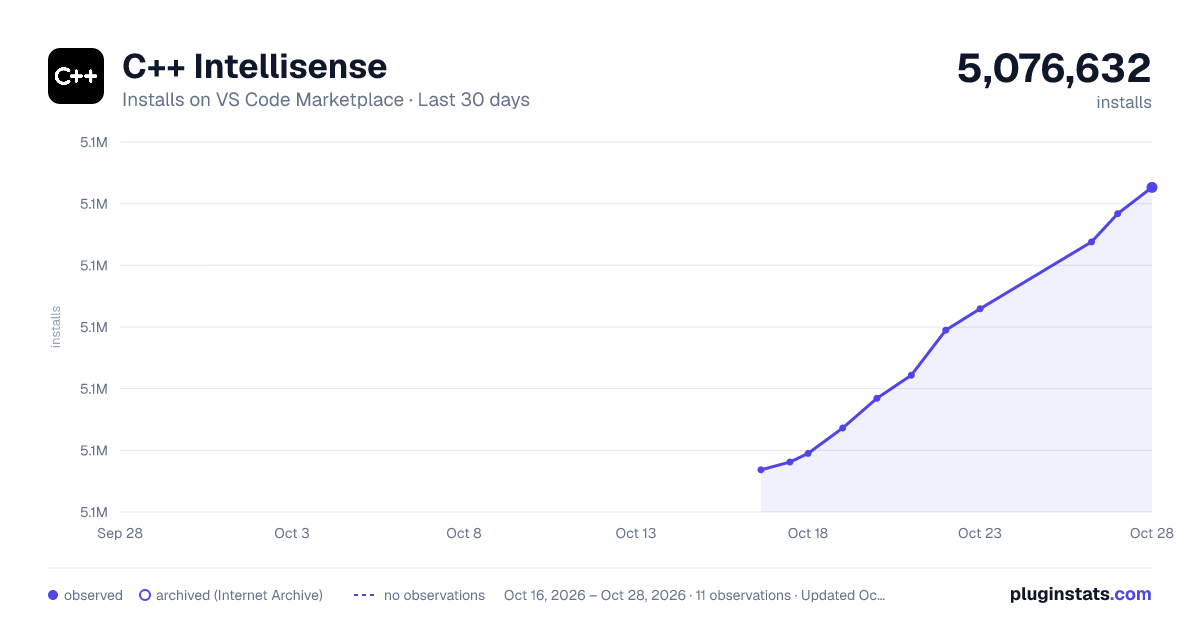
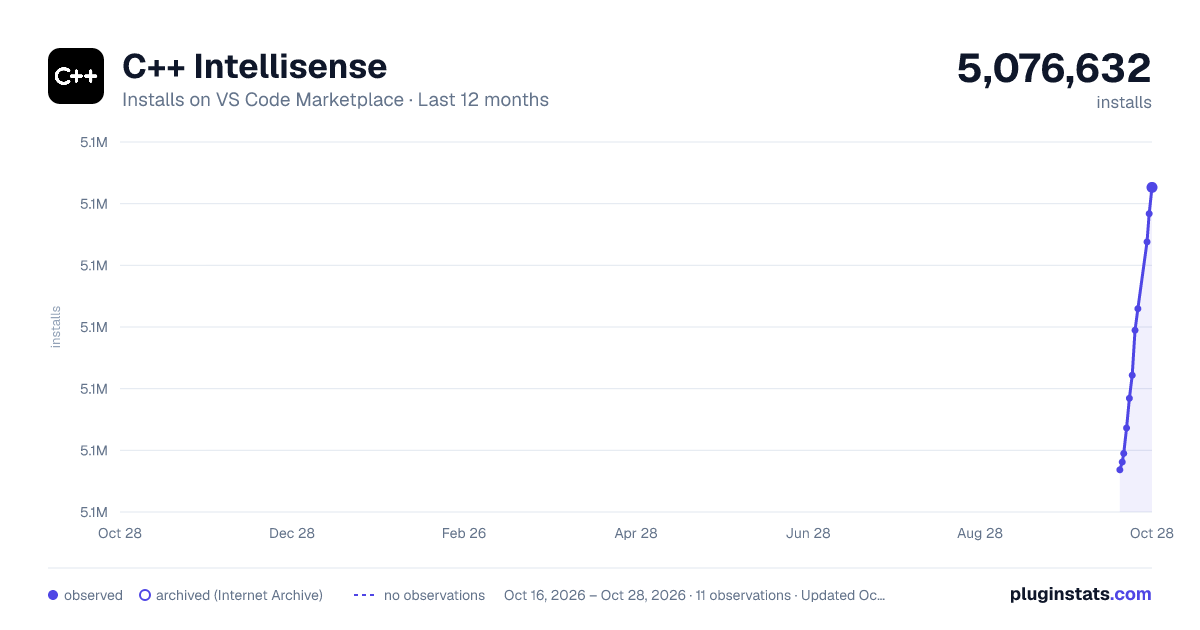
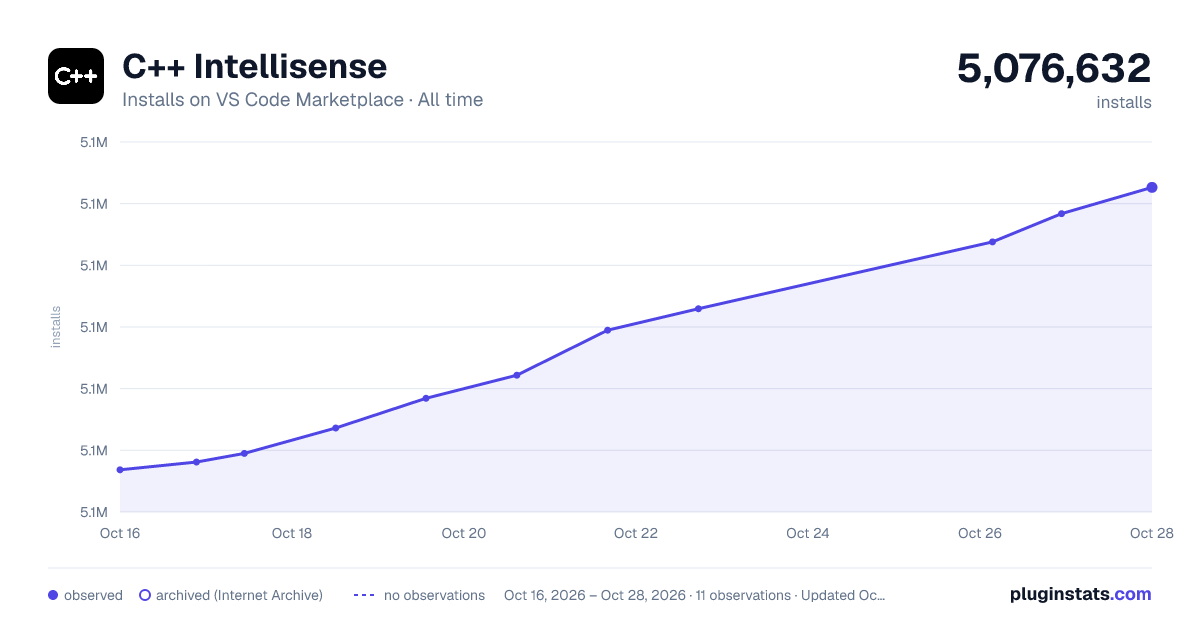

Adoption over time


7/30/90-day growth


Ranking history


Filled points are observed values; hollow points come from Internet Archive snapshots of the listing page. Dashed segments span periods with no observations — values between points are not interpolated.
Recent observations
Full history (4)Similar VS Code Marketplace Programming Languages plugins
Data source
Install counts, average rating, and rating counts come from the public Visual Studio Marketplace gallery API. Installs are cumulative and exclude updates.
Listing: https://marketplace.visualstudio.com/items?itemName=austin.code-gnu-global. First seen Oct 16, 2026; last successful collection Oct 19, 2026. See the methodology.