 PluginStats
clangd installs statistics
By LLVM (2 listings) · VS Code Marketplace · Programming Languages
C/C++ completion, navigation, and insights
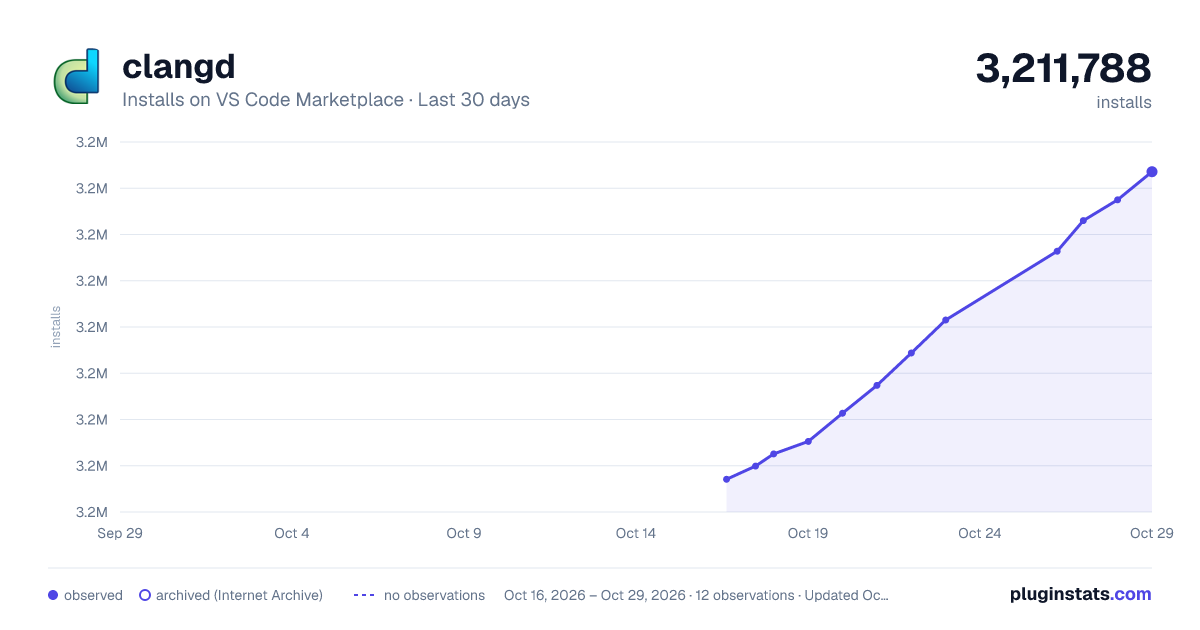
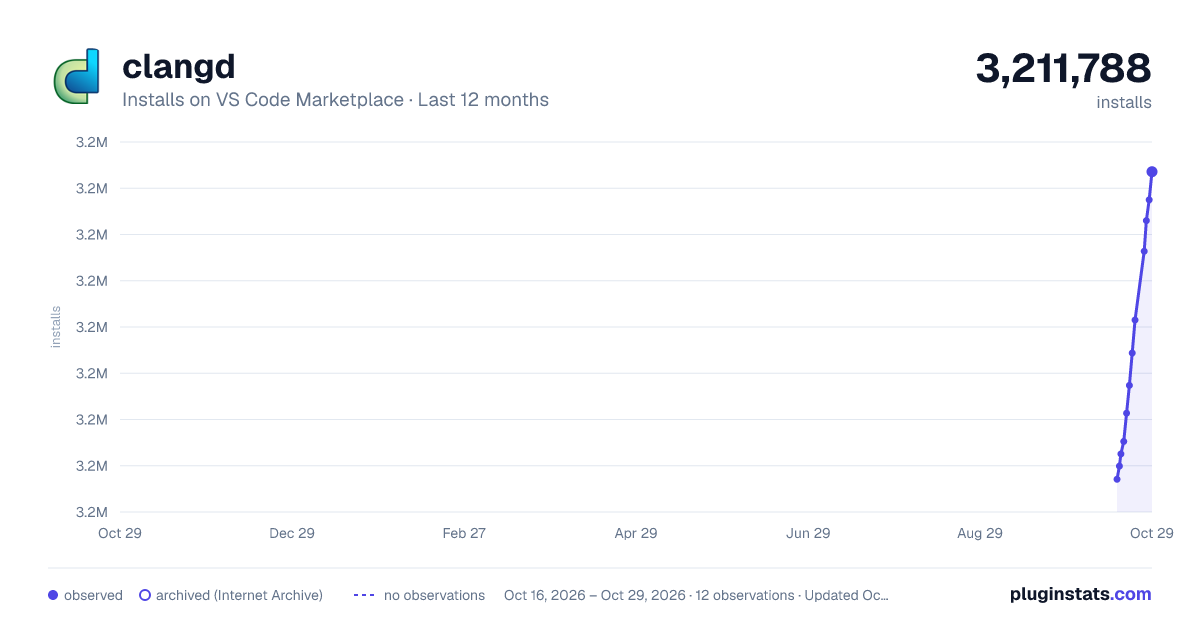
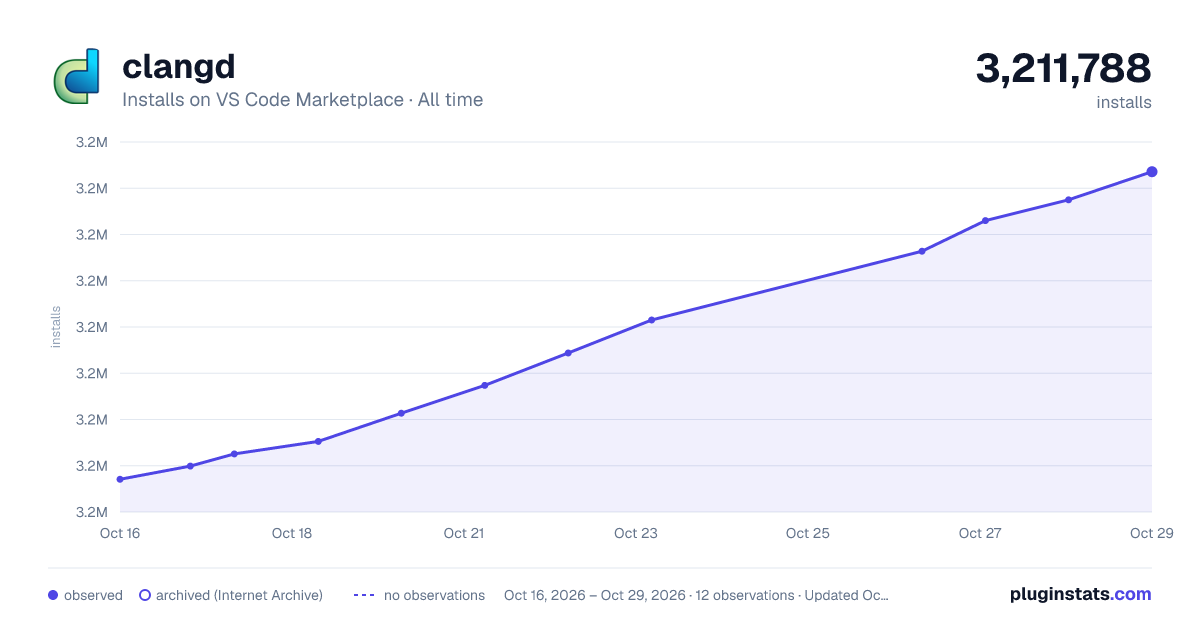
clangd has 3,182,630 recorded installs on VS Code Marketplace, ranking #241 of 2,501 tracked listings.
Rating: 4.64 / 5 from 81 ratings
About clangd
clangd
clangd helps developers write, understand and improve C/C++ code by providing:
• code completion • compile errors and warnings • go-to-definition and cross references • hover information and inlay hints • include management • code formatting • simple refactorings
Full documentation for clangd is at clangd.llvm.org.
Setup
clangd server
The extension requires the clangd language server. You will be prompted to download it if it's not found on your PATH. (Automatic installation is possible on x86-64 Linux, Windows, and Mac).
If you have an old version of clangd installed on your system already, you can run "Check for clangd language server update" from the command palette.
Project setup
clangd is based on the clang C++ compiler, and understands even complex C++ code. However, you must tell clangd how your project is built (compile flags). A compile_commands.json file can usually be generated by your build system (e.g. with CMake, by setting -DCMAKE_EXPORT_COMPILE_COMMANDS=1).
See Project Setup in the clangd documentation for details and alternatives.
The clangd server also supports a number of feature customizations using its config file.
Features
Code completion
Suggestions will appear as you type names, or after . or ->. Because clangd uses a full C++ parser, code completion has access to precise type information.
Errors, warnings, and clang-tidy
Code errors are shown as you type (both as red squiggle underlines, and in the "Problems" panel). These are the same as produced by the clang compiler, and suggested fixes can automatically be applied.
Most clang-tidy checks are supported (these can be enabled using a .clang-tidy file).
Cross-references
Go-to-definition and find-references work across your code, using a project-wide index.
Press Ctrl-P # to quickly navigate to a symbol by name.
Hover and inlay hints
Clangd can describe almost any entity if you hover the mouse (or press Ctrl-KI).
Inlay hints for parameters and deduced types can be shown temporarily or permanently (the editor.inlayHints.enabled setting controls this).
Include management
Code completion works across your codebase and adds #include directives where needed. The • shows includes that will be inserted.
clangd can suggest inserting missing #includes, where they cause errors. It can warn on unused includes.
Formatting
clangd uses the clang-format engine. You can format a file or the selection. When "Format on Type" is enabled in the settings, pressing enter will cause clangd to format the old line and semantically reindent.
The style used for formatting (and certain other operations) is controlled by the project's .clang-format file.
Note that if you prefer to use something other than clangd for formatting, you can choose a different formatter with the "editor.defaultFormatter" setting.
Refactoring
clangd supports some local refactorings. When you select an expression or declaration, the lightbulb menu appears and you can choose a code action.
Current refactorings include: • extract variable/function • expand auto types and macros • use raw strings • rename (bound to , rather than a contextual code action)
Bugs/contributing
clangd is part of the LLVM project.
If you'd like to help out, reach out to clangd-dev@lists.llvm.org.
If you've found a bug in this extension, please file it at https://github.com/clangd/vscode-clangd/issues. If you've found a bug in clangd, please file at https://github.com/clangd/clangd/issues.
Description from the VS Code Marketplace listing.
- c
- C++
- clang
- Clangd
- cpp
- cuda-cpp
- keybindings
- LLVM
- objective-c
- objective-cpp
README badge
Show your rank in a README or on your website. The badge updates automatically.
Charts
Images: 30d · 1y · all time · 1600×900 dark

Adoption over time
7/30/90-day growth
Ranking history
Ratings over time
Listing placement
Listing placement
Listing placement
Listing placement
Filled points are observed values; hollow points come from Internet Archive snapshots of the listing page. Dashed segments span periods with no observations — values between points are not interpolated.
Each band is one page of 20. Installs on a linear scale. Placement is projected from installs, so it can differ from the marketplace's own sort order. Hover a dot to see the listing.
Recent observations
Full history (4)Similar VS Code Marketplace Programming Languages plugins
All 20 clangd alternativesData source
Install counts, average rating, and rating counts come from the public Visual Studio Marketplace gallery API. Installs are cumulative and exclude updates.
Listing: https://marketplace.visualstudio.com/items?itemName=llvm-vs-code-extensions.vscode-clangd. First seen Oct 16, 2026; last successful collection Oct 19, 2026. See the methodology.