 PluginStats
Indenticator installs statistics
By SirTori · VS Code Marketplace · Other
Highlights your current indent depth
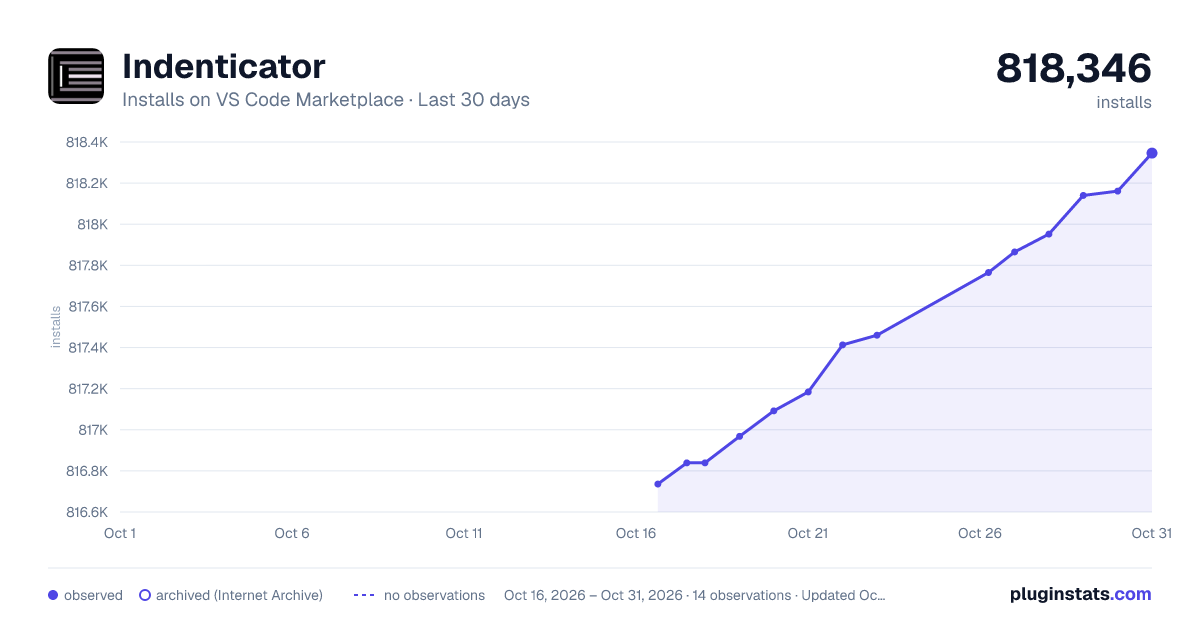
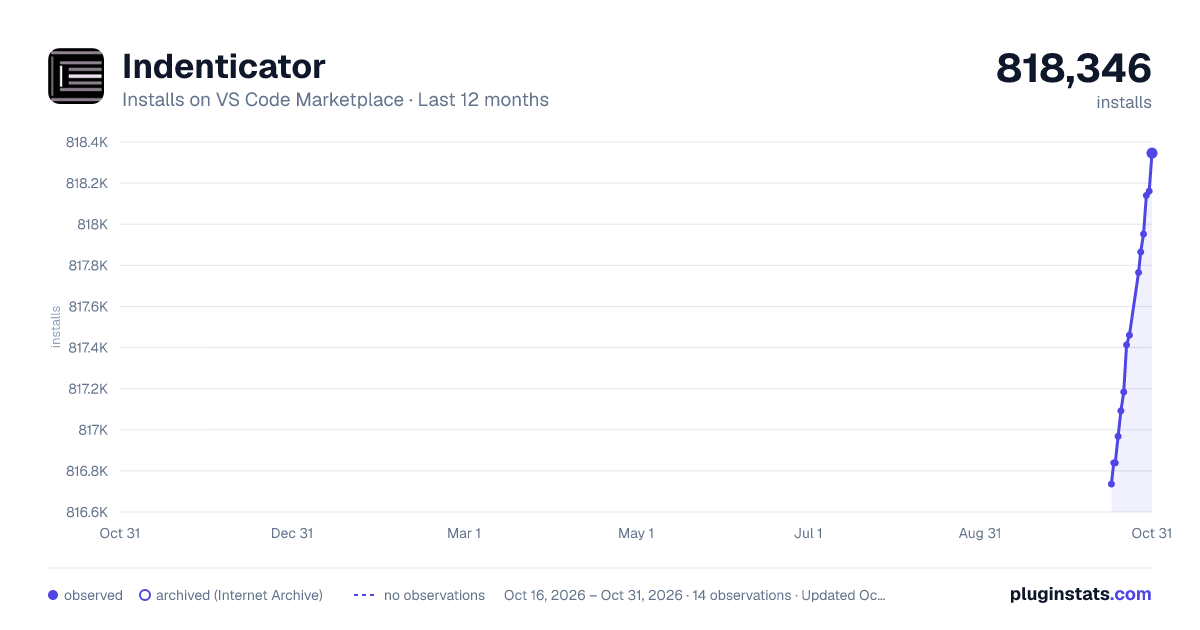
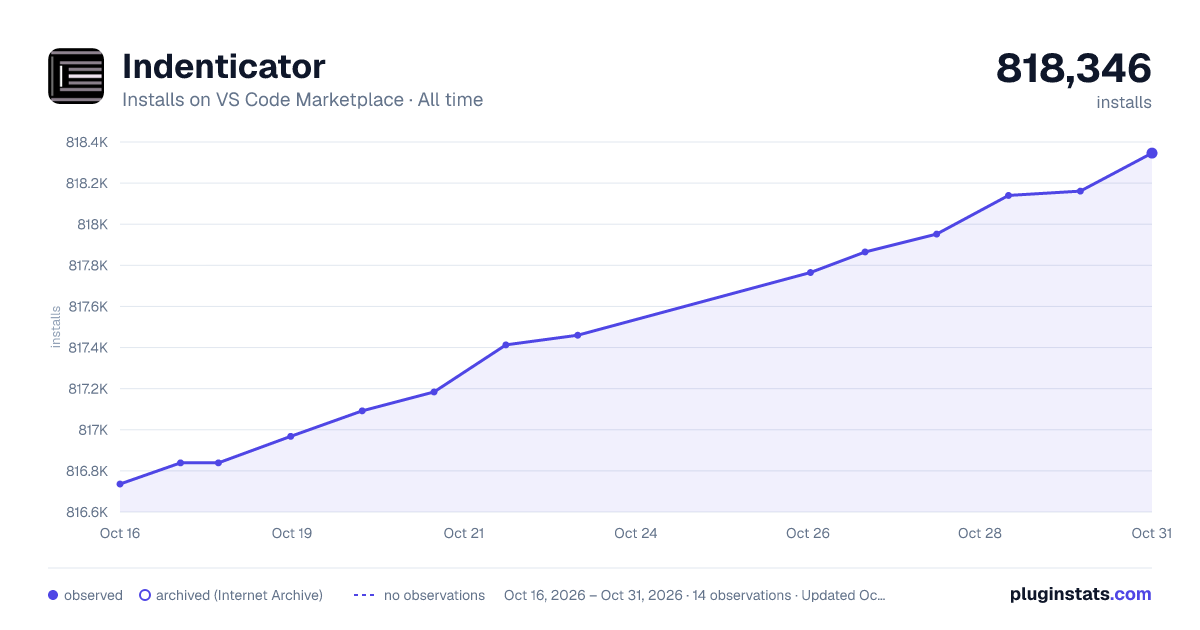
Indenticator has 816,839 recorded installs on VS Code Marketplace.
It ranks #607 of 2,500 tracked VS Code Marketplace listings by installs.
It is rated 4.6 out of 5 from 19 ratings.
PluginStats has 3 daily observations since Oct 16, 2026; the latest is from Oct 18, 2026.
Rating: 4.58 / 5 from 19 ratings
About Indenticator
Indenticator
Visually highlights the current indent depth.
This extension can be used by itself, but it's recommended to use it alongside the built-in indent guides (setting editor.renderIndentGuides). These show thin grey lines on *every* indent, while this extension highlights the indent on the indent depth the cursor is currently on.
Changes in Visual Studio Code 1.23.0: With Version 1.23.0 VS Code introduced a new built-in active indent guide. For an explanation of differences and tips regarding the new feature and this extension please see remarks section
Example using default settings
Feature Highlights
• Peeking around the current indent block: *Optionally* a hover can be added on the current indent marker to peek before and/or after the current indent block. *To activate set indenticator.showHover to true*
Example has indenticator.hover.peekBack & indenticator.hover.peekForward set to 1 and indenticator.hover.highlight set to true Example has indenticator.hover.peekBack & indenticator.hover.peekForward set to 1 and indenticator.hover.highlight set to false
• Highlighting the the indent guide for the contained block: *Optionally* a second indent guide can be configured to show the block *contained* by the current cursor position *To activate set indenticator.inner.showIndentGuide to true*
Example has indenticator.inner.showIndentGuide set to true and indenticator.inner.color.dark set to #ff000
• Language specific settings: The extension can be configured for each language separately to accommondate the requirements of different coding styles.
Example:
• Highlight Styling: All indent highlighting can be styled individually by defining color, width and border style.
Settings and defaults
Remarks
• New Built-in active indent guide (VS Code 1.23.0) • The built-in active indent guide always highlights the *highest* indent on the currently selected line, while this extensions highlights the indent depth the *cursor is currently at*. The difference can be seen in the following image:
| | |- | | *yellow* is the new built-in active indent guide *red* is the inner active indent guide of this extension *grey* is the default active indent guide of this extension |
• The built-in *active* indent guide can be configured through the setting: editor.highlightActiveIndentGuide • indenticator.languageSpecific: The language identifiers can be viewed by using VS Codes language selection in the statusbar. To be analogous to language specific editor options of VS Code the key has to be put between square brackets. But to simplify configuration of similar languages multiple keys can be listed within the square brackets as a comma seperated list.
Any setting for indenticator that can be set normally, can also be set for the language specific configuration. If any setting is not set for the specific language the overall configuration will be used.
Example:
Description from the VS Code Marketplace listing.
- block highlight
- guides
- indent
- indent guides
- indentation
- indentation guides
- vertical block line
Where Indenticator sits in the listing
Each band is one page of 20. Installs on a log scale. Placement is projected from installs, so it can differ from the marketplace's own sort order. Hover a dot to see the listing.


Charts
Images: 30d · 1y · all time · 1600×900 dark

Adoption over time


7/30/90-day growth


Ranking history


Filled points are observed values; hollow points come from Internet Archive snapshots of the listing page. Dashed segments span periods with no observations — values between points are not interpolated.
Recent observations
Full history (3)Similar VS Code Marketplace Other plugins
Data source
Install counts, average rating, and rating counts come from the public Visual Studio Marketplace gallery API. Installs are cumulative and exclude updates.
Listing: https://marketplace.visualstudio.com/items?itemName=SirTori.indenticator. First seen Oct 16, 2026; last successful collection Oct 18, 2026. See the methodology.