 PluginStats
LiveReload installs statistics
By Zeeshan Ahmad · VS Code Marketplace · Other
LiveReload plugin for VS Code
LiveReload has 122,277 recorded installs on VS Code Marketplace, ranking #2120 of 2,501 tracked listings.
Rating: 3.89 / 5 from 9 ratings
About LiveReload
LiveReload for VS Code
A web browser page reloading plugin for the VS Code editor.
Features
• Reloads web pages when any file is created, removed or modified. • Applies changes without reloading when any CSS or image changed. • Works with LiveReload extension.
Installing
You can install the latest version of the extension via the Visual Studio Marketplace here.
Alternatively, open Visual Studio code, press Ctrl+P or Cmd+P and type:
Restart VS Code (if required)
Usage
You can use this by either adding a snippet of code to the bottom of your HTML pages or install the Browser Extensions.
Browser extension
Install the LiveReload browser plugins by visiting LiveReload Extensions.
Add code to page
You can use VS Code to insert script tag via Ctrl+Shift+P add type livereload.js and the script tag is added to you html document.
Or manually add the following script of your html document.
Note: If you are using a different port other than 35729 you will need to change the above script.
Settings
Open VS Code user setting by pressing CTRL+, and set the following as you need:
| Name | Type | Details |
| debug | boolean | To show debug messages in console. | | port | integer | To specify the listening port. | | useHTTPS | object | An optional object of options to be passed to https.createServer (if not provided, http.createServer is used instead) | | applyCSSLive | boolean | Tells LiveReload to reload CSS files in the background instead of refreshing the page. The default for this is true. | | applyImageLive | boolean | Tells LiveReload to reload image files in the background instead of refreshing the page. The default for this is true. | | delayForUpdate | integer | To add a delay (in miliseconds) between when livereload detects a change to the filesystem and when it notifies the browser. | | exts | string | To include additional extentions that you want to observe e.g. jade,scss. | | exclusions | string | To specify additional exclusion patterns e.g. html, images. |
Example
Note
• The LiveReload extension only works with default port 35729.
License
MIT © Zeeshan Ahmad
Description from the VS Code Marketplace listing.
- live preview
- live reload
- snippet
README badge
Show your rank in a README or on your website. The badge updates automatically.
Charts
Images: 30d · 1y · all time · 1600×900 dark
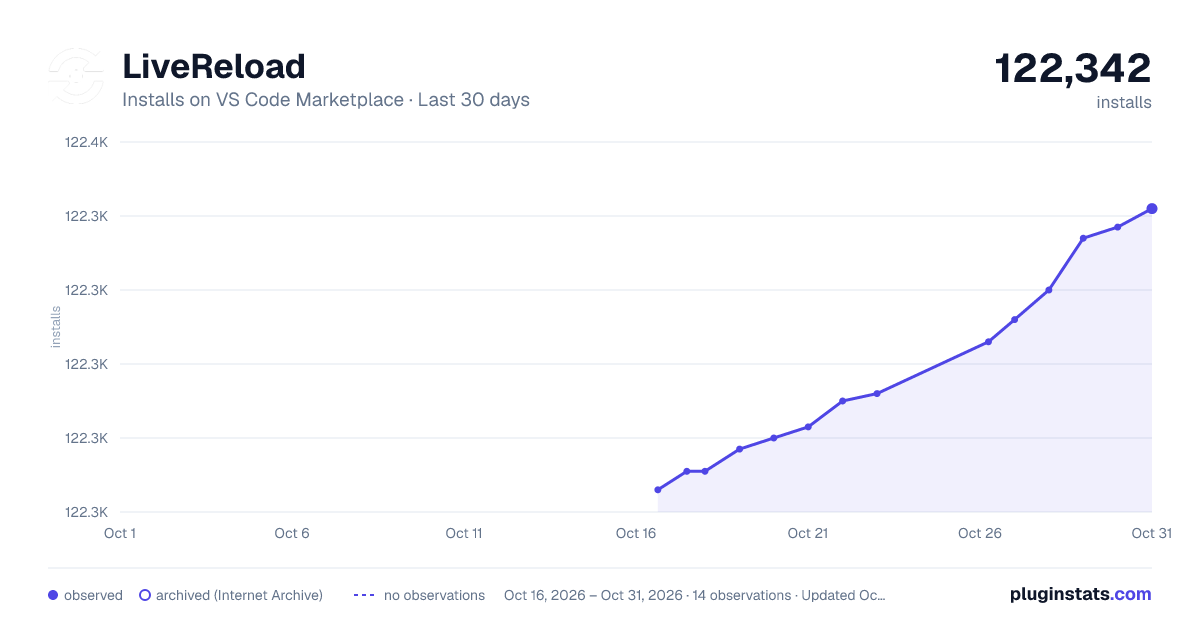
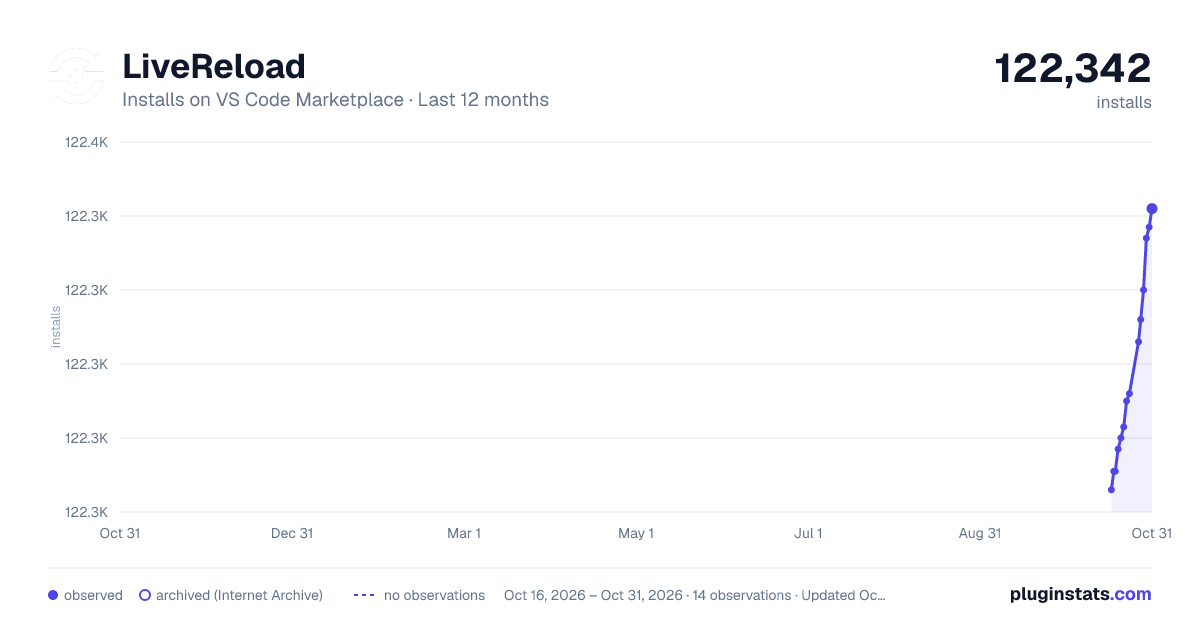
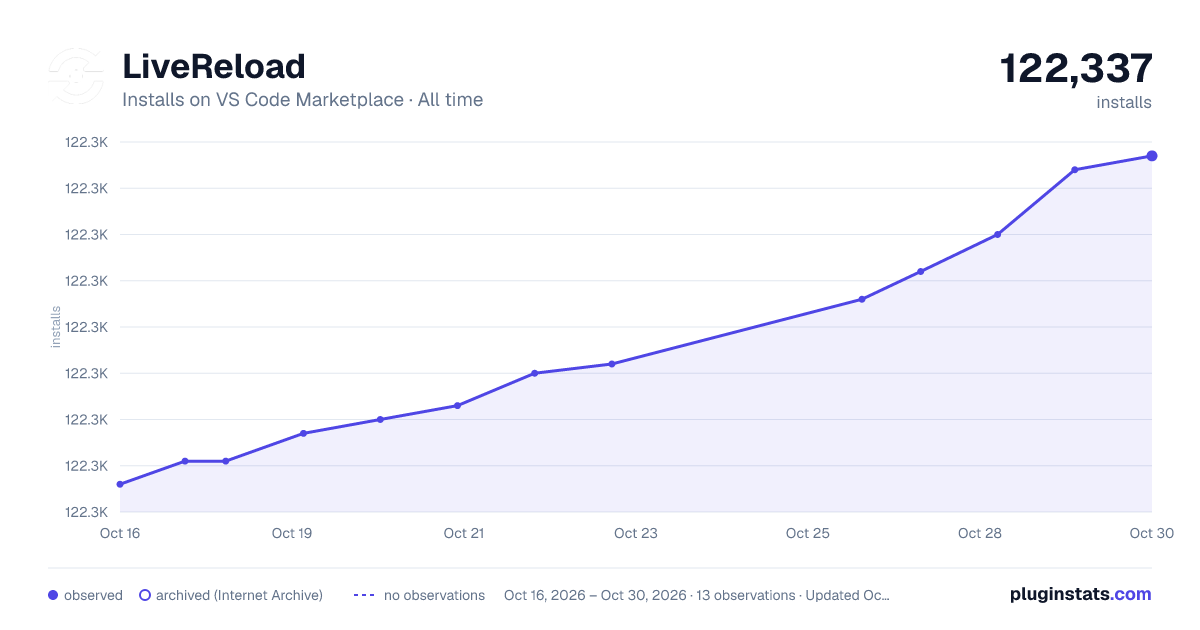

Adoption over time
7/30/90-day growth
Ranking history
Ratings over time
Listing placement
Listing placement
Filled points are observed values; hollow points come from Internet Archive snapshots of the listing page. Dashed segments span periods with no observations — values between points are not interpolated.
Each band is one page of 20. Installs on a linear scale. Placement is projected from installs, so it can differ from the marketplace's own sort order. Hover a dot to see the listing.
Recent observations
Full history (4)Similar VS Code Marketplace Other plugins
All 20 LiveReload alternativesData source
Install counts, average rating, and rating counts come from the public Visual Studio Marketplace gallery API. Installs are cumulative and exclude updates.
Listing: https://marketplace.visualstudio.com/items?itemName=ziishaned.livereload. First seen Oct 16, 2026; last successful collection Oct 19, 2026. See the methodology.