 PluginStats
Remote - Tunnels installs statistics
By Microsoft (223 listings) · VS Code Marketplace · Other
Connect to a remote machine through a Tunnel
Remote - Tunnels has 9,123,170 recorded installs on VS Code Marketplace.
It ranks #109 of 2,500 tracked VS Code Marketplace listings by installs.
It is rated 4.1 out of 5 from 10 ratings.
PluginStats has 3 daily observations since Oct 16, 2026; the latest is from Oct 18, 2026.
Rating: 4.10 / 5 from 10 ratings
About Remote - Tunnels
Visual Studio Code Remote - Tunnels
The Remote - Tunnels extension lets you connect to a remote machine, like a desktop PC or virtual machine (VM), via a secure tunnel. You can then securely connect to that machine from anywhere, without the requirement of SSH.
Getting started
Make a tunnel available
Begin by making your remote machine accessible through a tunnel:
Run VS Code on the remote machine and use the Turn on Remote Tunnel Access command.
or
Run the tunnel command in the code CLI.
The code CLI is part of the regular Windows, Mac and Linux installs, but can also be downloaded separately from https://code.visualstudio.com/#alt-downloads.
Connect to a tunnel
To connect to a tunnel, have the Remote Tunnels extension installed and run the command: Remote - Tunnels: Connect to Tunnel....
You can find the command by pressing F1 to open the Command Palette or by clicking on the remote indicator in the lower left corner.
You'll be prompted to log into GitHub and will get a list of available tunnels to connect to.
After selecting a tunnel, the window will reload to connect to the remote machine. Note that the remote indicator in the lower left corner now shows the name of the tunnel.
You can also open a tunnel in the Remote Explorer:
Check out the Remote - Tunnels and VS Code Server documentation for more information.
Release Notes
This extension releases with VS Code. VS Code release notes include a summary of changes to all Remote Development extensions with a link to detailed release notes.
As with VS Code itself, the extensions update during a development iteration. You can use the pre-release version of this extension to regularly get the latest extension updates before the official extension release.
Questions, Feedback, Contributing
Have a question or feedback?
• See the documentation or the troubleshooting guide. • Up-vote a feature or request a new one, search existing issues, or report a problem. • Contribute to our documentation • ...and more. See our CONTRIBUTING guide for details.
Telemetry
Visual Studio Code Remote - Tunnels and related extensions collect telemetry data to help us build a better experience working remotely from VS Code. We only collect data on which commands are executed. We do not collect any information about image names, paths, etc. The extension respects the telemetry.enableTelemetry setting which you can learn more about in the Visual Studio Code FAQ.
License
By downloading and using the Visual Studio Remote - Tunnels extension and its related components, you agree to the product license terms and privacy statement.
Description from the VS Code Marketplace listing.
- remote-menu
Where Remote - Tunnels sits in the listing
Each band is one page of 20. Installs on a log scale. Placement is projected from installs, so it can differ from the marketplace's own sort order. Hover a dot to see the listing.


Charts
Images: 30d · 1y · all time · 1600×900 dark
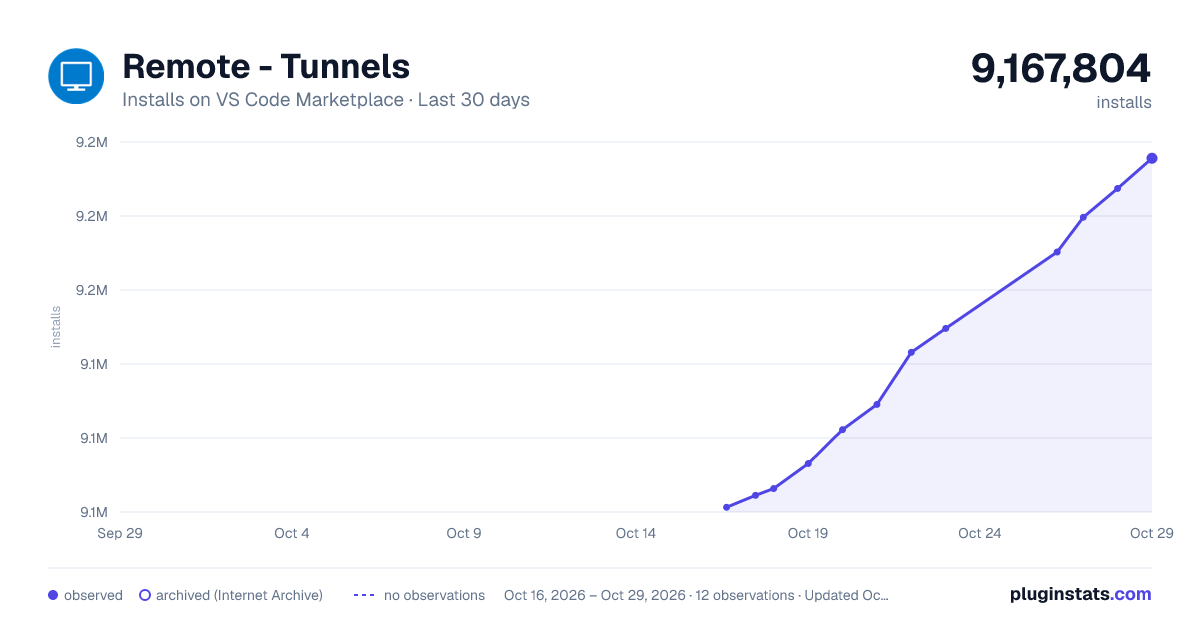
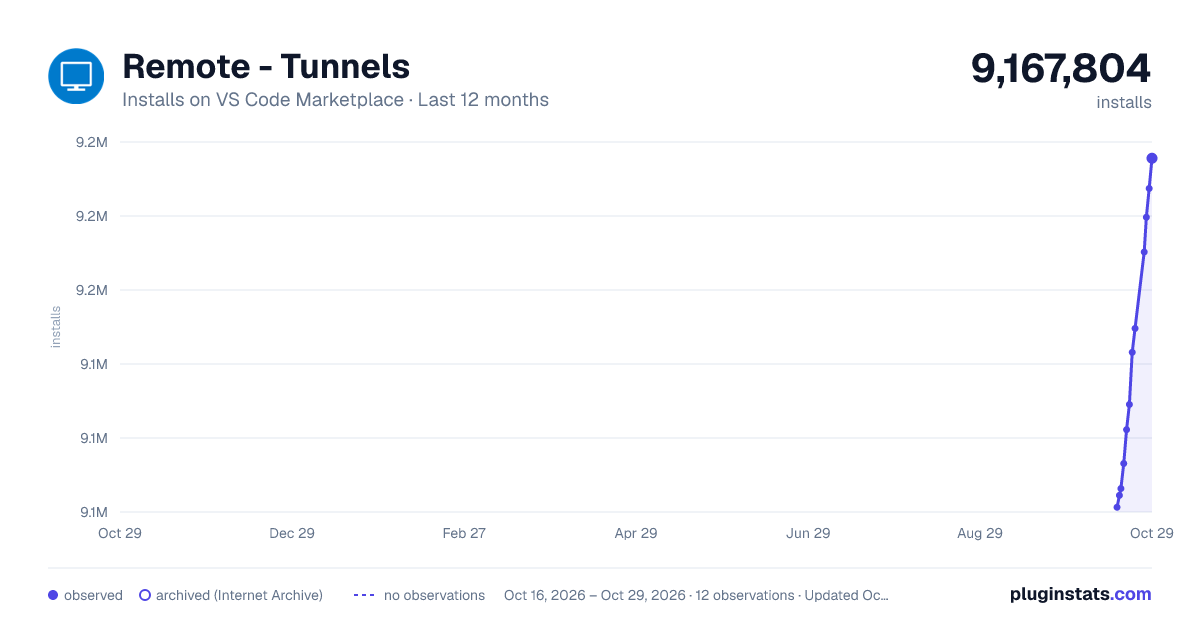
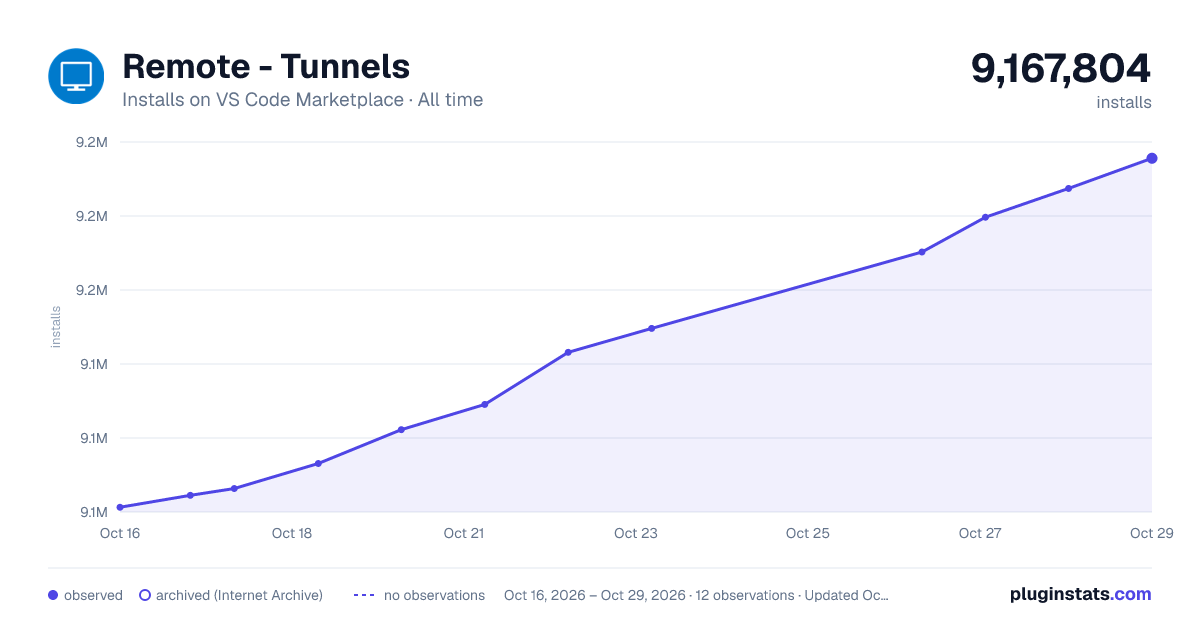

Adoption over time


7/30/90-day growth


Ranking history


Filled points are observed values; hollow points come from Internet Archive snapshots of the listing page. Dashed segments span periods with no observations — values between points are not interpolated.
Recent observations
Full history (3)Similar VS Code Marketplace Other plugins
Data source
Install counts, average rating, and rating counts come from the public Visual Studio Marketplace gallery API. Installs are cumulative and exclude updates.
Listing: https://marketplace.visualstudio.com/items?itemName=ms-vscode.remote-server. First seen Oct 16, 2026; last successful collection Oct 18, 2026. See the methodology.