 PluginStats
Figma for VS Code installs statistics
By Figma (4 listings) · VS Code Marketplace · Snippets
Bring Figma into the text editor. Inspect designs, receive notifications, and get code suggestions.
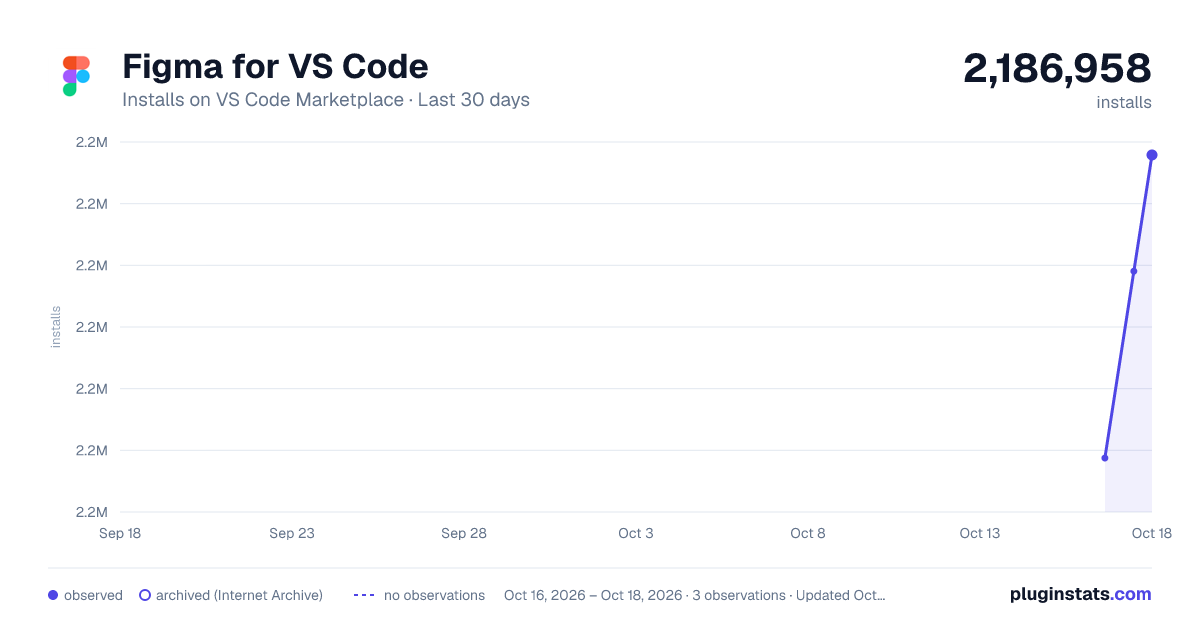
Figma for VS Code has 2,186,958 recorded installs on VS Code Marketplace.
It ranks #326 of 2,500 tracked VS Code Marketplace listings by installs.
It is rated 3.1 out of 5 from 78 ratings.
PluginStats has 3 daily observations since Oct 16, 2026; the latest is from Oct 18, 2026.
Rating: 3.08 / 5 from 78 ratings
About Figma for VS Code
Streamline your design to code workflow with Figma for VS Code
Figma for VS Code lets you navigate and inspect design files, collaborate with designers, track changes, and speed up implementation - all without leaving your text editor. Improve developer productivity by eliminating the context switching and busy work needed to turn designs into code.
What can you do with Figma for VS Code?
See and respond to comments and activity in real time
No longer worry about missing notifications in Figma. With Figma for VS Code, open live design files in the sidebar and collaborate in real time.
• Receive and respond to new comments and activity within Figma files • Discuss layouts with designers using cursor chat
Get code suggestions based on designs
Stay in the flow and more productive than ever before with autocompletions based on the designs you’re actively working in.
• Select a layer on your design and the properties will appear as code suggestions while you type • Download assets to your repo with a single click
Link code files to design components
Help your whole team move faster by keeping your design system and codebase in sync. Quickly navigate and document your codebase in relation to design files and no longer worry about finding existing implementations of components.
• Add and review dev resource links to easily reference documentation
Run Dev Mode plugins to customize your experience
Use plugins to extend workflows and code output in Dev Mode—without leaving VS Code.
• Run codegen plugins to tailor code snippets to whatever framework you’re using—or your design system. • Connect to tools like Github, Jira, and Storybook to stay in sync across sources of truth.
Troubleshooting
Have questions or want more information? Visit our Help Center for full details.
Share feedback and bugs
We’d love your help in improving Figma for VS Code! If you have any feedback or encounter any issues, contact support@figma.com.
A note about the extension
Figma for VS Code is available to users with a full Design, Education, or Dev Mode seat in Figma. Users must have an active Figma account in order to use this extension. For more details on pricing & packaging, click here.
By installing this extension, you agree to our Terms of Service and Privacy Policy which apply to your use of Figma for VS Code, notwithstanding any other agreement you may have with Figma. Of note, Figma may immediately and without notice remove, change, or update the functionality of this extension for any reason and at any time.
Description from the VS Code Marketplace listing.
- keybindings
Where Figma for VS Code sits in the listing
Each band is one page of 20. Installs on a log scale. Placement is projected from installs, so it can differ from the marketplace's own sort order. Hover a dot to see the listing.


Charts
Images: 30d · 1y · all time · 1600×900 dark

Adoption over time


7/30/90-day growth


Ranking history


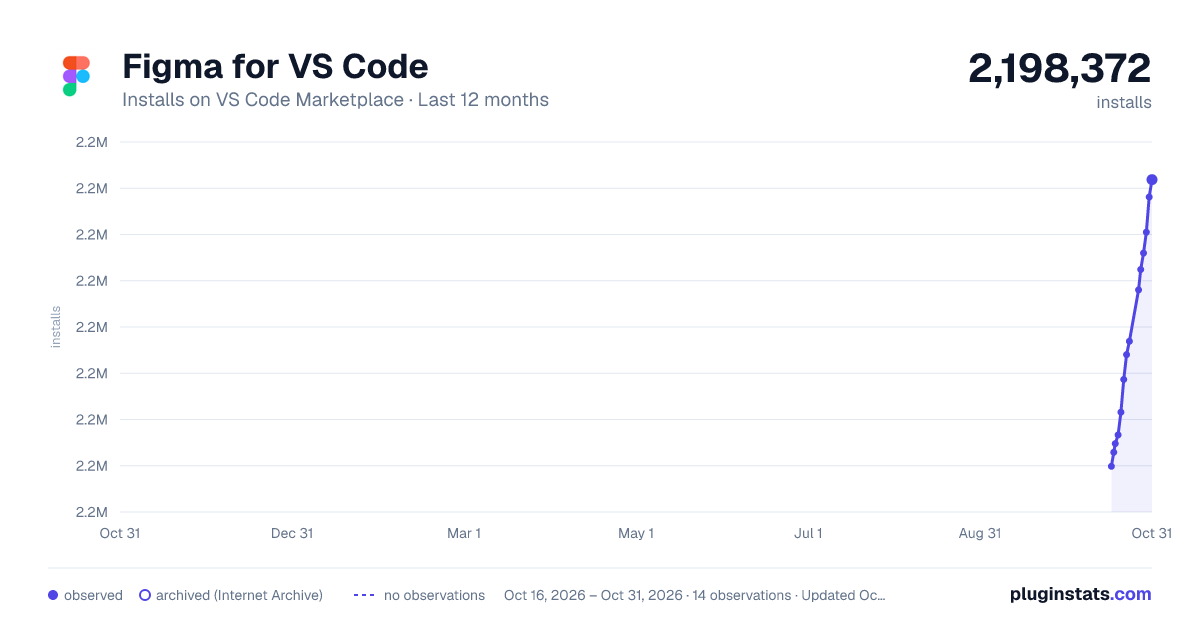
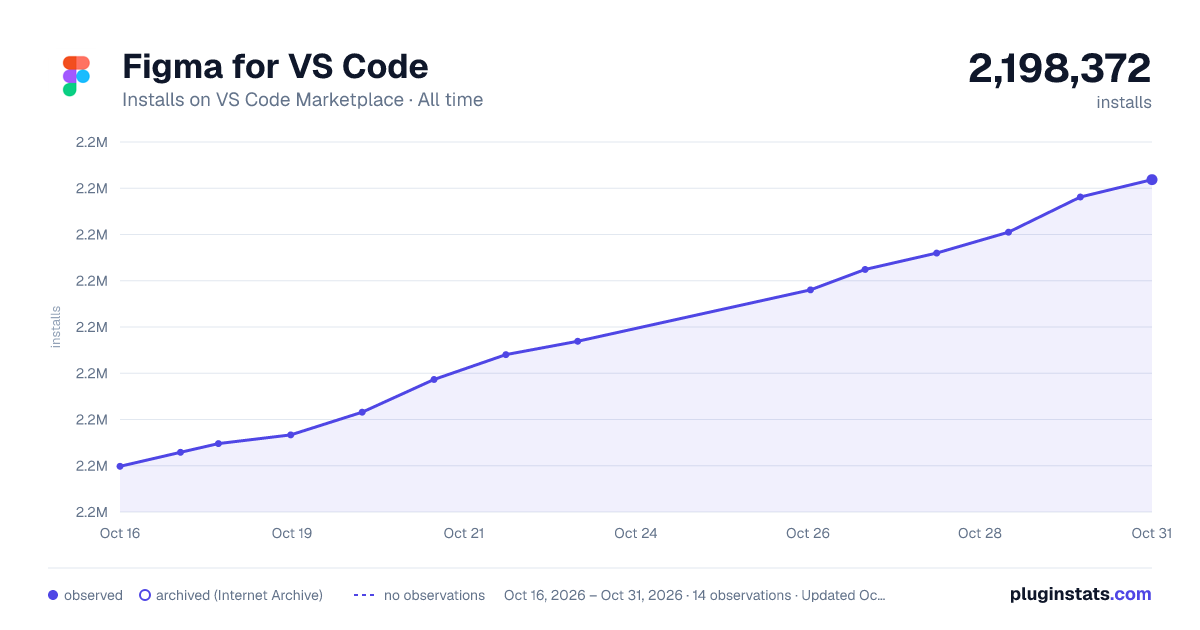
Filled points are observed values; hollow points come from Internet Archive snapshots of the listing page. Dashed segments span periods with no observations — values between points are not interpolated.
Recent observations
Full history (3)Similar VS Code Marketplace Snippets plugins
Data source
Install counts, average rating, and rating counts come from the public Visual Studio Marketplace gallery API. Installs are cumulative and exclude updates.
Listing: https://marketplace.visualstudio.com/items?itemName=figma.figma-vscode-extension. First seen Oct 16, 2026; last successful collection Oct 18, 2026. See the methodology.