 PluginStats
Java Language Support installs statistics
By George Fraser · VS Code Marketplace · Programming Languages
Java support using the Java Compiler API
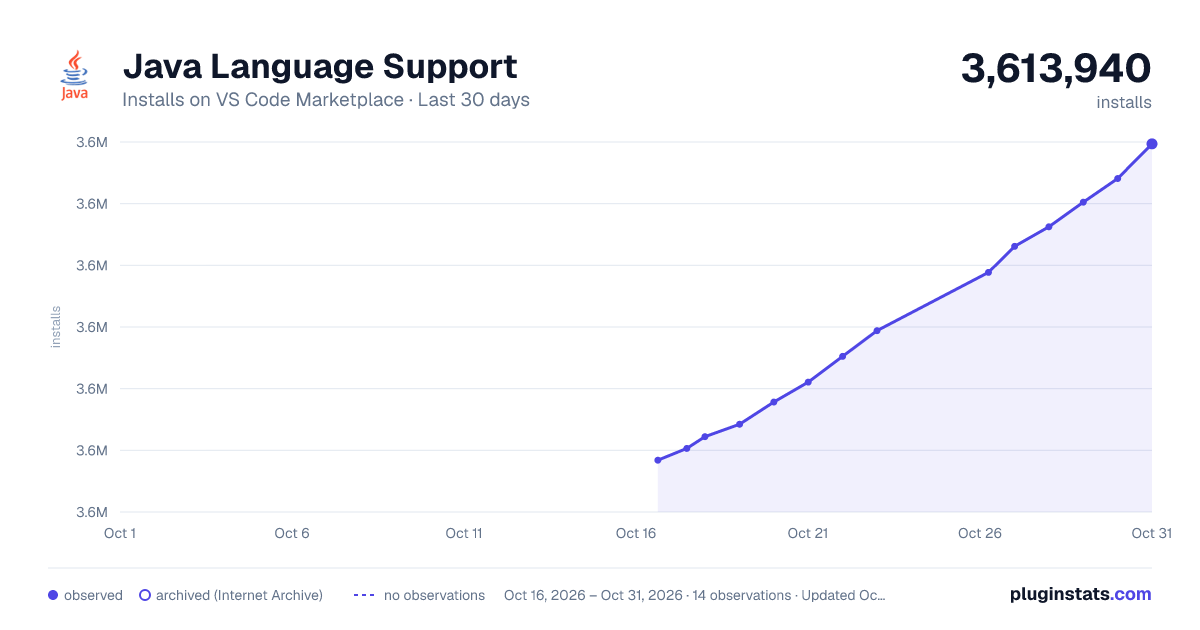
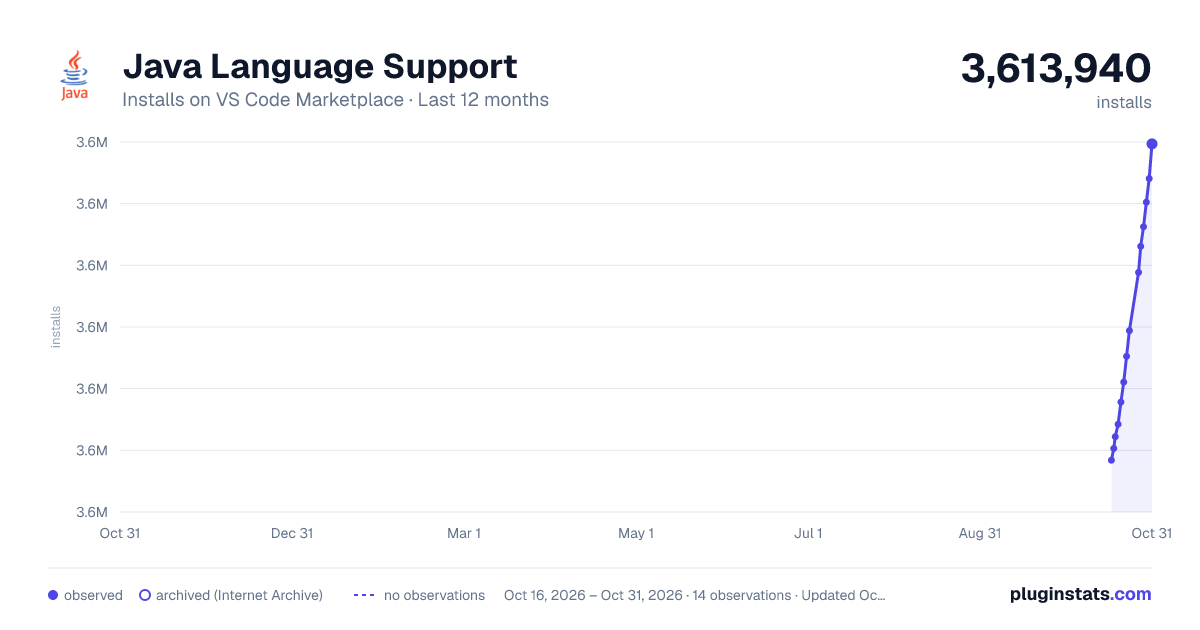
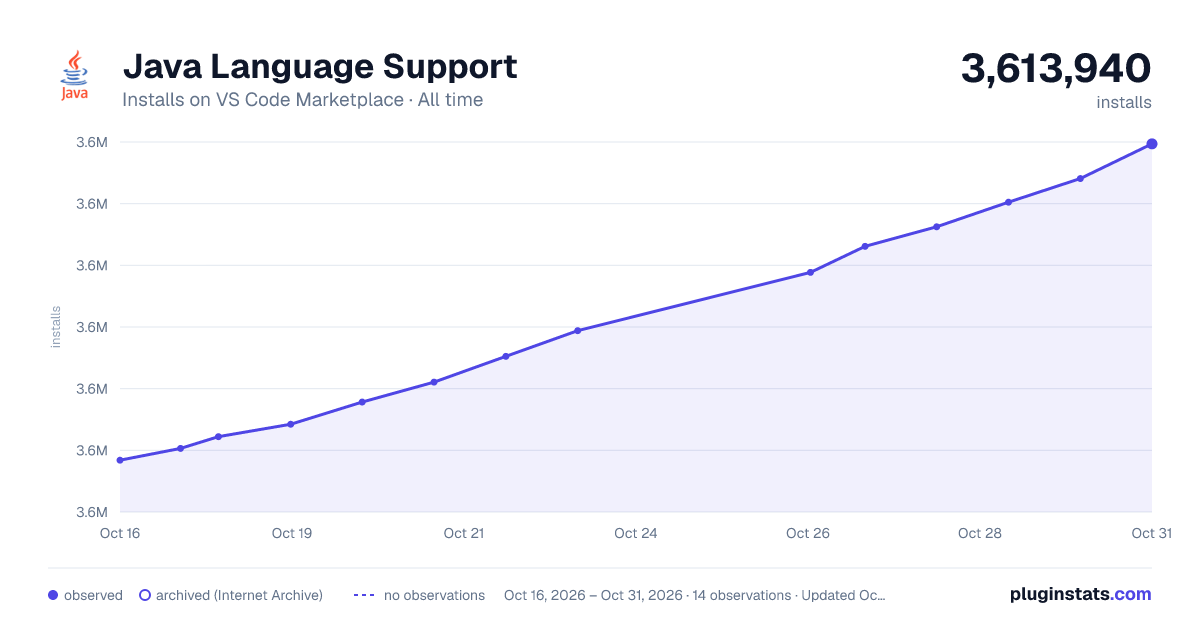
Java Language Support has 3,604,443 recorded installs on VS Code Marketplace.
It ranks #221 of 2,500 tracked VS Code Marketplace listings by installs.
It is rated 3.0 out of 5 from 23 ratings.
PluginStats has 3 daily observations since Oct 16, 2026; the latest is from Oct 18, 2026.
Rating: 3.00 / 5 from 23 ratings
About Java Language Support
Language Server for Java using the Java compiler API
A Java language server based on v3.0 of the protocol and implemented using the Java compiler API.
Installation (VS Code)
Install from the VS Code marketplace
Installation (other editors)
Vim (with vim-lsc)
• Checkout this repository • Run ./scripts/download_{linux|mac|windows}_jdk.sh • Run ./scripts/link_{linux|mac|windows}.sh • Run mvn package -DskipTests • Add the vim plugin natebosch/vim-lsc to your vimrc • Add vim-lsc configuration: • See the vim-lsc README for other configuration options.
Note: This tool is not compatible with vim-lsp as it only supports LSPv2.0.
Emacs (with Eglot)
• Checkout this repository • Run ./scripts/download_{linux|mac|windows}.sh • Run ./scripts/link_{linux|mac|windows}.sh • Run mvn package -DskipTests • In Emacs 29+, Eglot is built-in, otherwise you can install it with M-x package-install eglot • Add this configuration to your Emacs init file: • For older Eglot versions (= 1.19), it is sufficient to have a script called java-language-server in your PATH that launches the actual server. In Linux, this can be done for instance by creating a script in /usr/local/bin: MacOS and Windows should work similarly.
KDE Kate
• Checkout this repository • Run ./scripts/download_{linux|mac|windows}.sh • Run ./scripts/link_{linux|mac|windows}.sh • Run mvn package -DskipTests • Open your Kate editor • Go to Settings > Configure Kate... > LSP Client > User Server Settings • Add this lines to your User Server Settings:
Sublime 3 (with LSP)
• Checkout this repository • Run ./scripts/download_{linux|mac|windows}.sh • Run ./scripts/link_{linux|mac|windows}.sh • Run mvn package -DskipTests • Open your Sublime 3 • Install Package Control (if missing) • Install the LSP Package (if missing) • In Sublime, go to Preferences > Package Settings > LSP > Settings • Add this lines to your LSP Settings:
Issues
Features
Javadoc
Signature help
Autocomplete symbols (with auto-import)
Autocomplete members
Go-to-definition
Find symbols
Lint
Type information on hover
Find references
Debug
Usage
The language server will provide autocomplete and other features using: • .java files anywhere in your workspace • Java platform classes • External dependencies specified using pom.xml, Bazel, or settings
Settings
If the language server doesn't detect your external dependencies automatically, you can specify them using .vscode/settings.json
If all else fails, you can specify the Java class path and the locations of source jars manually:
You can generate a list of external dependencies using your build tool: • Maven: mvn dependency:list • Gradle: gradle dependencies
The Java language server will look for the dependencies you specify in java.externalDependencies in your Maven and Gradle caches ~/.m2 and ~/.gradle. You should use your build tool to download the library *and* source jars of all your dependencies so that the Java language server can find them: • Maven • mvn dependency:resolve for compilation and autocomplete • mvn dependency:resolve -Dclassifier=sources for inline Javadoc help • Gradle • gradle dependencies for compilation and autocomplete • Include classifier: sources in your build.gradle for inline Javadoc help, for example:
Design
The Java language server uses the Java compiler API to implement language features like linting, autocomplete, and smart navigation, and the language server protocol to communicate with text editors like VSCode.
Incremental updates
The Java compiler API provides incremental compilation at the level of files: you can create a long-lived instance of the Java compiler, and as the user edits, you only need to recompile files that have changed. The Java language server optimizes this further by *focusing* compilation on the region of interest by erasing irrelevant code. For example, suppose we want to provide autocomplete after print in the below code:
None of the code inside printFoo() and printBar() is relevant to autocompleting print. Before servicing the autocomplete request, the Java language server erases the contents of these methods:
For most requests, the vast majority of code can be erased, dramatically speeding up compilation.
Logs
The java service process will output a log file to stderr, which is visible in VSCode using View / Output, under "Java".
Contributing
Installing
Before installing locally, you need to install prerequisites: npm, maven, protobuf. For example on Mac OS, you can install these using Brew:
brew install npm maven protobuf
You also need to have Java 25 installed. Point the JAVA_HOME environment variable to it. For example, on Mac OS:
export JAVA_HOME=/Library/Java/JavaVirtualMachines/jdk-25.jdk/Contents/Home/
Assuming you have these prerequisites, you should be able to install locally using:
npm install -g vsce npm install ./scripts/build.sh
Editing
Please run ./configure before your first commit to install a pre-commit hook that formats the code.
Description from the VS Code Marketplace listing.
- debuggers
- java
- snippet
Where Java Language Support sits in the listing
Each band is one page of 20. Installs on a log scale. Placement is projected from installs, so it can differ from the marketplace's own sort order. Hover a dot to see the listing.


Charts
Images: 30d · 1y · all time · 1600×900 dark

Adoption over time


7/30/90-day growth


Ranking history


Filled points are observed values; hollow points come from Internet Archive snapshots of the listing page. Dashed segments span periods with no observations — values between points are not interpolated.
Recent observations
Full history (3)Similar VS Code Marketplace Programming Languages plugins
Data source
Install counts, average rating, and rating counts come from the public Visual Studio Marketplace gallery API. Installs are cumulative and exclude updates.
Listing: https://marketplace.visualstudio.com/items?itemName=georgewfraser.vscode-javac. First seen Oct 16, 2026; last successful collection Oct 18, 2026. See the methodology.