 PluginStats
Custom CSS and JS Loader installs statistics
By be5invis (4 listings) · VS Code Marketplace · Themes
Custom CSS and JS for Visual Studio Code
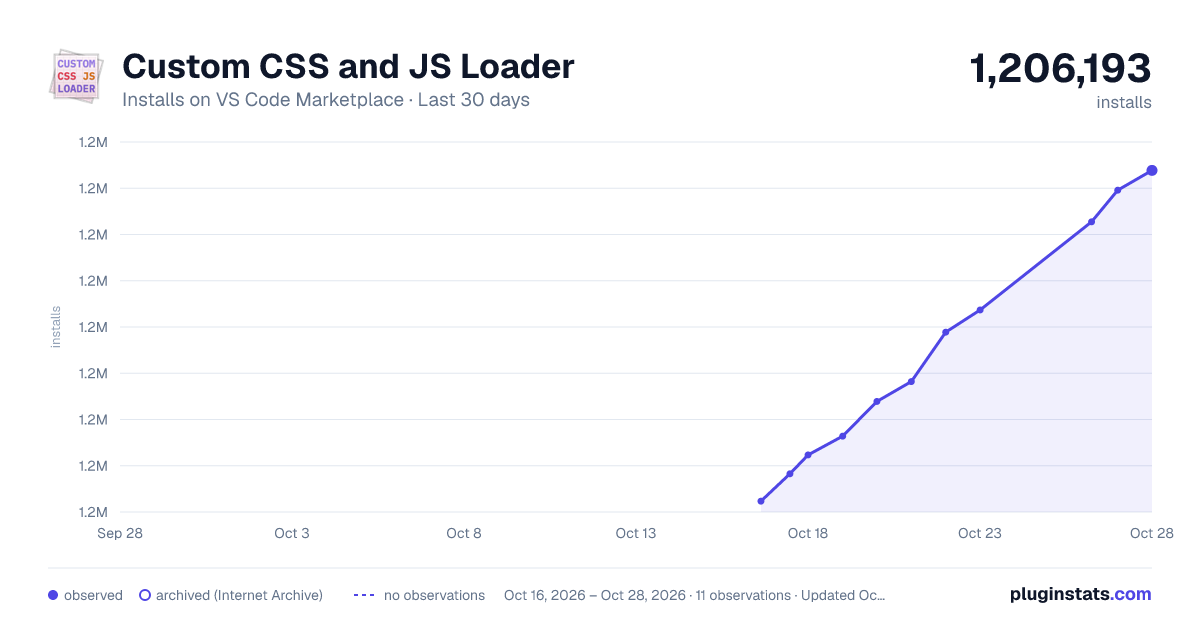
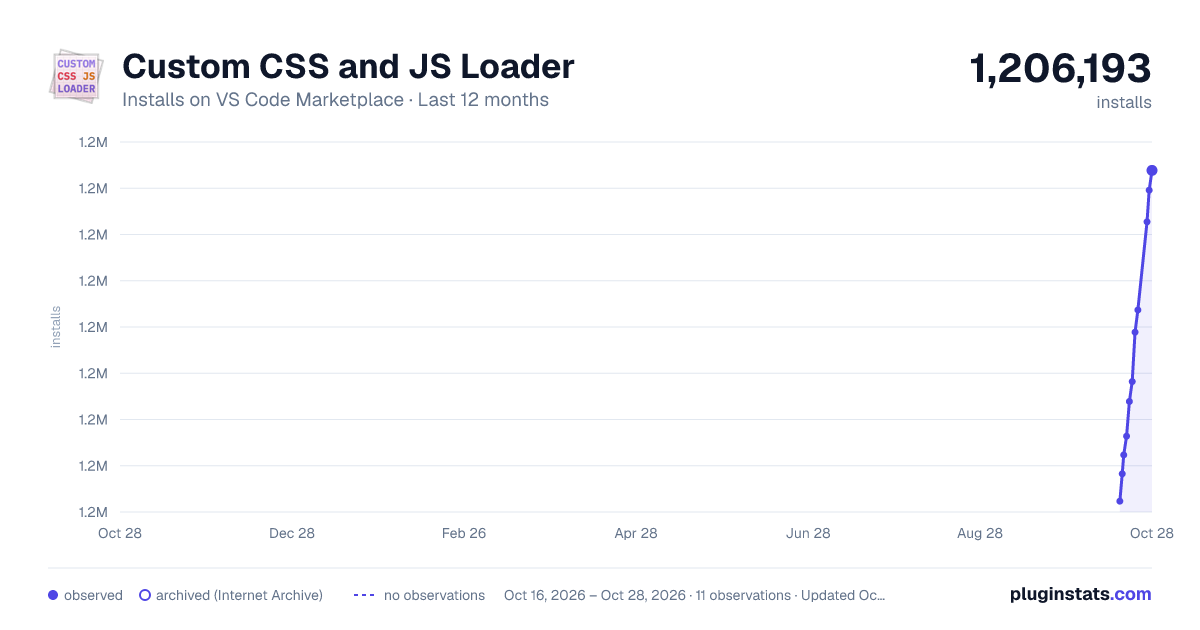
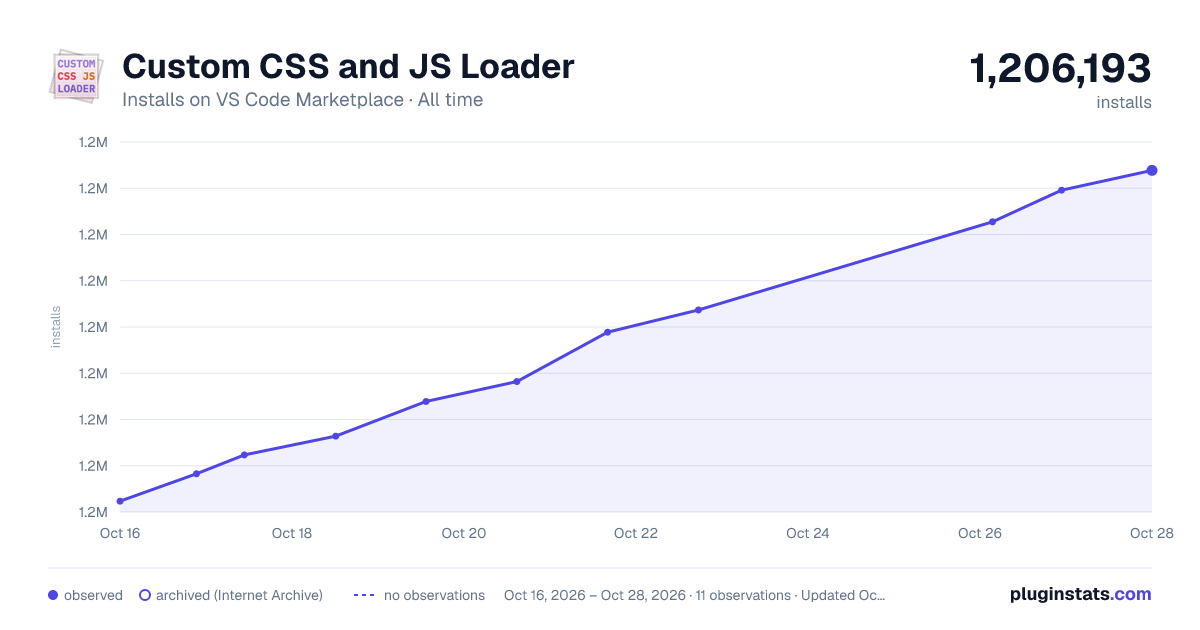
Custom CSS and JS Loader has 1,203,117 recorded installs on VS Code Marketplace.
It ranks #486 of 2,500 tracked VS Code Marketplace listings by installs.
It is rated 4.9 out of 5 from 65 ratings.
PluginStats has 3 daily observations since Oct 16, 2026; the latest is from Oct 18, 2026.
Rating: 4.92 / 5 from 65 ratings
About Custom CSS and JS Loader
Custom CSS and JS
SPECIAL NOTE: If Visual Studio Code complains about that it is corrupted, simply click “Don't show again” or install Fix VSCode Checksums Next.
NOTE: Every time after Visual Studio Code is updated, please re-enable Custom CSS.
NOTE: Every time you change the configuration, please re-enable Custom CSS.
Starting from extension version 6.0, to be compatible with VSCode 1.58, the CSS/JS files being applied will be inlined into VSCode's workbench.
Custom CSS to your Visual Studio Code. Based on robertohuertasm’s vscode-icons.
Getting Started
1. Install this extension.
2. Add to settings.json:
VERY IMPORTANT: Items in vscode_custom_css.imports must be URLs. Plain file paths are NOT URLs.
• Windows File URL Example: file:///C:/Users/MyUserName/Documents/custom.css • The C:/ part is REQUIRED. • MacOS and Linux File URL Example: file:///Users/MyUserName/Documents/custom.css • See here for more details.
3. Restart Visual Studio Code with proper permission to modify itself:
1. Windows: Restart with Administrator Permission.
2. MacOS and Linux: See instructions below.
4. Activate command "Reload Custom CSS and JS".
5. Restart.
Extension commands
As you know to access the command palette and introduce commands you can use *F1* (all OSes), *Ctrl+Shift+P* (Windows & Linux) or *Cmd+Shift+P* (OS X).
• *Enable Custom CSS and JS*: It enables custom CSS and JS URLs listed in “vscode_custom_css.imports”, an array containing URLs of your custom CSS and JS files, in your user settings. • *Disable Custom CSS and JS*: It will disable custom CSS. • *Reload Custom CSS and JS*: Disable and then re-enable it.
Windows users
In Windows, make sure you run your Visual Studio Code in Administrator mode before enabling or disabling your custom style!
Mac and Linux users
The extension would NOT work if Visual Studio Code cannot modify itself. The cases include:
• Code files being read-only, like on a read-only file system or, • Code is not started with the permissions to modify itself.
You need to claim ownership on Visual Studio Code's installation directory, by running this command:
The placeholder means the path to VSCode installation. It is typically:
• /Applications/Visual Studio Code.app/Contents/MacOS/Electron, on MacOS; • /Applications/Visual Studio Code - Insiders.app/Contents/MacOS/Electron, on MacOS when using Insiders branch; • /usr/share/code, on most Linux; • /usr/lib/code/ or /opt/visual-studio-code on Arch Linux.
Mac and Linux package managers may have customized installation path. Please double check your path is correct.
Variables
File URIs support VSCode variables like: ${userHome}. It just replaces supported variables with their values before parsing into a file path. Supported variables are:
• ${cwd} • ${userHome} • ${workspaceFolder} • ${execPath} • ${pathSeparator}, ${/}
${workspaceFolder} represents to the root directory of the workspace currently open in VSCode. It also supports env variables like ${env:ENV_VAR_NAME} and you can specify a fallback value like ${env:ENV_VAR:defaultvalue}
Example
Disclaimer
This extension modifies some Visual Studio Code files so use it at your own risk. Currently, icons are not supported by the extension functionality that Visual Studio Code provides so this extension solves this issue by injecting code into:
• electron-browser/index.html.
The extension will keep a copy of the original file in case something goes wrong. That's what the disable command will do for you.
As this extension modifies Visual Studio Code files, it will get disabled with every Visual Studio Code update. You will have to enable icons again via the command palette.
Take into account that this extension is still in beta, so you may find some bugs while playing with it. Please, report them to the issues section of the Github's repo.
Please, leave a review if you can, so the Visual Studio Code Team can know that this is a very demanded feature and, maybe, they can then provide a proper way to extend the IDE regarding icons and customizations soon enough. ;D
More file extensions will be supported shortly!
Description from the VS Code Marketplace listing.
- css
- javascript
Where Custom CSS and JS Loader sits in the listing
Each band is one page of 20. Installs on a log scale. Placement is projected from installs, so it can differ from the marketplace's own sort order. Hover a dot to see the listing.


Charts
Images: 30d · 1y · all time · 1600×900 dark

Adoption over time


7/30/90-day growth


Ranking history


Filled points are observed values; hollow points come from Internet Archive snapshots of the listing page. Dashed segments span periods with no observations — values between points are not interpolated.
Recent observations
Full history (3)Similar VS Code Marketplace Themes plugins
Data source
Install counts, average rating, and rating counts come from the public Visual Studio Marketplace gallery API. Installs are cumulative and exclude updates.
Listing: https://marketplace.visualstudio.com/items?itemName=be5invis.vscode-custom-css. First seen Oct 16, 2026; last successful collection Oct 18, 2026. See the methodology.