 PluginStats
C/C++ Clang Command Adapter installs statistics
By Yasuaki MITANI · VS Code Marketplace · Programming Languages
Completion and Diagnostic for C/C++/Objective-C using Clang Command
C/C++ Clang Command Adapter has 2,013,185 recorded installs on VS Code Marketplace.
It ranks #345 of 2,500 tracked VS Code Marketplace listings by installs.
It is rated 4.3 out of 5 from 27 ratings.
PluginStats has 3 daily observations since Oct 16, 2026; the latest is from Oct 18, 2026.
Rating: 4.33 / 5 from 27 ratings
About C/C++ Clang Command Adapter
C/C++ Clang Command Adapter
Completion and Diagnostic for C/C++/Objective-C using Clang command.
Important Notes
Clang project officialy starts to implement Language Server named _clangd_. (https://github.com/llvm-mirror/clang-tools-extra/tree/master/clangd)
This extension was renamed to C/C++ Clang Command Adapter to avoid confusion, because this extension is unofficial and only parse output of clang command.
Requirements
• Install Clang • For Max OS X, Clang is installed with Xcode Command Line Tools and PATH is configured automatically. • Configure the PATH environment variable so that you can execute clang command. • or specify clang.executable configuration (See the next section for detail)
Configuration
You can use configuration interface of Visual Studio Code. (Press F1 and type User Settings or Workspace Settings)
Common
• clang.executable: Clang command or the path to the Clang executable (default: clang) • clang.cflags, clang.cxxflags, clang.objcflags: Compiler Options for C/C++/Objective-C
Completion
• clang.completion.enable: Enable/disable completion feature (default: true) • clang.completion.maxBuffer: Tolerable size of clang output for completion (default: 8 * 1024 * 1024 bytes) • clang.completion.triggerChars: Trigger completion when the user types one of the characters (default: [".", ":", ">"])
Diagnostic
• clang.diagnostic.enable: Enable/disable diagnostic feature (default: true) • clang.diagnostic.maxBuffer: Tolerable size of clang output for diagnostic. (default: 256 * 1024 bytes) • clang.diagnostic.delay: The delay in millisecond after which diagnostic starts (default: 500)
Variables
Configurations support some variables which are available in tasks.json. They can be used inside of strings (e.g. "-I${workspaceRoot}/include")
• ${workspaceRoot} • ${cwd} • ${env.ENVIRONMENT_VARIABLE}
Note
Since version 0.2.0, clang.diagnosticDelay, clang.enableCompletion, clang.enableDiagnostic is deprecated. Please update as follows:
• clang.enableCompletion -> clang.completion.enable • clang.enableDiagnostic -> clang.diagnostic.enable • clang.diagnosticDelay -> clang.diagnostic.delay
Command
• ClangCommandAdapter: Show Executable and Compile Options: Showing Clang executable and compile options for the active editor. • ClangCommandAdapter: Trust Workspace: Trust the current workspace. (see #Security) • ClangCommandAdapter: Untrust Workspace: Untrust the current workspace. (see #Security)
Security
The following settings may cause security issue, if you are opening a malicious workspece.
• clang.executable: Arbitrary executables specified in the workspace-level setting will be executed. • clang.cflags, clang.cxxflags, clang.objcflags: Clang command is executed with artibrary options specified in the workspace-level setting.
Therefore, these workspace-level settings are disabled by default. • To enable these workspace-level settings, please trust the workspace from dialog that appears when you open the file. • To change trust/untrust status of the current workspace, please use ClangCommandAdapter: Trust Workspace or ClangCommandAdapter: Untrust Workspace.
Acknowledgements
• Regexp for parsing completion results of Clang is based autocomplete-clang.
Resources
• Repository: https://github.com/mitaki28/vscode-clang • Support: https://github.com/mitaki28/vscode-clang/issues
Description from the VS Code Marketplace listing.
- c
- c++
- cpp
- objective-c
Where C/C++ Clang Command Adapter sits in the listing
Each band is one page of 20. Installs on a log scale. Placement is projected from installs, so it can differ from the marketplace's own sort order. Hover a dot to see the listing.


Charts
Images: 30d · 1y · all time · 1600×900 dark
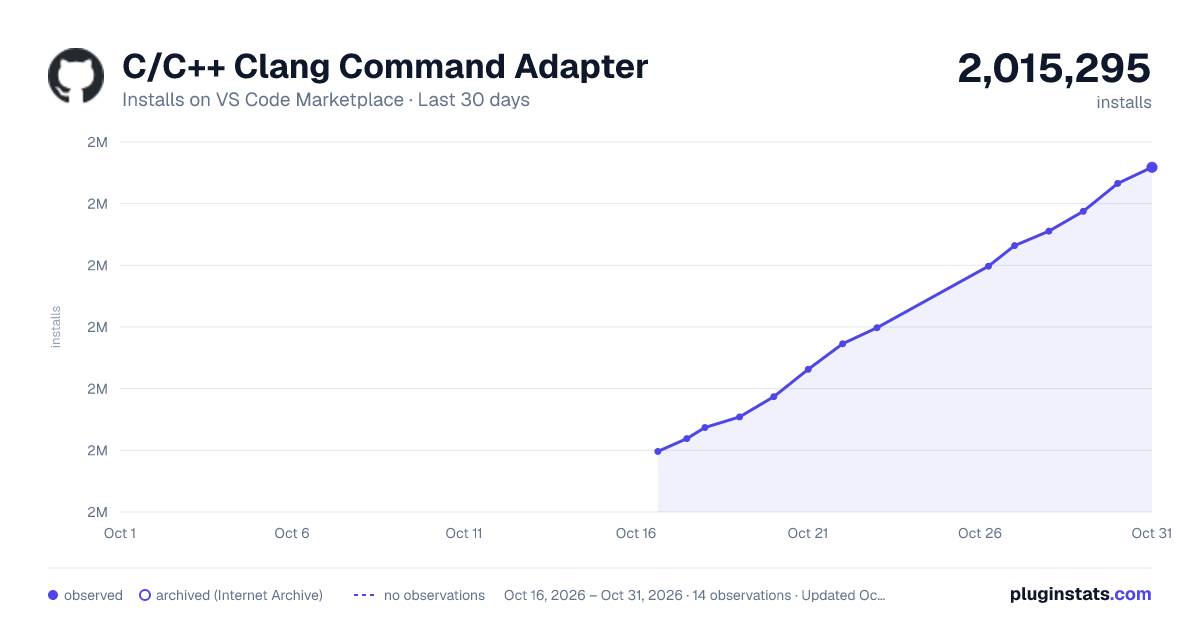
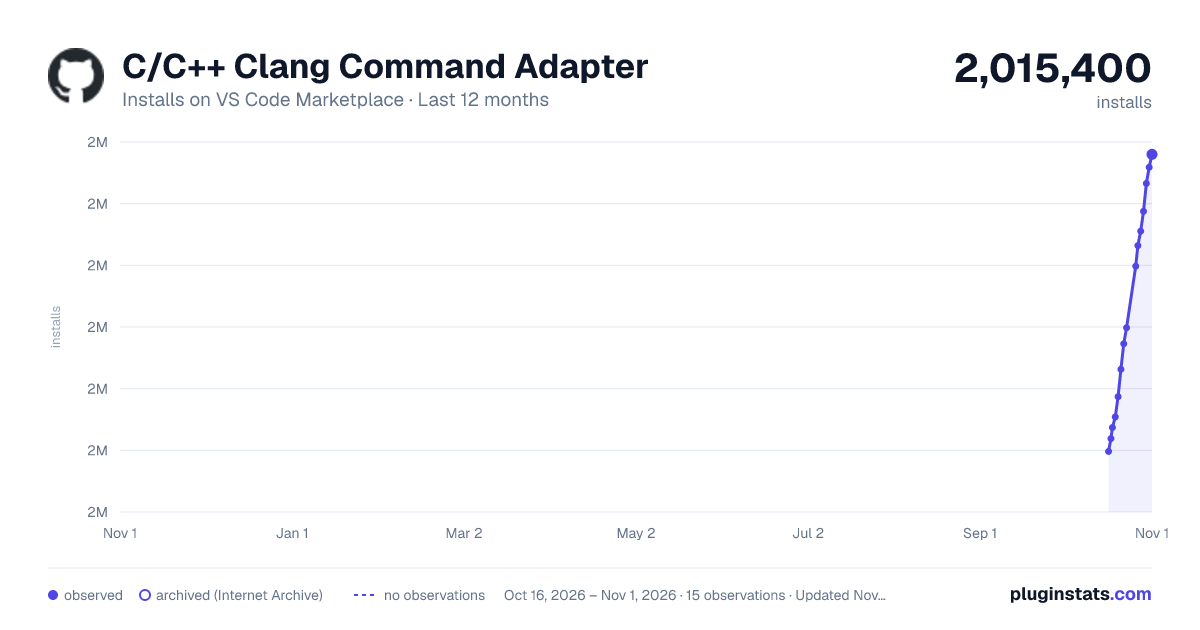
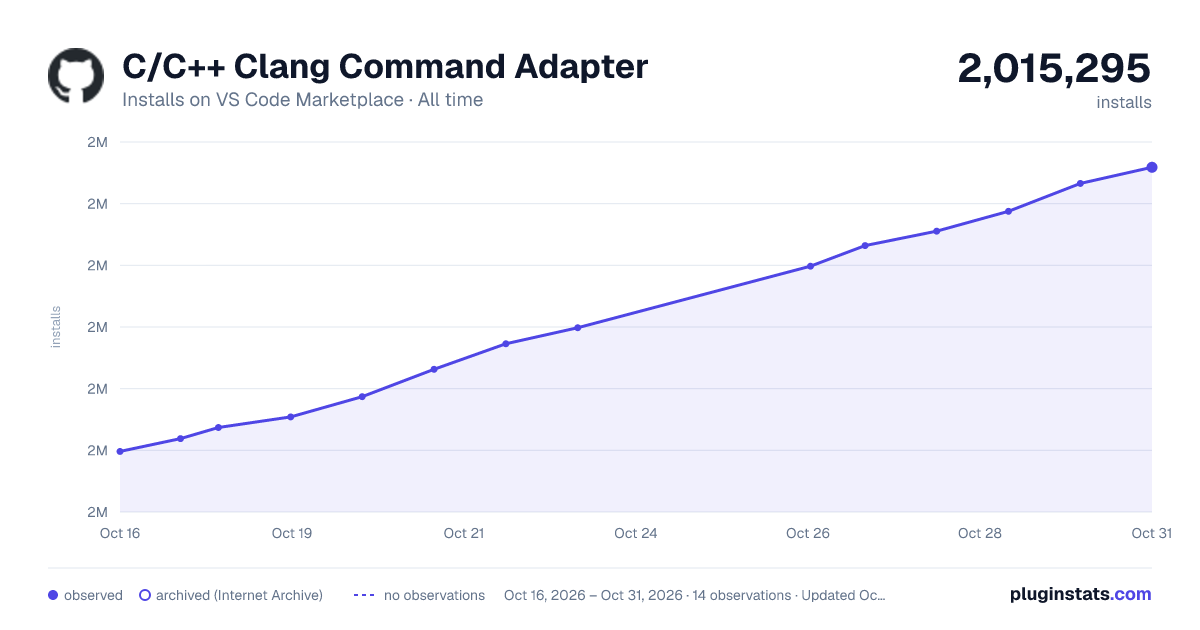

Adoption over time


7/30/90-day growth


Ranking history


Filled points are observed values; hollow points come from Internet Archive snapshots of the listing page. Dashed segments span periods with no observations — values between points are not interpolated.
Recent observations
Full history (3)Similar VS Code Marketplace Programming Languages plugins
Data source
Install counts, average rating, and rating counts come from the public Visual Studio Marketplace gallery API. Installs are cumulative and exclude updates.
Listing: https://marketplace.visualstudio.com/items?itemName=mitaki28.vscode-clang. First seen Oct 16, 2026; last successful collection Oct 18, 2026. See the methodology.