 PluginStats
Polish Language Pack for Visual Studio Code installs statistics
By Microsoft (223 listings) · VS Code Marketplace · Language Packs
Language pack extension for Polish
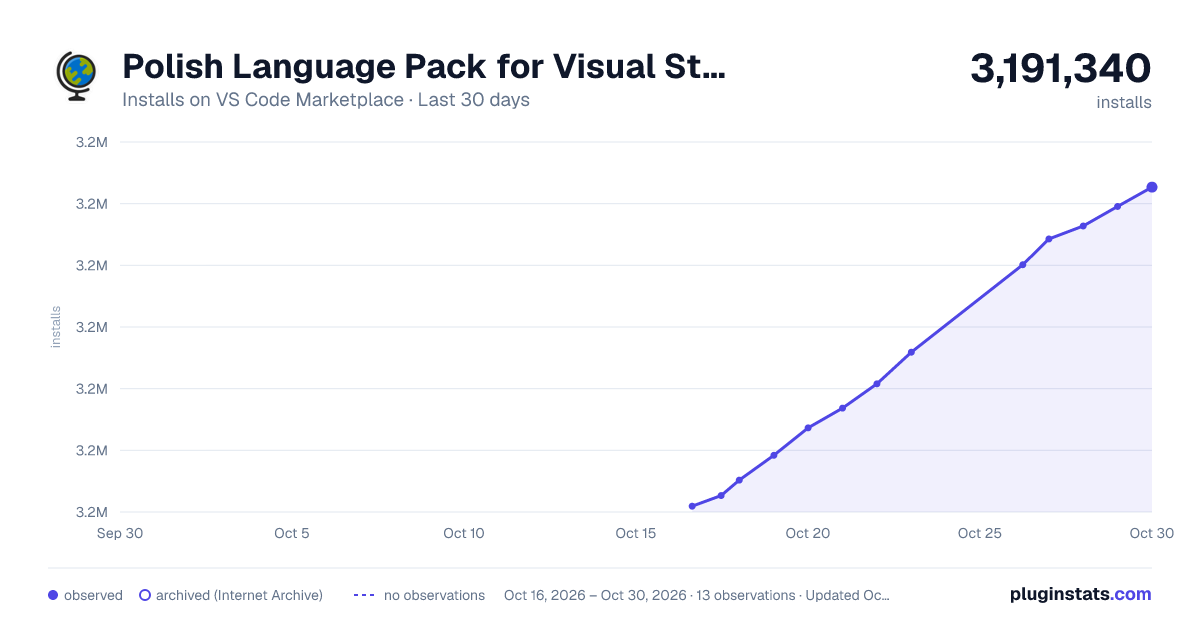
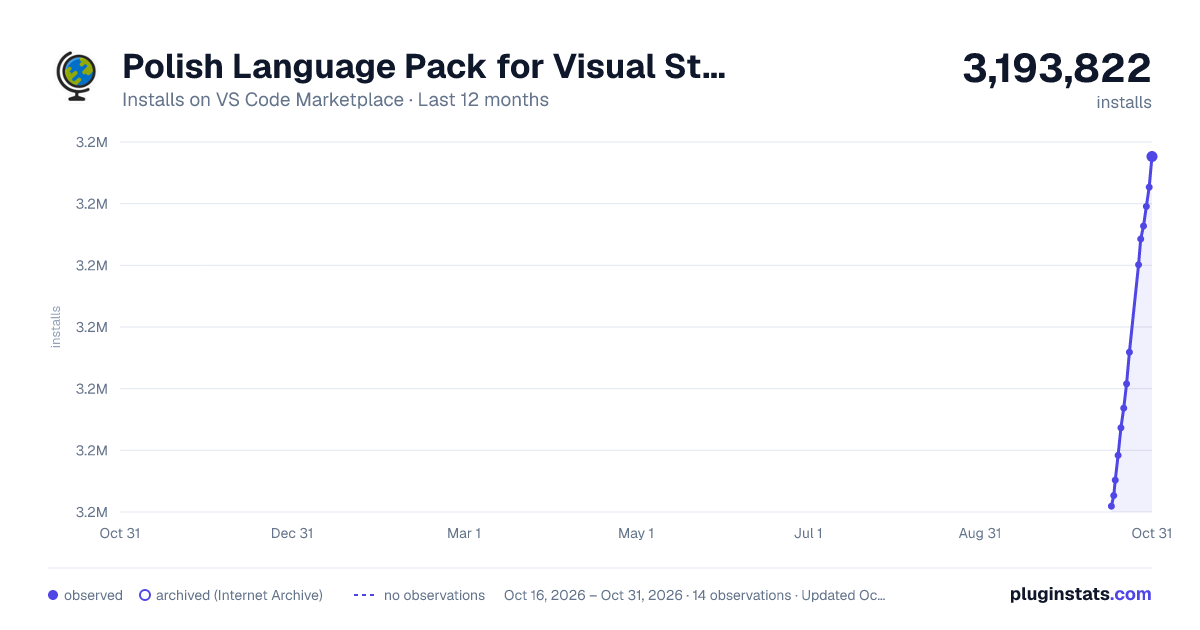
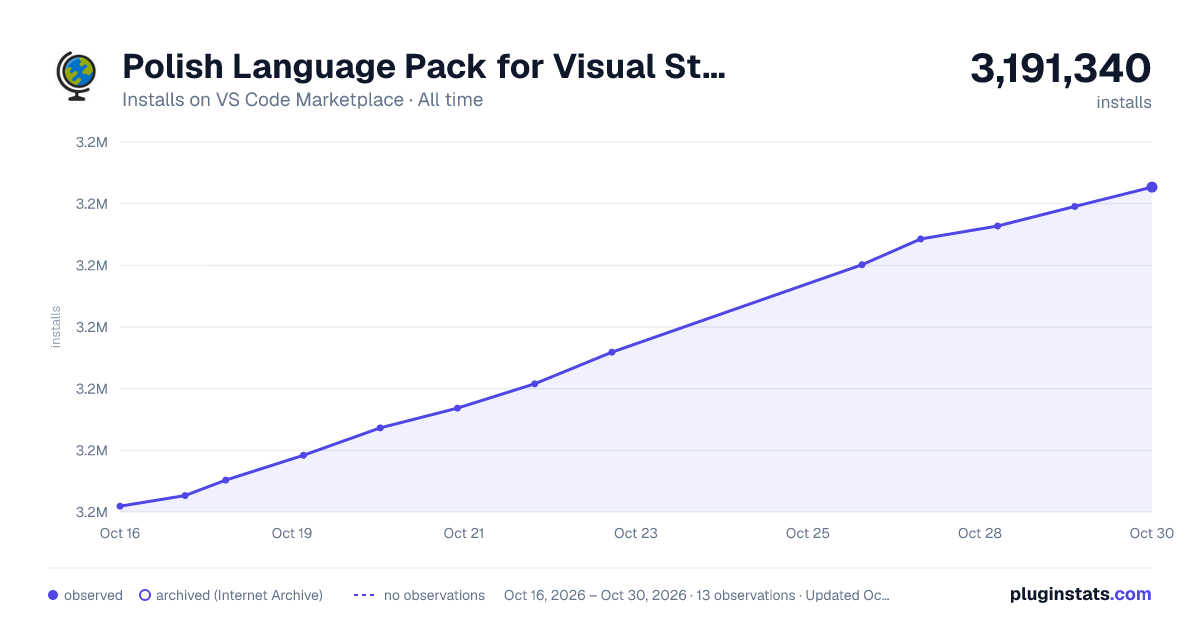
Polish Language Pack for Visual Studio Code has 3,167,585 recorded installs on VS Code Marketplace.
It ranks #243 of 2,500 tracked VS Code Marketplace listings by installs.
It is rated 5.0 out of 5 from 5 ratings.
PluginStats has 3 daily observations since Oct 16, 2026; the latest is from Oct 18, 2026.
Rating: 5.00 / 5 from 5 ratings
About Polish Language Pack for Visual Studio Code
Polish Language Pack for VS Code
Pakiet językowy udostępnia zlokalizowane środowisko interfejsu użytkownika dla programu VS Code.
Użycie
Domyślny język interfejsu użytkownika możesz zmienić, jawnie ustawiając język wyświetlania programu VS Code przy użyciu polecenia „Konfiguruj język wyświetlania”. Naciśnij kombinację klawiszy „Ctrl+Shift+P”, aby wywołać paletę poleceń, a następnie zacznij wpisywać tekst „wyświetlania”, aby odfiltrować i wyświetlić polecenie „Konfiguruj język wyświetlania”. Naciśnij klawisz „Enter”. Zostanie wyświetlona lista zainstalowanych języków według ustawień regionalnych, a bieżące ustawienia regionalne zostaną wyróżnione.Wybierz inne ustawienia regionalne, aby zmienić język interfejsu użytkownika. Zobacz „Dokumentacja”, aby uzyskać więcej informacji.
Dodawanie
Aby przesłać opinię dotyczącą ulepszenia tłumaczenia, utwórz problem w repozytorium „vscode-loc”.
Ciągi tłumaczeń są obsługiwane na platformie Microsoft Localization Platform. Zmiany można wprowadzać wyłącznie na platformie Microsoft Localization Platform, a następnie eksportować je do repozytorium vscode-loc. Żądania ściągnięcia w repozytorium vscode-loc nie będą akceptowane.
Licencja
Kod źródłowy i ciągi są objęte licencją „MIT”.
Miłego korzystania!
Polish Language Pack for VS Code
Polish Language Pack provides localized UI experience for VS Code.
Usage
You can override the default UI language by explicitly setting the VS Code display language using the Configure Display Language command.
Press Ctrl+Shift+P to bring up the Command Palette then start typing display to filter and display the Configure Display Language command.
Press Enter and a list of installed languages by locale is displayed, with the current locale highlighted. Select another locale to switch UI language.
See Docs for more information.
Contributing
For feedback of translation improvement, please create Issue in vscode-loc repo.
The translation strings are maintained in Microsoft Localization Platform. Change can only be made in Microsoft Localization Platform then export to vscode-loc repo. So pull request won't be accepted in vscode-loc repo.
License
The source code and strings are licensed under the MIT license.
Enjoy!
Description from the VS Code Marketplace listing.
- lp-pl
- polski
Where Polish Language Pack for Visual Studio Code sits in the listing
Each band is one page of 20. Installs on a log scale. Placement is projected from installs, so it can differ from the marketplace's own sort order. Hover a dot to see the listing.


Charts
Images: 30d · 1y · all time · 1600×900 dark

Adoption over time


7/30/90-day growth


Ranking history


Filled points are observed values; hollow points come from Internet Archive snapshots of the listing page. Dashed segments span periods with no observations — values between points are not interpolated.
Recent observations
Full history (3)Similar VS Code Marketplace Language Packs plugins
Data source
Install counts, average rating, and rating counts come from the public Visual Studio Marketplace gallery API. Installs are cumulative and exclude updates.
Listing: https://marketplace.visualstudio.com/items?itemName=MS-CEINTL.vscode-language-pack-pl. First seen Oct 16, 2026; last successful collection Oct 18, 2026. See the methodology.