 PluginStats
Verilog Format installs statistics
By Ericson Joseph · VS Code Marketplace · Formatters
Console application for apply format to verilog file.
Verilog Format has 101,640 recorded installs on VS Code Marketplace.
It ranks #2343 of 2,501 tracked VS Code Marketplace listings by installs.
It is rated 3.1 out of 5 from 8 ratings.
PluginStats has 4 daily observations since Oct 16, 2026; the latest is from Oct 19, 2026.
Rating: 3.13 / 5 from 8 ratings
About Verilog Format
vscode VerilogFormat
VerilogFormat Extension is a tool for formatter verilog files. This extension use the console aplication verilog-format.
Requirements
1. IMPORTANTE, verilog-format executable. Install verilog-format
Extension Settings
1. File > Preferences > Settings > Verilog Format > Path
Path of executable verilof-format. • LINUX: /verilog-format • WIN: /verilog-format.exe
2. File > Preferences > Settings > Verilog Format > Settings
Path of file .verilog-format.properties (global settings). Example: ~/.verilog-format.properties
Important: If project folder don't have the file .verilog-format.properties (local settings) the global settings is used. If no files exist the internal settings is used.
Verilog-Format Style Options
This options are setting in .verilog-format.properties file.
Example
IndentWidth=[number]
IndentType=[space|tab]
SpacesInParentheses=[true|false]
SpacesInSquareBrackets=[true|false]
AlignBlockingAssignments=[true|false]
AlignNoBlockingAssignments=[true|false]
AlignLineComments=[true|false]
SpacesBeforeTrailingComments=[number]
SpacesAfterTrailingComments=[number]
Known Issues
ERR: multiple module align in file not work.
Release Notes
Line indent and align module definition.
SpacesBeforeTrailingComments SpacesAfterTrailingComments AlignLineComments AlignNoBlockingAssignments AlignBlockingAssignments SpacesInParentheses SpacesInSquareBrackets
1.0.1
Add more documentation, new feactures and fix bugs.
1.0.0
Initial release of verilog-format vscode extension.
Description from the VS Code Marketplace listing.
- verilog
Where Verilog Format sits in the listing
Each band is one page of 20. Installs on a log scale. Placement is projected from installs, so it can differ from the marketplace's own sort order. Hover a dot to see the listing.


Charts
Images: 30d · 1y · all time · 1600×900 dark
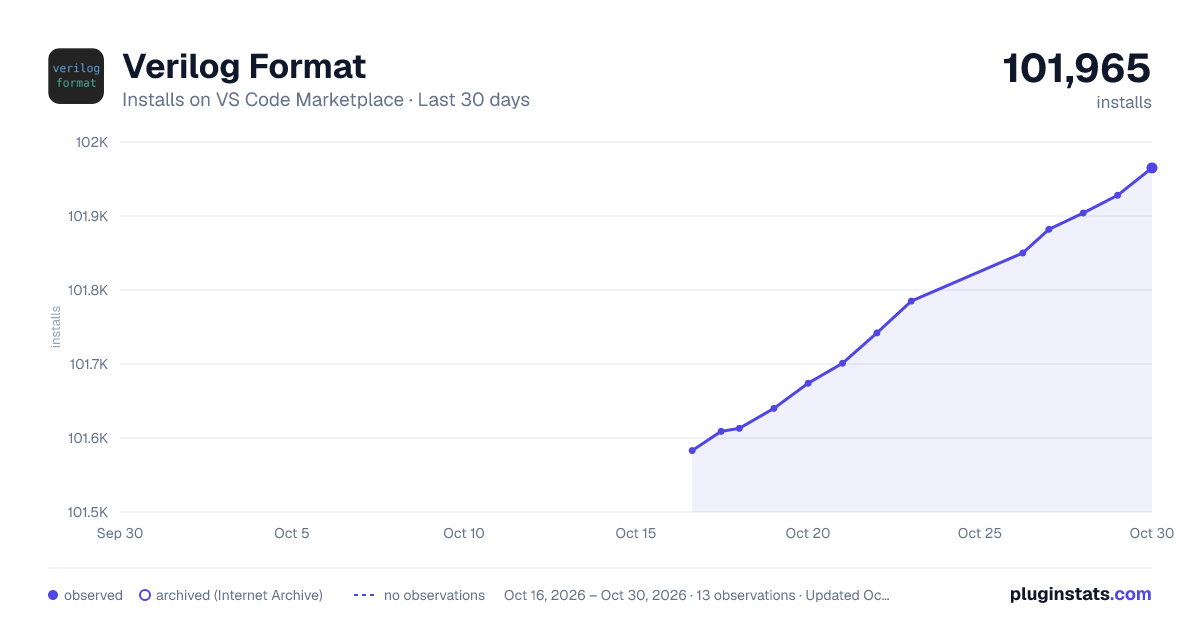
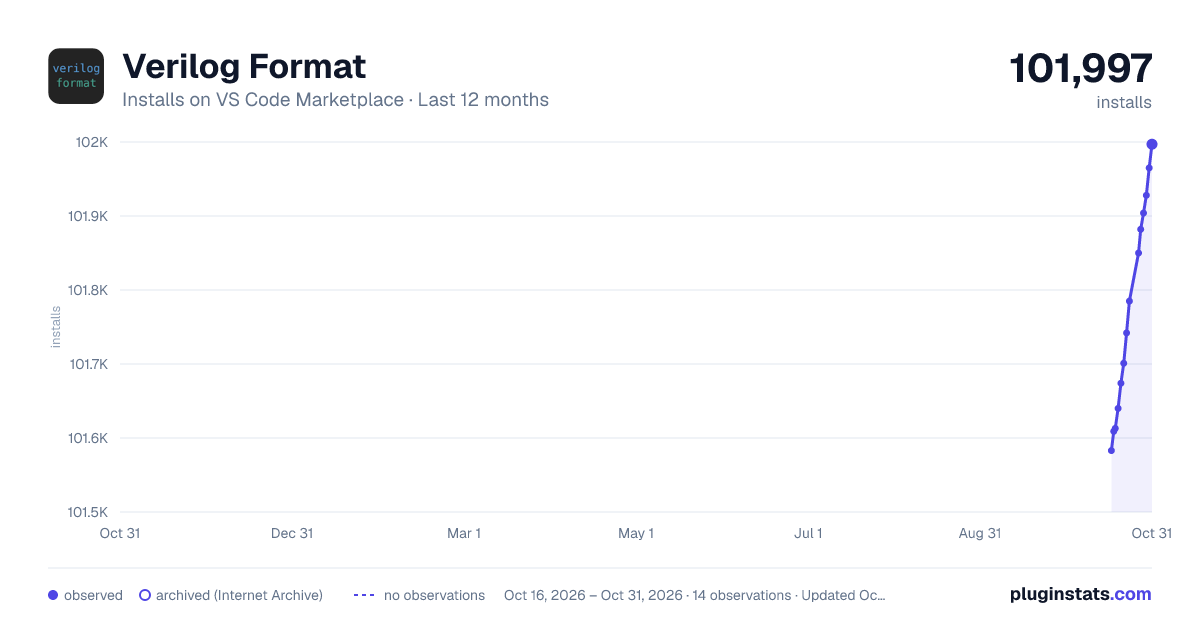
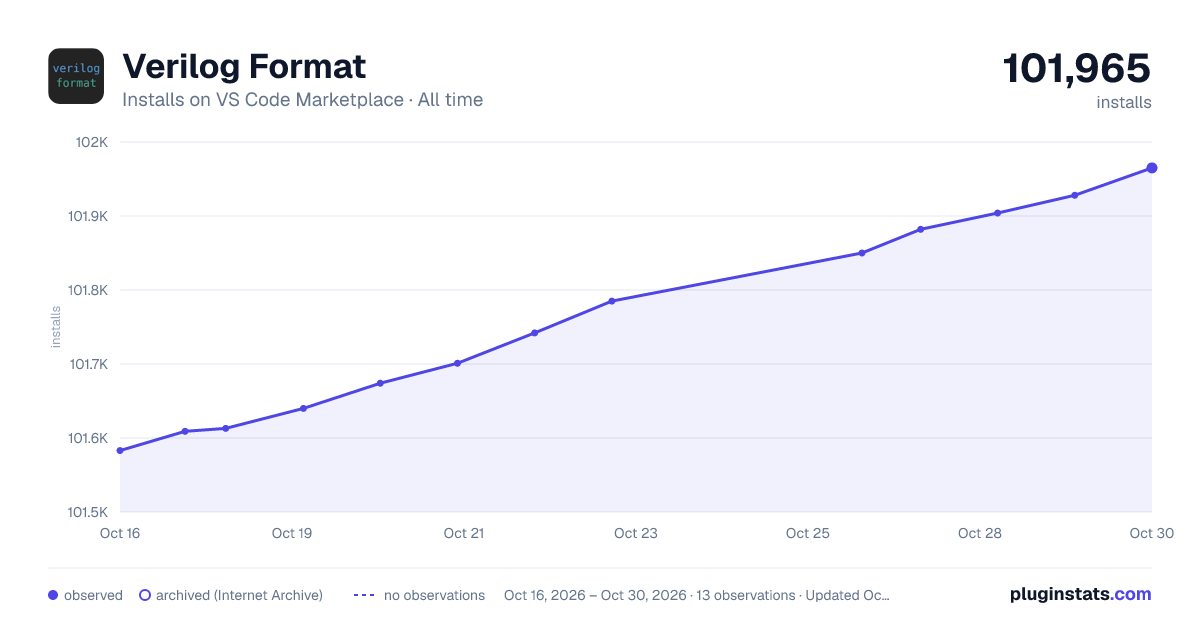

Adoption over time


7/30/90-day growth


Ranking history


Filled points are observed values; hollow points come from Internet Archive snapshots of the listing page. Dashed segments span periods with no observations — values between points are not interpolated.
Recent observations
Full history (4)Similar VS Code Marketplace Formatters plugins
Data source
Install counts, average rating, and rating counts come from the public Visual Studio Marketplace gallery API. Installs are cumulative and exclude updates.
Listing: https://marketplace.visualstudio.com/items?itemName=ericsonj.verilogformat. First seen Oct 16, 2026; last successful collection Oct 19, 2026. See the methodology.