 PluginStats
gi installs statistics
By Hasit Mistry · VS Code Marketplace · Other
Generating .gitignore files made easy
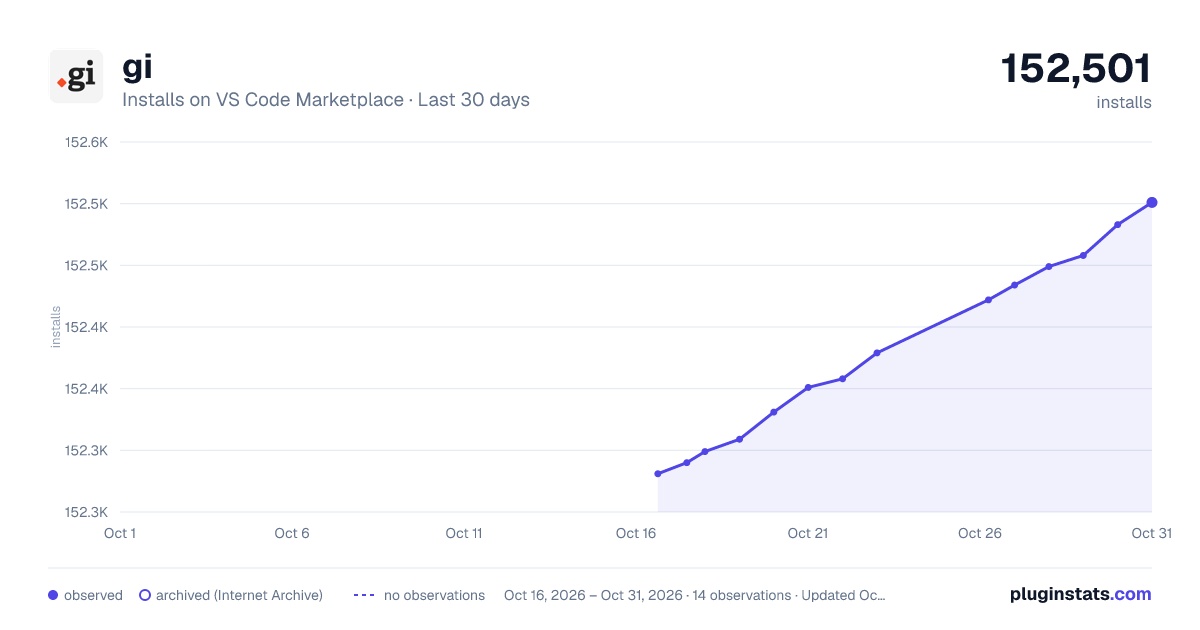
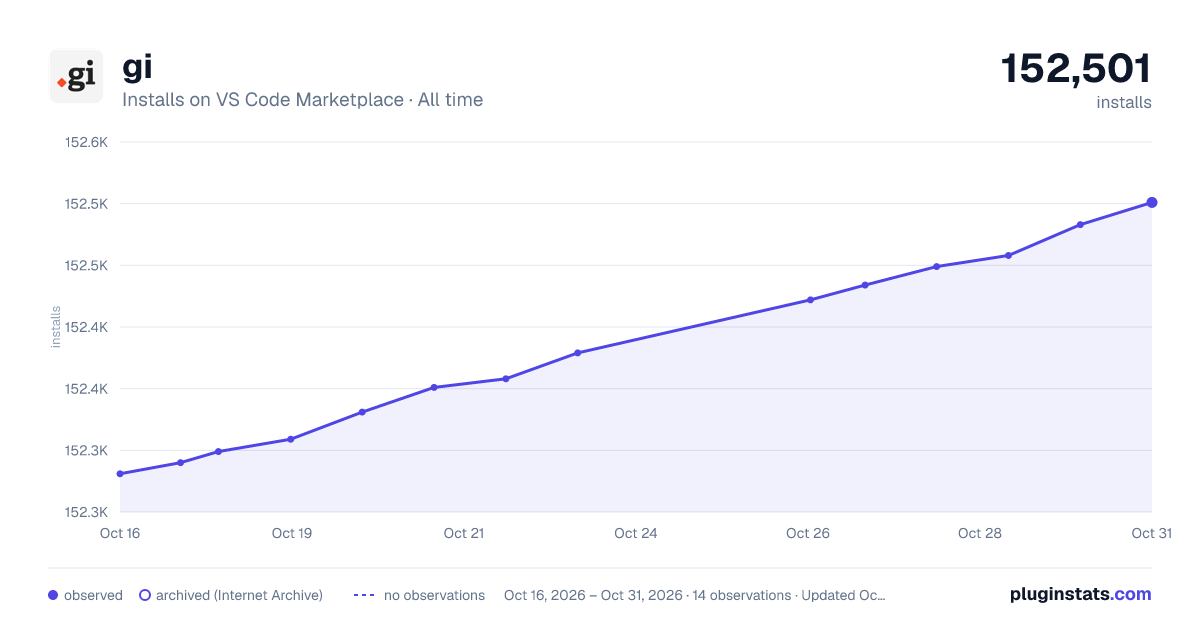
gi has 152,299 recorded installs on VS Code Marketplace.
It ranks #1835 of 2,500 tracked VS Code Marketplace listings by installs.
It is rated 4.9 out of 5 from 10 ratings.
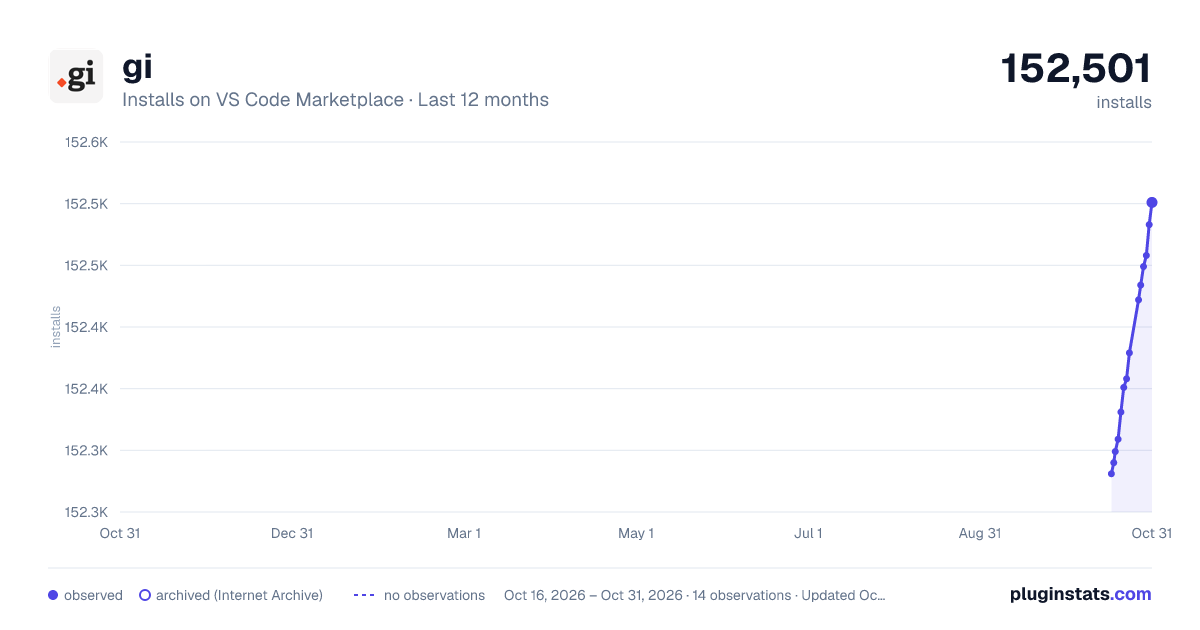
PluginStats has 3 daily observations since Oct 16, 2026; the latest is from Oct 18, 2026.
Rating: 4.90 / 5 from 10 ratings
About gi
gi
gi stands for 'gitignore'. It is an extension for generating .gitignore files from inside Visual Studio Code. gi uses the gitignore.io API to keep the list of operating systems, IDEs and programming languages updated.
Install
Press Cmd+P for MacOS and Ctrl+P for Linux/Windows to launch VS Code Quick Open, paste the following command, and press enter.
Usage
Once you install and reload Visual Studio Code, you can run the extension by launching the Command Palette with Shift+Cmd+P for MacOS and Shift+Ctrl+P for Linux/Windows. Type in the following into the command palette.
Once you press enter, gi will load a list of operating systems, IDEs, and programming lanuages. This might take a second so bare with it.
You can search for (yay showQuickPick()!) the operating system, IDE, or programming lanuage you want to generate a .gitignore file for. Even though I would like you (the user) to be able to pick multiple items from the list, it is currenly not supported by vscode namespace API. I have put in a feature request here, but it seems that it has been on the todo list for quite some time now here.
gi will show the result of your actions in two places depending on importance. 1. InformationMessage - InformationMessage is the toast that slides down and requires an action from you. High level details such as '.gitignore created' are shown here. 2. StatusBarMessage - Status bar (View -> Toggle Status Bar) is at the bottom of the window. Low level details such as 'You picked node.' are shown here.
At any moment you can press the Escape - key to stop gi.
Todo
• Add tests. • Add multi-select support to list.
Contributing
This is my very first extention for Visual Studio Code. If you find the code to be bug ridden, with mistakes or just plain old amazing, send in a word. You are welcome to comment/ask questions/post issues/send PRs on the Github page.
Note
gi uses the API exposed by gitignore.io. I made this extension as a learning experience.
I would like to thank Joe Blau for this work on gitignore.io's API and Jason Long for his help with creating the awesome icon used by gi.
Description from the VS Code Marketplace listing.
Where gi sits in the listing
Each band is one page of 20. Installs on a log scale. Placement is projected from installs, so it can differ from the marketplace's own sort order. Hover a dot to see the listing.


Charts
Images: 30d · 1y · all time · 1600×900 dark

Adoption over time


7/30/90-day growth


Filled points are observed values; hollow points come from Internet Archive snapshots of the listing page. Dashed segments span periods with no observations — values between points are not interpolated.
Recent observations
Full history (3)Similar VS Code Marketplace Other plugins
Data source
Install counts, average rating, and rating counts come from the public Visual Studio Marketplace gallery API. Installs are cumulative and exclude updates.
Listing: https://marketplace.visualstudio.com/items?itemName=rubbersheep.gi. First seen Oct 16, 2026; last successful collection Oct 18, 2026. See the methodology.