 PluginStats
Jest installs statistics
By Orta (2 listings) · VS Code Marketplace · Testing
Use Facebook's Jest With Pleasure.
Jest has 3,891,478 recorded installs on VS Code Marketplace.
It ranks #209 of 2,500 tracked VS Code Marketplace listings by installs.
It is rated 3.3 out of 5 from 108 ratings.
PluginStats has 3 daily observations since Oct 16, 2026; the latest is from Oct 18, 2026.
Rating: 3.30 / 5 from 108 ratings
About Jest
vscode-jest
Getting Started
This extension supports full jest features in vscode environment to make testing more intuitive and fun. It should work out-of-the-box for most common jest projects. To get started:
1. Setup jest in your project if you haven't. 2. install "Jest" extension in vscode. 3. reload or restart vscode
If the extension can find the jest command, by default it will automatically run and monitor all tests in watch mode upon launch, and you should see tests, status, errors, coverage (if enabled) in TestExplorer and editors like this:
If you have a more sophisticated project configuration or prefer to run tests differently, fear not, the extension supports extensive customization settings. For example:
• you can use jest.jestCommandLine to tell the extension to use yarn test instead of the default jest command. • you can use jest.runMode to optimize performance and control when the extension should run your tests. • you can use the extension with monorepo projects, see monorepo project support for details.
You can see the full features and learn more details in the How-To section. If you encounter an unexpected error, feel free to checkout the Troubleshooting or file an issue.
Happy testing!
Releases
• Current (v6.4.4): release note • Previous (v6.4.0): release note
All: Release Notes
Content • vscode-jest • Getting Started • Releases • Features • Installation • User Interface • How To? • How to set up the extension? • How to change runMode for the current session? • How to trigger a test run? • How to debug tests? • How to use code coverage? • How to read coverage scheme and customize it • How to update and view snapshots • How to use the extension with monorepo projects? • How to read the StatusBar? • How to perform Quick-Fix? • How to see more debug info (self-diagnosis)? • Customization • Settings • jestCommandLine • rootPath • coverageFormatter • coverageColors • outputConfig • runMode • autoRun • testExplorer • shell • monitorLongRun • autoRevealOutput • parserPluginOptions • virtualFolders • Debug Config • Debug Config v2 • Commands • Menu • Troubleshooting • Jest failed to run • Performance issue? • Intermittent errors for (npm/yarn/node) command not found during test run or debugging • I don't see "Jest" in the bottom status bar • What to do with "Long Running Tests Warning" • The tests and status do not match or some tests showing question marks unexpectedly? • Want to Contribute? • License
Features
• Starts Jest automatically for most projects with runnable jest configurations. • Supports monorepo, react, react-native, angular, vue and various configurations/platforms. • Supports running multiple jest processes within the same workspace folder. • Fully integrated with the vscode TestExplorer. • Help debug jest tests in vscode. • View and update snapshots interactively. • Show coverage information in files being tested. • Supports both automatic and manual test runs at any level, and easy-switch via UI. • Supports additional IntelliSense for jest methods. • Show fails inline of the expect function, as well as in the problem inspector. • active community support.
Installation
Simply open Visual Studio Code, go to the extension view and search for "Jest". Alternatively, open Jest - Visual Studio Marketplace and click "Install".
For detailed releases and migration help, please see releases.
User Interface
This extension fully integrates with the VSCode testing framework, supporting both automatic and on-demand test runs. In addition to the standard VSCode Test Explorer interface, the extension provides additional UI elements to simplify the development workflow:
1. Dynamic Run Mode: Run mode dictates the overall user experience, determining when tests should run, with or without coverage, error display style, etc. Different run modes may have different performance implications, particularly for larger projects. We realized that runMode preference could change even within a given project, for example developers prefer "watch" runMode when doing light code changes to ensure nothing breaks, may prefer the 'on-demand' mode during heavy test development for greater control over test execution. A static runMode config in "settings.json" is simply not sufficient. Therefore, we added the runMode quick switch so users can easily switch to different runMode without permanently modifying the "settings.json".
2. Interactive Test Run: Besides automatic test executions ("watch", "on-save"), users can initiate full test actions, such as run, debug, update/view snapshot, from both editor and Test Explorer through various UI components.
3. Test Output: The extension offers native jest run outputs in both the "TERMINAL" and "TEST RESULTS" panel. "TEST RESULTS" panel mainly displays test run output in execution order, while "TERMINAL" groups test output by workspace folder/virtual-folder, and also includes extension configuration details, quick-fix suggestions, etc. By default, the output appears when tests run, but this can be adjusted via the outputConfig setting.
4. Extension Status: Upon successful launch of the extension, the status bar shows the run status for the active folder, and the aggregated test status for the whole workspace. Clicking on each status reveals the associated output window.
How To?
How to set up the extension?
Hopefully, you don't have to do anything. If you can run jest from the terminal, you should be able to use this extension.
The extension will try to auto-config a jest command and debug config when needed. If the auto-config fails, or any non-test error occurred, users should see an quick-fix-chooser link in the output terminal to help resolving the issues.
For more details see the setup tool and the complete customization options in settings.
How to change runMode for the current session?
To adjust the runMode during your current session:…
Description from the VS Code Marketplace listing.
- debug
- debuggers
- jest
- jest-snapshot
- keybindings
- multi-root ready
- react
- snippet
Where Jest sits in the listing
Each band is one page of 20. Installs on a log scale. Placement is projected from installs, so it can differ from the marketplace's own sort order. Hover a dot to see the listing.


Charts
Images: 30d · 1y · all time · 1600×900 dark
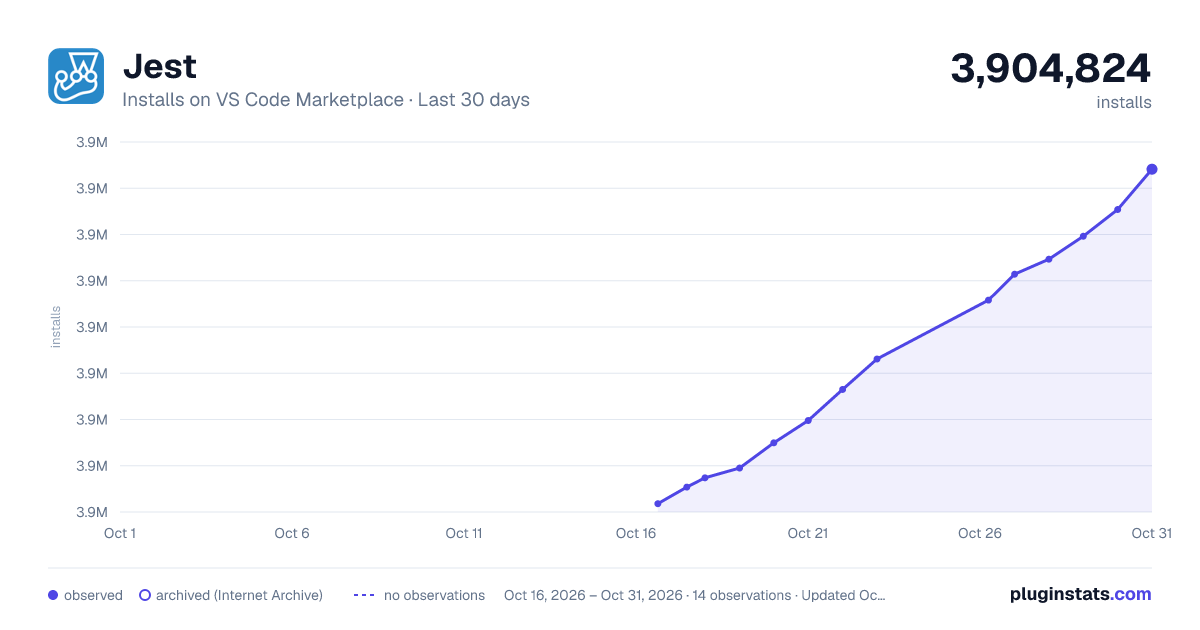
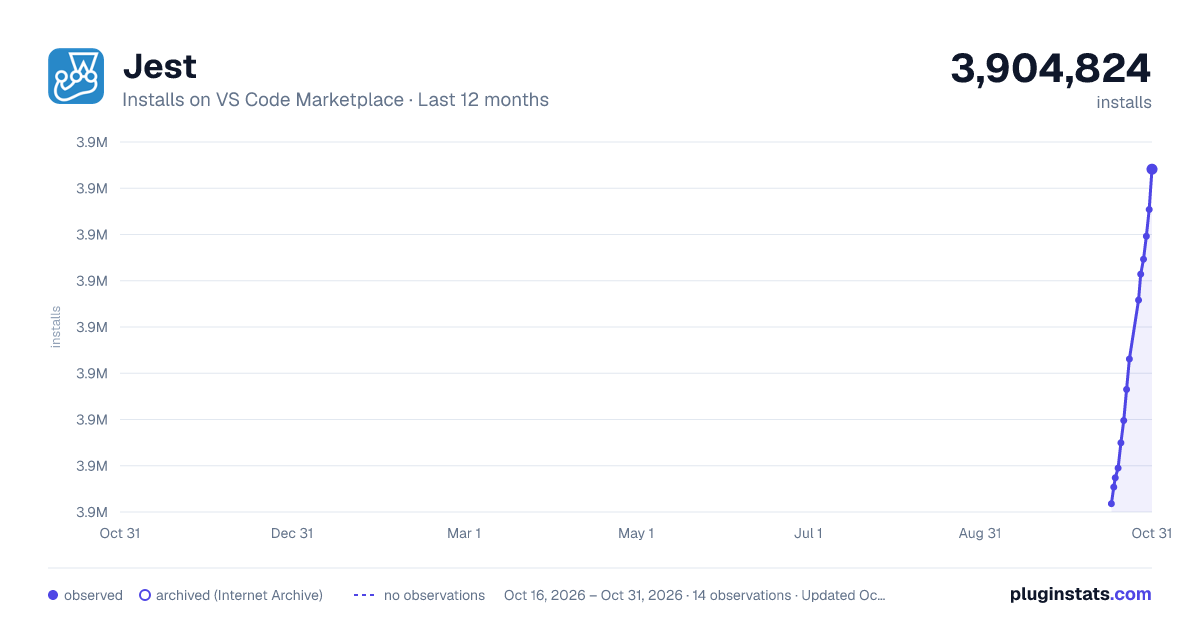
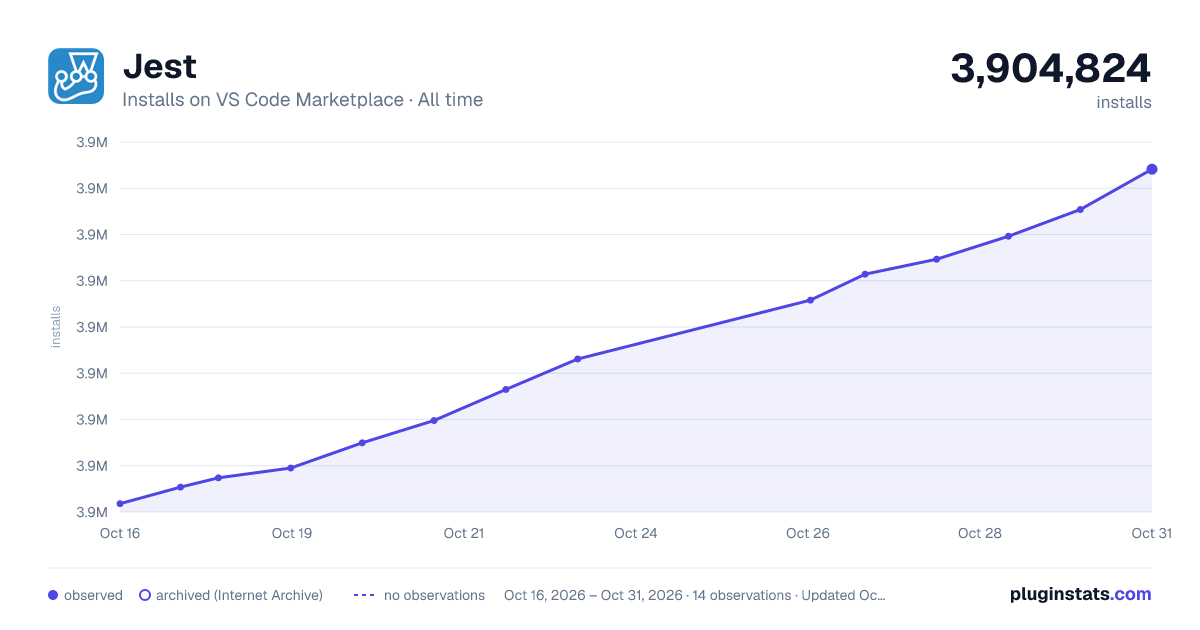

Adoption over time


7/30/90-day growth


Filled points are observed values; hollow points come from Internet Archive snapshots of the listing page. Dashed segments span periods with no observations — values between points are not interpolated.
Recent observations
Full history (3)Similar VS Code Marketplace Testing plugins
Data source
Install counts, average rating, and rating counts come from the public Visual Studio Marketplace gallery API. Installs are cumulative and exclude updates.
Listing: https://marketplace.visualstudio.com/items?itemName=Orta.vscode-jest. First seen Oct 16, 2026; last successful collection Oct 18, 2026. See the methodology.