 PluginStats
Markdown Editor installs statistics
By zaaack · VS Code Marketplace · Programming Languages
A full-featured WYSIWYG editor for markdown.
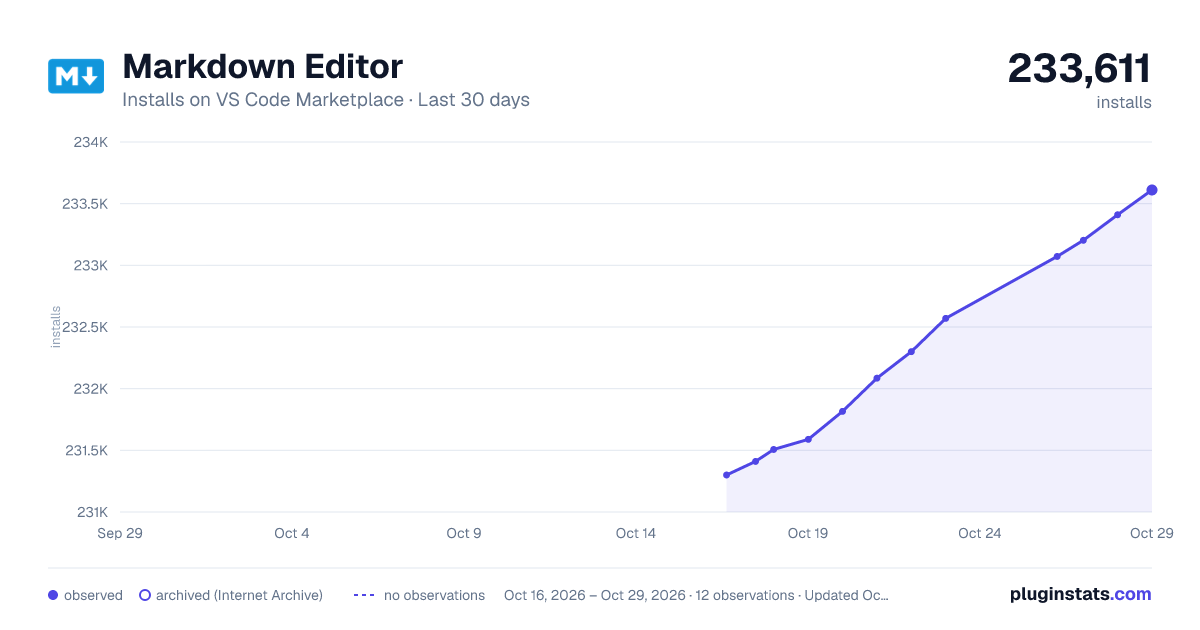
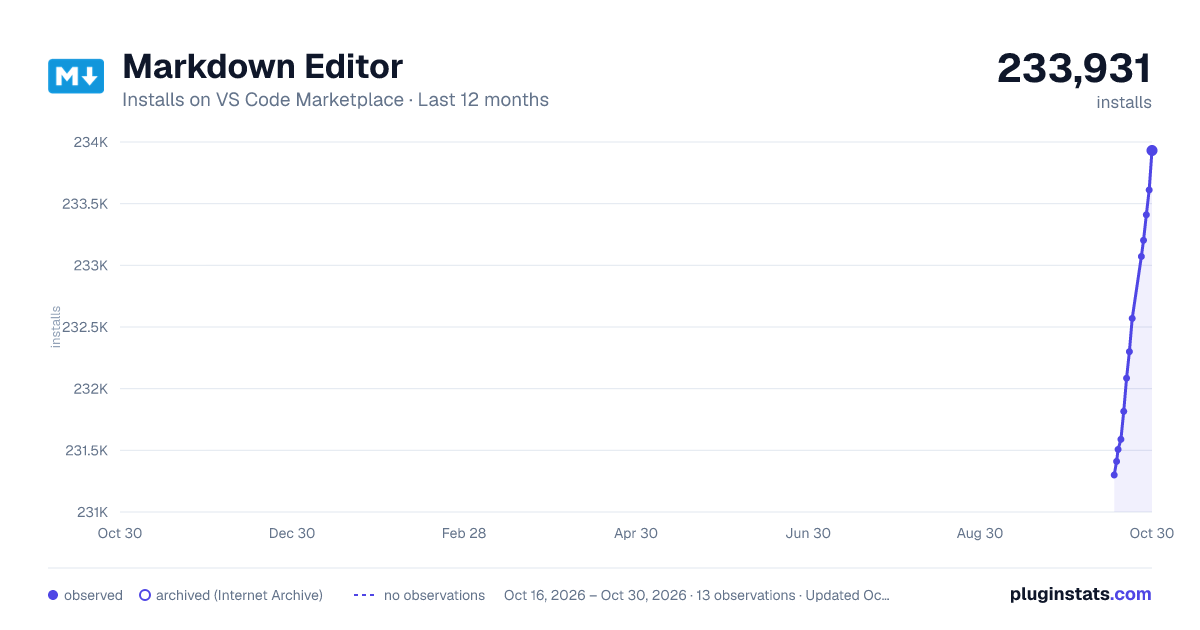
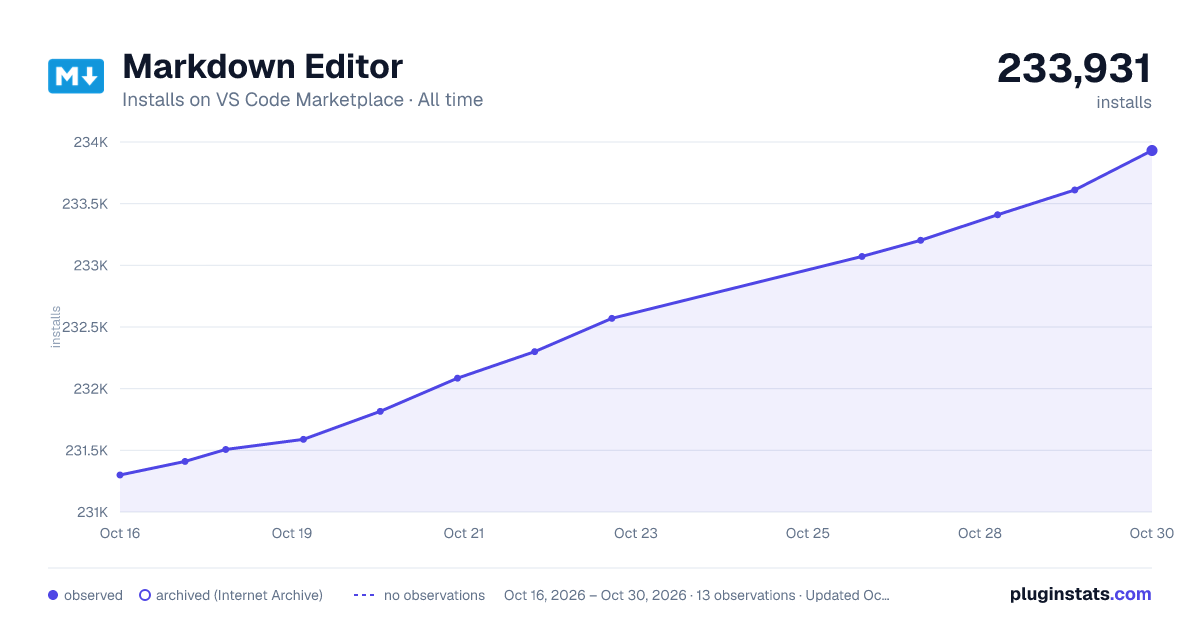
Markdown Editor has 231,507 recorded installs on VS Code Marketplace.
It ranks #1367 of 2,500 tracked VS Code Marketplace listings by installs.
It is rated 4.5 out of 5 from 37 ratings.
PluginStats has 3 daily observations since Oct 16, 2026; the latest is from Oct 18, 2026.
Rating: 4.51 / 5 from 37 ratings
About Markdown Editor
Markdown Editor — A full-featured WYSIWYG editor for markdown
Demo
Features
1. What You See Is What You Get (WYSIWYG) 2. Auto sync changes between the VSCode editor and webview 3. Copy markdown/html 4. Uploaded/pasted/drag-dropped images will be auto-saved to the assets folder 5. Multi-theme support 6. Shortcut keys 7. Multiple editti[](https://)ng modes: instant Rendering mode (Recommand!) / WYSIWYG mode / split screen mode 8. Markdown extensions 9. Multiple graph support including KaTeX / Mermaid / Graphviz / ECharts / abc.js(notatioan) / ... 10. For more usage please see vditor
Install
https://marketplace.visualstudio.com/items?itemName=zaaack.markdown-editor
Supported syntax
demo article
Usage
1. Command mode in markdown file
• open a markdown file • type cmd-shift-p to enter command mode • type markdown-editor: Open with markdown editor
2. Key bindings
• open a markdown file • type ctrl+shift+alt+m for win or cmd+shift+alt+m for mac
3. Explorer Context menu
• right click on markdown file • then click Open with markdown editor
4. Editor title context menu
• right click on a opened markdown file's tab title • then click Open with markdown editor
5. Open With... and Set Default Editor
• right click on a markdown file in Explorer • click Open With... • select Markdown Editor to open temporary • or click Configure default editor... and select Markdown Editor to set it as default
Custom CSS (custom layout and vditor personalization)
Edit your settings.json and add
Acknowledgement
• vscode • vditor
Todo
• [ ] Using Custom Text Editor (demo)
License
MIT
Support
If you like this extension make sure to star the repo. I am always looking for new ideas and feedback. In addition, it is possible to donate via paypal.
Description from the VS Code Marketplace listing.
- editor
- keybindings
- markdown
- markdown-editor
- markdown-previewer
- typora
- wysiwyg
Where Markdown Editor sits in the listing
Each band is one page of 20. Installs on a log scale. Placement is projected from installs, so it can differ from the marketplace's own sort order. Hover a dot to see the listing.


Charts
Images: 30d · 1y · all time · 1600×900 dark

Adoption over time


7/30/90-day growth


Ranking history


Filled points are observed values; hollow points come from Internet Archive snapshots of the listing page. Dashed segments span periods with no observations — values between points are not interpolated.
Recent observations
Full history (3)Similar VS Code Marketplace Programming Languages plugins
Data source
Install counts, average rating, and rating counts come from the public Visual Studio Marketplace gallery API. Installs are cumulative and exclude updates.
Listing: https://marketplace.visualstudio.com/items?itemName=zaaack.markdown-editor. First seen Oct 16, 2026; last successful collection Oct 18, 2026. See the methodology.