 PluginStats
macros installs statistics
By ctf0 (3 listings) · VS Code Marketplace · Other
automate repetitive actions with custom macros
macros has 129,497 recorded installs on VS Code Marketplace.
It ranks #2031 of 2,500 tracked VS Code Marketplace listings by installs.
It is rated 5.0 out of 5 from 3 ratings.
PluginStats has 3 daily observations since Oct 16, 2026; the latest is from Oct 18, 2026.
Rating: 5.00 / 5 from 3 ratings
About macros
Macros
Brings simple, powerful custom macros support to VS Code. Made with Preferences > User Settings)
For example:
This macro creates a copy of the current line, comments out the original line, and moves the cursor down to the copy.
Your macros can run any built-in VS Code action, and even actions from other extensions. To see all the names of possible actions VS Code can run, see Default Keyboard Shortcuts (Code|File > Preferences > Keyboard Shortcuts)
Give your macros names that briefly describe what they do.
## Add Keybindings to Run your Macros
in keybindings.json (Code|File > Preferences > Keyboard Shortcuts) add bindings to your macros:
Notice that macros.my_macro_name has to match what you named your macro.
## Passing Arguments to Commands
Many commands accept arguments, like the "type" command which lets you insert text into the editor. For these cases use an object instead of a string when specifying the command to call in your settings.json:
Reference of VScode commands that needs arguments can be found in Built-in Commands. Note that simple-commands that can be found in the Keyboard Shortcuts list doesn't use argument : Built-in Commands#simple-commands.
## Executing Snippets As Part Of A Macro
Macros can also execute any of your snippets which is super neat. Just insert the same text that you would normally type for the snippet, followed by the insertSnippet command:
New
## Run macro From command pallet
simply use Ctrl+P or Alt+P depend on your os, and type Macros:Execute then chose the macro you want to execute.
## Run Commands With A Delay
## Run A Command Times Another Command #48
## Repeat A Command #36
## In/Ex-clude Commands From The Quick Picker "allow take precedence over ignore"
Description from the VS Code Marketplace listing.
Where macros sits in the listing
Each band is one page of 20. Installs on a log scale. Placement is projected from installs, so it can differ from the marketplace's own sort order. Hover a dot to see the listing.


Charts
Images: 30d · 1y · all time · 1600×900 dark
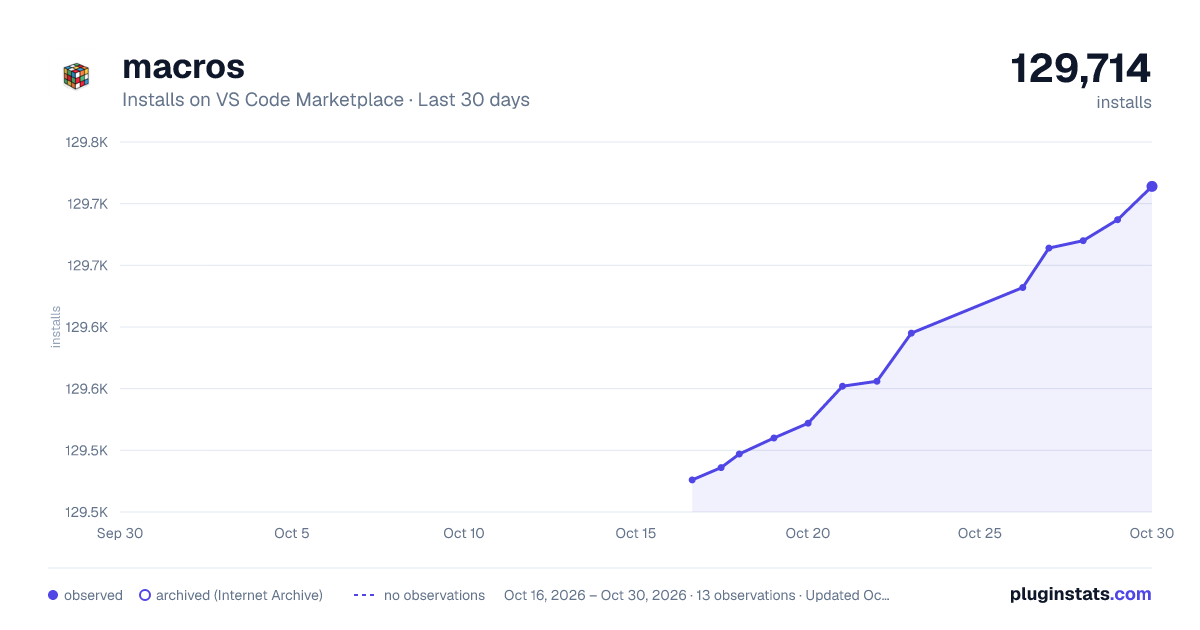
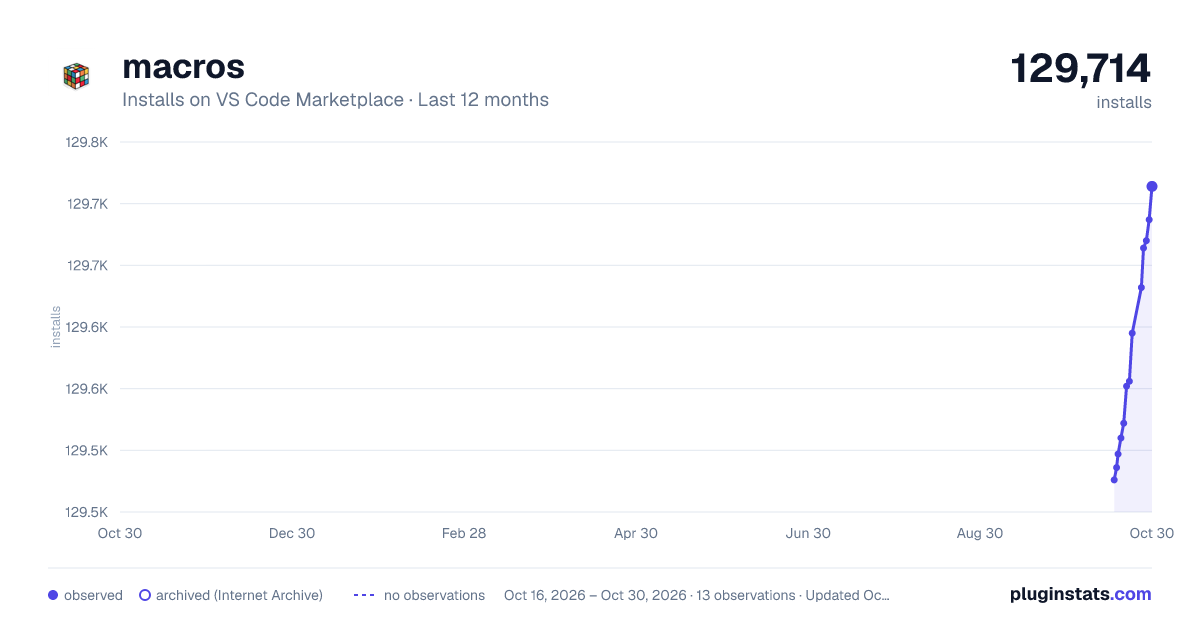


Adoption over time


7/30/90-day growth


Filled points are observed values; hollow points come from Internet Archive snapshots of the listing page. Dashed segments span periods with no observations — values between points are not interpolated.
Recent observations
Full history (3)Similar VS Code Marketplace Other plugins
Data source
Install counts, average rating, and rating counts come from the public Visual Studio Marketplace gallery API. Installs are cumulative and exclude updates.
Listing: https://marketplace.visualstudio.com/items?itemName=ctf0.macros. First seen Oct 16, 2026; last successful collection Oct 18, 2026. See the methodology.