 PluginStats
Ruby LSP installs statistics
By Shopify (14 listings) · VS Code Marketplace · Programming Languages
VS Code plugin for connecting with the Ruby LSP
Ruby LSP has 1,954,390 recorded installs on VS Code Marketplace.
It ranks #353 of 2,500 tracked VS Code Marketplace listings by installs.
It is rated 2.8 out of 5 from 61 ratings.
PluginStats has 3 daily observations since Oct 16, 2026; the latest is from Oct 18, 2026.
Rating: 2.82 / 5 from 61 ratings
About Ruby LSP
Ruby LSP
The Ruby LSP is an implementation of the language server protocol for Ruby, used to improve rich features in editors.
Features
The Ruby LSP features include
• Semantic highlighting • Symbol search and code outline • RuboCop errors and warnings (diagnostics) • Format on save (with RuboCop or Syntax Tree) • Format on type • Debugging support • Running and debugging tests through VS Code's UI • Go to definition • Showing documentation on hover • Completion • Fuzzy search declarations anywhere in the project (workspace symbol) • Running Rails generators from the UI
See complete information about features here.
If you experience issues, please see the troubleshooting guide.
[Experimental] GitHub Copilot chat agent
For users of Copilot, the Ruby LSP contributes a Ruby agent for AI assisted development of Ruby applications. Below you can find the documentation of each command for the Ruby agent. For information about how to interact with Copilot Chat, check VS Code's official documentation.
Design command
The @ruby /design command is intended to be a domain driven design expert to help users model concepts for their Rails applications. Users should describe what type of application they are building and which concept they are trying to model. The command will read their Rails application's schema and use their prompt, previous interactions and the schema information to provide suggestions of how to design the application. For example,
The output is a suggested schema for courses including relationships with users. In the chat window, two buttons will appear: Generate with Rails, which invokes the Rails generators to create the models suggested, and Revert previous generation, which will delete files generated by a previous click in the generate button.
As with most LLM chat functionality, suggestions may not be fully accurate, especially in the first iteration. Users can continue chatting with the @ruby agent to fine tune the suggestions given, before deciding to move forward with generation.
If you have feedback about this feature, you can let us know in the DX Slack or by creating an issue.
Usage
Search for Shopify.ruby-lsp in the extensions tab and click install.
By default, the Ruby LSP will generate a .ruby-lsp directory with a composed bundle that includes the server gem. Additionally, it will attempt to use available version managers to select the correct Ruby version for any given project. Refer to configuration for more options.
Commands
Available commands are listed below and can always be found by searching for the Ruby LSP prefix in the command palette (Default hotkey: CMD + SHIFT + P).
| Command | Description |
| Ruby LSP: Start | Start the Ruby LSP server | | Ruby LSP: Restart | Restart the Ruby LSP server | | Ruby LSP: Stop | Stop the Ruby LSP server | | Ruby LSP: Update language server gem | Updates the ruby-lsp server gem to the latest version |
Snippets
This extension provides convenience snippets for common Ruby constructs, such as blocks, classes, methods or even unit test boilerplates. Find the full list here.
Configuration
Enable or disable features
The Ruby LSP allows disabling specific features. To do so, open the language status center right next to the language mode Ruby and select Manage right next to enabled features.
Ruby version managers
To boot the server properly, the Ruby LSP uses a version manager to activate the right environment variables that point Bundler to the Ruby and gem paths. This is especially necessary when switching between projects that use different Ruby versions - since those paths change and need to be reactivated.
By default, the Ruby LSP will attempt to automatically determine which version manager it should use, checking which ones are available (auto option). If that fails, then the version manager must be manually configured. You can do so by clicking Change version manager in the language status center or by changing your VS Code user settings.
To make sure that the Ruby LSP can find the version manager scripts, make sure that they are loaded in the shell's configuration script (e.g.: ~/.bashrc, ~/.zshrc) and that the SHELL environment variable is set and pointing to the default shell.
[!NOTE]
For manager-specific notes, setting up custom activation for managers not listed above and community-contributed examples, please see version managers.
Configuring a formatter
The tool to be used for formatting files can be configured with the following setting.
Ruby version requirement
By default, the Ruby LSP uses the current project's Ruby version and bundle. This allows the LSP to index the correct gem versions, and to ensure formatting behavior is consistent with CI.
The Ruby LSP and its main dependency Prism (the new Ruby parser) both follow the same policy, which is to support only Ruby versions that are not beyond their end-of-life.
If you're working on a project with an older Ruby version, it might be possible to install older versions of the server gem to get support for older rubies, but that might also involve using older versions of the VS Code extension - since some functionality requires implementations in both client and server.
The other alternative is to use a custom Gemfile separate from the project with a different Ruby version. Notice that certain functionality may be degraded or require manual configuration, since the Ruby LSP will not be able to inspect the project's real bundle to discover dependencies. Please see the instructions below.
Using a custom Gemfile
If you are working on a project using an older version of Ruby not supported by Ruby LSP, then you may specify a separate Gemfile for development tools.
Note: when using this, gems will not be installed automatically and neither will ruby-lsp upgrades.…
Description from the VS Code Marketplace listing.
- chat-participant
- debuggers
- erb
- rbs
- ruby
- snippet
Where Ruby LSP sits in the listing
Each band is one page of 20. Installs on a log scale. Placement is projected from installs, so it can differ from the marketplace's own sort order. Hover a dot to see the listing.


Charts
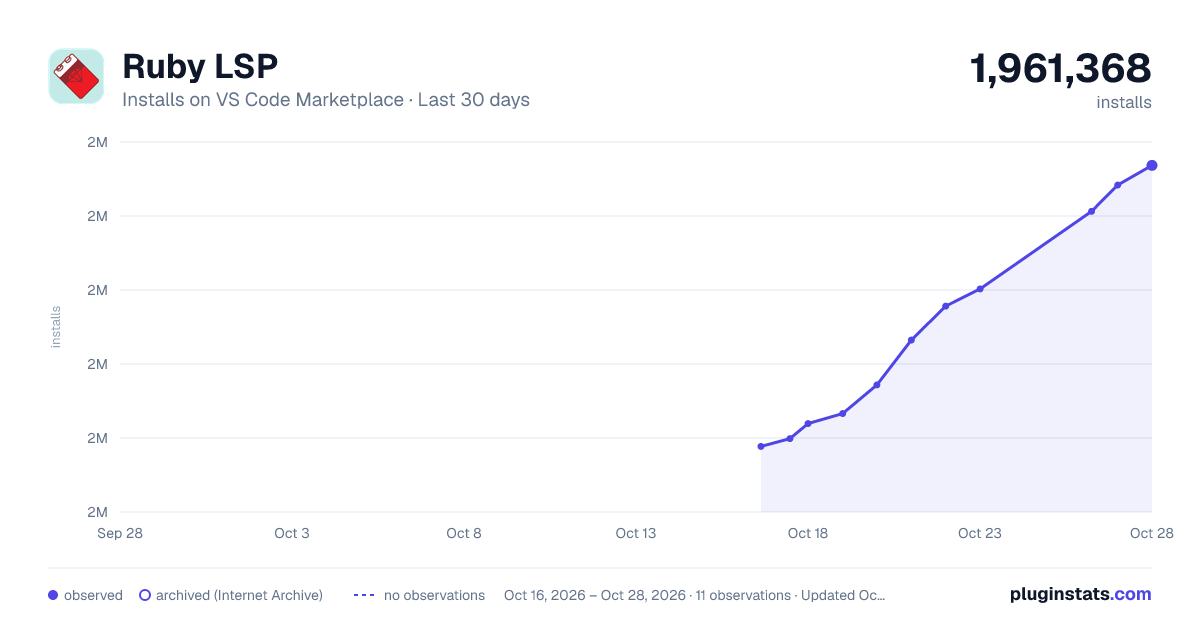
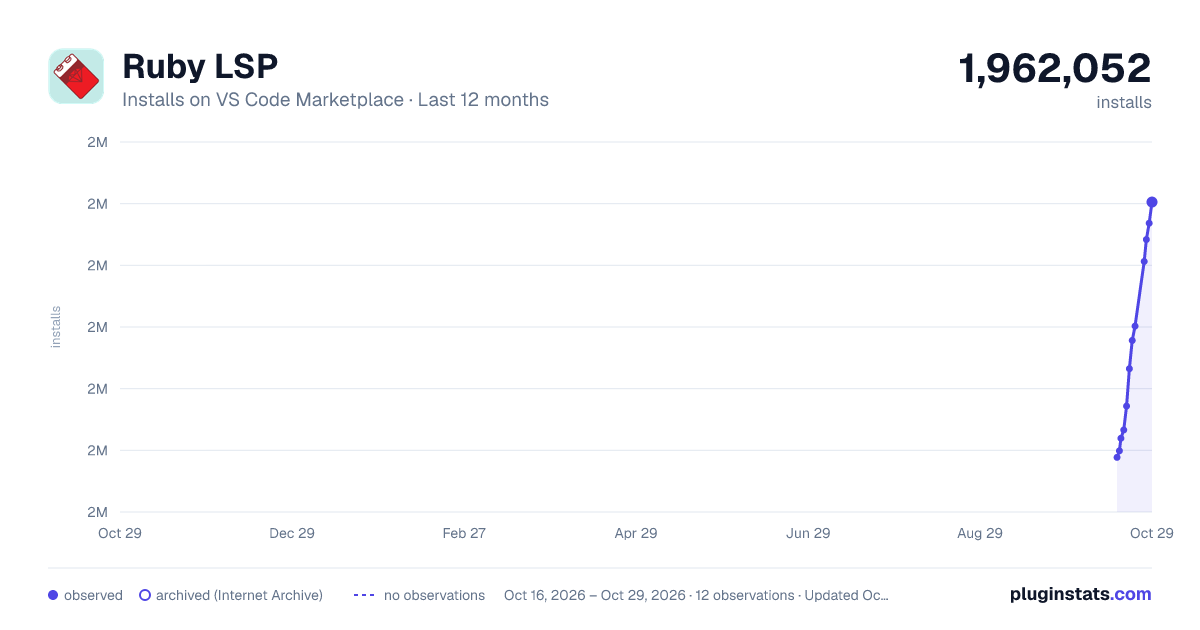
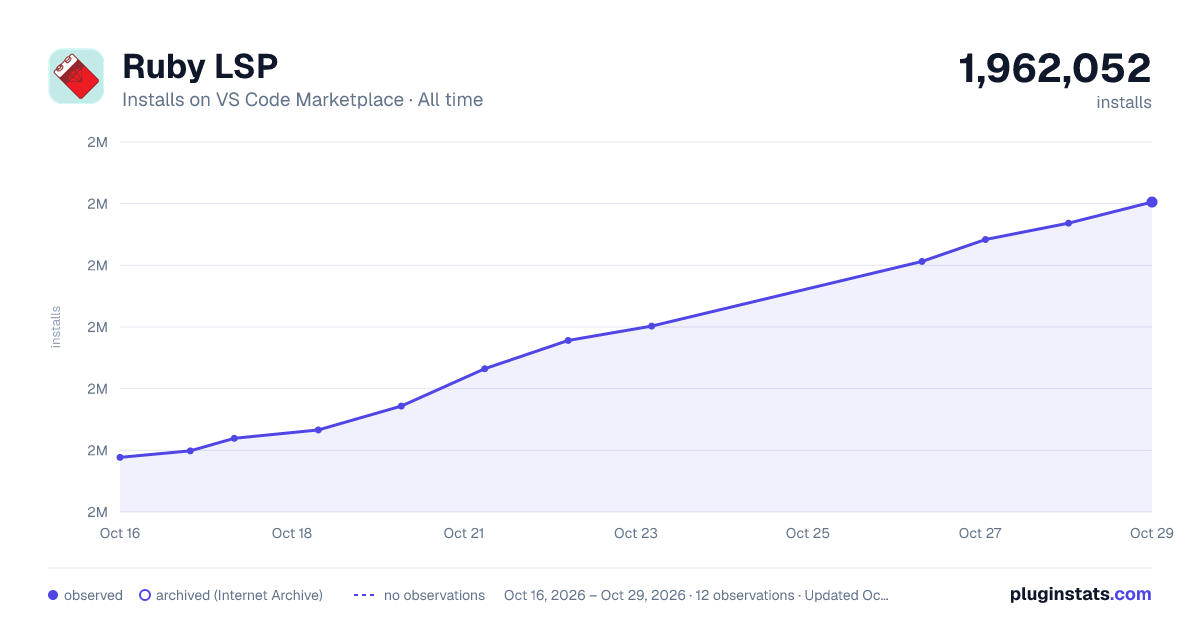
Images: 30d · 1y · all time · 1600×900 dark

Adoption over time


7/30/90-day growth


Filled points are observed values; hollow points come from Internet Archive snapshots of the listing page. Dashed segments span periods with no observations — values between points are not interpolated.
Recent observations
Full history (3)Similar VS Code Marketplace Programming Languages plugins
Data source
Install counts, average rating, and rating counts come from the public Visual Studio Marketplace gallery API. Installs are cumulative and exclude updates.
Listing: https://marketplace.visualstudio.com/items?itemName=Shopify.ruby-lsp. First seen Oct 16, 2026; last successful collection Oct 18, 2026. See the methodology.