 PluginStats
Package Json Upgrade installs statistics
By codeandstuff · VS Code Marketplace · Programming Languages
Shows available updates in package.json and pnpm-workspace.yaml files. Offers quick fix command to update them and to show the changelog.
Package Json Upgrade has 119,766 recorded installs on VS Code Marketplace.
It ranks #2140 of 2,500 tracked VS Code Marketplace listings by installs.
It is rated 4.8 out of 5 from 17 ratings.
PluginStats has 3 daily observations since Oct 16, 2026; the latest is from Oct 18, 2026.
Rating: 4.76 / 5 from 17 ratings
About Package Json Upgrade
package-json-upgrade
Shows available updates in package.json and pnpm-workspace.yaml. Offers quick actions to guide you in your updating.
Preview
The available updates are shown as color coded decoration to the right of each line.
The extension adds code actions that are available through the quick fix-command. Default keyboard shortcut is "ctrl + ."
These quick actions can update the dependency, but also links to the homepage and, if found, the changelog.
The extension will pick up your npm configurations and use them, so it works with proxies, private npm registries and scopes.
The extension also adds a command to update all dependencies in the package.json file.
Extension Settings
It is possible to add one or several regexp:s of dependencies that should be ignored by the extension. If you want to ignore all @types then your settings.json should look like this:
It is also possible to add ranges for versions that you wish to ignore. Lets say your application uses node v18. Then you can specify to ignore ">18" for "@types/node". The ranges should adhere to node-semver. The final json in your settings.json should look like this:
A config is available to control if the updates should always be shown when a package.json is opened, or if they should only be shown after triggering a command called "Toggle showing available updates in package.json and pnpm-workspace.yaml". This can be useful if you find that this extension is in the way when you are doing other work in your package.json file.
As a default "dependencies", "devDependencies" and the catalog groups are checked, but this is fully configurable.
Several more configurations exists. Check out your vscode settings for the complete list. Here is an example with customized colors and text:
Links
Marketplace
Open VSX
Description from the VS Code Marketplace listing.
- catalog
- dependencies
- json
- jsonc
- npm
- package.json
- pnpm
- pnpm-workspace.yaml
- update
- upgrade
- yaml
Where Package Json Upgrade sits in the listing
Each band is one page of 20. Installs on a log scale. Placement is projected from installs, so it can differ from the marketplace's own sort order. Hover a dot to see the listing.


Charts
Images: 30d · 1y · all time · 1600×900 dark
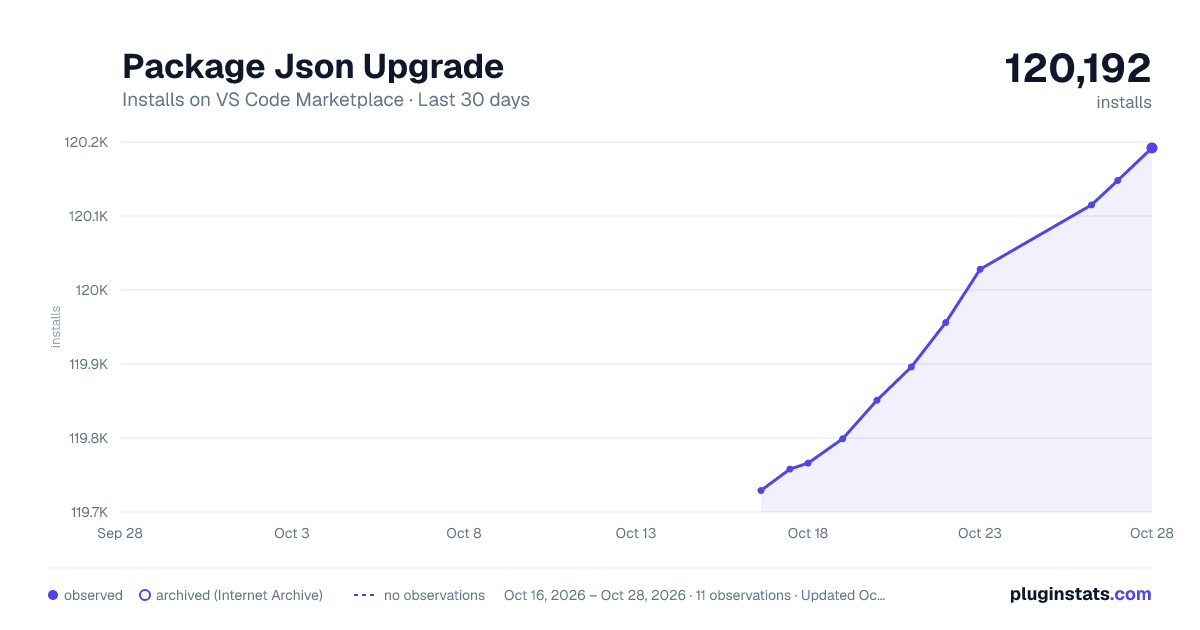
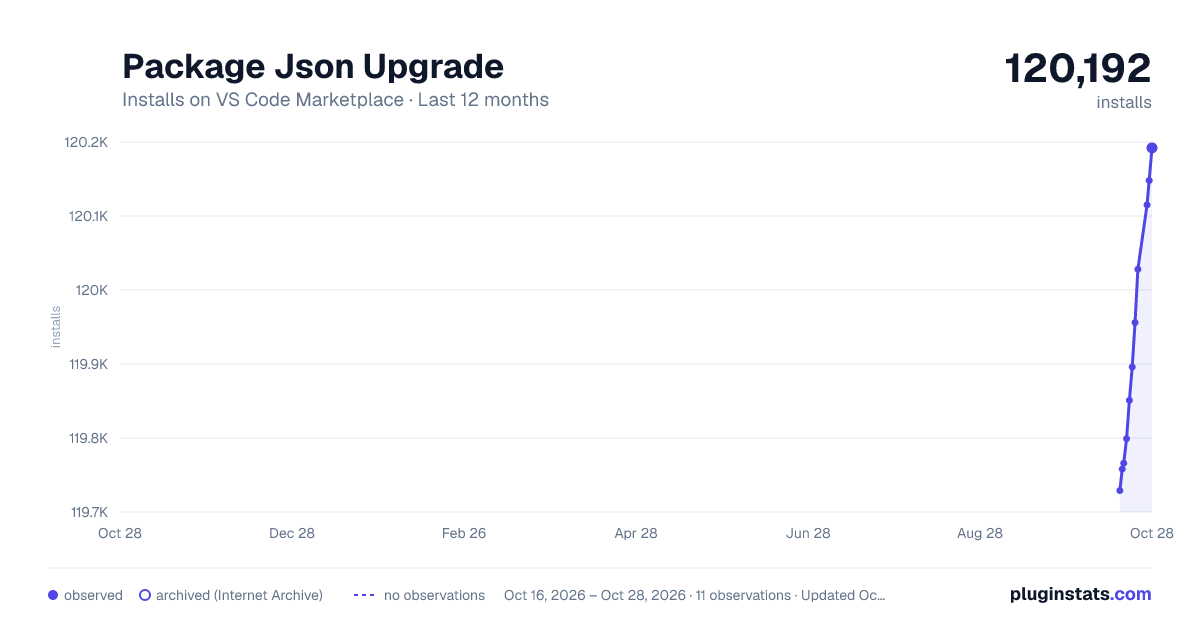
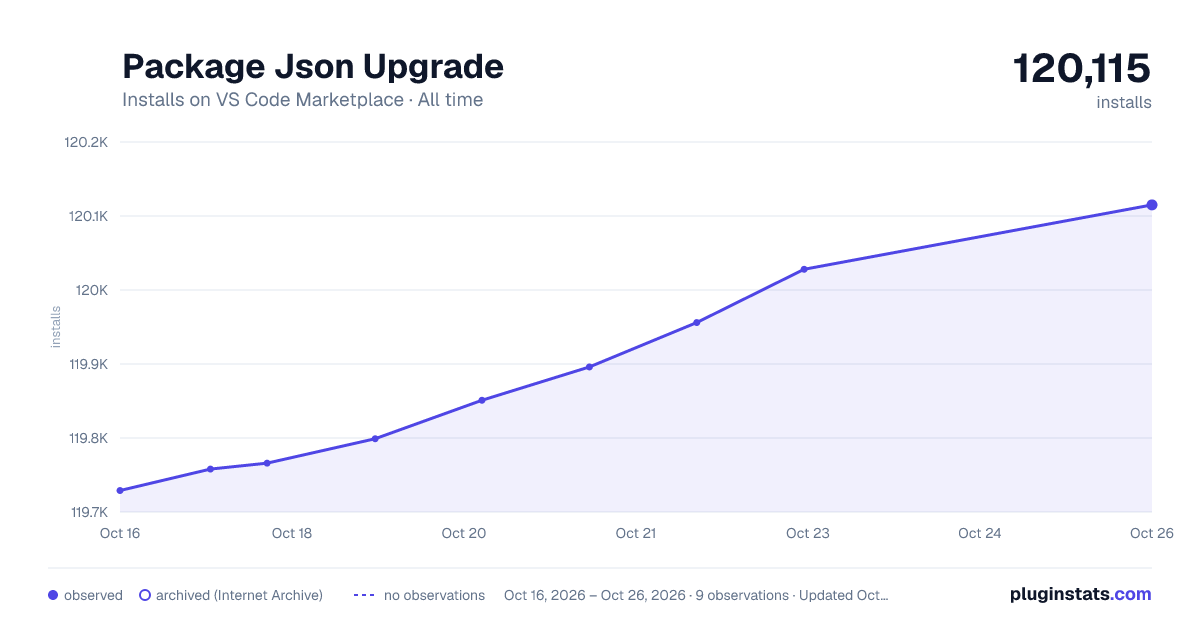

Adoption over time


7/30/90-day growth


Ranking history


Filled points are observed values; hollow points come from Internet Archive snapshots of the listing page. Dashed segments span periods with no observations — values between points are not interpolated.
Recent observations
Full history (3)Similar VS Code Marketplace Programming Languages plugins
Data source
Install counts, average rating, and rating counts come from the public Visual Studio Marketplace gallery API. Installs are cumulative and exclude updates.
Listing: https://marketplace.visualstudio.com/items?itemName=codeandstuff.package-json-upgrade. First seen Oct 16, 2026; last successful collection Oct 18, 2026. See the methodology.