 PluginStats
Julia installs statistics
By julialang · VS Code Marketplace · Programming Languages
Julia Language Support
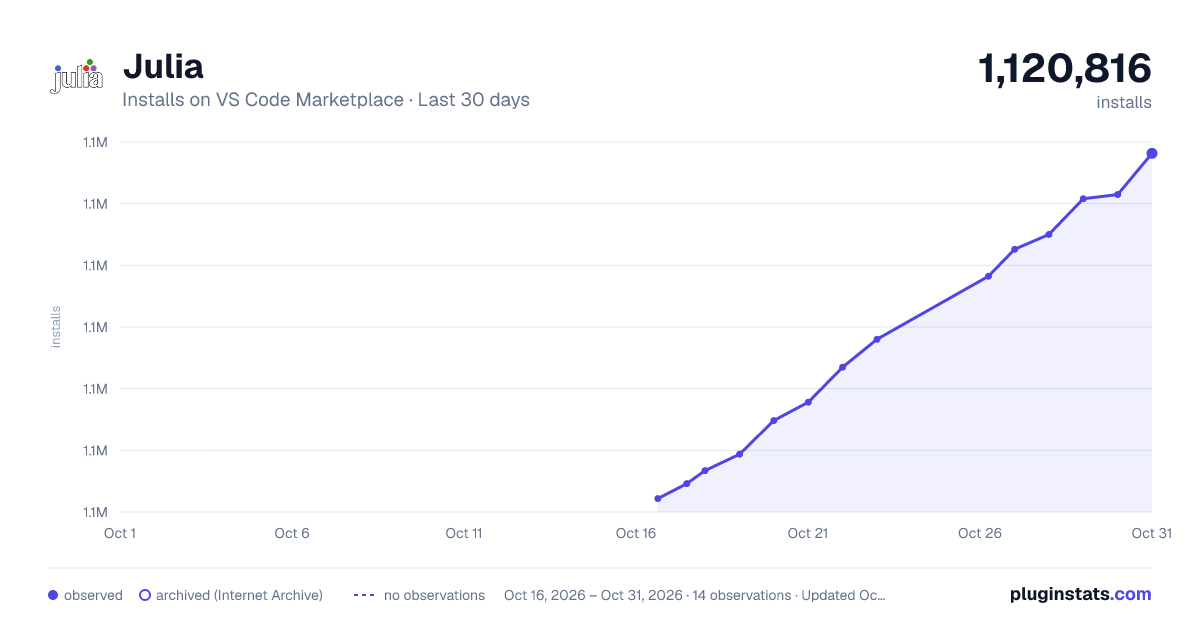
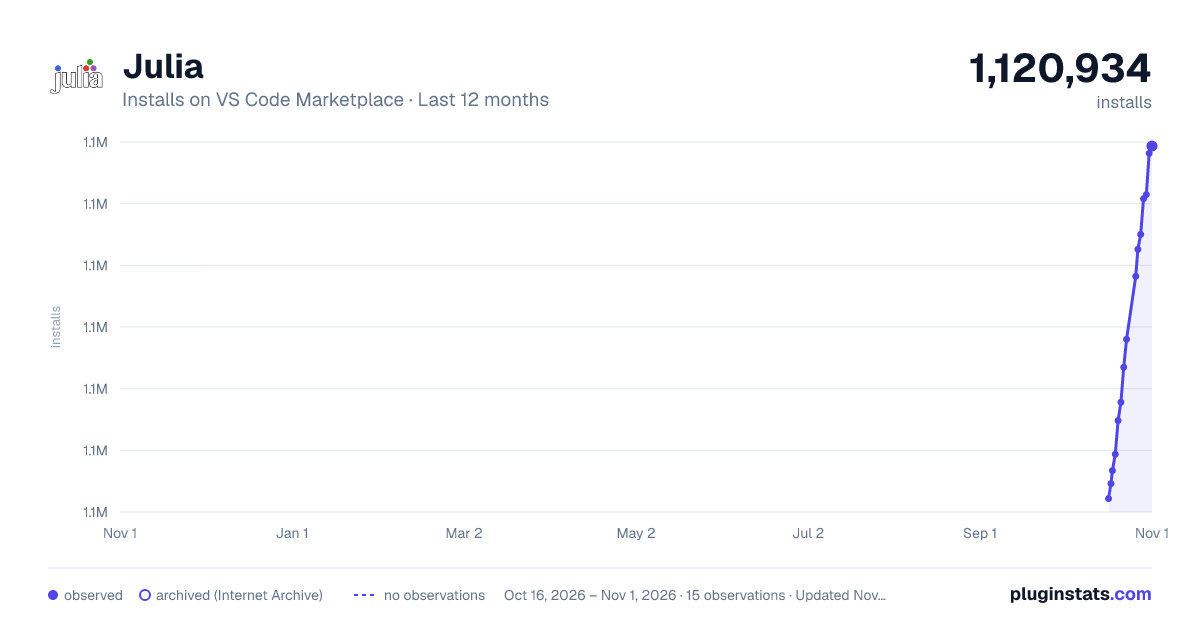
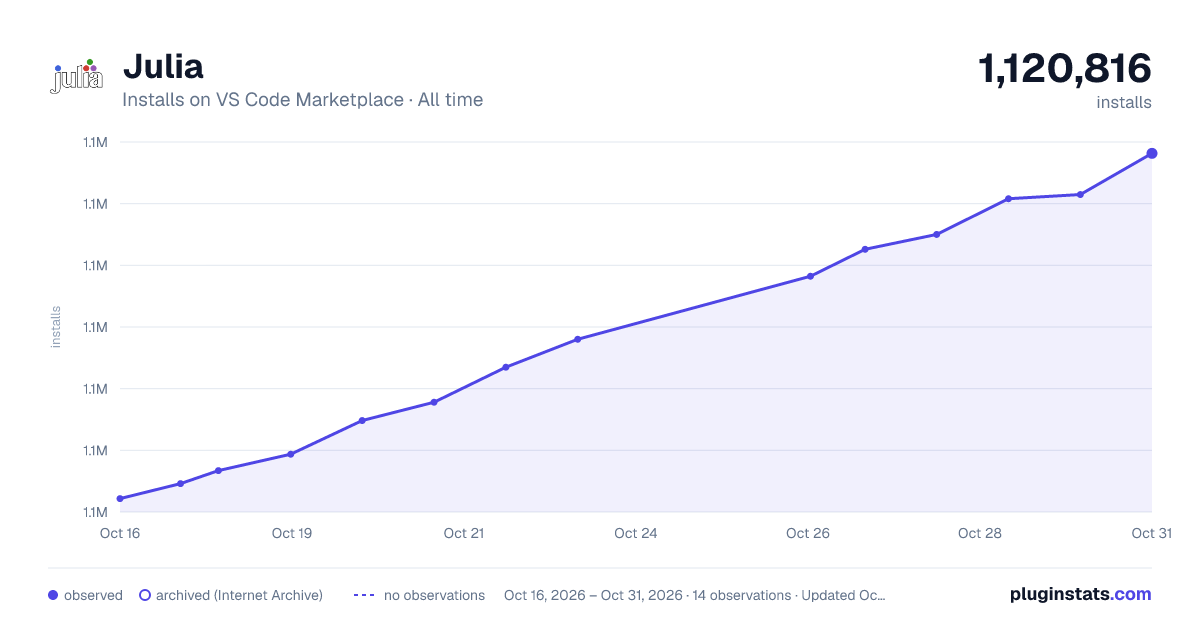
Julia has 1,115,671 recorded installs on VS Code Marketplace.
It ranks #506 of 2,500 tracked VS Code Marketplace listings by installs.
It is rated 4.5 out of 5 from 83 ratings.
PluginStats has 3 daily observations since Oct 16, 2026; the latest is from Oct 18, 2026.
Rating: 4.53 / 5 from 83 ratings
About Julia
Julia
This VS Code extension provides support for the Julia programming language.
Getting started
Installing Julia/VS Code/VS Code Julia extension
1. Install Julia for your platform: https://julialang.org/downloads/ 2. Install VS Code for your platform: https://code.visualstudio.com/download At the end of this step you should be able to start VS Code. 3. Choose Install in the VS Code Marketplace; or paste in browser's address bar to open this direct VS Code link vscode:extension/julialang.language-julia or manually install with: 1. Start VS Code. 2. Inside VS Code, go to the extensions view either by executing the `View: Show Extensions` command (click View->Command Palette...) or by clicking on the extension icon on the left side of the VS Code window. 3. In the extensions view, simply search for the term `julia` in the marketplace search box, then select the extension named `Julia` and click the install button. You might have to restart VS Code after this step.
Configure the Julia extension
If you have installed Julia into a standard location on Mac or Windows, or if the Julia binary is on your `PATH`, the Julia VS Code extension should automatically find your Julia installation and you should not need to configure anything.
If the extension does not find your Julia installation automatically, or if you want to use a different Julia installation than the default one, you can set the `julia.executablePath` to point to the Julia executable that the extension should use. In that case the extension will always use that version of Julia. To edit your configuration settings, execute the `Preferences: Open User Settings` command (you can also access it via the menu `File->Preferences->Settings`), and then make sure your user settings include the `julia.executablePath` setting. The format of the string should follow your platform specific conventions, and be aware that the backlash `\` is the escape character in JSON, so you need to use `\\` as the path separator character on Windows.
Features
The extension currently provides:
• syntax highlighting • snippets: latex and user-shared snippets • Julia specific commands • integrated Julia REPL • code completion • hover help • a linter • code navigation • tasks for running tests, builds, benchmarks and build documentation • a debugger • a plot gallery • a grid viewer for tabular data • integrated support for Weave.jl
Documentation
The documentation has sections that describe the features of this extension (including e.g. keyboard shortcuts). This repo also has legacy docs in the wiki.
Questions, Feature requests and contributions
1. If you face any issues, please open an issue here. 2. For some known issues and their solutions, please visit the known issues and workarounds. 3. If there is already an issue opened related to yours, please leave an upvote/downvote on the issue. 4. Contributions are always welcome! Please see our contributing guide for more details.
Data/Telemetry
The Julia extension for Visual Studio Code collects usage data and sends it to the development team to help improve the extension. Read our privacy policy to learn more and how to disable any telemetry.
Description from the VS Code Marketplace listing.
- debuggers
- julia
- juliamarkdown
- keybindings
- language-model-tools
- tools
Where Julia sits in the listing
Each band is one page of 20. Installs on a log scale. Placement is projected from installs, so it can differ from the marketplace's own sort order. Hover a dot to see the listing.


Charts
Images: 30d · 1y · all time · 1600×900 dark

Adoption over time


7/30/90-day growth


Filled points are observed values; hollow points come from Internet Archive snapshots of the listing page. Dashed segments span periods with no observations — values between points are not interpolated.
Recent observations
Full history (3)Similar VS Code Marketplace Programming Languages plugins
Data source
Install counts, average rating, and rating counts come from the public Visual Studio Marketplace gallery API. Installs are cumulative and exclude updates.
Listing: https://marketplace.visualstudio.com/items?itemName=julialang.language-julia. First seen Oct 16, 2026; last successful collection Oct 18, 2026. See the methodology.