 PluginStats
Ruby installs statistics
By Shopify (14 listings) · VS Code Marketplace · Programming Languages
An opinionated and auto-configured set of extensions for Ruby development
Ruby has 721,440 recorded installs on VS Code Marketplace.
It ranks #673 of 2,500 tracked VS Code Marketplace listings by installs.
It is rated 3.8 out of 5 from 11 ratings.
PluginStats has 3 daily observations since Oct 16, 2026; the latest is from Oct 18, 2026.
Rating: 3.82 / 5 from 11 ratings
About Ruby
VS Code Shopify Ruby
This extension pack contains an opinionated collection of extensions for Ruby development in VS Code:
• Ruby LSP • Ruby Sorbet
Note that the Sorbet extension will only be activated if your project is onboarded to the Sorbet type checker. Also, the Ruby LSP extension includes a debugger for common debugging use-cases. You may need to use the Ruby Debugger extension for certain scenarios.
[!NOTE] This extension does not implement any Ruby related features. It's just a pack containing other extensions, which are the ones that deliver the features. If you encounter Sorbet related issues, please report them in https://github.com/sorbet/sorbet For other Ruby development issues, please report them in https://github.com/Shopify/ruby-lsp
Usage
Search for Shopify.ruby-extensions-pack in the extensions tab and click install.
Themes
Included in this extension is the Spinel dark theme, which is made specifically for Ruby using all of the semantic highlighting information provided by the Ruby LSP.
Contributing
Bug reports and pull requests are welcome on GitHub at https://github.com/Shopify/vscode-shopify-ruby. This project is intended to be a safe, welcoming space for collaboration, and contributors are expected to adhere to the Contributor Covenant code of conduct.
Executing tests
1. Open VS Code on this repo 2. Make sure dependencies are installed (yarn install) 3. On VS Code's run and debug tab, select the Extension tests task 4. Click the run button or press F5 to run tests. Output is displayed in the debug console
Testing the extension locally
1. Open VS Code on this repo 2. Make sure dependencies are installed (yarn install) 3. On VS Code's run and debug tab, select the Extension task 4. This will open a second VS Code window where the development version of the extension is running. Use it to verify that the extension is working as expected 5. If needed, the cache and recommended settings can be cleared by running the Ruby extension pack: Clear cache and recommended settings command. This will make the extension prompt overrides again
Debugging
To debug the extension, add breakpoints using the VS Code interface and either run the tests or the extension in development mode.
License
The extension is available as open source under the terms of the MIT License.
Description from the VS Code Marketplace listing.
- color-theme
- ruby
- theme
Where Ruby sits in the listing
Each band is one page of 20. Installs on a log scale. Placement is projected from installs, so it can differ from the marketplace's own sort order. Hover a dot to see the listing.


Charts
Images: 30d · 1y · all time · 1600×900 dark
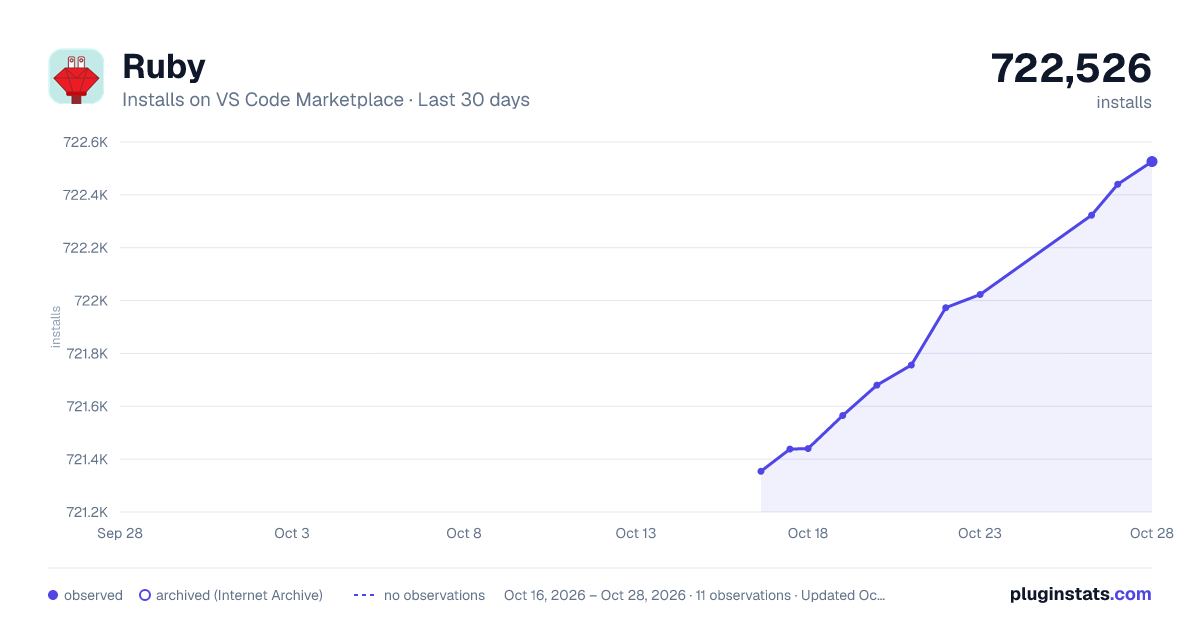
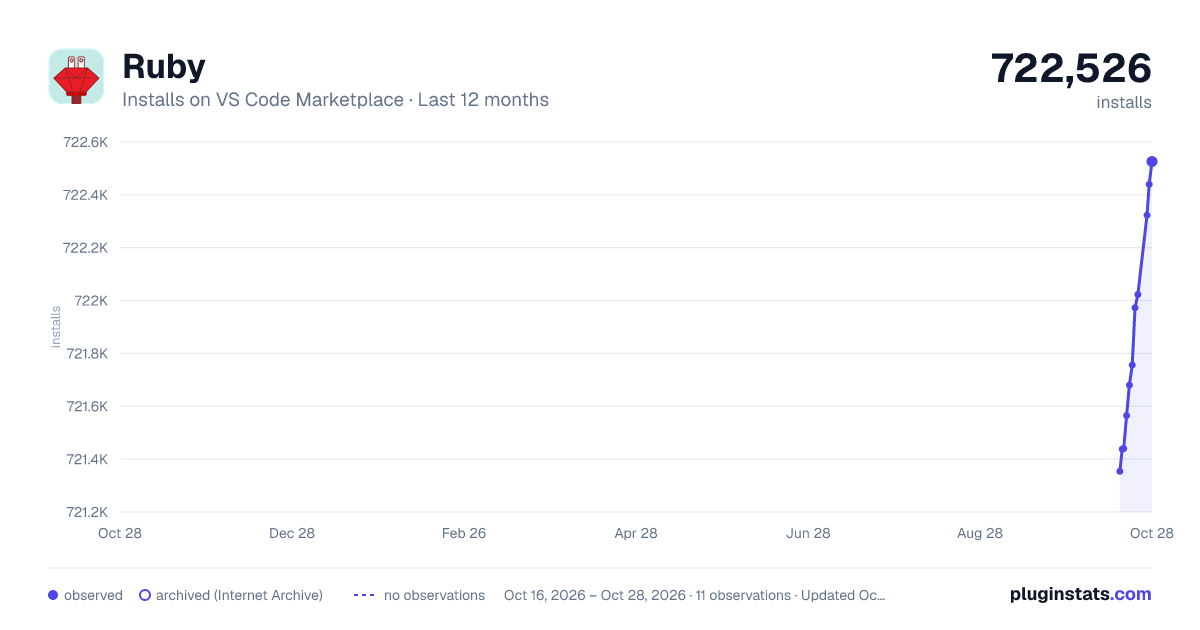
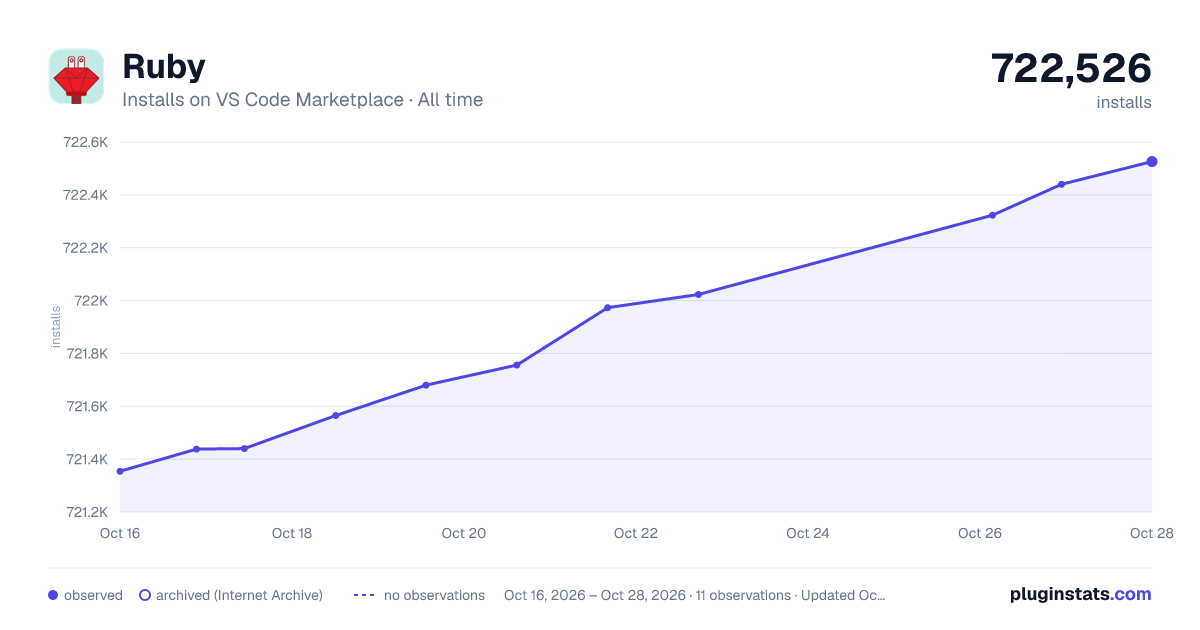

Adoption over time


7/30/90-day growth


Filled points are observed values; hollow points come from Internet Archive snapshots of the listing page. Dashed segments span periods with no observations — values between points are not interpolated.
Recent observations
Full history (3)Similar VS Code Marketplace Programming Languages plugins
Data source
Install counts, average rating, and rating counts come from the public Visual Studio Marketplace gallery API. Installs are cumulative and exclude updates.
Listing: https://marketplace.visualstudio.com/items?itemName=Shopify.ruby-extensions-pack. First seen Oct 16, 2026; last successful collection Oct 18, 2026. See the methodology.