 PluginStats
XML installs statistics
By Red Hat (18 listings) · VS Code Marketplace · Programming Languages
XML Language Support by Red Hat
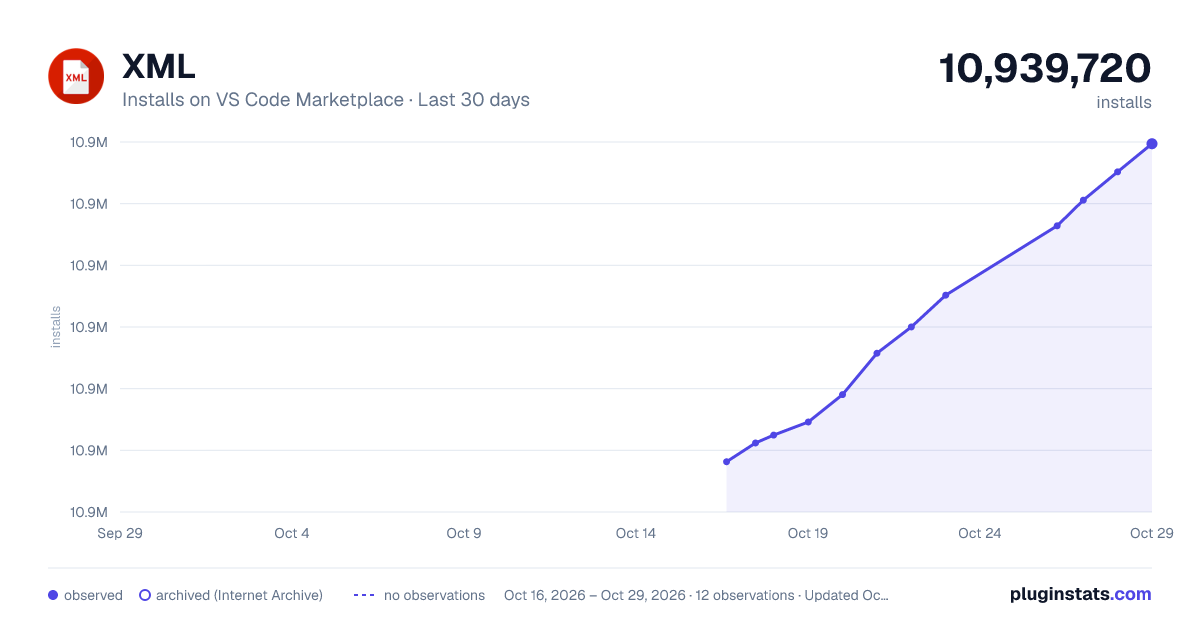
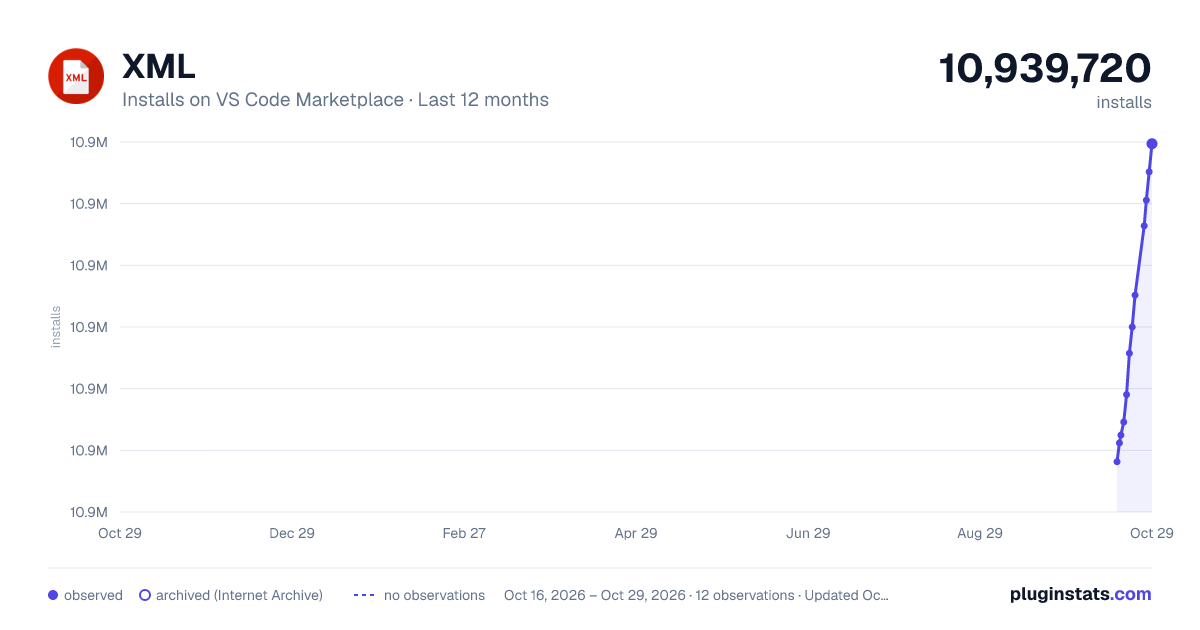
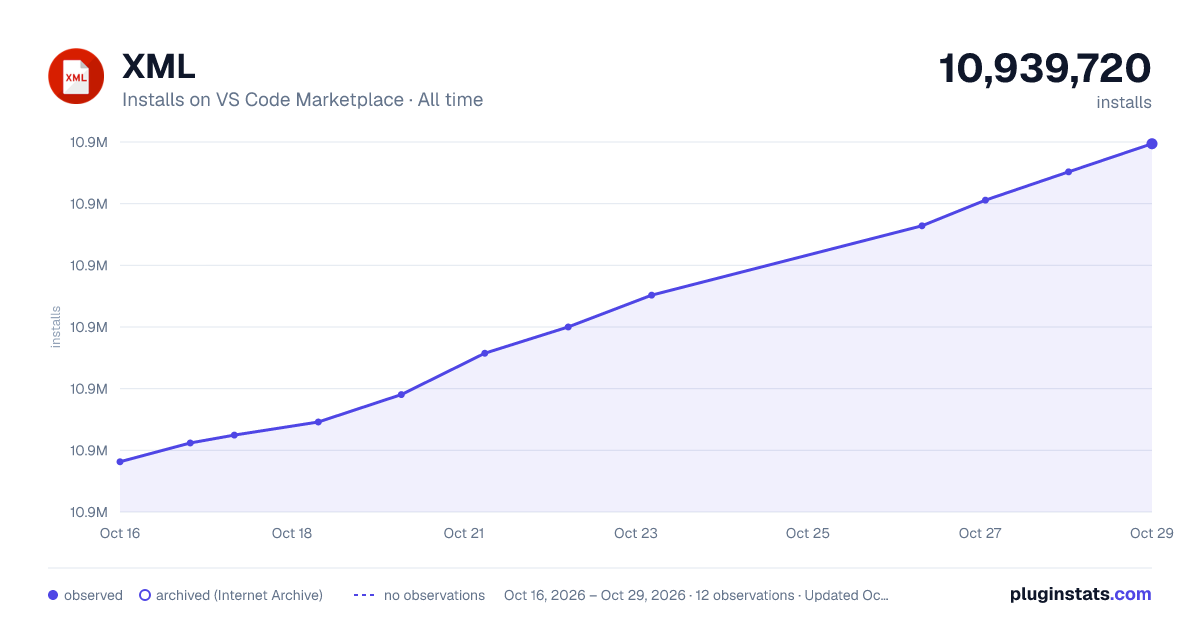
XML has 10,894,593 recorded installs on VS Code Marketplace.
It ranks #93 of 2,501 tracked VS Code Marketplace listings by installs.
It is rated 3.8 out of 5 from 69 ratings.
PluginStats has 4 daily observations since Oct 16, 2026; the latest is from Oct 19, 2026.
Rating: 3.80 / 5 from 69 ratings
About XML
XML Language Support by Red Hat
NO LONGER REQUIRES JAVA! *since v0.15.0*
Description
This VS Code extension provides support for creating and editing XML documents, based on the LemMinX XML Language Server.
Features
| Regular font | *Italics* font |
| enabled by default | requires additional configuration to enable |
• XML References features (since v0.24.0) • XML Colors features (since v0.24.0) • RelaxNG (experimental) support (since v0.22.0) • Surround with Tags, Comments, CDATA (since v0.23.0) • Syntax error reporting • General code completion • Auto-close tags • Automatic node indentation • Symbol highlighting • Document folding • Document links • Document symbols and outline • Renaming support • *Automatic Tag Renaming when editor.linkedEditing is enabled* • Document Formatting • DTD validation • DTD completion • DTD formatting • XSD validation • XSD based hover • XSD based code completion • XSL support • XInclude support • XML catalogs • File associations • Code actions • Schema Caching • Minify XML • Generate XML from Grammar • Generate Schema from XML
See the changelog for the latest release.
You might also find useful information in the Online XML Documentation or you can read this documentation inside vscode with the command Open XML Document available with Ctrl+Shift+P:
Requirements
For running the binary version: • Windows, macOS, or Linux, on a x86_64 CPU • ~~We do not currently support running on Linux installations without libc present~~ See #1016 • Java is not required for this version • The binary is automatically downloaded by vscode-xml if it is needed, with no additional action required on the part of the user.
For running the Java version (required if you want to run extensions to the base XML features): • Java JDK (or JRE) 11 or more recent • Ensure Java path is set in either: • xml.java.home in VSCode preferences • java.home in VSCode preferences • Environment variable JAVA_HOME or JDK_HOME • Note: The path should end at the parent folder that contains the bin folder. Example Path: /usr/lib/jvm/jre-11 if bin exists at /usr/lib/jvm/jre-11/bin. • Note: If the path is not set, the extension will attempt to find the path to the JDK or JRE.
See how to set java home for more information how this extension searches for Java.
Supported VS Code settings
The following settings are supported:
• xml.java.home: Specifies the folder path to the JDK (11 or more recent) used to launch the XML Language Server if the Java server is being run. If not set, falls back to either the java.home preference or the JAVA_HOME or JDK_HOME environment variables. • xml.server.vmargs: Specifies extra VM arguments used to launch the XML Language Server. Eg. use -Xmx1G -XX:+UseG1GC -XX:+UseStringDeduplication to bypass class verification, increase the heap size to 1GB and enable String deduplication with the G1 Garbage collector. • xml.server.workDir: Set a custom folder path for cached XML Schemas. An absolute path is expected, although the ~ prefix (for the user home directory) is supported. Default is ~/.lemminx. • xml.server.preferBinary: If this setting is enabled, a binary version of the server will be launched even if Java is installed. • xml.server.binary.path: Specify the path of a custom binary version of the XML server to use. A binary will be downloaded if this is not set. • xml.server.binary.args: Command line arguments to supply to the binary server when the binary server is being used. Takes into effect after relaunching VSCode. Please refer to this website for the available options. For example, you can increase the maximum memory that the server can use to 1 GB by adding -Xmx1g • xml.server.silenceExtensionWarning: If this setting is enabled, do not warn about launching the binary server when there are extensions to the XML language server installed. • xml.server.binary.trustedHashes: List of the SHA256 hashes of trusted copies of the lemminx (XML language server) binary. • xml.trace.server: Trace the communication between VS Code and the XML language server in the Output view. Default is off. • xml.logs.client: Enable/disable logging to the Output view. Default is true. • xml.catalogs: Register XML catalog files. • xml.downloadExternalResources.enabled: Download external resources like referenced DTD, XSD. Default is true. • xml.fileAssociations: Allows XML schemas/ DTD to be associated to file name patterns. • xml.foldings.includeClosingTagInFold: Minimize the closing tag after folding. Default is false. • xml.preferences.quoteStyle: Preferred quote style to use for completion: single quotes, double quotes. Default is double. • xml.autoCloseTags.enabled : Enable/disable autoclosing of XML tags. Default is true. IMPORTANT: The following settings must be turned of for this to work: editor.autoClosingTags, editor.autoClosingBrackets. • xml.codeLens.enabled: Enable/disable XML CodeLens. Default is false. • xml.preferences.showSchemaDocumentationType: Specifies the source of the XML schema documentation displayed on hover and completion. Default is all. • xml.validation.enabled: Enable/disable all validation. Default is true. • xml.validation.namespaces.enabled: Enable/disable namespaces validation. Default is always. Ignored if xml.validation.enabled is set to false. • xml.validation.schema.enabled: Enable/disable schema based validation. Default is always. Ignored if xml.validation.enabled is set to false. • xml.validation.disallowDocTypeDecl: Enable/disable if a fatal error is thrown if the incoming document contains a DOCTYPE declaration. Default is false. • xml.validation.resolveExternalEntities: Enable/disable resolve of external entities. Default is false. Disabled in untrusted workspace. • xml.validation.noGrammar: The message severity when a document has no associated grammar. Defaults to hint. • xml.validation.filters: Allows XML validation filter to be associated to file name patterns. • xml.symbols.enabled: Enable/disable document symbols (Outline).…
Description from the VS Code Marketplace listing.
- dtd
- json
- MEI
- RelaxNG
- RelaxNGCompact
- rnc
- rng
- svg
- TEI
- xml
- xsd
- xsl
Where XML sits in the listing
Each band is one page of 20. Installs on a log scale. Placement is projected from installs, so it can differ from the marketplace's own sort order. Hover a dot to see the listing.


Charts
Images: 30d · 1y · all time · 1600×900 dark

Adoption over time


7/30/90-day growth


Filled points are observed values; hollow points come from Internet Archive snapshots of the listing page. Dashed segments span periods with no observations — values between points are not interpolated.
Recent observations
Full history (4)Similar VS Code Marketplace Programming Languages plugins
Data source
Install counts, average rating, and rating counts come from the public Visual Studio Marketplace gallery API. Installs are cumulative and exclude updates.
Listing: https://marketplace.visualstudio.com/items?itemName=redhat.vscode-xml. First seen Oct 16, 2026; last successful collection Oct 19, 2026. See the methodology.