 PluginStats
IntelliCode installs statistics
By Microsoft (224 listings) · VS Code Marketplace · Other
AI-assisted development
IntelliCode has 62,578,553 recorded installs on VS Code Marketplace, ranking #15 of 2,501 tracked listings.
Rating: 3.90 / 5 from 104 ratings
About IntelliCode
Visual Studio IntelliCode
The Visual Studio IntelliCode extension provides AI-assisted development features for Python, TypeScript/JavaScript and Java developers in Visual Studio Code, with insights based on understanding your code context combined with machine learning.
You'll need Visual Studio Code October 2018 Release 1.29.1 or later to use this extension. For each supported language, please refer to the "Getting Started" section below to understand any other pre-requisites you'll need to install and configure to get IntelliCode completions.
Whole-line Autocomplete
In the most recent update, IntelliCode can predict up to a whole line of code based on your current context for Python, JavaScript, and TypeScript.

Predictions appear as grey-text to the right of your cursor. Users can press TAB to accept the prediction or keep typing to steer the prediction together with the IntelliSense list.
The model that powers grey-text runs locally and can be enabled/disabled per language. To disable grey-text functionality for all languages, developers may also uninstall the IntelliCode Completions extension.
API Usage Examples
Ever wish you could easily access code examples for APIs you work with? IntelliCode API Usage Examples makes that a reality. Now with just one click you can access examples for over 100K different APIs!
IntelliCode API Usage Examples is a feature that lets you see real-world examples of how other developers have used a given function. Examples shown are from public open source repositories on GitHub.
This feature currently supports Python, JavaScript and TypeScript (including JSX and TSX files).
<img width="600px" src="https://aka.ms/IntelliCodeUsageExamplesv2" alt="IntelliCode API Examples. The developer hovers their mouse over a call and a hover window appears. The hover window is scrolled until the IntelliCode API Usage section. The see examples link is clicked and the developer reviews code examples shown in a new untitled editor."/>Starred IntelliSense members
This extension provides AI-assisted IntelliSense by showing recommended completion items for your code context at the top of the completions list. The example below shows this in action for Python code.
When it comes to overloads, rather than taking the time to cycle through the alphabetical list of member, IntelliCode presents the most relevant one first. In the example shown above, you can see that the predicted APIs that IntelliCode elevates appear in a new section of the list at the top with members prefixed by a star icon. Similarly, a member’s signature or overloads shown in the IntelliSense tool-tip will have additional text marked by a small star icon and wording to explain the recommended status. This visual experience for members in the list and the tool-tip that IntelliCode provides is not intended as final – it is intended to provide you with a visual differentiation for feedback purposes only.
Contextual recommendations are based on practices developed in thousands of high quality, open-source projects on GitHub each with high star ratings. This means you get context-aware code completions, tool-tips, and signature help rather than alphabetical or most-recently-used lists. By predicting the most likely member in the list based on your coding context, AI-assisted IntelliSense stops you having to hunt through the list yourself.
Getting Started
Install the Visual Studio IntelliCode extension by clicking the install link on this page, or install from the Extensions tab in Visual Studio Code. Then follow the language-specific instructions below.
For TypeScript/JavaScript users:
That's it -- just open a TypeScript or JavaScript file, and start editing.
Version 1.2.16 and above of the IntelliCode extension even works for TypeScript/JavaScript on web based instances of VSCode such as github.dev, vscode.dev, and GitHub codespaces.
For Python users:
-
Set up the Python extension by following the steps in the Python tutorial
-
Make sure that you're using
Pylanceas the Python language server by opening the VSCode settings page (File -> Preferences -> Settings) -
Start editing Python files
-
After the Python language server finishes initializing, you should now see recommended completions
For Java users:
-
Set up the Java extension for Visual Studio Code by following the steps in the Java Tutorial
-
Make sure that you have a minimum of Java 8 Update 151 installed
-
Reload Visual Studio Code after enabling the Java extension
-
After the Java language server finishes initializing, you should now see recommended completions
For T-SQL users:
-
Set up the mssql extension for Visual Studio Code by following the steps in the T-SQL Tutorial
-
Reload Visual Studio Code after enabling the mssql extension
-
After the mssql language server finishes initializing, you should now see recommended completions
How do I report feedback and issues?
You can file an issue on our IntelliCode for VS Code extension GitHub feedback repo.
You can also check out our FAQ
Future Plans
There is much more to come -- sign up here for future news and updates!
Description from the VS Code Marketplace listing.
- java
- javascript
- javascriptreact
- python
- sql
- typescript
- typescriptreact
README badge
Show your rank in a README or on your website. The badge updates automatically.
Charts
Images: 30d · 1y · all time · 1600×900 dark
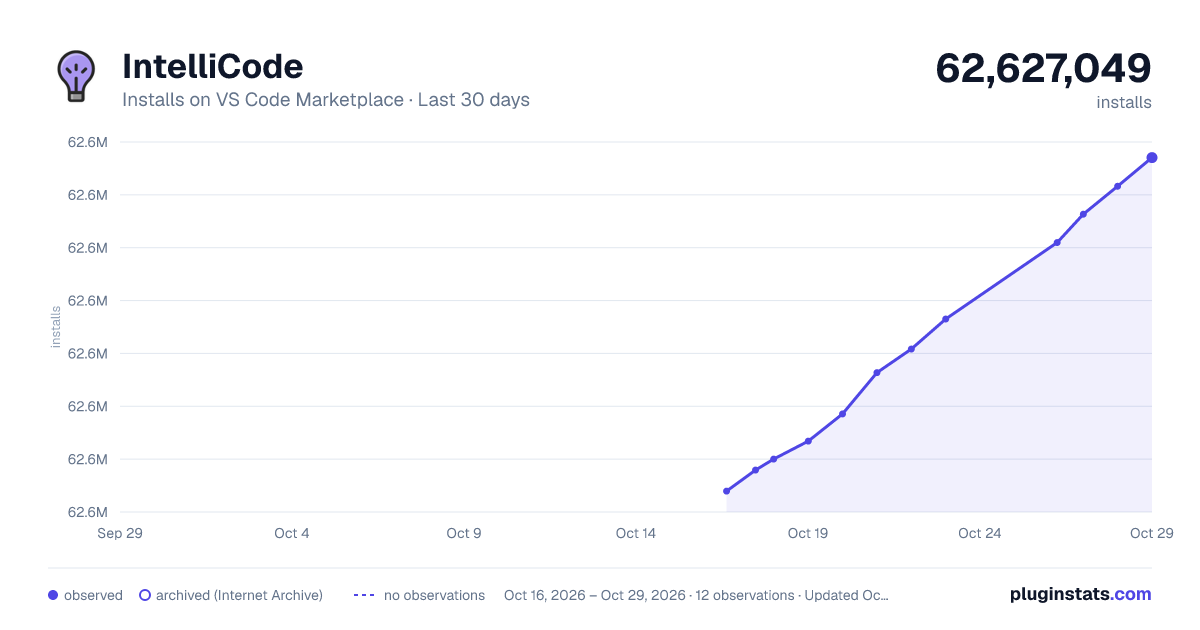
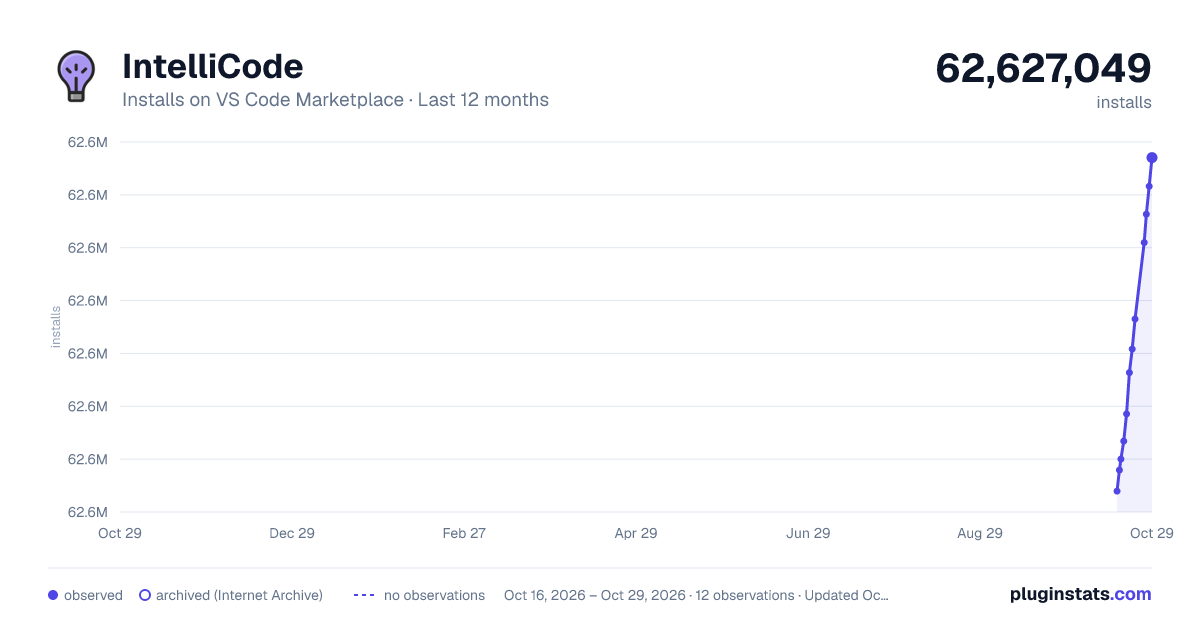
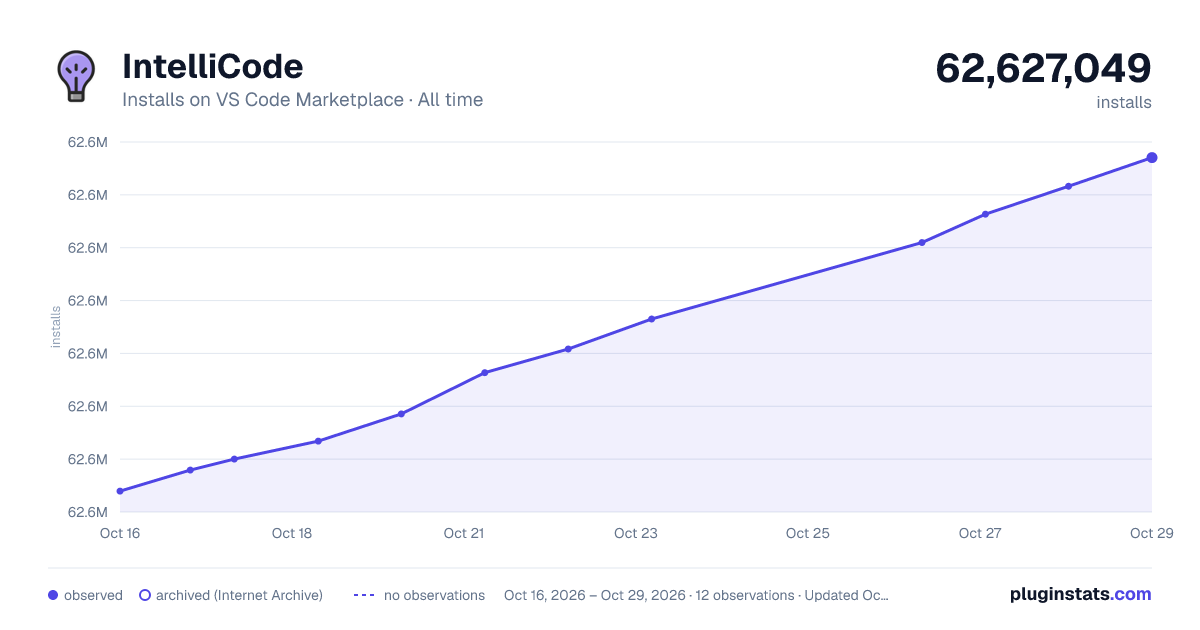

Adoption over time
7/30/90-day growth
Ranking history
Ratings over time
Listing placement
Listing placement
Filled points are observed values; hollow points come from Internet Archive snapshots of the listing page. Dashed segments span periods with no observations — values between points are not interpolated.
Each band is one page of 20. Installs on a linear scale. Placement is projected from installs, so it can differ from the marketplace's own sort order. Hover a dot to see the listing.
Recent observations
Full history (5)Similar VS Code Marketplace Other plugins
All 20 IntelliCode alternativesData source
Install counts, average rating, and rating counts come from the public Visual Studio Marketplace gallery API. Installs are cumulative and exclude updates.
Listing: https://marketplace.visualstudio.com/items?itemName=VisualStudioExptTeam.vscodeintellicode. First seen Oct 16, 2026; last successful collection Oct 20, 2026. See the methodology.