 PluginStats
MacOS Modern Theme installs statistics
By davidbwaters · VS Code Marketplace · Themes
MacOS Modern is a theme pack styled to match native MacOS as closely as possible. Use recommended settings in the README.md for best results.
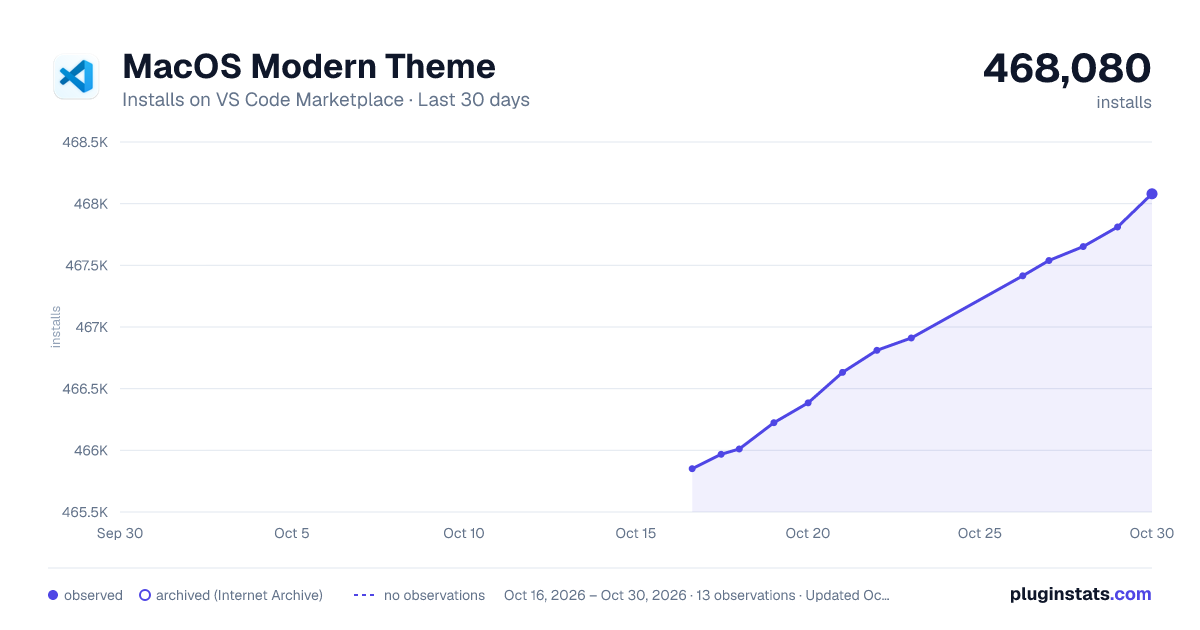
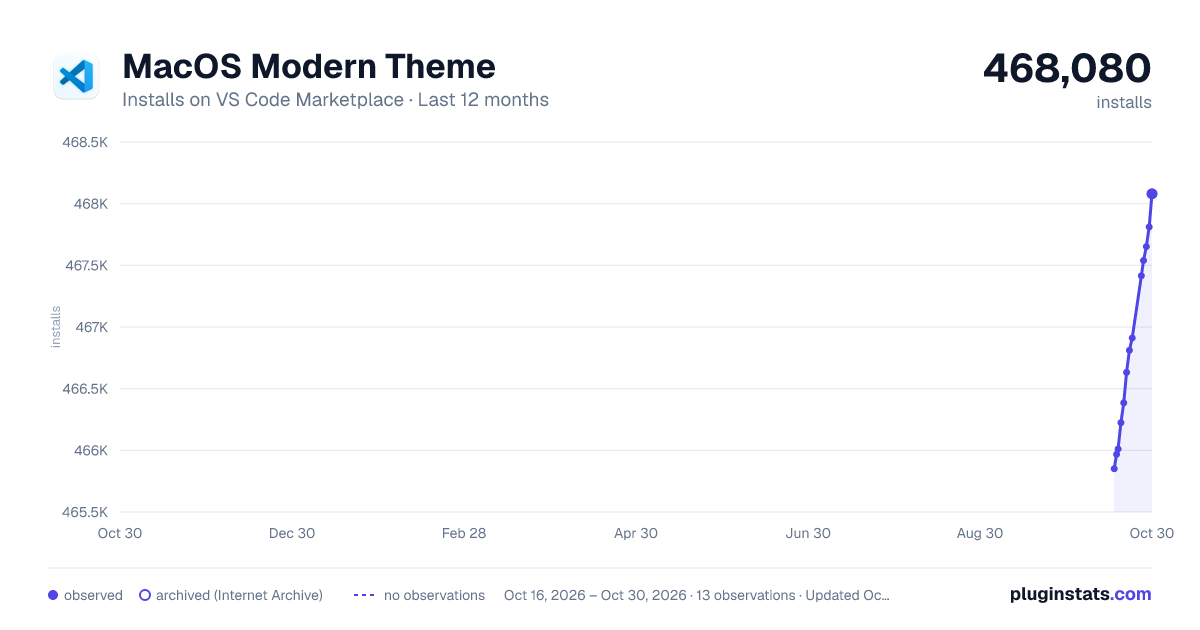
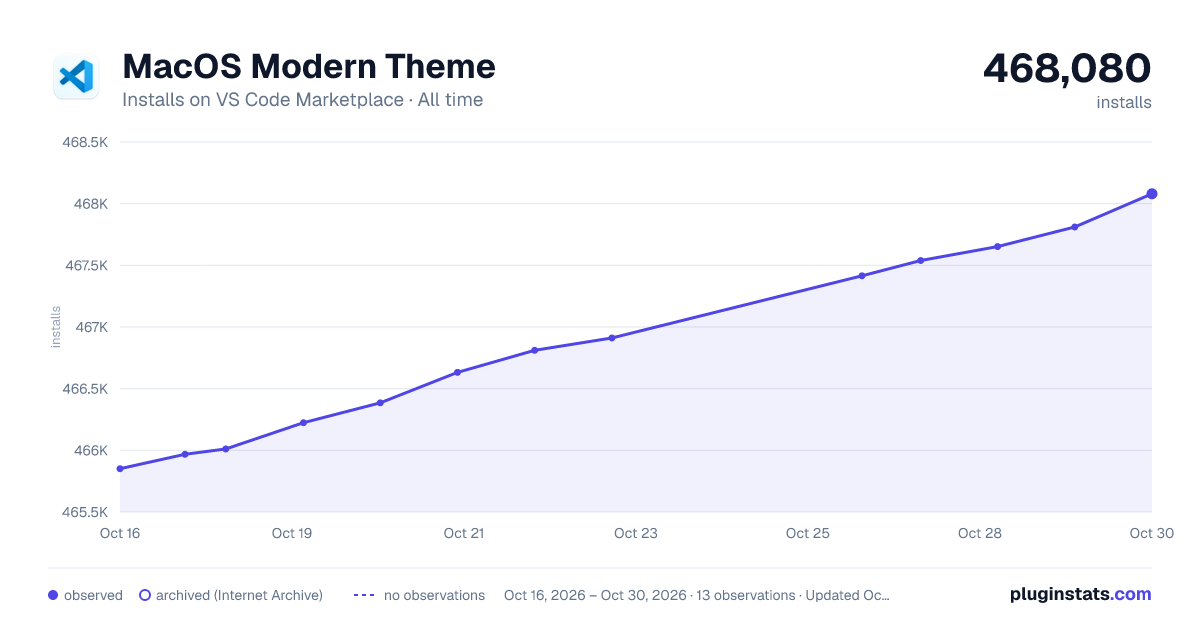
MacOS Modern Theme has 466,011 recorded installs on VS Code Marketplace.
It ranks #879 of 2,500 tracked VS Code Marketplace listings by installs.
It is rated 4.9 out of 5 from 13 ratings.
PluginStats has 3 daily observations since Oct 16, 2026; the latest is from Oct 18, 2026.
Rating: 4.92 / 5 from 13 ratings
About MacOS Modern Theme
macOS Modern Theme
Ventura
Added Ventura Versions + Icons!
macOS Modern is a set of Visual Studio Code themes styled to match native macOS as closely as possible. Updated to include dark + light versions and icon + product icon themes. Reapply both (icon and color) themes if you have problems. I HIGHLY recommend using the settings below for best results
Setup & Tweaks
There are a few settings that should be added to your User Settings to really transform the look to better match OS X. The zoom level and native title bar make a huge difference in the overall look of VSCode. I also prefer to hide the Activity Bar, which can be done from the View menu.
Highly Recommended
Extension Tweaks
If you choose to hide the activity bar, you can install the "Activitus Bar" extension to add the activity bar buttons to your status bar. Add these settings to theme the "Activitus Bar" and "Project Manager" extensions to match Modern macOS.
Optional Additions
You can optionally hide the minimap.
Activity Bar Badge Background
You can change the activity bar badge background with these settings. Add the line for the color you want to workbench.colorCustomizations
Extras
Light and dark VSCode icons are also included in full quality (don't use the small preview below) on the GitHub repo or in the extension folder in: ~/.vscode/extensions/davidbwaters.macOS-modern-theme/extras/app-icons You could also download the files from the repo folder by clicking the name of the icns or png and clicking the "Download" button. You can use the free app LiteIcon to change the icon.
There are also Sketch design files with all the icons. Feel free to use, tweak, add, etc. If you find them useful, a shoutout would be appreciated.
David B. Waters
:) :) :)
Description from the VS Code Marketplace listing.
- color-theme
- icon-theme
- macos
- monterey
- native
- product-icon-theme
- theme
Where MacOS Modern Theme sits in the listing
Each band is one page of 20. Installs on a log scale. Placement is projected from installs, so it can differ from the marketplace's own sort order. Hover a dot to see the listing.


Charts
Images: 30d · 1y · all time · 1600×900 dark

Adoption over time


7/30/90-day growth


Ranking history


Filled points are observed values; hollow points come from Internet Archive snapshots of the listing page. Dashed segments span periods with no observations — values between points are not interpolated.
Recent observations
Full history (3)Similar VS Code Marketplace Themes plugins
Data source
Install counts, average rating, and rating counts come from the public Visual Studio Marketplace gallery API. Installs are cumulative and exclude updates.
Listing: https://marketplace.visualstudio.com/items?itemName=davidbwaters.macos-modern-theme. First seen Oct 16, 2026; last successful collection Oct 18, 2026. See the methodology.