Aurora X has 193,937 recorded installs on VS Code Marketplace.
It ranks #1557 of 2,500 tracked VS Code Marketplace listings by installs.
It is rated 4.3 out of 5 from 4 ratings.
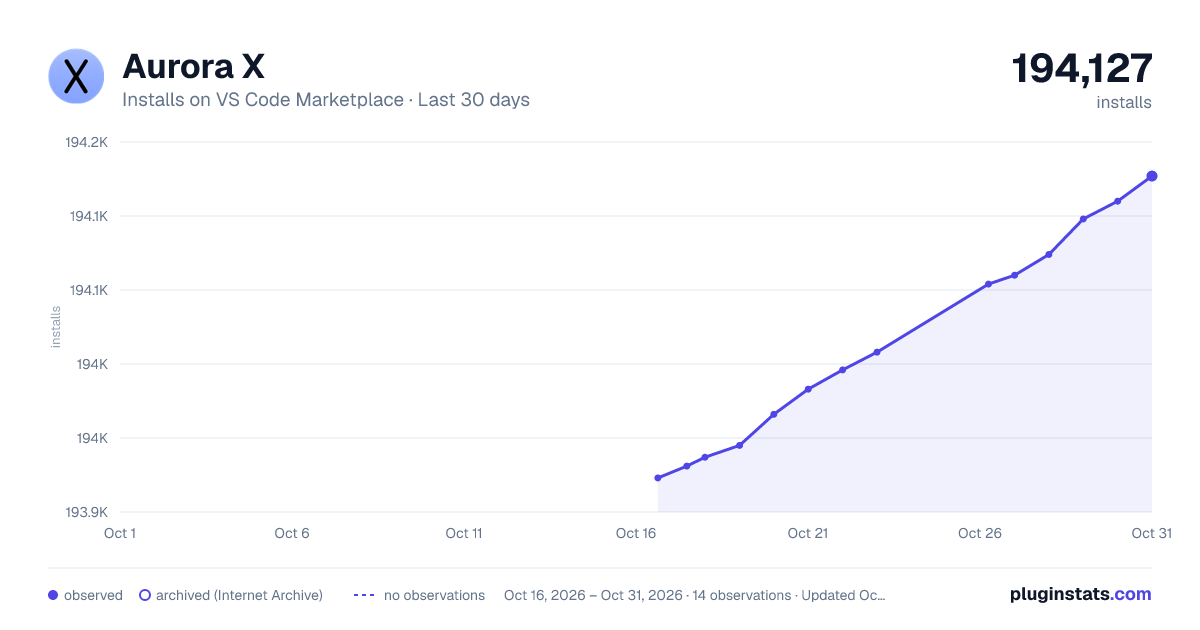
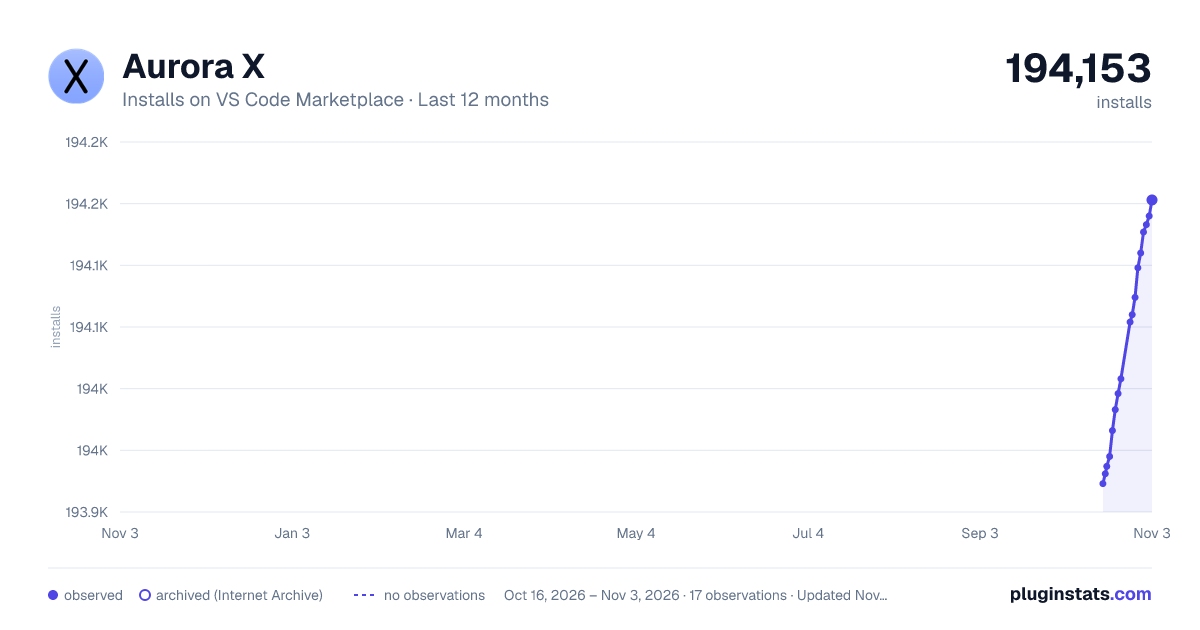
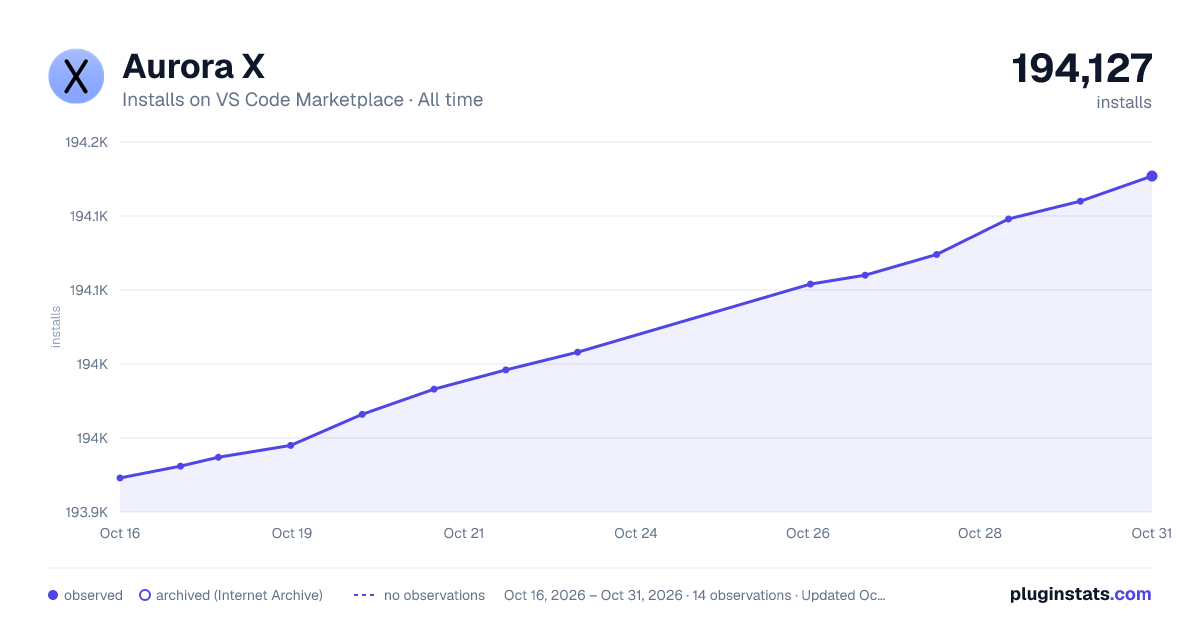
PluginStats has 3 daily observations since Oct 16, 2026; the latest is from Oct 18, 2026.
Rating: 4.25 / 5 from 4 ratings
About Aurora X
Aurora X
Aurora X is a dark material-like theme with blue and purple tones.
Installation
1. Open Extensions on the sidebar 2. Search for "Aurora X" 3. Install it 4. Reload the editor 5. Press ⌘K + ⌘T 6. Pick "Aurora X" one from the list and hit enter 7. Enjoy!
ScreenShot
Issues
Report to: https://github.com/marqu3s10/Aurora-X/issues
Description from the VS Code Marketplace listing.
Aurora
color-theme
dark
flat
material
theme
Where Aurora X sits in the listing
Each band is one page of 20. Installs on a log scale. Placement is projected from installs, so it can differ from the marketplace's own sort order. Hover a dot to see the listing.
All VS Code Marketplace2,500 listings · 125 pages · page 78, #17 (overall #1557)
All VS Code Marketplace: every listing in installs order
Filled points are observed values; hollow points come from Internet Archive snapshots of the listing page. Dashed segments span periods with no observations — values between points are not interpolated.
Install counts, average rating, and rating counts come from the public Visual Studio Marketplace gallery API. Installs are cumulative and exclude updates.
 PluginStats