 PluginStats
Git History Diff installs statistics
By Hui Zhou · VS Code Marketplace · Other
View git history. View diff of committed files. View git blame info. View stash details.
Git History Diff has 965,590 recorded installs on VS Code Marketplace, ranking #549 of 2,501 tracked listings.
Rating: 4.74 / 5 from 61 ratings
About Git History Diff
Git History Diff
View git history. View commit details. View diff of committed files. View git blame info. View stash details.
GitHD aims to bring the most useful git history inside with the simplest and the most convenient way.
What's new in 2.5
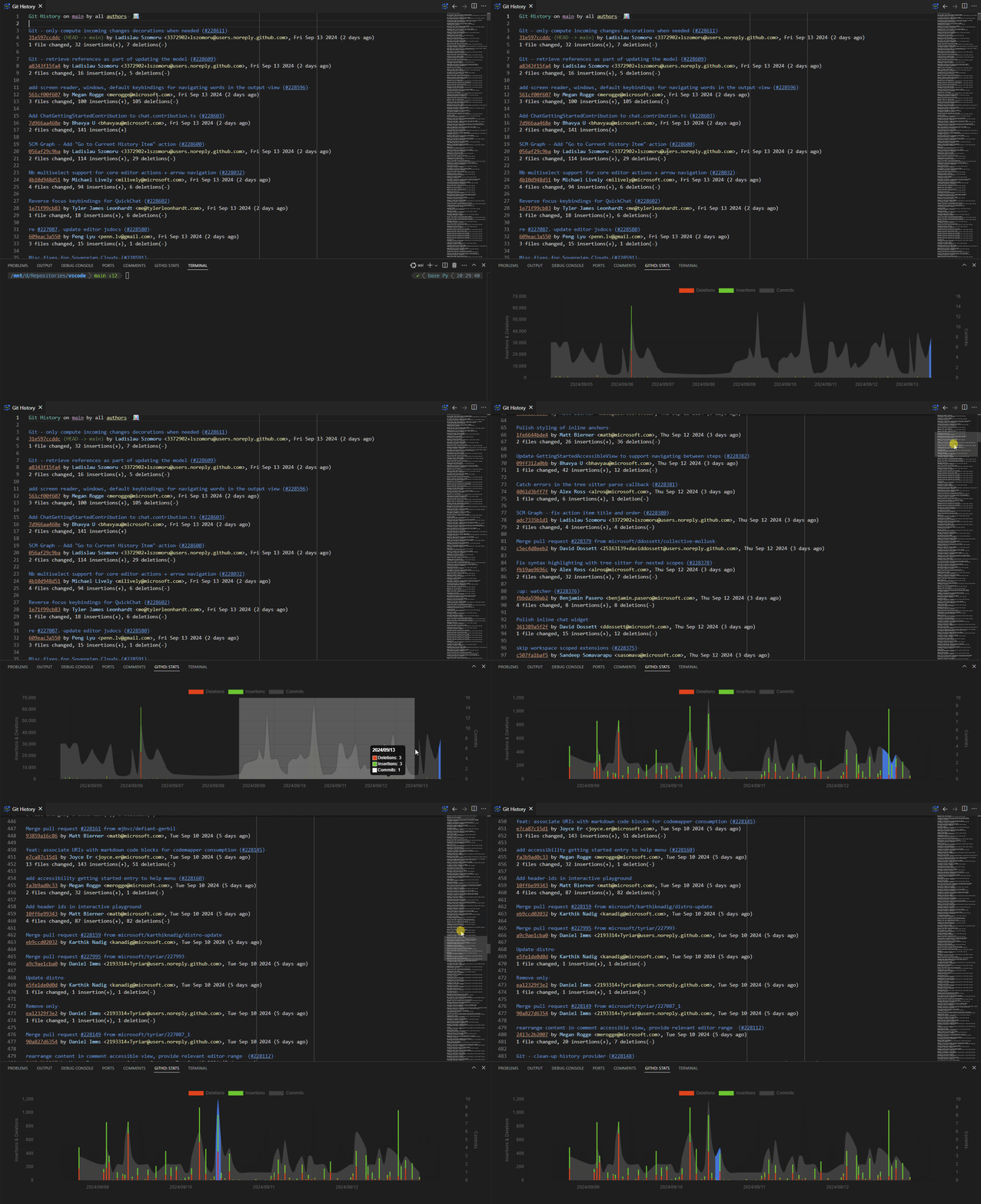
- Add stats chart. It reflects the commit stats of the history view.
Features
- View branch history.
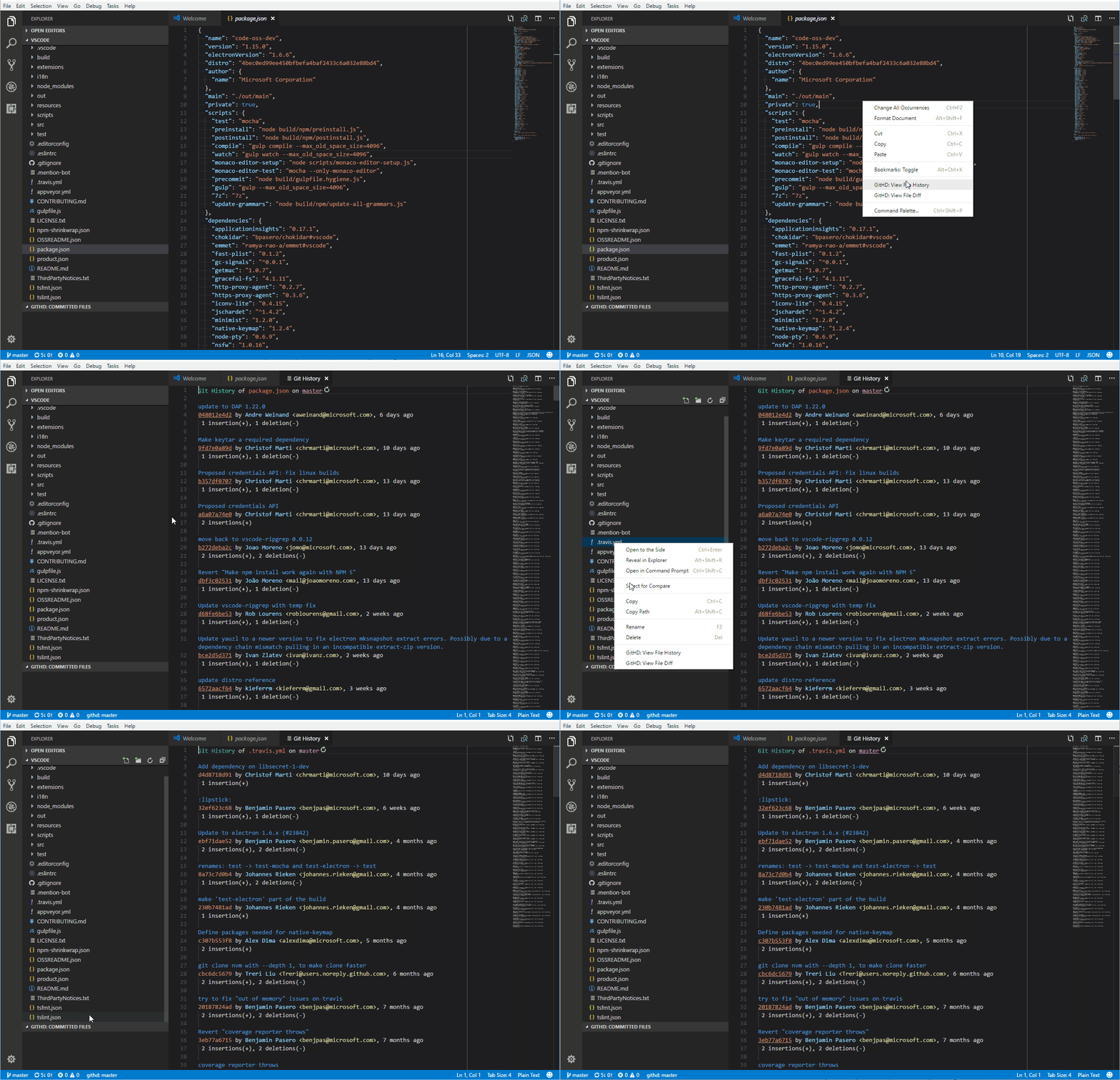
- View file history.
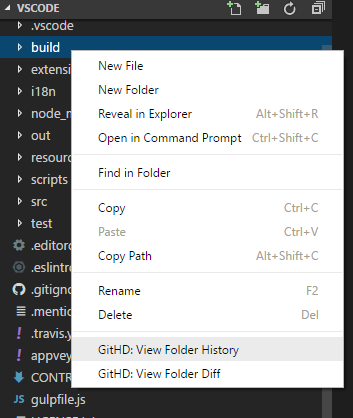
- View folder history.
- View line history.
- View history by author.
- Select a commit from the history view to see diff of committed files.
- View git stashes and related files' diffs.
- View git blame which displays the latest commit info at the end of each line. Hover on it to see details.
- Input a commit sha1 to see diff of the committed files.
- View all the diffs between current branch and the selected one or between the two selected ones.
- View the diff of a file or folder between current branch and the selected one or between the two selected ones.
- View file diff between un-committed local and specified commit.
- Go back or forward on History view.
- Go back or forward on Explorer view.
- Check the previous (older) or next (newer) commit.
- Go to github PR links from blame view and commit info.
- View commit stats chart. It reflects the commit stats of the history view.
Commands
Press F1 and type or select below commands to run.
GitHD: View HistoryGitHD: View Branch HistoryGitHD: View File HistoryGitHD: View Line HistoryGitHD: View Entire HistoryGitHD: View StashesGitHD: View Branch DiffGitHD: View Un-committed File DiffGitHD: Input Ref
Usage
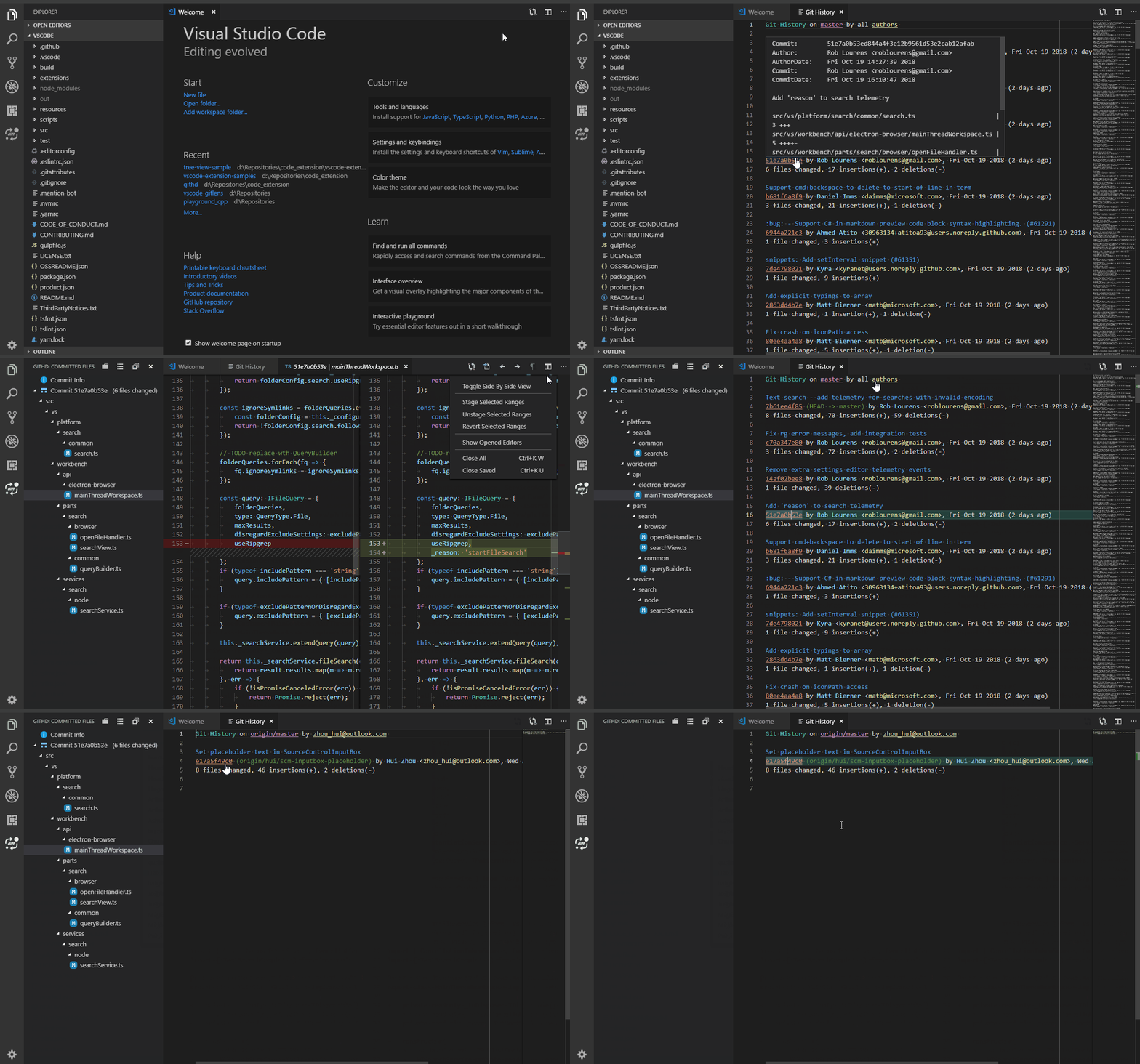
View Branch History and the Committed Changes
Note, when you select different branch to see it's history, the repo will not checkout to that branch.
View File or Folder History
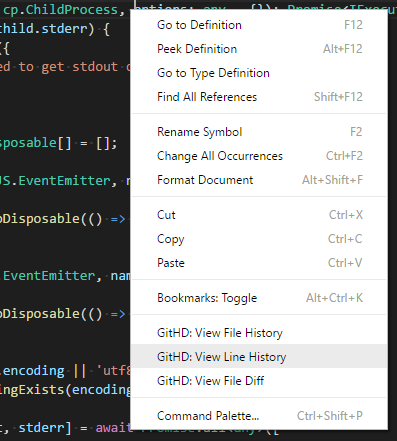
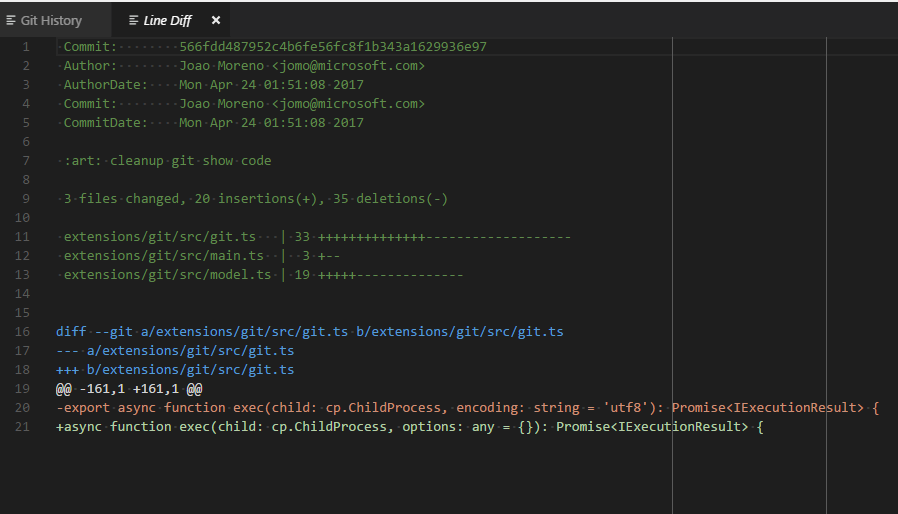
View line history and diff
Diff Branch
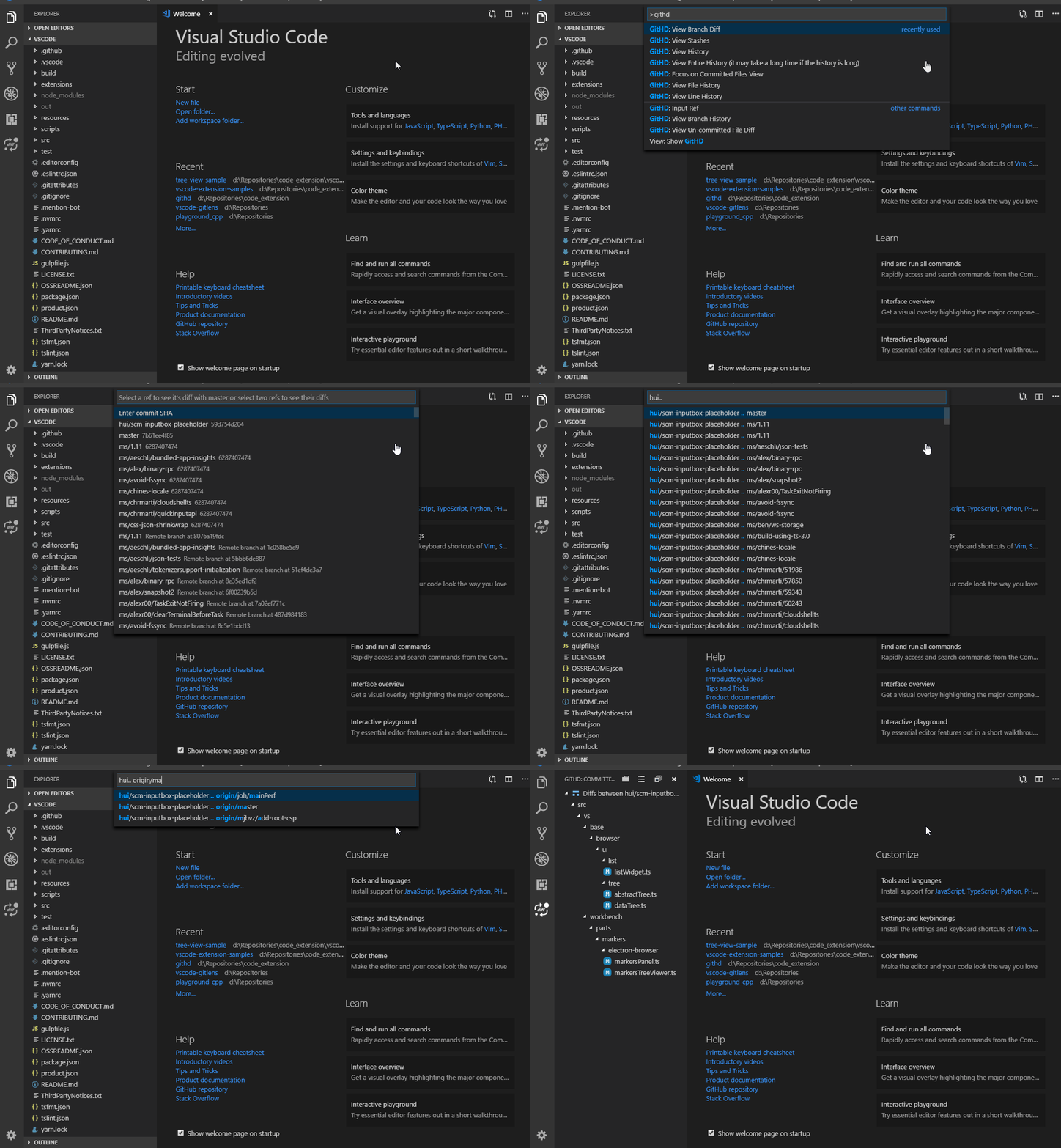
- Select a branch or ref to compare with current branch
- Select two branches or refs to compare with current branch. You are able to select a local branch to compare with another local or remote branch.
- Input a SHA to compare with current branch (
F1 -> GitHD: View Branch Diff -> Enter Commit SHA -> SHA) - Input two SHAs to see their diffs (
F1 -> GitHD: View Branch Diff -> Enter Commit SHA -> SHA1 .. SHA2)
Git Blame
You are able to see the latest commit info of each line. Hover on it to see the details and click the SHA to see committed files and their changes. You could disable it in the settings.

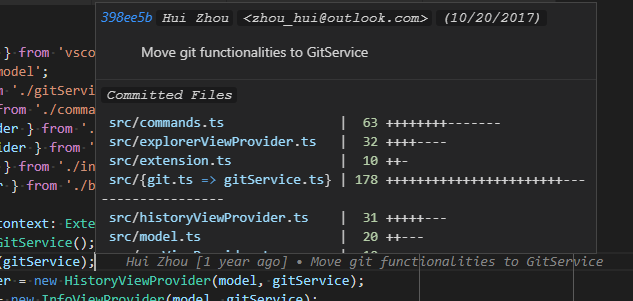
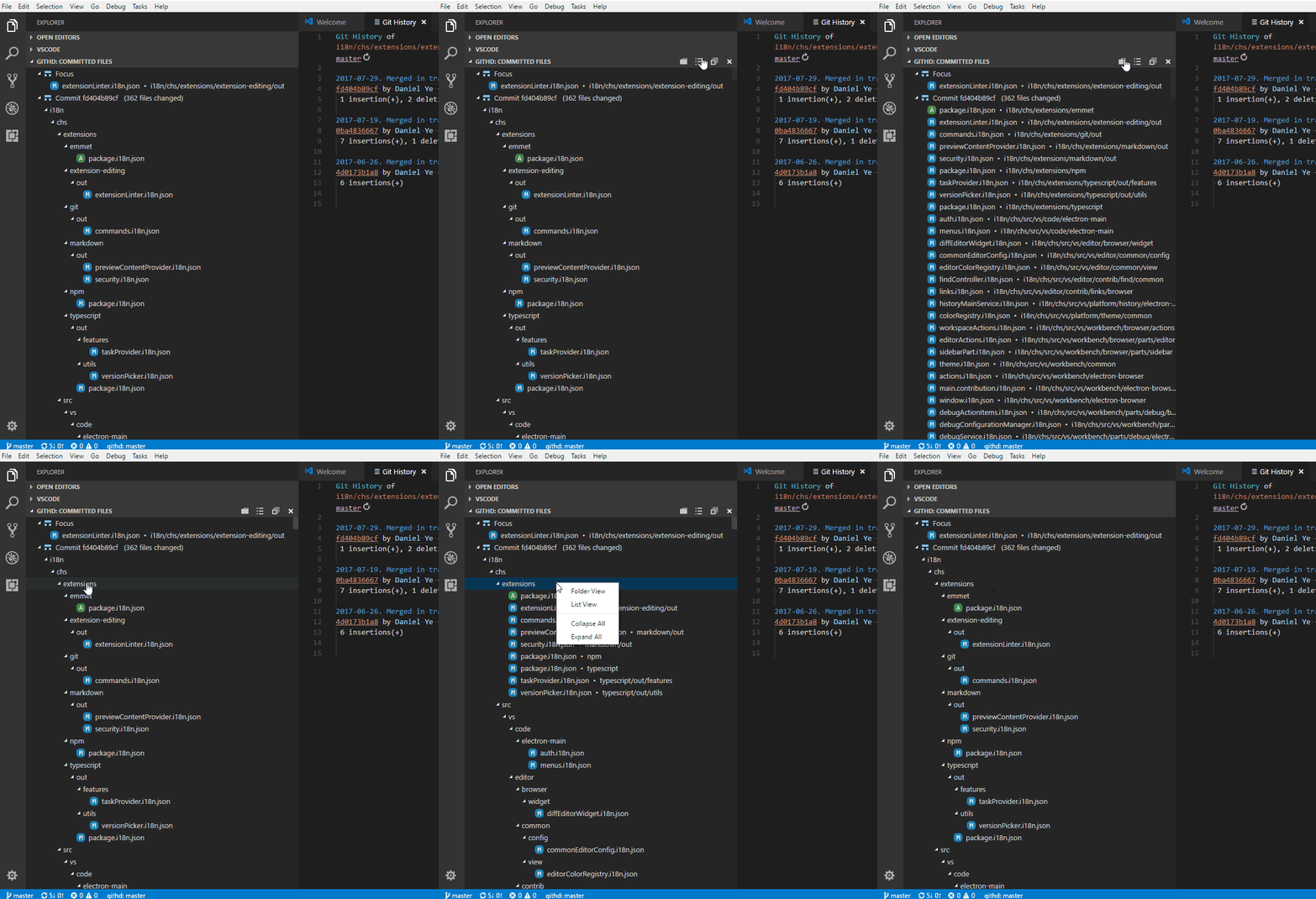
Display of the Committed Files
Express Mode
When the express mode is enabled, the History View will be loaded significantly faster especially when there are too many commits. But the stat info for each commit will not be displayed. You could toggle it in the settings.
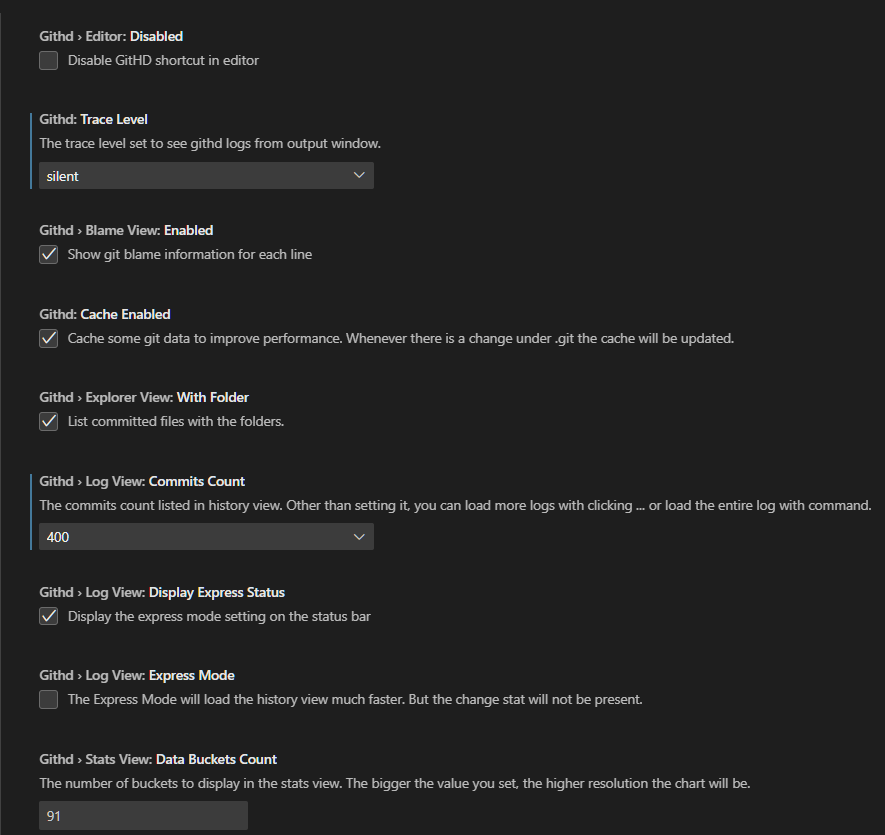
Settings
Press F1 and type or select Preferences: Open Workspace Settings or Preferences: Open User Settings. Search githd and set the configurations.
Changes
License
Thanks
Big thanks to all the contributors and users!
Unofficial Author's Words
This is the tool I wanted but could not find so wrote myself.
我会说中文。
Enjoy it!
Description from the VS Code Marketplace listing.
- diff
- git
- git diff
- git history
- git history diff
- git log
- githd
README badge
Show your rank in a README or on your website. The badge updates automatically.
Charts
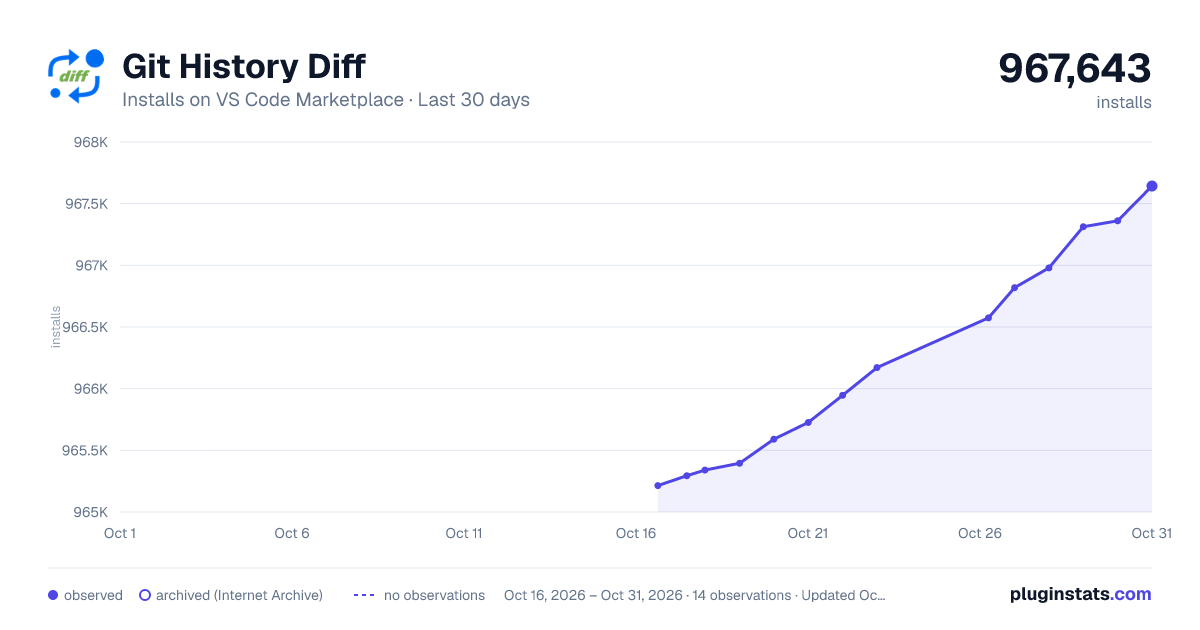
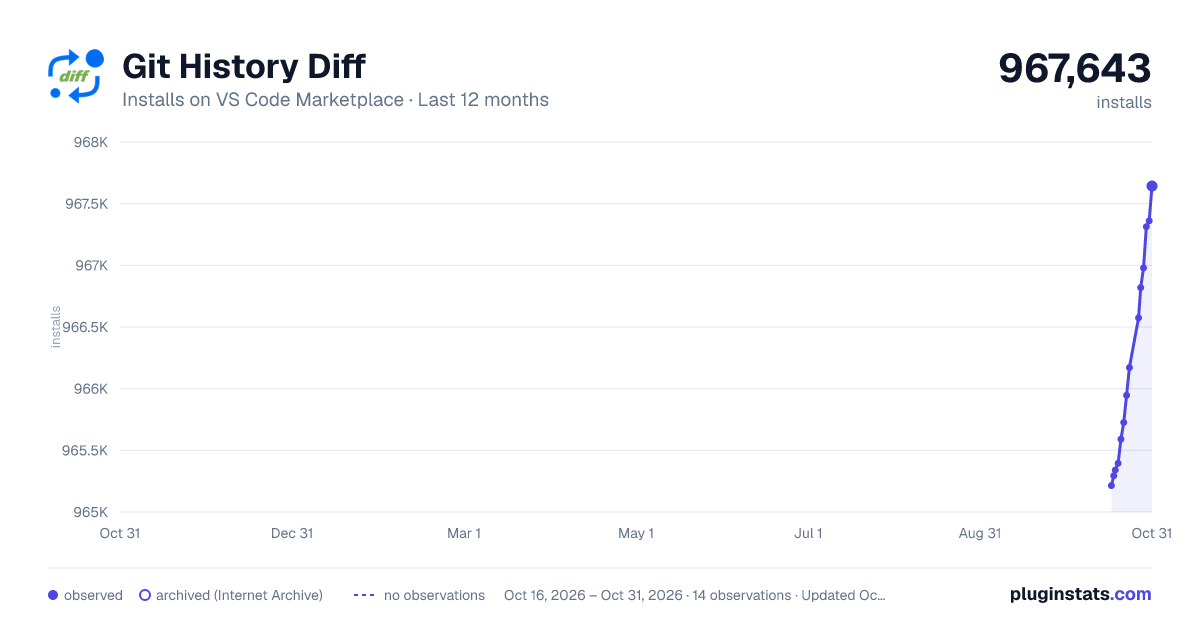
Images: 30d · 1y · all time · 1600×900 dark
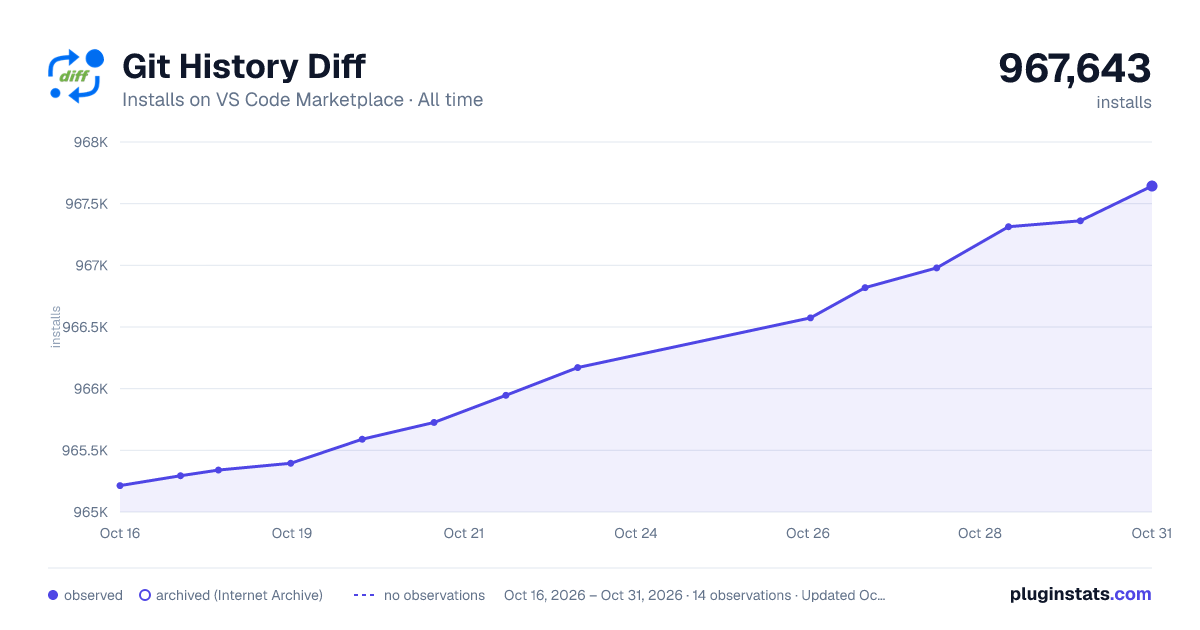

Adoption over time
7/30/90-day growth
Ranking history
Ratings over time
Listing placement
Listing placement
Filled points are observed values; hollow points come from Internet Archive snapshots of the listing page. Dashed segments span periods with no observations — values between points are not interpolated.
Each band is one page of 20. Installs on a linear scale. Placement is projected from installs, so it can differ from the marketplace's own sort order. Hover a dot to see the listing.
Recent observations
Full history (5)Similar VS Code Marketplace Other plugins
All 20 Git History Diff alternativesData source
Install counts, average rating, and rating counts come from the public Visual Studio Marketplace gallery API. Installs are cumulative and exclude updates.
Listing: https://marketplace.visualstudio.com/items?itemName=huizhou.githd. First seen Oct 16, 2026; last successful collection Oct 20, 2026. See the methodology.