 PluginStats
Sapphire Theme installs statistics
By Daniel Imms (6 listings) · VS Code Marketplace · Themes
Sapphire is a vibrant blue theme for Visual Studio Code
Sapphire Theme has 122,416 recorded installs on VS Code Marketplace, ranking #2120 of 2,502 tracked listings.
Rating: 4.91 / 5 from 11 ratings
About Sapphire Theme
Sapphire is a vibrant blue theme for Visual Studio Code, created with the help of vscode-theme-generator.
This theme customizes colors in the editor, workbench and integrated terminal.

Semantic colors
Colors in Sapphire have strong meaning.
- Base color is light blue
- Keywords and operators are blue
- Classes, functions and member variables are teal
- Function calls are yellow
- Types are green
- Strings are red
- Numbers are orange
If you see any inconsistencies with the colors please report them to the GitHub repo.
Selection
Sapphire attempts to make selections more clear by giving them distinct colors which stack upon each other nicely.
Word highlight is used when the cursor is places over a word/symbol that the language extension recognizes, all other occurrences of the symbol are also highlighted. It's colored using a transparent white.

Selection highlight is blue. Other occurrences of the selection text are also highlighted with a slightly brighter blue.

Find highlight is used for all matches of find in file (<kbd>ctrl</kbd>/<kbd>cmd</kbd>+<kbd>f</kbd>) and find in files (<kbd>ctrl</kbd>/<kbd>cmd</kbd>+<kbd>shift</kbd>+<kbd>f</kbd>). It's colored in red with the active find selection bring brighter than the others and also having a background highlight.

Dim and Bright Variants
The theme also includes a dim and a bright variant.


Description from the VS Code Marketplace listing.
- color-theme
- theme
README badge
Show your rank in a README or on your website. The badge updates automatically.
Charts
Images: 30d · 1y · all time · 1600×900 dark
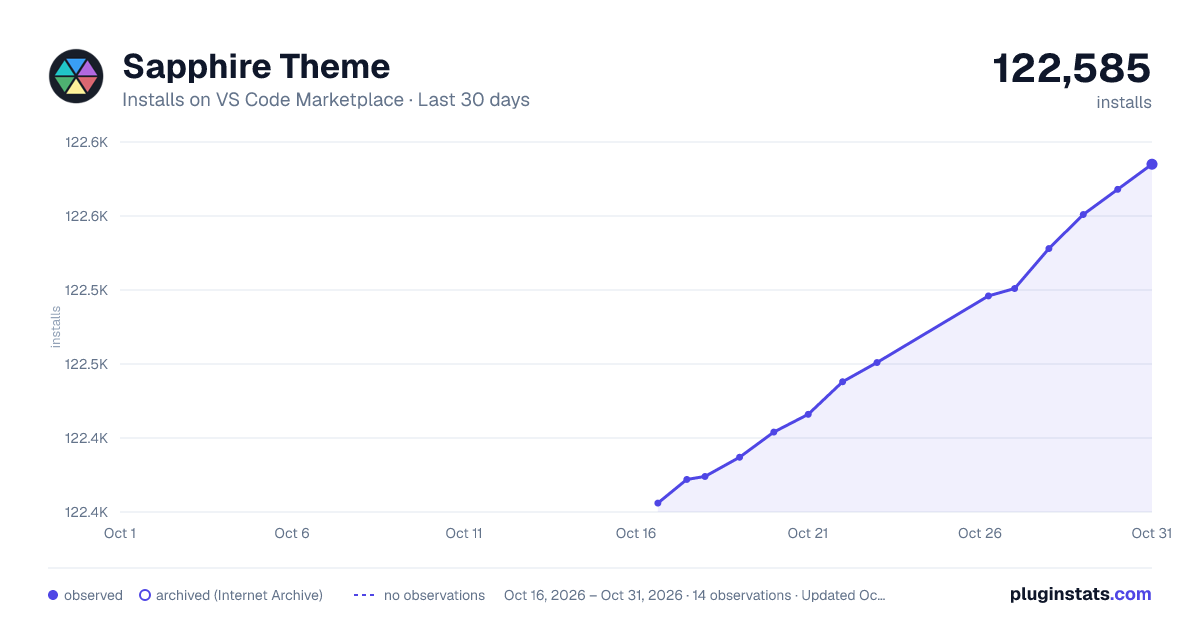
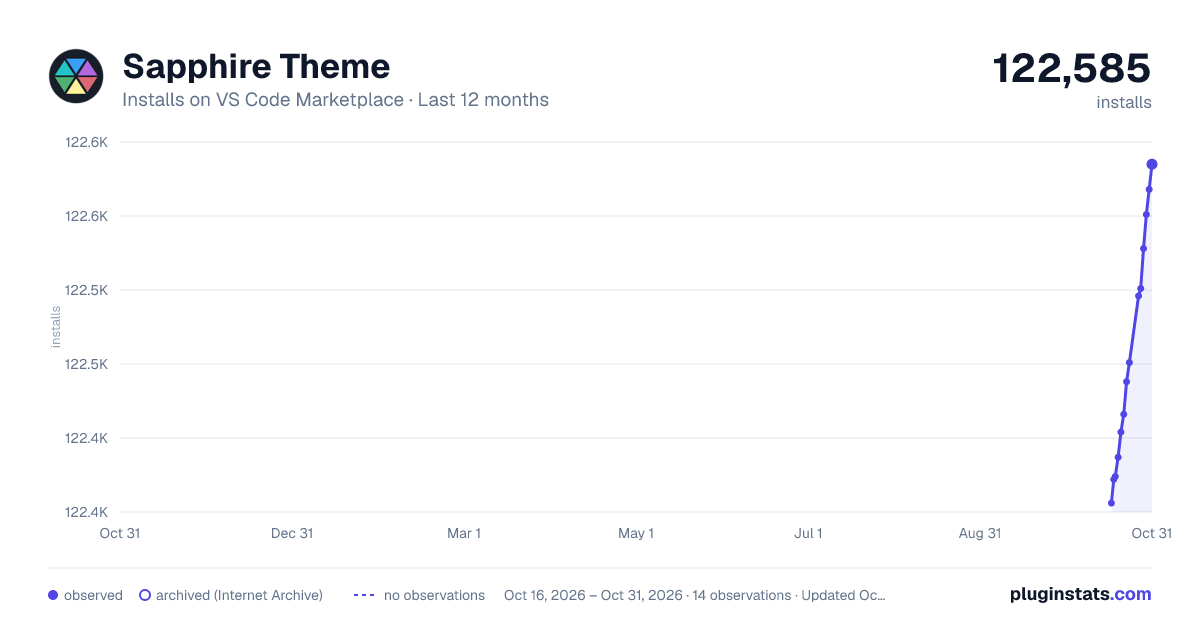
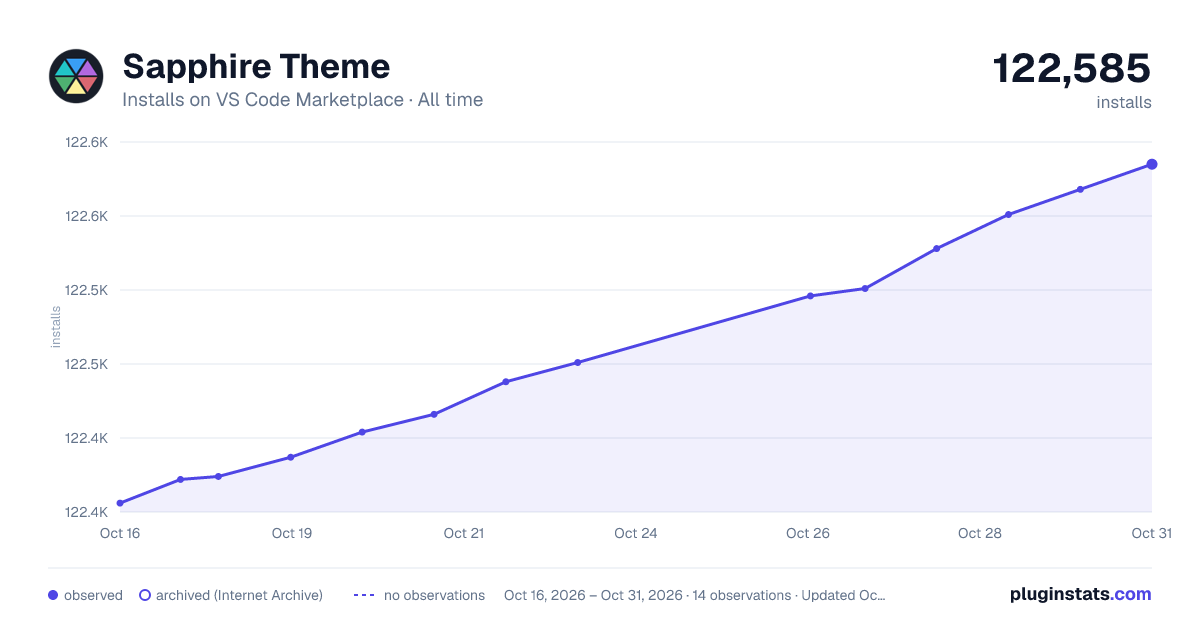

Adoption over time
7/30/90-day growth
Ranking history
Ratings over time
Listing placement
Listing placement
Filled points are observed values; hollow points come from Internet Archive snapshots of the listing page. Dashed segments span periods with no observations — values between points are not interpolated.
Each band is one page of 20. Installs on a linear scale. Placement is projected from installs, so it can differ from the marketplace's own sort order. Hover a dot to see the listing.
Recent observations
Full history (6)Similar VS Code Marketplace Themes plugins
All 20 Sapphire Theme alternativesData source
Install counts, average rating, and rating counts come from the public Visual Studio Marketplace gallery API. Installs are cumulative and exclude updates.
Listing: https://marketplace.visualstudio.com/items?itemName=Tyriar.theme-sapphire. First seen Oct 16, 2026; last successful collection Oct 21, 2026. See the methodology.