 PluginStats
Hooks IntelliSense for WordPress installs statistics
By John Blackbourn · VS Code Marketplace · Snippets
IntelliSense and autocompletion for WordPress hooks, actions, and filters
Hooks IntelliSense for WordPress has 227,765 recorded installs on VS Code Marketplace.
It ranks #1381 of 2,501 tracked VS Code Marketplace listings by installs.
It is rated 5.0 out of 5 from 22 ratings.
PluginStats has 4 daily observations since Oct 16, 2026; the latest is from Oct 19, 2026.
Rating: 5.00 / 5 from 22 ratings
About Hooks IntelliSense for WordPress
Hooks IntelliSense for WordPress
This VS Code extension provides IntelliSense and autocomplete for WordPress hooks, actions, and filters.
• Autocomplete for action and filter names • Supports all actions and filters up to WordPress 7.1 • Autocomplete for action and filter callback functions • Supports functions, class methods, closures, arrow functions, and more • The parameter types, return type, and a docblock are included where appropriate • Various options can be controlled in the settings for the extension • Hover information on action and filter names • Includes a useful link to the developer.wordpress.org documentation site
Usage
Start typing the name of a WordPress action or filter within add_action() or add_filter() and you'll get an autocomplete list of all matching actions or filters, plus information about the parameters and usage:
Autocomplete is also provided for the callback function. It's contextually aware and provides options for a function, a class method, a closure, an arrow function, and WordPress' built-in utility functions:
An autocompleted closure callback looks like this:
Hover information for an action or filter name looks like this:
FAQ
Which functions does the autocomplete list and hover information work with?
• add_action() • add_filter() • remove_action() • remove_filter() • has_action() • has_filter() • doing_action() • doing_filter() • did_action() • did_filter()
How can I trigger the autocomplete list if it doesn't show up?
Place your cursor within the first parameter of one of the supported functions, eg add_action() or add_filter(), and hit ctrl+space. This works with any autocomplete provider, not only this extension.
Can I disable or adjust the type declarations / type hints / docblock?
Yes, open the preferences for VS Code and go to the Extensions -> Hooks IntelliSense for WordPress section.
Where does the list of hook names come from?
They're generated directly from the WordPress core software and updated in time for each new release. They're bundled with this extension so there's no requirement for your project to include WordPress if you don't want to, and the extension doesn't scan the files in your project looking for actions and filters.
Sponsors
The time that I spend maintaining this extension and others is in part sponsored by:
Plus all my kind sponsors on GitHub:
Click here to find out about supporting my open source tools and plugins.
License
This extension is free and open source software. It's licensed under the GNU GPL version 3.
Thanks
• This extension uses the wp-hooks library as the hook information provider. • This extension uses some code inspired by the Autocomplete WordPress Hooks extension for Atom.
Description from the VS Code Marketplace listing.
- actions
- autocomplete
- filters
- hooks
- intellisense
- php
- wordpress
Charts
Images: 30d · 1y · all time · 1600×900 dark
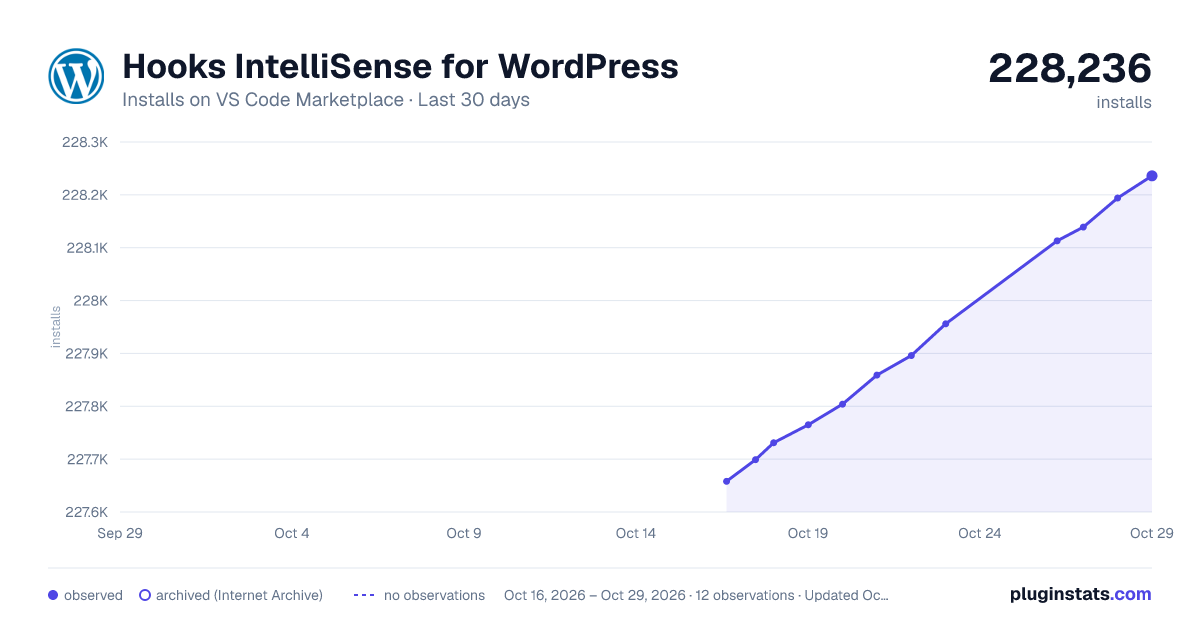
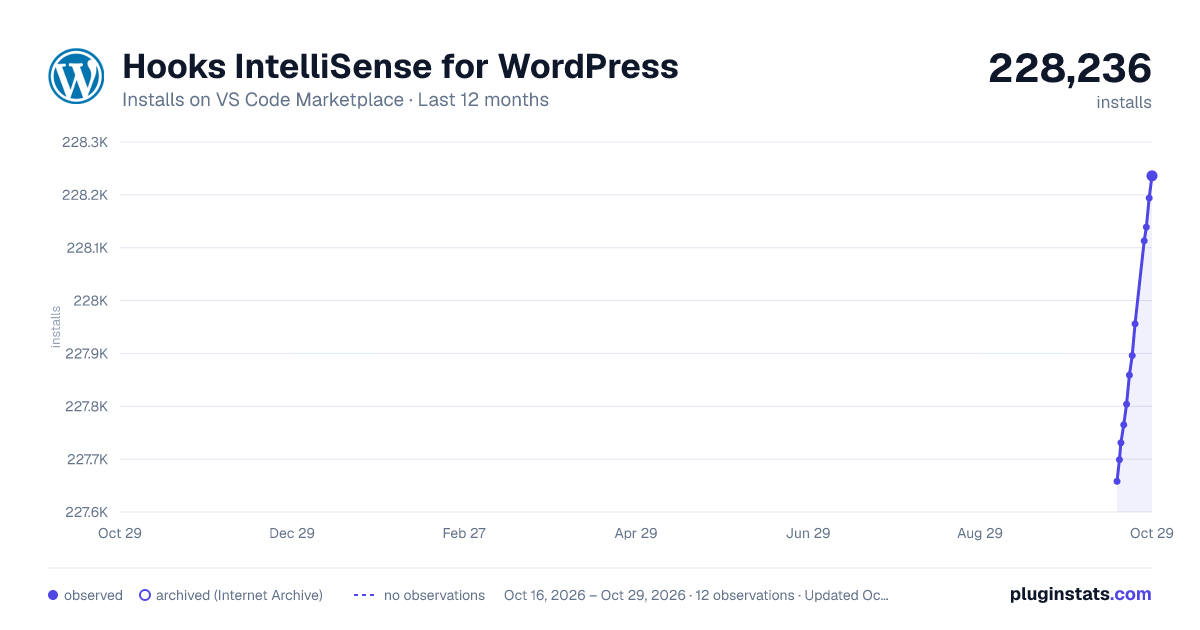
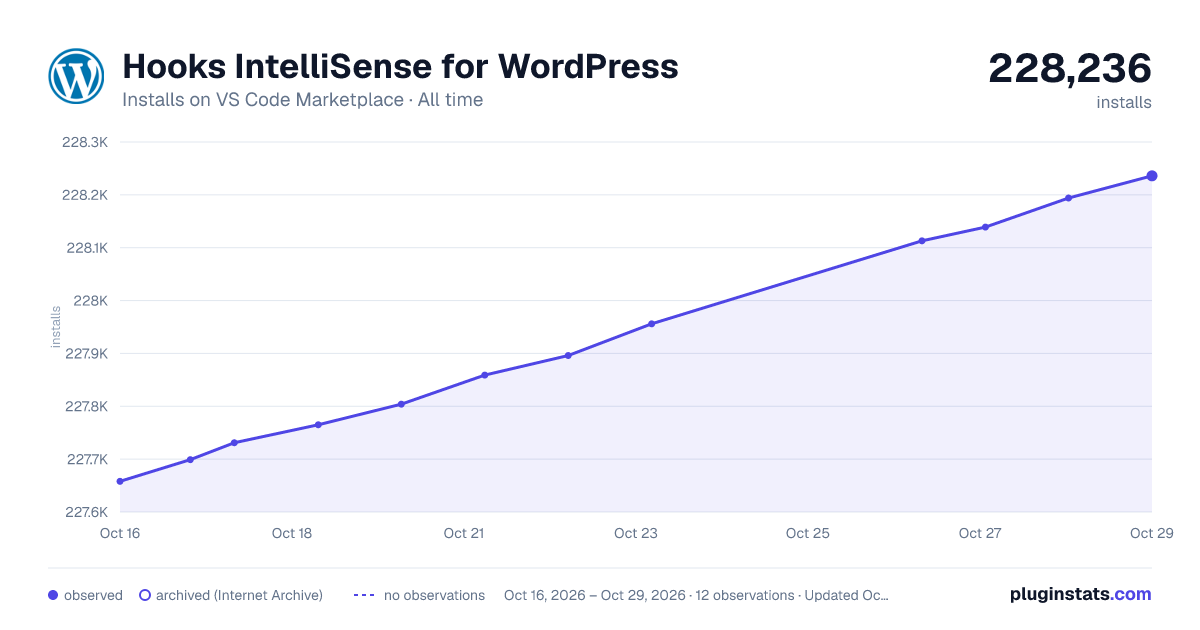

Adoption over time


7/30/90-day growth


Ranking history


Ratings over time


Listing placement


Filled points are observed values; hollow points come from Internet Archive snapshots of the listing page. Dashed segments span periods with no observations — values between points are not interpolated.
Each band is one page of 20. Installs on a log scale. Placement is projected from installs, so it can differ from the marketplace's own sort order. Hover a dot to see the listing.
Recent observations
Full history (4)Similar VS Code Marketplace Snippets plugins
All 20 Hooks IntelliSense for WordPress alternativesData source
Install counts, average rating, and rating counts come from the public Visual Studio Marketplace gallery API. Installs are cumulative and exclude updates.
Listing: https://marketplace.visualstudio.com/items?itemName=johnbillion.vscode-wordpress-hooks. First seen Oct 16, 2026; last successful collection Oct 19, 2026. See the methodology.