 PluginStats
AREPL for python installs statistics
By Almenon · VS Code Marketplace · Debuggers
real-time python scratchpad
AREPL for python has 2,174,161 recorded installs on VS Code Marketplace.
It ranks #329 of 2,500 tracked VS Code Marketplace listings by installs.
It is rated 4.9 out of 5 from 110 ratings.
PluginStats has 3 daily observations since Oct 16, 2026; the latest is from Oct 18, 2026.
Rating: 4.89 / 5 from 110 ratings
About AREPL for python
AREPL
AREPL automatically evaluates python code in real-time as you type.
AREPL is availible for free on the vscode marketplace.
Usage
First, make sure you have python 3.7 or greater installed.
Open a python file and click on the cat in the top bar to the right to open AREPL. You can click the cat again to close.
Or run AREPL through the command search: control-shift-p
or use the shortcuts: control-shift-a (current doc) / control-shift-q (new doc)
Features
• Real-time evaluation: no need to run - AREPL evaluates your code automatically. You can control this (or even turn it off) in the settings. • Variable display: The final state of your local variables are displayed in a collapsible JSON format. • Error display: The instant you make a mistake an error with stack trace is shown. • Settings: AREPL offers many settings to fit your user experience. Customize the look and feel, debounce time, python options, and more!
Misc
Dumping
If you want to dump local variables or dump variables at a specific point in your program you can use the dump function:
STDIN
see https://github.com/Almenon/AREPL-vscode/wiki/Using-AREPL-with-input
GUIS
see https://github.com/Almenon/AREPL-vscode/wiki/Using-AREPL-with-GUI's
#$end
Use the #$end comment to indicate the end of the real-time code. Code after #$end will not be executed in real-time. This is useful if you have something specific you want to run without running the entire file along with it. For example:
Note that you can also use control-enter to run a block of code outside #$end.
Filtering variables from display
Don't want to see a variable in AREPL's result panel? Just add it to a variable named arepl_filter:
You can also filter out types:
Finally there is a super-powerful arepl_filter_function var you can use to totally customize what is shown:
You can set default filters via the defaultFilterVars or defaultFilterTypes settings.
HOWDOI
You can use howdoi with arepl.
First install in the terminal / command line:
pip install howdoi
Then reopen arepl and you will be able to use howdoi to get answers to your questions. For example:
will give you a function to calcualate a fibonaci number
Variable Representation
I have overridden the display of some types (like datetime) to be more readable to humans.
If you want a type to be displayed in a particular manner just file an issue
More Stuff
Check out the wiki!
Contributing to the project
See the wiki page on getting started. Contributions welcome! Even though the project is not actively developed on I still review pull requests and issues.
Description from the VS Code Marketplace listing.
- keybindings
- python
- real-time
- scratchpad
Where AREPL for python sits in the listing
Each band is one page of 20. Installs on a log scale. Placement is projected from installs, so it can differ from the marketplace's own sort order. Hover a dot to see the listing.


Charts
Images: 30d · 1y · all time · 1600×900 dark
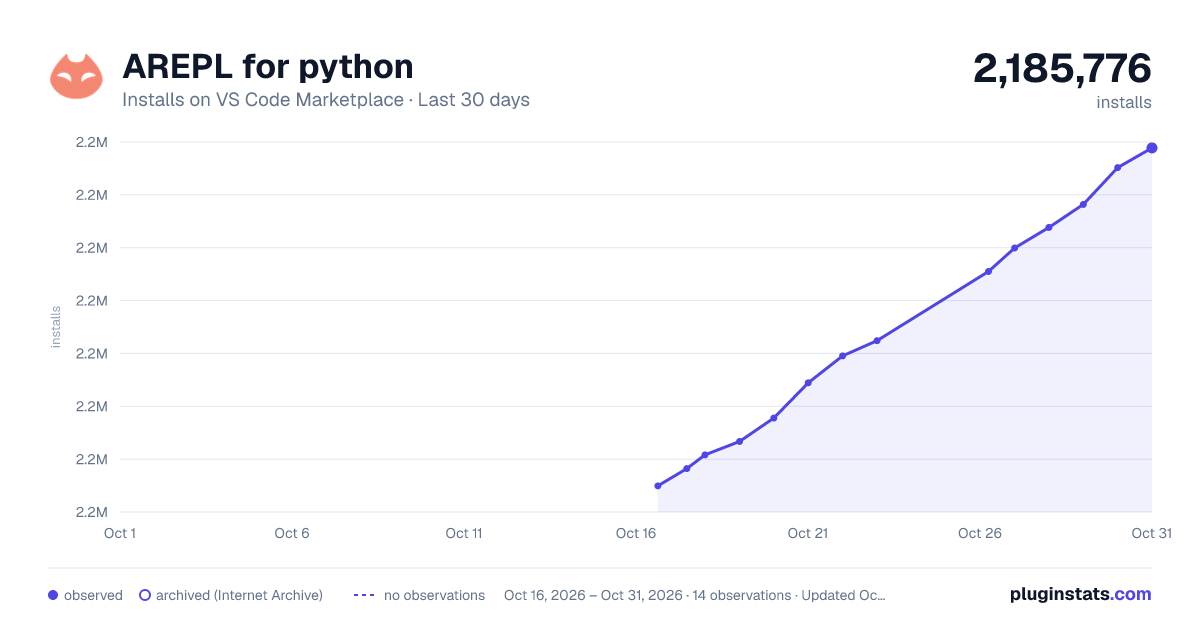
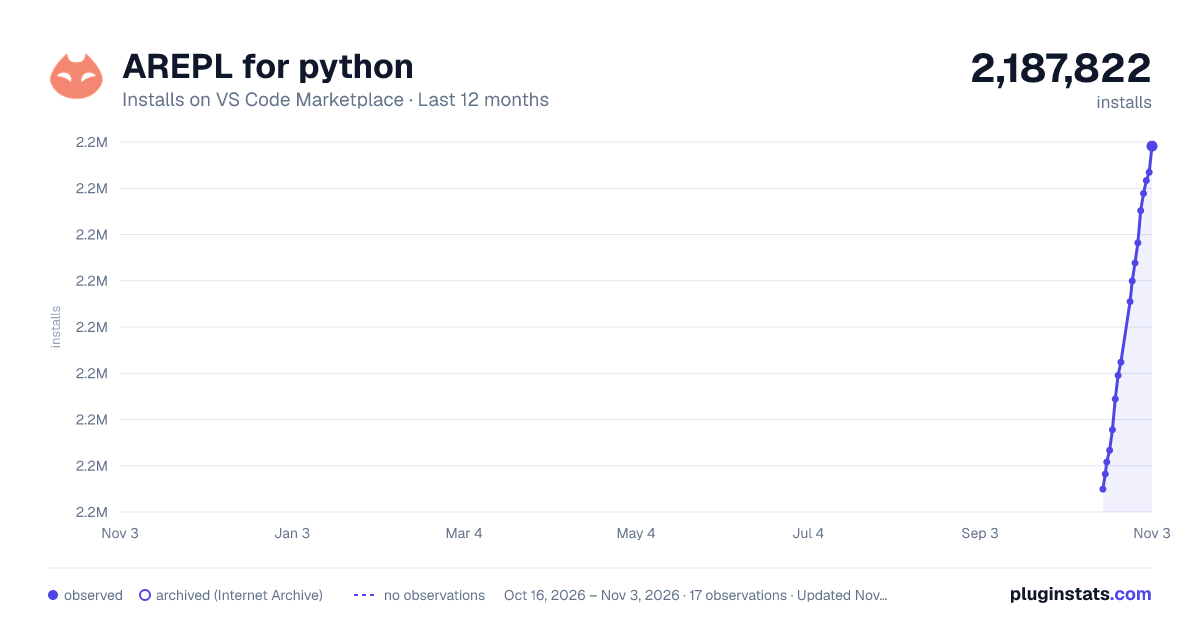
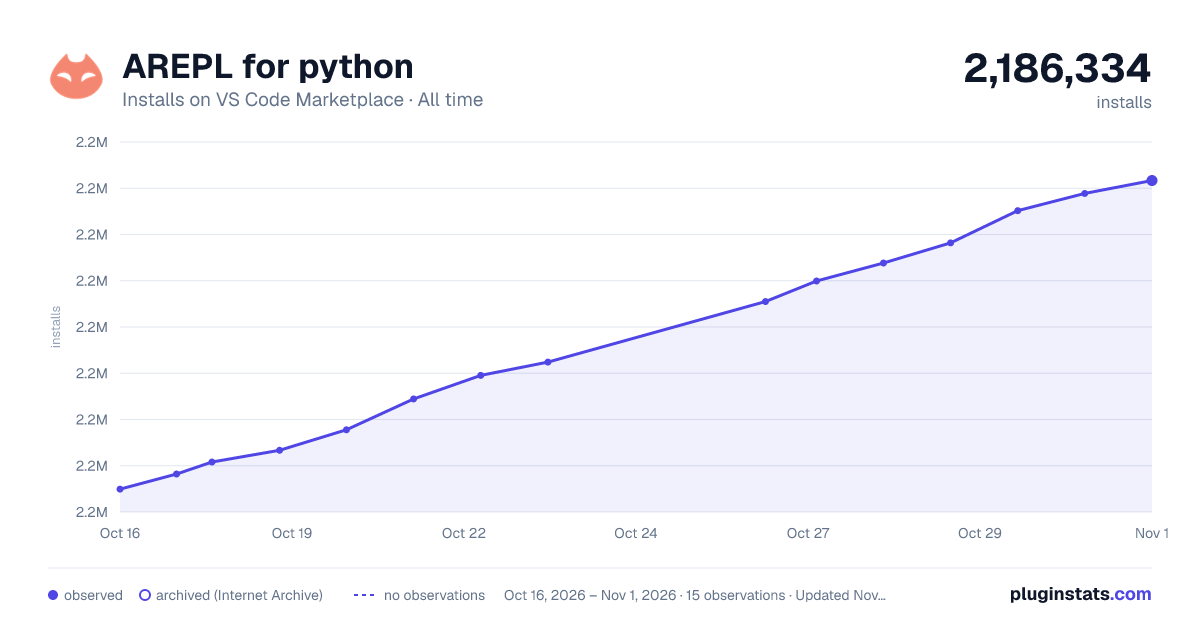

Adoption over time


7/30/90-day growth


Ranking history


Filled points are observed values; hollow points come from Internet Archive snapshots of the listing page. Dashed segments span periods with no observations — values between points are not interpolated.
Recent observations
Full history (3)Similar VS Code Marketplace Debuggers plugins
Data source
Install counts, average rating, and rating counts come from the public Visual Studio Marketplace gallery API. Installs are cumulative and exclude updates.
Listing: https://marketplace.visualstudio.com/items?itemName=almenon.arepl. First seen Oct 16, 2026; last successful collection Oct 18, 2026. See the methodology.