 PluginStats
Shades of Purple installs statistics
By Ahmad Awais ⚡ · VS Code Marketplace · Themes
🦄 A professional theme suite with hand-picked & bold shades of purple for your VS Code editor and terminal apps. One of the excellent, most downloaded, and top-rated VSCode Themes on the marketplace. Part of VSCode.pro course.
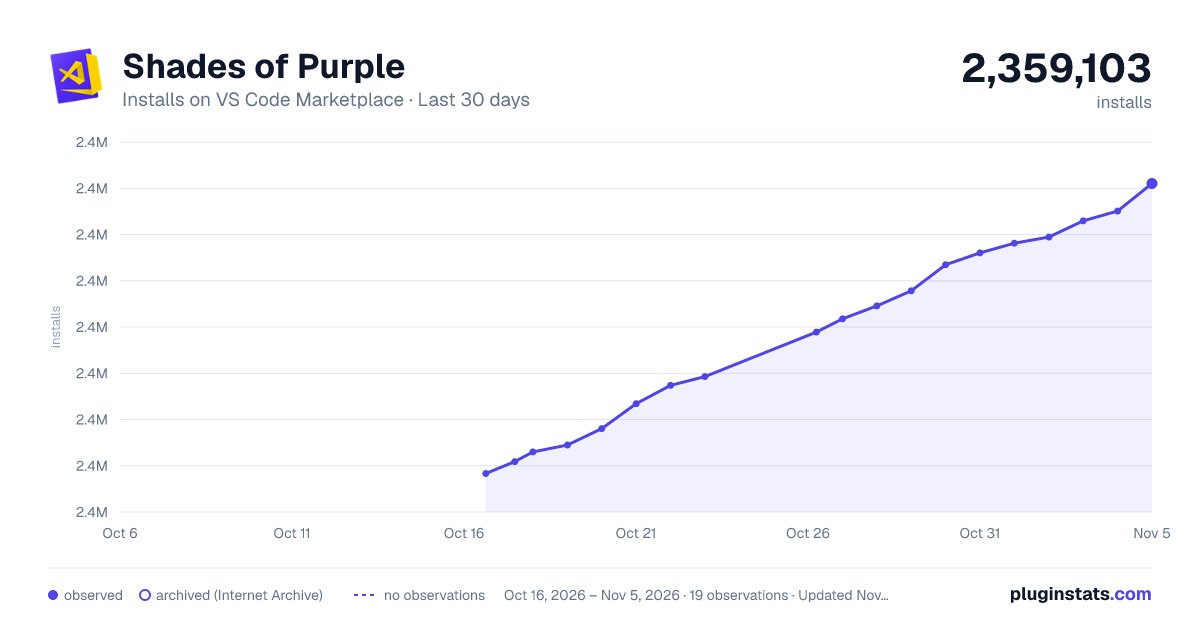
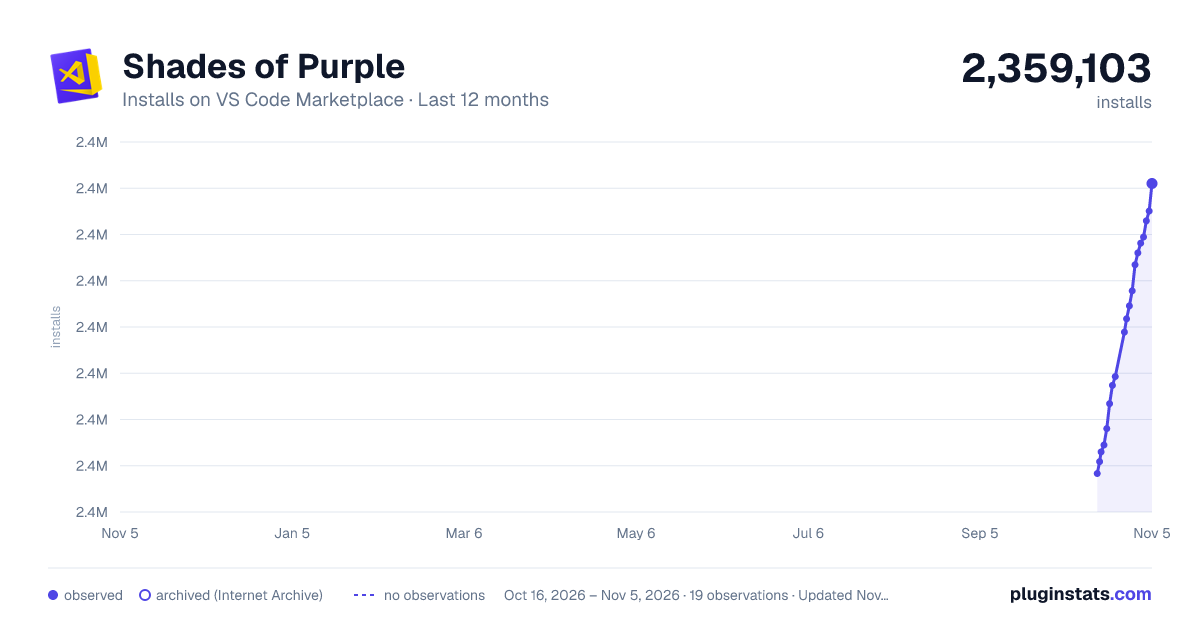
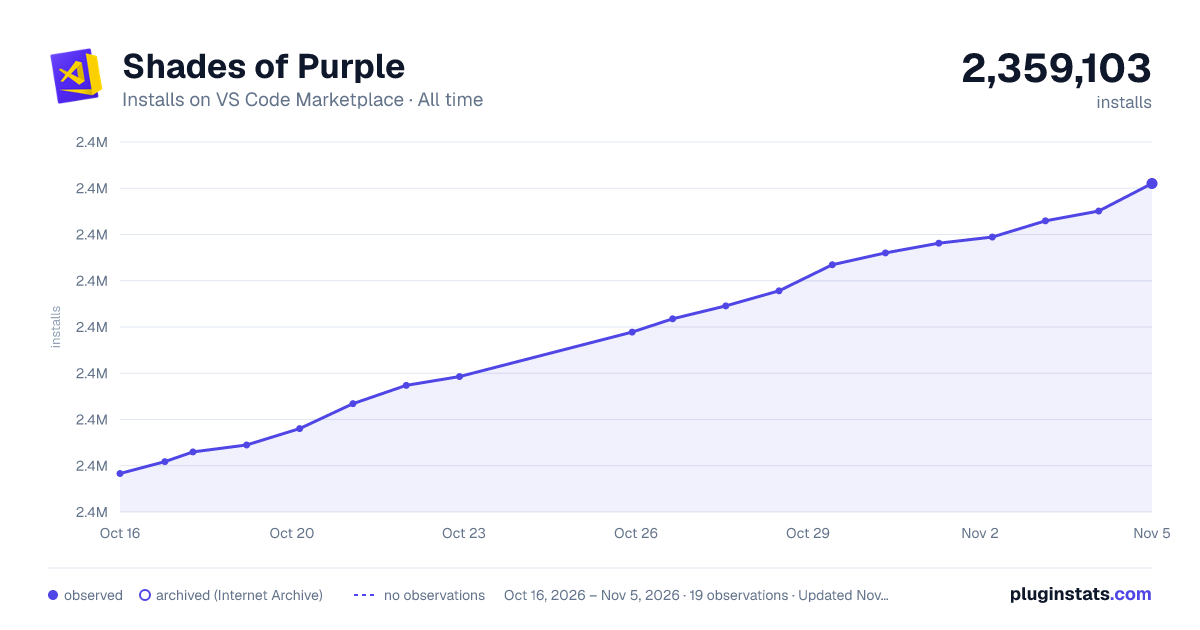
Shades of Purple has 2,353,299 recorded installs on VS Code Marketplace.
It ranks #310 of 2,500 tracked VS Code Marketplace listings by installs.
It is rated 4.9 out of 5 from 179 ratings.
PluginStats has 3 daily observations since Oct 16, 2026; the latest is from Oct 18, 2026.
Rating: 4.93 / 5 from 179 ratings
About Shades of Purple
Shades of Purple
A professional theme with hand-picked & bold shades of purple
[][sop] [][sop] [][review] [][course]
NEW: Diff Colors · Co-pilot Chat · Shades of Purple (Super Dark) BETA
About
Shades of Purple is a professional color theme carefully designed to reduce eye strain and improve code readability. With over 5 million developers using it worldwide, it has become one of the most loved themes in the VS Code marketplace.
What makes it special:
• Hand-picked color palette optimized for readability • Comprehensive support for 50+ programming languages • Perfect for presentations, teaching, and daily coding • Regular updates for the latest VS Code features • Free and open source
Created by Ahmad Awais · Learn VSCode · @MrAhmadAwais
Table of Contents
• About • What Developers Say • Installation • Easy Installation • Alternate Installation • Video Tutorial • Recommended Settings • Screenshots • Put Shades of Purple in Other Places • Color Palette Reference • FAQs • Master VS Code Course • License & Attribution
Video Demo & Installation
Watch this comprehensive video guide to see Shades of Purple in action. Learn the installation process and discover features like enhanced markdown editing, syntax highlighting, and customization options.
_This video is part of the [VSCode.pro course][course] — a complete guide to mastering Visual Studio Code._
📺 Watch the Video Tutorial →
Easy Installation
Get started with Shades of Purple in under a minute:
1. Open the extensions sidebar in Visual Studio Code 2. Search for Shades of Purple Theme 3. Click Install to install it 4. Click Reload to reload your editor 5. Select the theme — Code/File > Preferences > Color Theme > Shades of Purple 6. Enjoy! And consider leaving a review ⭐⭐⭐⭐⭐
Love the theme? Over 110+ developers have already rated it five stars. Join them →
Alternate Installation
Prefer the command palette? Here's the quick way:
1. Launch Quick Open — Press Cmd+P on macOS or Ctrl+P on Windows/Linux 2. Paste the command — ext install shades-of-purple 3. Hit Enter and click Install 4. Click Reload to reload your editor 5. Select the theme — Code/File > Preferences > Color Theme > Shades of Purple
Recommended Settings
Shades of Purple works great out of the box. But for the ultimate experience, especially if you use Operator Mono or a similar font, try these custom settings:
Note: These settings are completely optional. The theme works beautifully with your existing configuration.
Bonus: Custom VSCode Icon
Want to go all-in on purple? Use this custom Shades of Purple VSCode icon based on the excellent work by VSCode Icons.
What Developers Say
Used by 5,000,000+ developers worldwide with 175 five-star ratings. Here's what makes them stay:
🎯 Perfect for Presentations
_"A gorgeous, high contrast theme that stands out without getting in the way. Especially great for doing developer talks and screencasts."_
— Shawn Swyx Wang · Latent Space, AI Engineer
💜 Once You Switch, You Can't Go Back
_"Once you switch to this theme you'll never switch back. There's nothing quite like it."_
— Kim Takala
_"I switch syntax themes often, but I haven't felt the need to switch since using this one for the past 6 months, it's my new default."_
— Adam Hollister · Lead Developer @British & Irish Modern Music Institute
_"I always tried to stay away from any addiction, but I can't help myself with this one; once you start using it, there's no way to go back. Kudos!"_
— Fahad Mir
👀 Easy on the Eyes
_"Most comfortable theme to work with, especially the color contrast, great work."_
— Faris Abusada
_"Sticking to code editor for long hours is no more pain for eyes 💯"_
— Fatima Mubeen
_"I've tried a bunch of themes and this one seemed a bit garish at first... but I gave it a go and oh lord it's really good, not to mention the best to spend hours and hours coding without getting tired."_
— Pablo Herrero
🏆 Best Theme Ever
_"In my 18+ years of coding experience, this is by far the most pleasing theme I've ever used in an editor (or any application for that matter)."_
— Muneeb Karim
_"Best theme I've used in 20 years of development. I started using it about two weeks ago, I don't change anything, I already put everything that is available."_
— Gustavo Cassino
🎨 Beautiful & Unique Colors
_"Themes with more unique colors like purple are relatively rare, so it's great to see purple represented here. It's a fun theme, and it's easy to read!"_
— Ali Spittel · Tech Director @WomenWhoCode
_"Just installed Shades of Purple and absolutely love it! I love these colors!"_
— Alexandra Spalato · JavaScript & WordPress Developer
_"The colors just mesh so well. When I first saw this theme I thought. Ewww, Purple? But it very quickly grew on me and now only wish I had found it sooner."_
— Marco Crank
🚀 Boosts Productivity
_"I'm coding more and my productivity has skyrocketed. This theme makes it very easy to focus on the things that matter."_
— Raju Mandapati
_"The choice of colours complement each other incredibly well and the overall UI is really pleasing to the eye."_
— Deleted User
🎮 The Fun Factor
_"Feels like I'm in an arcade game 10/10"_
— Daniel Varcas
_"I now love my editor"_
— Alec Hanefeld
⭐⭐⭐⭐⭐ 175 five-star ratings · Read all 175+ reviews on the marketplace →
Want to master VS Code? After 10 years with Sublime Text, I switched to VSCode and spent 1,000+ hours perfecting my setup. I've distilled everything into a comprehensive course covering workflows for HTML/CSS, JavaScript, PHP, Git, Markdown, and 50+ extensions. [Learn more at VSCode.pro →][course]
Frequently Asked Questions
Got questions? Here are the most common ones:
• How do I disable italics? — Settings for a no-italics version • Highlight Matching Tag settings? — Matching styles configuration • Indent Rainbow settings? — Compatible color configuration • [VSCode Power User Setup?][course] — Complete course on my workflow…
Description from the VS Code Marketplace listing.
- Cobalt
- color-theme
- Dark Theme
- Shade of Purple
- Shades of Purple
- terminal
- theme
- VSCode Power User
Where Shades of Purple sits in the listing
Each band is one page of 20. Installs on a log scale. Placement is projected from installs, so it can differ from the marketplace's own sort order. Hover a dot to see the listing.


Charts
Images: 30d · 1y · all time · 1600×900 dark

Adoption over time


7/30/90-day growth


Ranking history


Filled points are observed values; hollow points come from Internet Archive snapshots of the listing page. Dashed segments span periods with no observations — values between points are not interpolated.
Recent observations
Full history (3)Similar VS Code Marketplace Themes plugins
Data source
Install counts, average rating, and rating counts come from the public Visual Studio Marketplace gallery API. Installs are cumulative and exclude updates.
Listing: https://marketplace.visualstudio.com/items?itemName=ahmadawais.shades-of-purple. First seen Oct 16, 2026; last successful collection Oct 18, 2026. See the methodology.