 PluginStats
Cobalt2 Theme Official installs statistics
By Wes Bos · VS Code Marketplace · Themes
🔥 Official theme by Wes Bos.
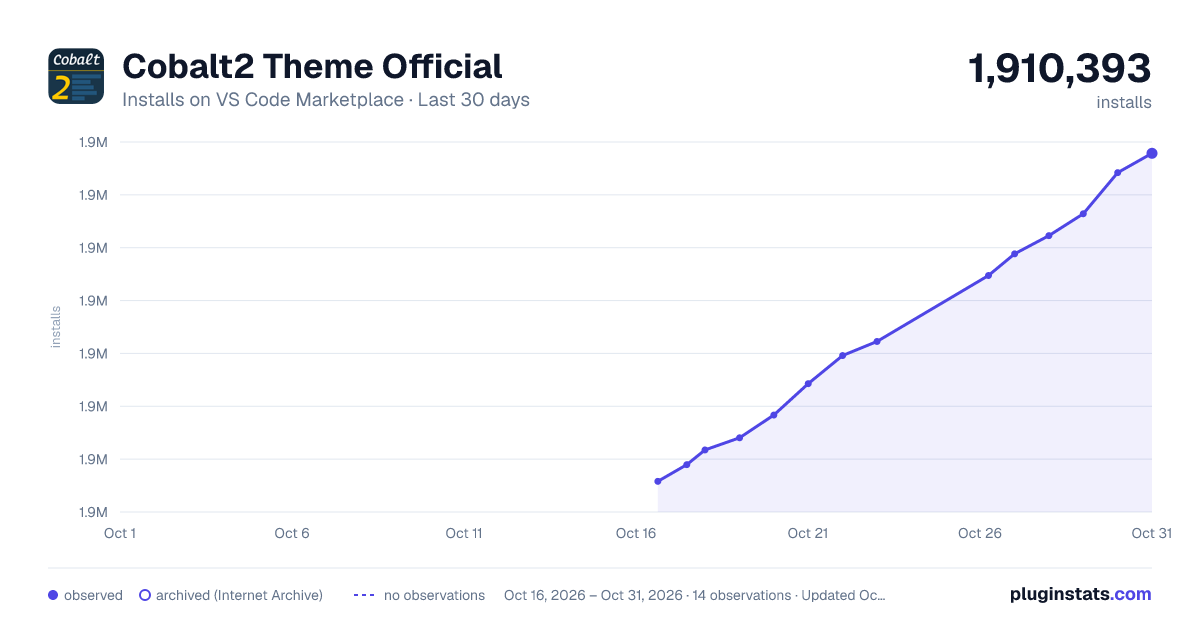
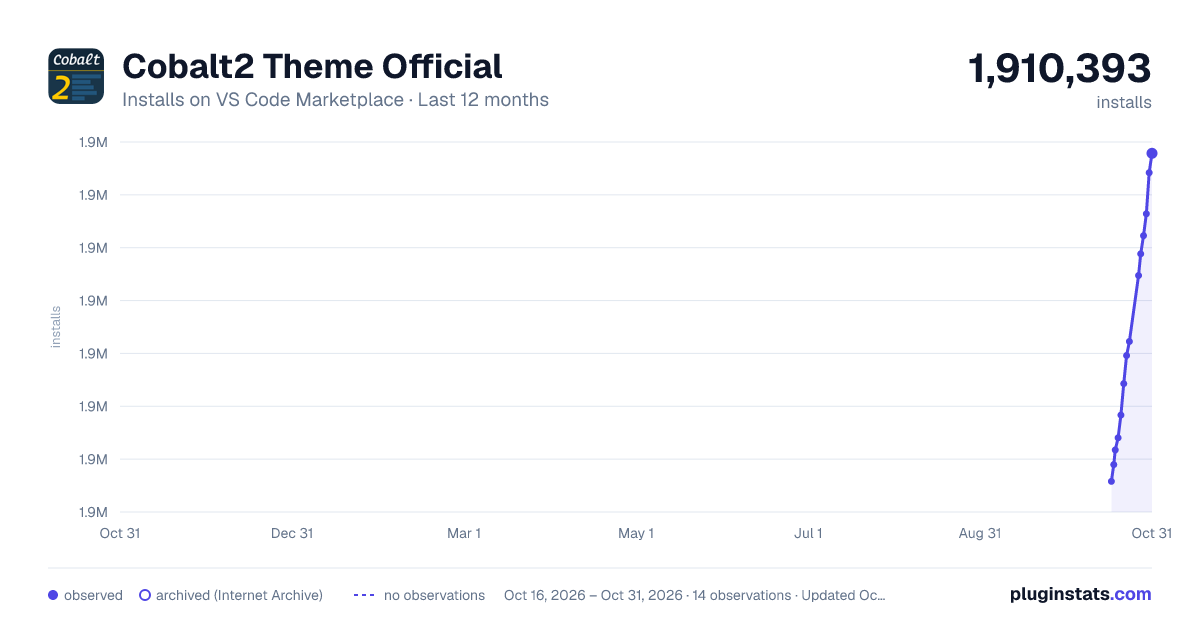
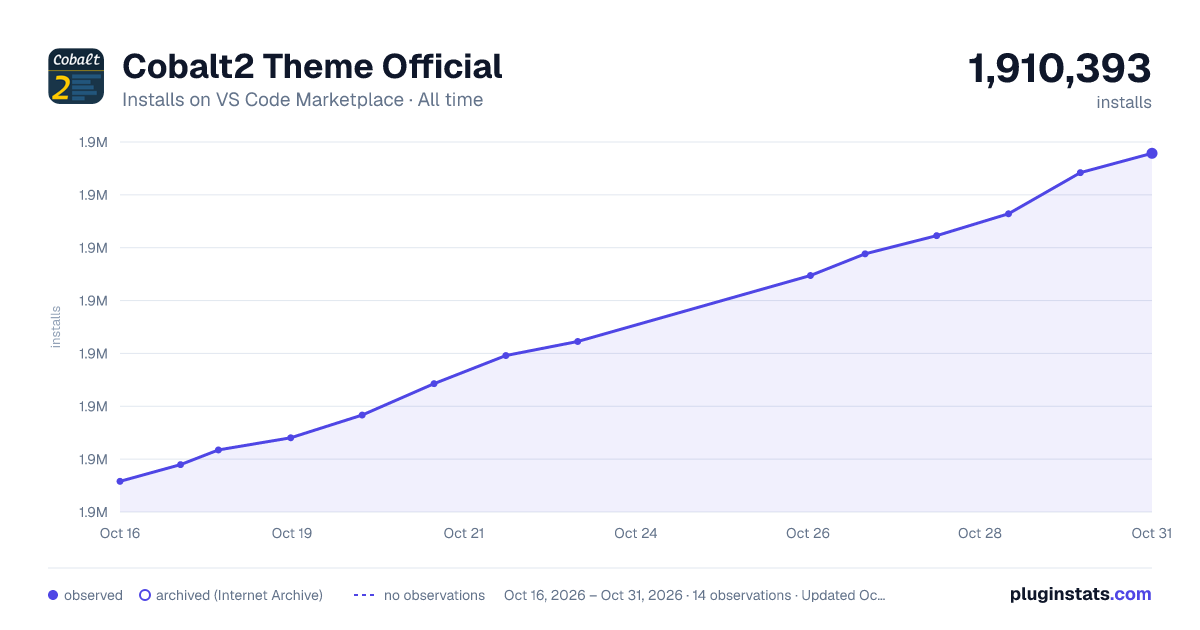
Cobalt2 Theme Official has 1,907,587 recorded installs on VS Code Marketplace.
It ranks #356 of 2,500 tracked VS Code Marketplace listings by installs.
It is rated 4.8 out of 5 from 81 ratings.
PluginStats has 3 daily observations since Oct 16, 2026; the latest is from Oct 18, 2026.
Rating: 4.75 / 5 from 81 ratings
About Cobalt2 Theme Official
Cobalt2 Theme for VS Code
Install on VS Code Marketplace
Installation
1. Open Extensions sidebar panel in VS Code. View → Extensions 2. Search for Cobalt2 - find the one by Wes Bos - there are a few other half-baked ones so make sure you have the right one! 3. Click Install to install it. 4. Code > Preferences > Color Theme > Cobalt2 5. Optional: Use the recommended settings below for best experience
Recommended Settings
Colours
Blue: #193549 Blue Highlight: #1F4662 Blue Highlight2: #234E6D Blue Dark: #122738 Yellow: #ffc600 Hot Pink: #ff0088 Blush Pink: #ff628c Orange: #ff9d00 Green
Contributing
To work on the theme:
1. Clone this repo and open in VS Code 2. Open run View → Run 3. Click Launch Extension. This will open up another VS Code Editor 4. Make changes to cobalt2.json. You will see changes reflected in the other editor that opened in step 3.
If you are making a Pull Request, Please give me a screenshot of before/after!
Deploying a new version
These are mostly notes for me.
1. Increment the version number in package.json with npm version major|minor|patch 1. run npm run bundle 1. run npm publish to publish both to npm and vscode extension store
I don't like something
You don't need to fork it!
First, this theme is new so if something is funky, please open an issue. There are many languages and parts of VS Code I don't use, so let me know!
These are the things we have control over. If you would like to change something, you can either open a PR and see if I'd like it added, or override the colours in your own settings.json file.
https://code.visualstudio.com/docs/getstarted/theme-color-reference
Put Cobalt2 in other places!
• Warp • Sublime Text • Atom • iTerm2 • Hyper Term • Alfred • Slack
Thanks
Thanks to Roberto Achar for doing much of the initial porting to VS Code.
Description from the VS Code Marketplace listing.
- color-theme
- theme
- Themes
- VSCode
Where Cobalt2 Theme Official sits in the listing
Each band is one page of 20. Installs on a log scale. Placement is projected from installs, so it can differ from the marketplace's own sort order. Hover a dot to see the listing.


Charts
Images: 30d · 1y · all time · 1600×900 dark

Adoption over time


7/30/90-day growth


Ranking history


Filled points are observed values; hollow points come from Internet Archive snapshots of the listing page. Dashed segments span periods with no observations — values between points are not interpolated.
Recent observations
Full history (3)Similar VS Code Marketplace Themes plugins
Data source
Install counts, average rating, and rating counts come from the public Visual Studio Marketplace gallery API. Installs are cumulative and exclude updates.
Listing: https://marketplace.visualstudio.com/items?itemName=wesbos.theme-cobalt2. First seen Oct 16, 2026; last successful collection Oct 18, 2026. See the methodology.