 PluginStats
ROS installs statistics
By Microsoft (223 listings) · VS Code Marketplace · Debuggers
Develop Robot Operating System (ROS) with Visual Studio Code.
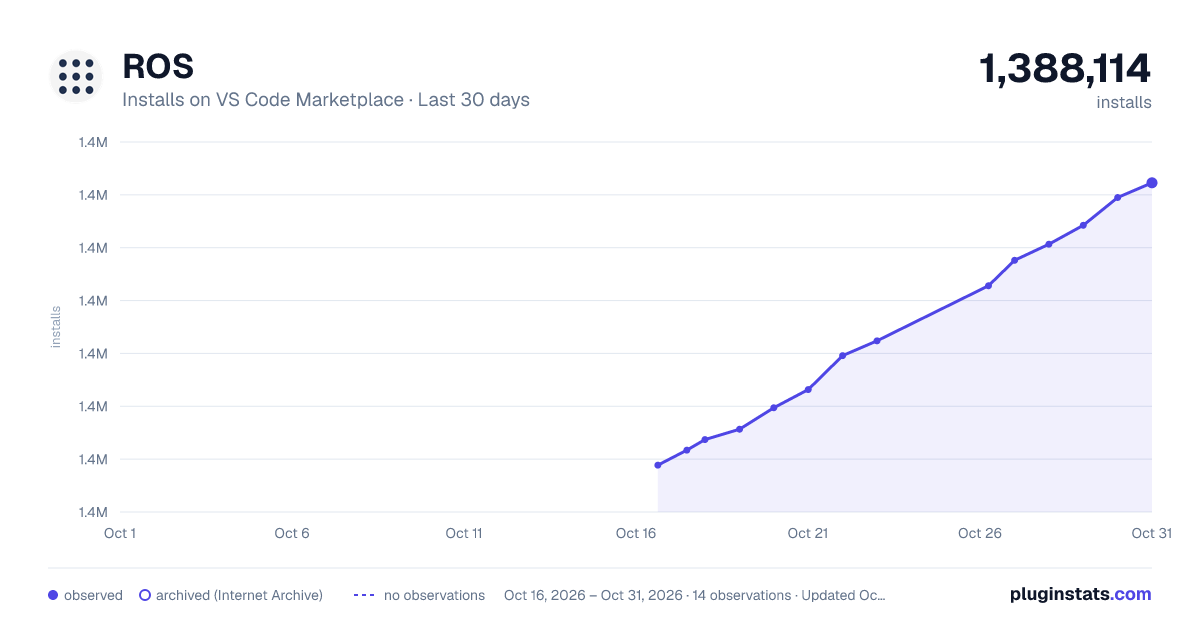
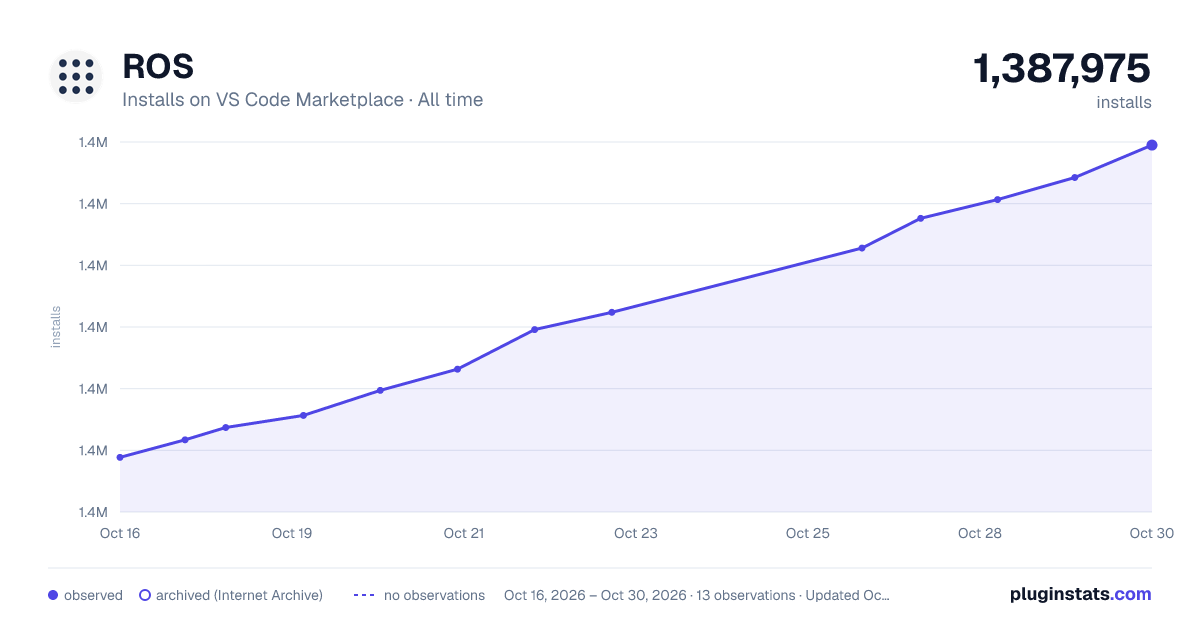
ROS has 1,385,685 recorded installs on VS Code Marketplace.
It ranks #446 of 2,500 tracked VS Code Marketplace listings by installs.
It is rated 4.1 out of 5 from 13 ratings.
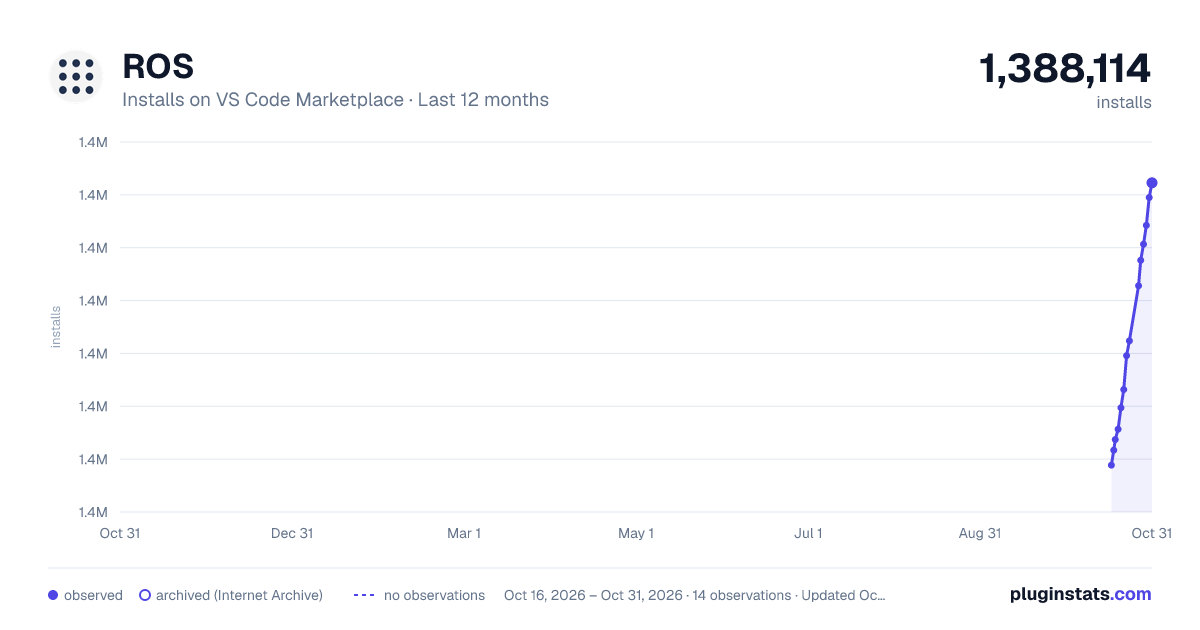
PluginStats has 3 daily observations since Oct 16, 2026; the latest is from Oct 18, 2026.
Rating: 4.08 / 5 from 13 ratings
About ROS
Visual Studio Code Extension for ROS
The [Visual Studio Code][vscode] Extension for ROS[^1] provides support for [Robot Operating System (ROS)][ros] development for ROS1 and ROS2 on Windows and Linux.
Features
• Automatic ROS environment configuration. • Allows starting, stopping and viewing the ROS core status. • Automatically create catkin_make or catkin build build tasks. • Create catkin packages using catkin_create_pkg script or catkin create pkg. • Run rosrun or roslaunch • Resolve dependencies with rosdep shortcut • Syntax highlighting for .msg, .urdf and other ROS files. • Automatically add the ROS C++ include and Python import paths. • Format C++ using the ROS clang-format style. • Preview URDF and Xacro files. • Debug a single ROS node (C++ or Python) by [attaching to the process][debug_support-attach]. • Debug ROS nodes (C++ or Python) [launched from a .launch file][debug_support-launch].
Commands
You can access the following commands from the Visual Studio Code command pallet, typically accessed by pressing ctrl + shift + p and typing the command name you'd like to use from the table below.
| Name | Description |
| ROS: Create Catkin Package | Create a catkin package. You can right click on a folder in the explorer to create it in a specific location. | | ROS: Create Terminal | Create a terminal with the ROS environment. | | ROS: Show Status | Open a detail view showing ROS core runtime status. | | ROS: Start | Start ROS1 core or ROS2 Daemon. | | ROS: Stop | Terminate ROS core or ROS2 Daemon. | | ROS: Update C++ Properties | Update the C++ IntelliSense configuration to include ROS and your ROS components. | | ROS: Update Python Path | Update the Python IntelliSense configuration to include ROS. | | ROS: Preview URDF | Preview URDF and Xacro files. The display will update after the root URDF changes are saved. | | ROS: Install ROS Dependencies for this workspace using rosdep | Shortcut for rosdep install --from-paths src --ignore-src -r -y. |
Tutorials and Walkthroughs
| Name | Description |
| Attaching to a running ROS Node | Learn how to attach VSCode to a running ROS node | | Debugging all ROS Nodes in a launch file | Learn how to set up VSCode to debug the nodes in a ROS Launch file | | ROSCON 2019 ROS Extension Talk Video | Walkthrough of VSCode from ROSCon 2019| | Deep Dive - Episode 0 | About the VSCode ROS extension @ a Polyhobbyist | | Deep Dive - Episode 1 | Installing on Windows & WSL @ a Polyhobbyist | | Deep Dive - Episode 2 | Installing on Linux @ a Polyhobbyist | | Deep Dive - Episode 3 | General Usage with ROS1 @ a Polyhobbyist | | Deep Dive - Episode 4 | General Usage with ROS2 @ a Polyhobbyist | | Deep Dive - Episode 5 | Debugging Python @ a Polyhobbyist | | Deep Dive - Episode 6 | Debugging C++ @ a Polyhobbyist | | Deep Dive - Episode 7 | Using with SSH @ a Polyhobbyist | | Deep Dive - Episode 8 | Using with with Containers @ a Polyhobbyist |
Getting Started
The VSCode ROS extension will attempt to detect and automatically configure the workspace for the appropriate ROS Distro.
The extension will automatically start when you open a catkin or colcon workspace. The build system (e.g. catkin_make or catkin build) will automatically be confirmed from the hidden files associated with each system.
Launch Debugging
The Visual Studio Code extension for ROS supports launch debugging for ROS 1 and ROS 2 nodes, written in Python and C++. The ROS node or nodes to be debugged must be placed in a ROS launch file with the extension .launch for ROS1 or ROS2 or with the extension .py for ROS2.
Automatic creation of a launch.json with ROS Launch support
.vscode/launch.json is a file which defines a debug launch configuration within VSCode.
To create a .vscode/launch.json with ROS debugging support
1. C++ or Python file is selected, vscode uses the selected file to seed the launch creation UI. 1. Click the Run and Debug tab on the left sidebar 1. Select the link to create a .vscode/launch.json file. 1. VSCode will drop down from the command pallet with a list of options, which includes 'ROS'. Select this option. 1. In the next dialog, type the name of the ROS package containing a launch file you'd like to debug. 1. Then find the launch file.
Once this is created, you can use the play button in the title bar, or the "start debugging" accelerator key, or from the command palle (CTRL-SHIFT-P), select Debug: Start Debugging.
NOTE: Other VSCode extensions may interfere with the selection list. If you do not see ROS in the first drop down list, you'll need to create a new file called .vscode/launch.json, then use the manual option described below.
Other Notes: • Create a new ROS launch file with just the nodes you'd like to debug, and a separate ROS launch file with all other ROS nodes. • Debugging a launch file with Gazebo or rviz is not supported as this time. Please split these out into separate launch files. • ROS Run is not supported. • Traditional XML launch files are supported for ROS1, and python based launch files are supported for ROS2.
Manually adding a launch file to an existing launch.json
If you have an existing launch.json file (or if there is an extension conflict as mentioned above), you can manually add a launch configuration by adding a new block like this.
Be sure to include the full path to your launch file, including file extension.
ROS Launch Configuration options
The ROS Launch configuration block supports the following configuration:
| Option | Description |…
Description from the VS Code Marketplace listing.
- cpp
- csharp
- debuggers
- python
- robot
- ros
- ROS Message
- ros.msg
- xml
- yaml
Where ROS sits in the listing
Each band is one page of 20. Installs on a log scale. Placement is projected from installs, so it can differ from the marketplace's own sort order. Hover a dot to see the listing.


Charts
Images: 30d · 1y · all time · 1600×900 dark

Adoption over time


7/30/90-day growth


Filled points are observed values; hollow points come from Internet Archive snapshots of the listing page. Dashed segments span periods with no observations — values between points are not interpolated.
Recent observations
Full history (3)Similar VS Code Marketplace Debuggers plugins
Data source
Install counts, average rating, and rating counts come from the public Visual Studio Marketplace gallery API. Installs are cumulative and exclude updates.
Listing: https://marketplace.visualstudio.com/items?itemName=ms-iot.vscode-ros. First seen Oct 16, 2026; last successful collection Oct 18, 2026. See the methodology.