 PluginStats
Jest / Vitest Runner installs statistics
By firsttris · VS Code Marketplace · Testing
Run and debug Jest, Vitest, Node.js, Bun, Rstest and Deno tests with ease, right from your editor.
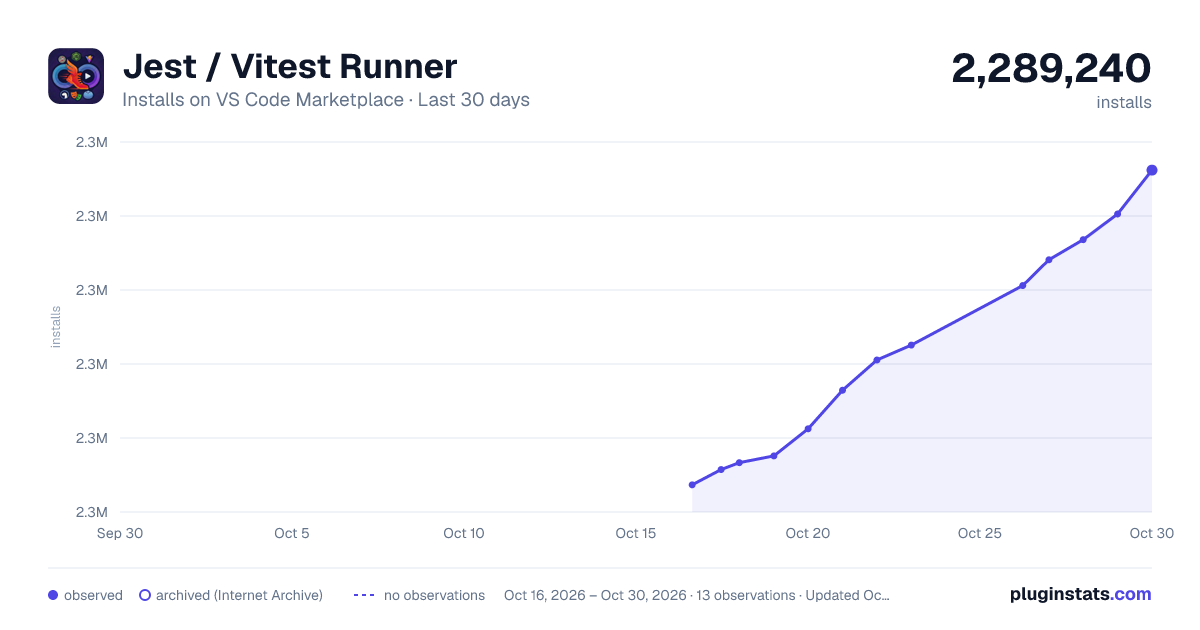
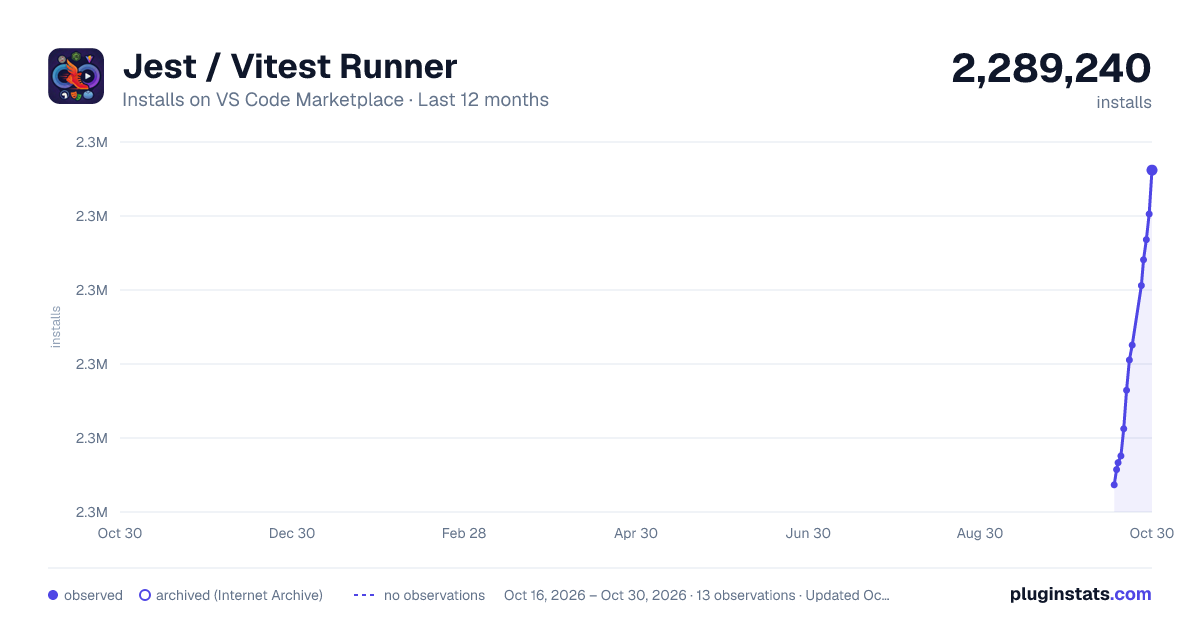
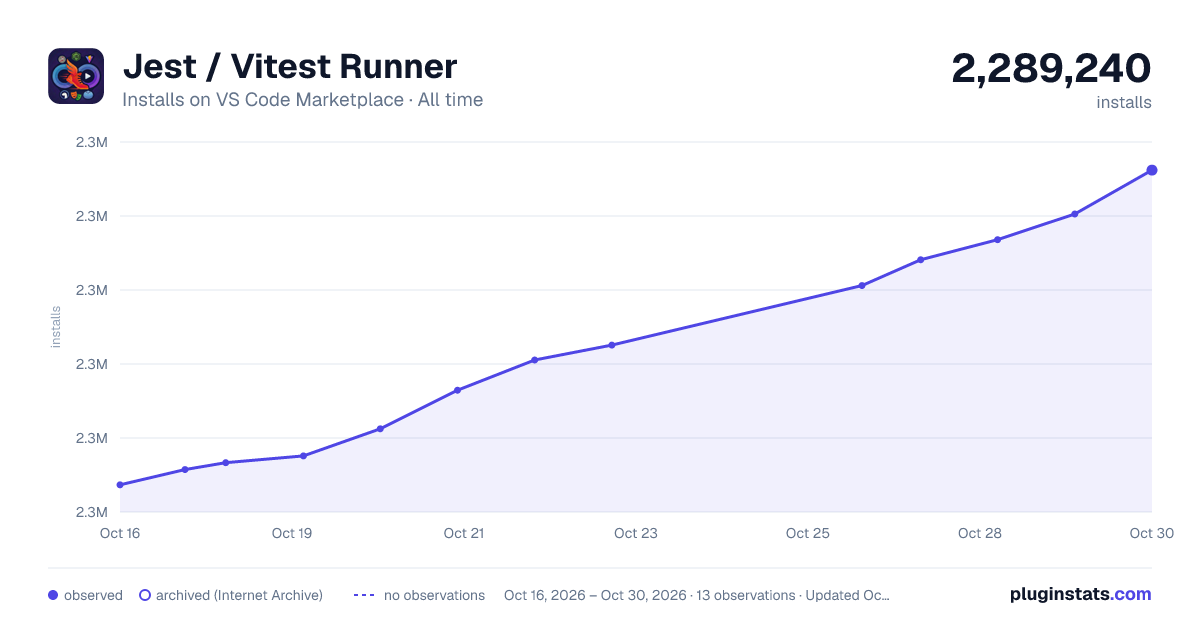
Jest / Vitest Runner has 2,281,333 recorded installs on VS Code Marketplace.
It ranks #314 of 2,500 tracked VS Code Marketplace listings by installs.
It is rated 4.7 out of 5 from 61 ratings.
PluginStats has 3 daily observations since Oct 16, 2026; the latest is from Oct 18, 2026.
Rating: 4.72 / 5 from 61 ratings
About Jest / Vitest Runner
Jest Runner for Visual Studio Code
Run and debug Jest, Vitest, Playwright, Rstest, Bun, Deno and Node.js tests right from your editor. One click, zero configuration.
Install • Quick Start • Features • Supported Frameworks • Configuration • Documentation • FAQ
What is Jest Runner?
Jest Runner is a lightweight Visual Studio Code extension that lets you run a single test, a describe block or a whole test file without leaving the editor. It adds Run and Debug actions above every test (CodeLens), a native Test Explorer with code coverage, context menu entries and commands for the keyboard.
It started as a Jest test runner and grew into a universal JavaScript and TypeScript test runner for VS Code: it detects whether a file belongs to Jest, Vitest, Playwright, Rstest, Bun, Deno or the Node.js test runner and builds the right command for it. Monorepos, multiple configs, Create React App, Nx, Next.js, NestJS and Vite projects work out of the box.
💡 Why not the built-in runner of each framework? Jest Runner runs the *real* CLI of your project in a terminal or the debugger, with your config, your environment and your Node version. Nothing is emulated, so what passes here passes in CI.
Install
Search for Jest Runner in the Extensions view (Ctrl+Shift+X / Cmd+Shift+X), or install from the command line:
Also available on Open VSX for VSCodium, Cursor, Windsurf, Gitpod and other VS Code based editors. Requires VS Code 1.100 or newer.
Quick Start
1. Open a project that uses one of the supported test frameworks. 2. Open a test file. Run and Debug appear above each describe, it and test. 3. Click Run to execute that test in the integrated terminal, or Debug to hit your breakpoints.
That is all. Jest Runner reads your jest.config.*, vitest.config.*, playwright.config.*, rstest.config.* or deno.json to find your tests, so there is nothing to configure in most projects.
Want the tree view? Enable the native Test Explorer:
Features
🚀 Run & Debug
• Run a single test, a describe block, a file or a folder • Debug with breakpoints, variable inspection and the call stack • Watch mode for automatic re-runs while you code • Update snapshots with one command • Re-run the previous test with a keyboard shortcut
📊 Coverage
• Inline coverage in the editor via the VS Code coverage API • Coverage view with statement, branch and function counts • Works with Jest, Vitest, Rstest, Node.js, Bun and Deno • Coverage for the current file only on demand
🧭 Five ways to start a test
• CodeLens actions above every test • Test Explorer with the full test hierarchy • Context menu in the editor and the file explorer • Command Palette commands • Keyboard shortcuts you bind yourself
🧠 Smart detection
• Automatic framework detection per file: imports, config files, dependencies and binaries • Reads your config: testMatch, testRegex, include, exclude, roots, testDir, projects and more • Parameterized tests: it.each, describe.each, test.each with %s, $name and %# • Monorepos: per-package configs, Jest and Vitest side by side, glob mapped configs
Supported Test Frameworks
| Framework | Run | Debug | Coverage | How it is detected |
| Jest | ✅ | ✅ | ✅ | jest.config.*, jest key in package.json, dependency or binary | | Vitest | ✅ | ✅ | ✅ | vitest.config.* or vite.config.* with a test section, dependency or binary | | Playwright | ✅ | ✅ | — | import ... from '@playwright/test', playwright.config.* | | Rstest | ✅ | ✅ | ✅ | import ... from '@rstest/core', rstest.config.* | | Bun test | ✅ | ✅ ¹ | ✅ | import ... from 'bun:test', bun.lock | | Deno test | ✅ | ✅ | ✅ | Deno.test(...), @std/assert imports, deno.json | | Node.js test runner | ✅ | ✅ | ✅ | import ... from 'node:test' |
¹ Debugging Bun tests needs the Bun for Visual Studio Code extension.
Jest Runner also works with the tools built on top of these frameworks: Create React App, Vite, Nx, Next.js, NestJS, TanStack Start and other setups that wrap one of these runners. See Supported Test Frameworks in the documentation for what is read from each config file.
Configuration
Most projects need no settings. When you do, every option lives under jestrunner.* in your VS Code settings. The most used ones:
| Setting | What it does |
| jestrunner.enableTestExplorer | Show tests in the native Test Explorer with run, debug and coverage profiles. Default false. | | jestrunner.enableCodeLens / jestrunner.codeLens | Show the inline actions and choose which: run, debug, watch, coverage, current-test-coverage. | | jestrunner.jestCommand, vitestCommand, playwrightCommand, rstestCommand, nodeTestCommand | Replace the command, e.g. npm run test -- for Create React App. Supports ${workspaceFolder} and ${env:NAME}. | | jestrunner.runOptions, vitestRunOptions, playwrightRunOptions, ... | Extra CLI flags for each framework, e.g. ["--coverage", "--colors"]. | | jestrunner.debugOptions, vitestDebugOptions, ... | Add or override the generated VS Code debug configuration. | | jestrunner.configPath / jestrunner.vitestConfigPath | A config path, or a glob-to-config mapping for several configs in one workspace. | | jestrunner.projectPath | Run tests from a sub folder instead of the workspace root. | | jestrunner.useNearestConfig | Use the closest config file above the test file. Handy for nested projects. | | jestrunner.disableFrameworkConfig / jestrunner.defaultTestPatterns | Skip config parsing and use your own test file globs. | | jestrunner.enableESM | Add --experimental-vm-modules for ESM projects on Jest. |
The complete list of all settings with examples is in the Settings Reference. Ready-made setups for Create React App, nvm, ESM, monorepos and Windows shells are in the Recipes.
Keyboard shortcuts
Jest Runner ships no default keybindings so it never collides with yours. Add what you need in Preferences: Open Keyboard Shortcuts (JSON):
Commands
All commands keep their historic Jest names, but each one runs the framework of the current file.
| Command | ID | What it runs |…
Description from the VS Code Marketplace listing.
- bun
- debug
- deno
- javascript
- jest
- node
- playwright
- react
- rstest
- runner
- test
- typescript
- vitest
Where Jest / Vitest Runner sits in the listing
Each band is one page of 20. Installs on a log scale. Placement is projected from installs, so it can differ from the marketplace's own sort order. Hover a dot to see the listing.
Charts
Images: 30d · 1y · all time · 1600×900 dark
Adoption over time
7/30/90-day growth
Ranking history
Filled points are observed values; hollow points come from Internet Archive snapshots of the listing page. Dashed segments span periods with no observations — values between points are not interpolated.
Recent observations
Full history (3)Similar VS Code Marketplace Testing plugins




Data source
Install counts, average rating, and rating counts come from the public Visual Studio Marketplace gallery API. Installs are cumulative and exclude updates.
Listing: https://marketplace.visualstudio.com/items?itemName=firsttris.vscode-jest-runner. First seen Oct 16, 2026; last successful collection Oct 18, 2026. See the methodology.