 PluginStats
Unity installs statistics
By Microsoft (223 listings) · VS Code Marketplace · Programming Languages
Integrates Visual Studio Code with Unity
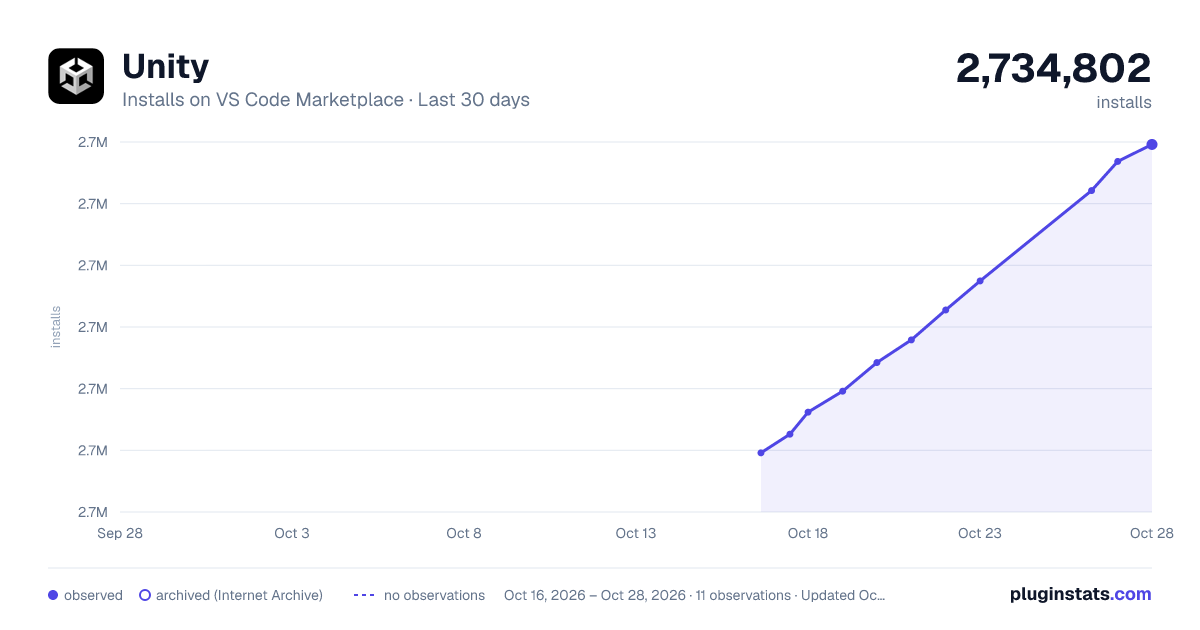
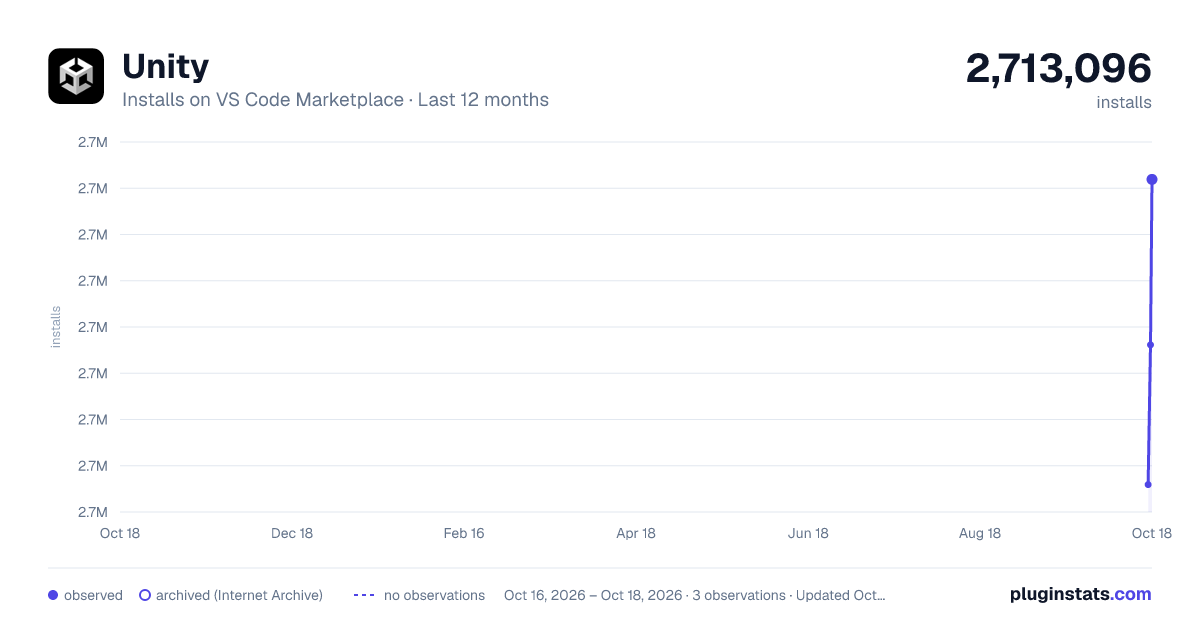
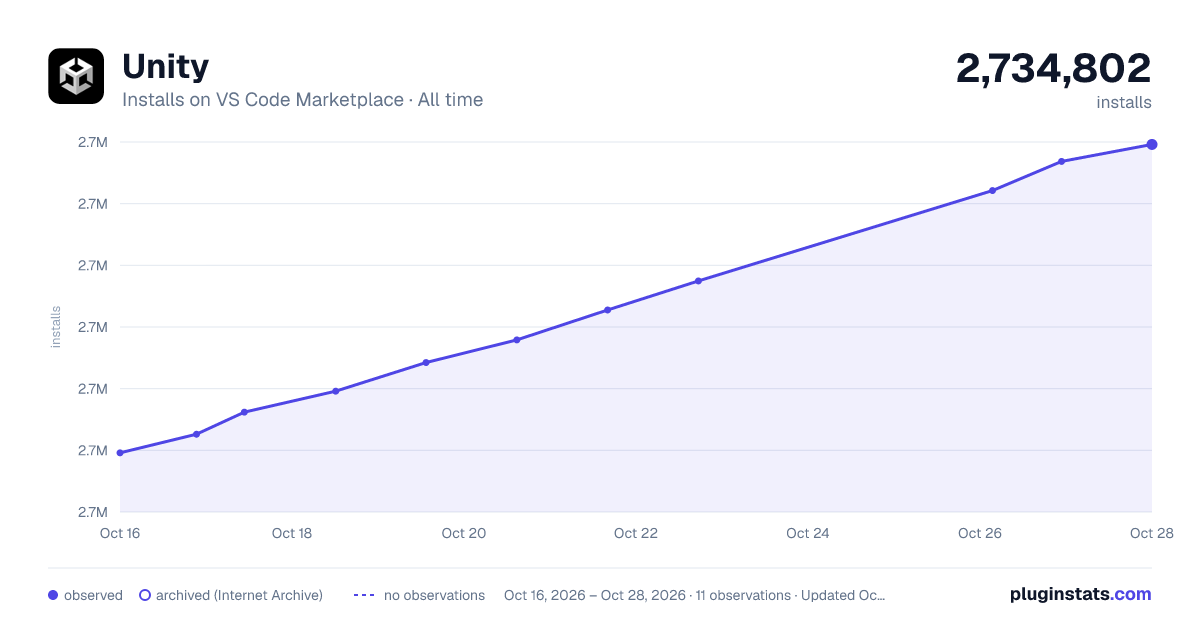
Unity has 2,713,096 recorded installs on VS Code Marketplace.
It ranks #273 of 2,500 tracked VS Code Marketplace listings by installs.
It is rated 3.8 out of 5 from 80 ratings.
PluginStats has 3 daily observations since Oct 16, 2026; the latest is from Oct 18, 2026.
Rating: 3.84 / 5 from 80 ratings
About Unity
Unity for Visual Studio Code
The Unity extension adds [Unity][Unity] debugging and editor features to Visual Studio Code, building on [C# Dev Kit][CSDevKitExtension] and [C#][CSharpExtension]. It provides:
• A Unity debugger to debug your Unity editor and your Unity players. • Unity specific C# analyzers and refactorings. • Syntax highlighting for Unity file formats (.asmdef, .shader, .uss, .uxml). • IntelliSense for Unity API messages.
Getting Started
The Visual Studio Editor Unity package generates project files used by [C# Dev Kit][CSDevKitExtension] and [C#][CSharpExtension] for code navigation and completion.
Use Visual Studio Editor 2.0.20 or later in every Unity project used with this extension, rather than the Visual Studio Code Editor package.
Unity 2021
• Open Unity's Package Manager (Window / Package Manager). • Update the Visual Studio Editor package to at least 2.0.20.
Unity 2022 and Unity 2023
• Open Unity's Package Manager (Window / Package Manager). • Unlock the Visual Studio Editor package. • Go to the Version History tab of the Visual Studio Editor package. • Update the Visual Studio Editor package to at least 2.0.20.
After updating the package, set Visual Studio Code as Unity's external script editor in Preferences > External Tools. Verify that the dialog shows Visual Studio Editor v2.0.20 or later, then press Regenerate project files.
Double-click on a C# script, and your Unity project will open in Visual Studio Code.
Commands
The Unity extension provides these Command Palette entries:
• Attach Unity Debugger: lists Unity Editors and Players available for debugger attachment. • Unity API Reference: opens the Unity documentation for the selected code construct.
Attaching the Unity debugger to a Unity player
The default debug configuration attaches to the Unity Editor running the open project.
To debug a Unity Player, use the Attach Unity Debugger command.
Alternatively, add a configuration to .vscode/launch.json for a known IP address and debugger port:
Requirements
• [Unity][Unity] 2021 LTS or greater. • Activated [C# Dev Kit][CSDevKitExtension] extension in Visual Studio Code. • .NET 10 runtime or greater, located or acquired through the [.NET Install Tool][DotNetInstallTool]. • Visual Studio Editor Unity package 2.0.20 or greater.
Found a bug?
Use Visual Studio Code's Help > Report Issue. Select An extension under File on, then choose Unity to include diagnostic information with the report.
Alternatively, file an issue on the GitHub issue tracker.
Description from the VS Code Marketplace listing.
- C#
- debugger
- debuggers
- dotnet
- gaming
- json
- scripting
- unity
- unity3d
- UnityShader
- UnityUSS
- UnityUXML
Where Unity sits in the listing
Each band is one page of 20. Installs on a log scale. Placement is projected from installs, so it can differ from the marketplace's own sort order. Hover a dot to see the listing.


Charts
Images: 30d · 1y · all time · 1600×900 dark

Adoption over time


7/30/90-day growth


Filled points are observed values; hollow points come from Internet Archive snapshots of the listing page. Dashed segments span periods with no observations — values between points are not interpolated.
Recent observations
Full history (3)Similar VS Code Marketplace Programming Languages plugins
Data source
Install counts, average rating, and rating counts come from the public Visual Studio Marketplace gallery API. Installs are cumulative and exclude updates.
Listing: https://marketplace.visualstudio.com/items?itemName=VisualStudioToolsForUnity.vstuc. First seen Oct 16, 2026; last successful collection Oct 18, 2026. See the methodology.