 PluginStats
Theme installs statistics
By Mhammed Talhaouy (3 listings) · VS Code Marketplace · Themes
A Visual Studio Code theme for those of us who like to code late into the night
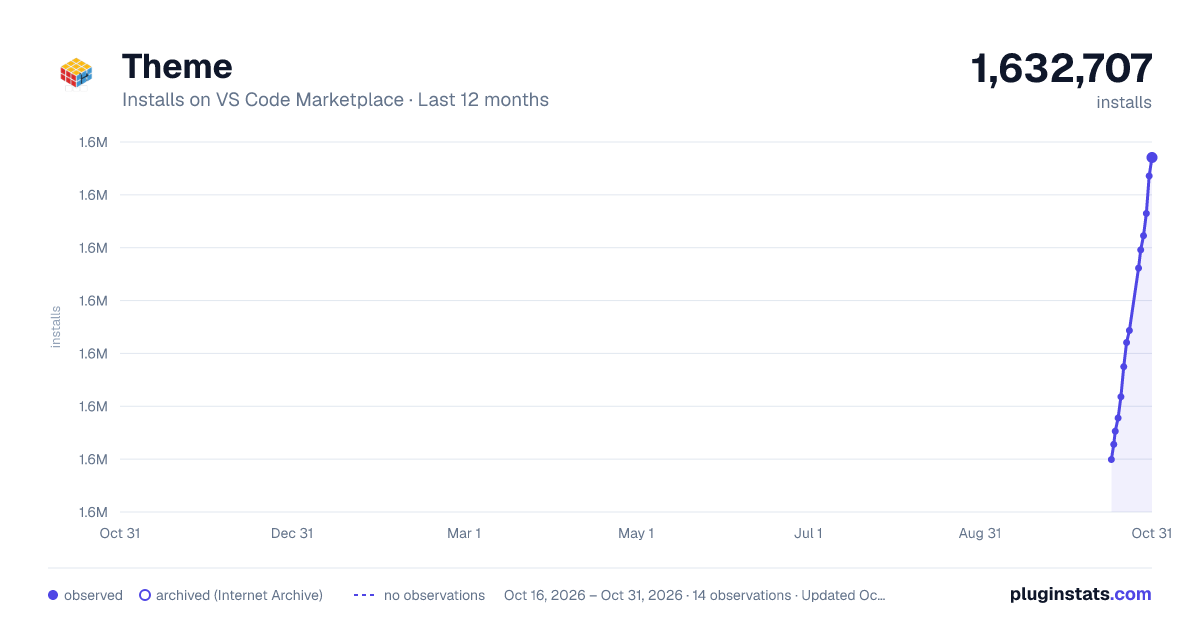
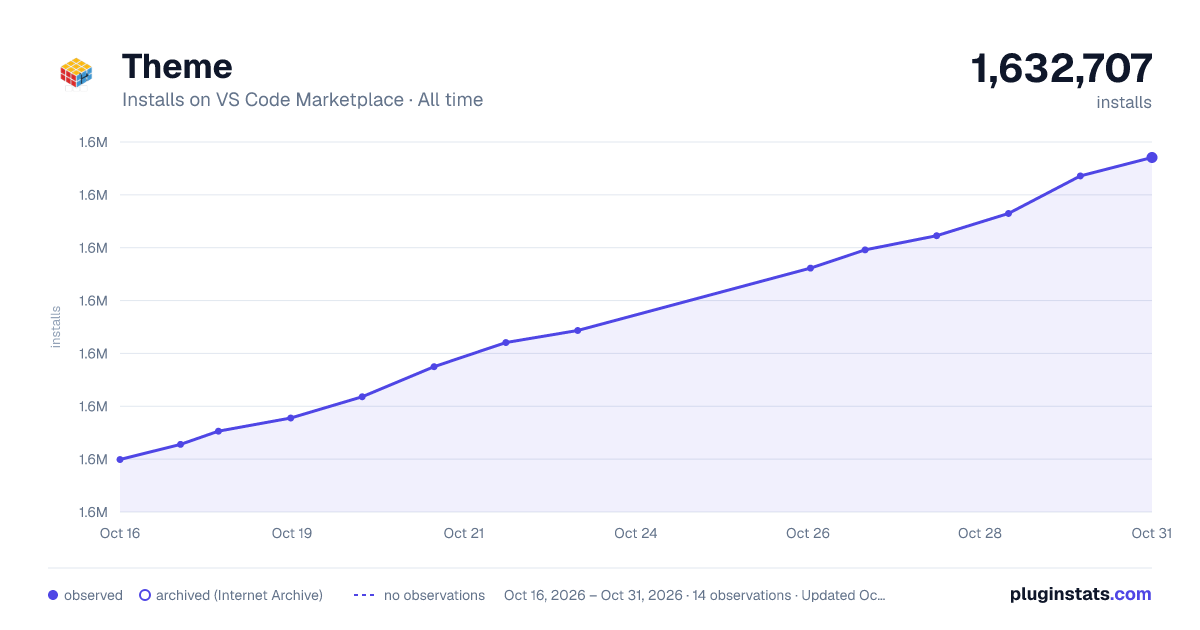
Theme has 1,628,180 recorded installs on VS Code Marketplace, ranking #394 of 2,501 tracked listings.
Rating: 4.77 / 5 from 35 ratings
About Theme
Theme Screenshot


Installation
- Open the extensions sidebar on Visual Studio Code
- Search for Theme
- Click Install
- Click Reload to reload your editor
- Select the Manage Cog (bottom left) > Color Theme > Theme
- 🌟🌟🌟🌟🌟 Rate five-stars 😃
Tweaks & theming
If you want to play around with new colors, use the setting workbench.colorCustomizations to customize the currently selected theme. For example, you can add this snippet in your "settings.json" file:
"workbench.colorCustomizations": {
"tab.activeBackground": "#282c34",
"activityBar.background": "#282c34",
"sideBar.background": "#282c34",
}
or use the setting editor.tokenColorCustomizations
   "editor.tokenColorCustomizations": {
    "[Theme]": {
      "textMateRules": [
        {
          "scope": [
            "source.python"
          ],
          "settings": {
            "foreground": "#e06c75"
          }
        }
      ]
    }
  }
Italic
You could set this in your setting.json to make code be italic
    "editor.tokenColorCustomizations": {
      "textMateRules": [
        {
          "scope": [
            // the following elements will be in italic
            "comment",
            "storage.modifier", // static keyword
            "storage.type.php", // typehints in methods keyword
            "keyword.other.new.php", // new
            "entity.other.attribute-name", // html attributes
            "fenced_code.block.language.markdown", // markdown language modifier
            "keyword", //import, export, return…
            "storage.modifier", //static keyword
            "storage.type", //class keyword
            "keyword.control",
            "constant.language",
            "entity.other.attribute-name",
            "entity.name.method",
            "keyword.control.import.ts",
            "keyword.control.import.tsx",
            "keyword.control.import.js",
            "keyword.control.flow.js",
            "keyword.control.from.js",
            "keyword.control.from.ts",
            "keyword.control.from.tsx"
          ],
          "settings": {
            "fontStyle": "italic"
          }
        },
        {
          "scope": [
            // the following elements will be displayed in bold
            "entity.name.type.class" // class names
          ],
          "settings": {
            "fontStyle": ""
          }
        },
        {
          "scope": [
            // the following elements will be displayed in bold and italic
            "entity.name.section.markdown" // markdown headlines
          ],
          "settings": {
            "fontStyle": "italic"
          }
        },
        {
          "scope": [
            // the following elements will be excluded from italics
            //   (VSCode has some defaults for italics)
            "invalid",
            "keyword.operator",
            "constant.numeric.css",
            "keyword.other.unit.px.css",
            "constant.numeric.decimal.js",
            "constant.numeric.json",
            "comment.block",
            "entity.other.attribute-name.class.css"
          ],
          "settings": {
            "fontStyle": ""
          }
        }
      ]
    },
CHANGELOG
<hr>Suggest Editor Settings
"editor.fontSize": 16,
 "editor.lineHeight": 22,
 "editor.fontFamily": "Operator Mono Lig",
Issues & Suggestions
For any issues or suggestions, please use GitHub issues.
Description from the VS Code Marketplace listing.
- color-theme
- Customize
- Dark Theme
- One Dark
- One Theme
- Professional
- Theme
README badge
Show your rank in a README or on your website. The badge updates automatically.
Charts
Images: 30d · 1y · all time · 1600×900 dark


Adoption over time
7/30/90-day growth
Ranking history
Ratings over time
Listing placement
Listing placement
Filled points are observed values; hollow points come from Internet Archive snapshots of the listing page. Dashed segments span periods with no observations — values between points are not interpolated.
Each band is one page of 20. Installs on a linear scale. Placement is projected from installs, so it can differ from the marketplace's own sort order. Hover a dot to see the listing.
Recent observations
Full history (5)Similar VS Code Marketplace Themes plugins
All 20 Theme alternativesData source
Install counts, average rating, and rating counts come from the public Visual Studio Marketplace gallery API. Installs are cumulative and exclude updates.
Listing: https://marketplace.visualstudio.com/items?itemName=tal7aouy.theme. First seen Oct 16, 2026; last successful collection Oct 20, 2026. See the methodology.