 PluginStats
Advanced New File installs statistics
By Dominik Kundel (2 listings) · VS Code Marketplace · Other
An easier way of creating a new file inside a project.
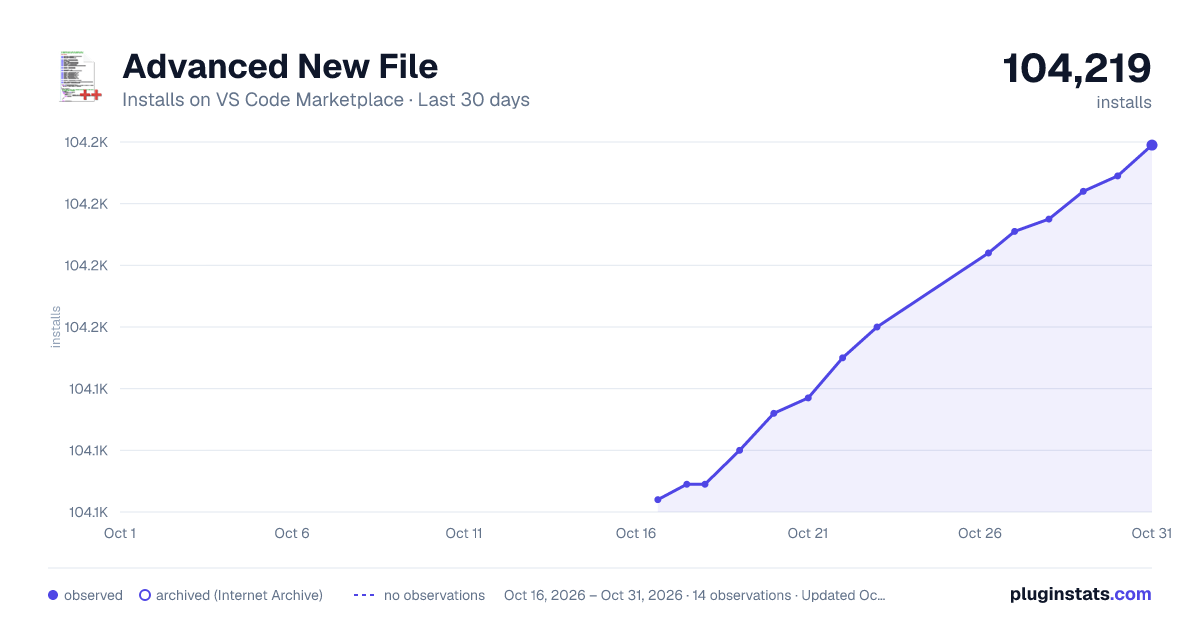
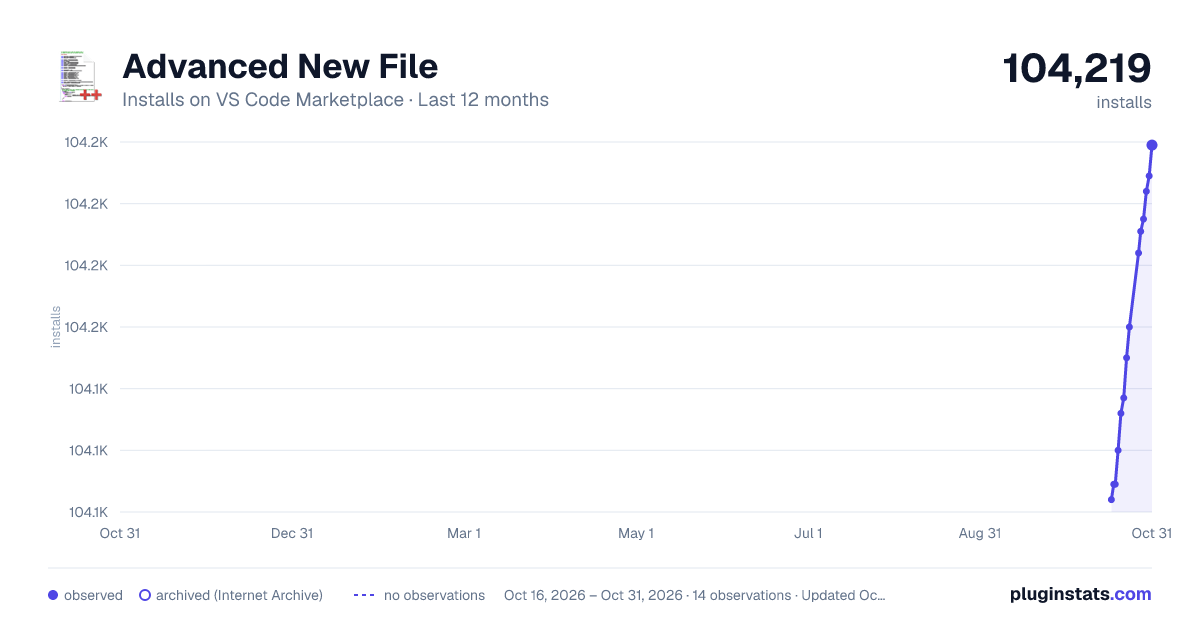
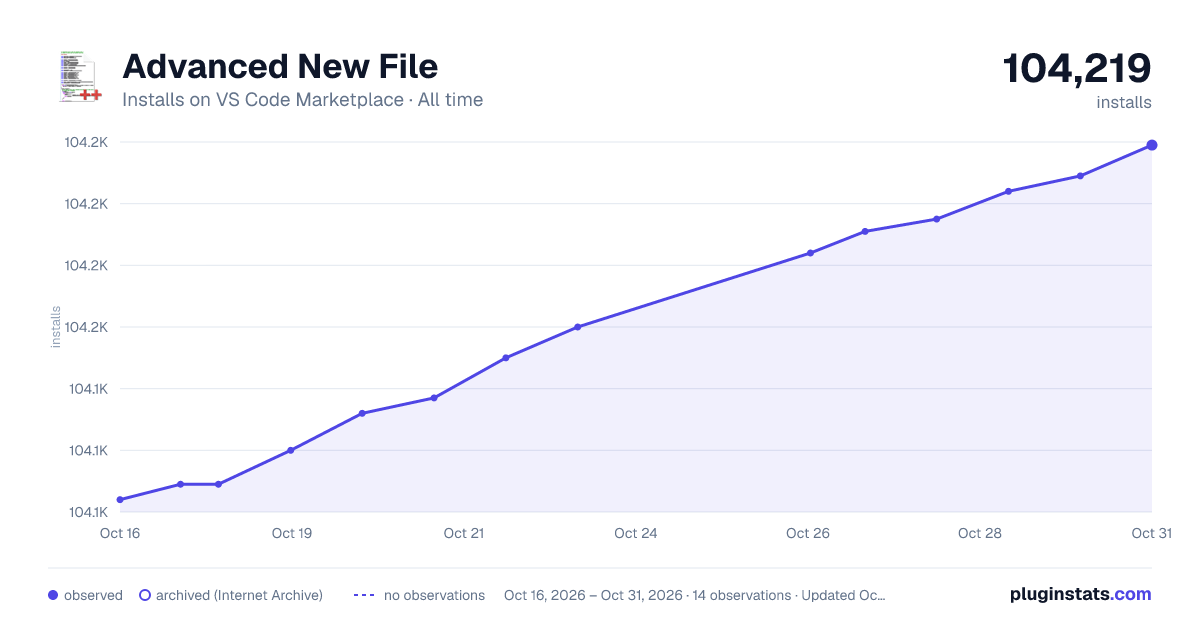
Advanced New File has 104,109 recorded installs on VS Code Marketplace.
It ranks #2306 of 2,500 tracked VS Code Marketplace listings by installs.
It is rated 4.2 out of 5 from 10 ratings.
PluginStats has 3 daily observations since Oct 16, 2026; the latest is from Oct 18, 2026.
Rating: 4.20 / 5 from 10 ratings
About Advanced New File
Advanced New File - Visual Studio Code Extension
Making the creation of a new file even easier. Specify the name of the file on creation and if you define a path that doesn't exist yet the folders will be created. Before using the extension please make sure to read the Disclaimer.
Inspired by Scott Kuroda's AdvancedNewFile for Sublime.
How to use
1. a) Press the Shortcut Cmd+Alt+N or run the Files: Advanced New File command. 1. b) Right click in the explorer menu and choose 'Advanced New File'.
2. Enter a relative file path or stick with the default. If you have a file open it will guess the extension based on the current extension.
3. An empty file will be created and the cursor will be placed into the new file.
4. Happy Coding! :)
Configuration
You can configure the default behavior through various settings in your settings.json:
You can also set a new keyboard shortcut for the command in keybindings.json:
Frequently Asked Questions (FAQ)
The dialog closes everytime I switch windows. Is this intended?
This is the default behavior of VS Code. To not close the input box when removing focus from VSCode, you need to add "workbench.quickOpen.closeOnFocusLost": false in your settings file. Setting it to true will result in the dialogs like the "Quick Open" to automatically once it loses focus.
How to contribute
1. Download source code and install dependencies
2. Make the respective code changes. 3. Go to the debugger in VS Code, choose Launch Extension and click run. You can test your changes. 4. Choose Launch Tests to run the tests. 5. Submit a PR.
Backlog
• Add additional tests
Disclaimer
Important: This extension due to the nature of it's purpose will create files on your hard drive and if necessary create the respective folder structure. While it should not override any files during this process, I'm not giving any guarantees or take any responsibility in case of lost data.
Contributors
Thanks goes to these wonderful people (emoji key):
| Carl Henderson 💻 | Chris Walker 💻 | Telokis 💻 | Patrick Hulce 💻 🤔 | Sarbbottam Bandyopadhyay 💻 🤔 🐛 | Kian Ostad 🤔 | Harry Coultas Blum 🐛 |
| David Khourshid 💻 | Ngoc Pham 🐛 | Akshay Kadam 📖 |
This project follows the all-contributors specification. Contributions of any kind welcome!
License
MIT
Description from the VS Code Marketplace listing.
- keybindings
Where Advanced New File sits in the listing
Each band is one page of 20. Installs on a log scale. Placement is projected from installs, so it can differ from the marketplace's own sort order. Hover a dot to see the listing.


Charts
Images: 30d · 1y · all time · 1600×900 dark

Adoption over time


7/30/90-day growth


Ranking history


Filled points are observed values; hollow points come from Internet Archive snapshots of the listing page. Dashed segments span periods with no observations — values between points are not interpolated.
Recent observations
Full history (3)Similar VS Code Marketplace Other plugins
Data source
Install counts, average rating, and rating counts come from the public Visual Studio Marketplace gallery API. Installs are cumulative and exclude updates.
Listing: https://marketplace.visualstudio.com/items?itemName=dkundel.vscode-new-file. First seen Oct 16, 2026; last successful collection Oct 18, 2026. See the methodology.