 PluginStats
Stylelint installs statistics
By Stylelint · VS Code Marketplace · Programming Languages
Official Stylelint extension for Visual Studio Code
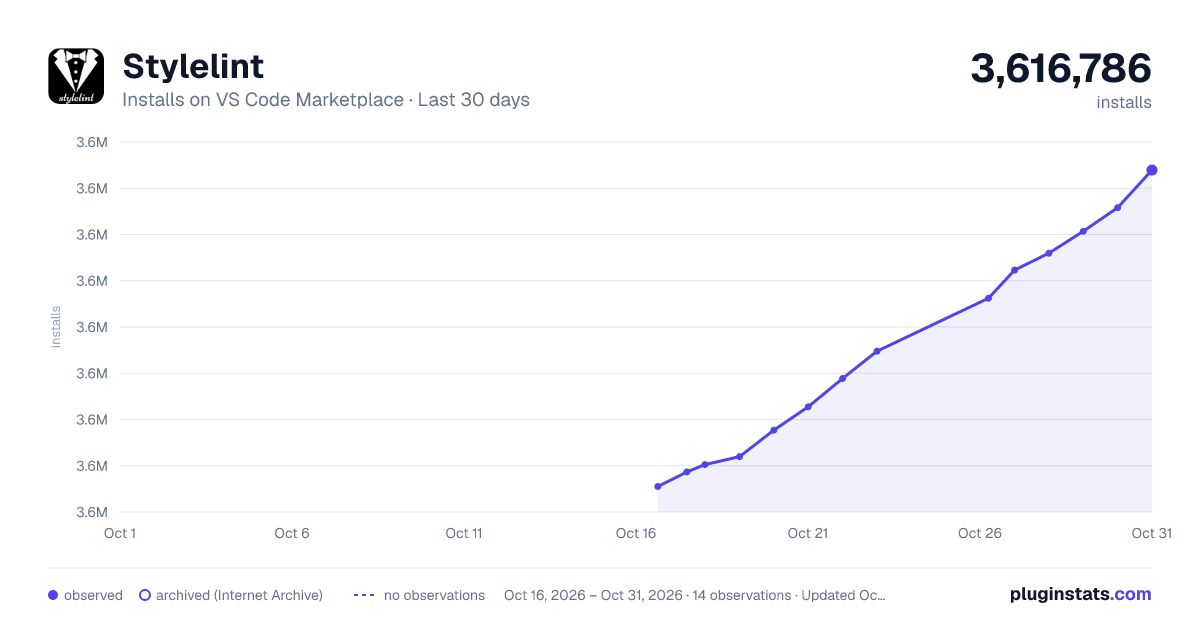
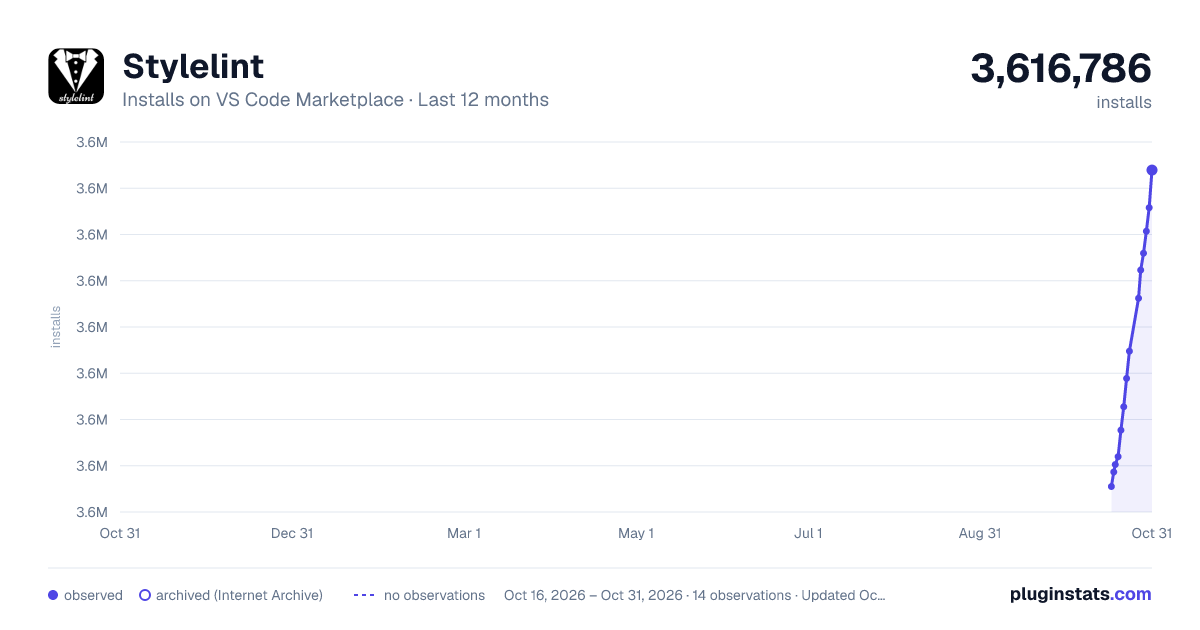
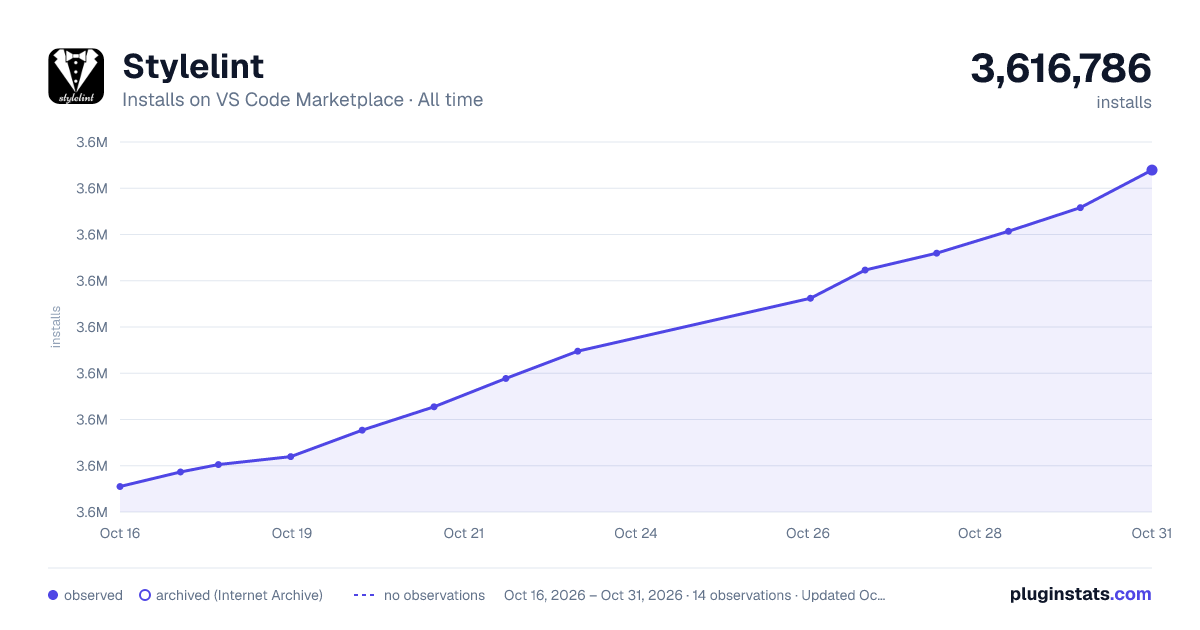
Stylelint has 3,604,051 recorded installs on VS Code Marketplace.
It ranks #222 of 2,500 tracked VS Code Marketplace listings by installs.
It is rated 3.9 out of 5 from 22 ratings.
PluginStats has 3 daily observations since Oct 16, 2026; the latest is from Oct 18, 2026.
Rating: 3.86 / 5 from 22 ratings
About Stylelint
vscode-stylelint
The official Visual Studio Code extension for Stylelint.
_Currently tested against Stylelint 14-17. Untested versions may still work, but are not guaranteed to do so. See Stylelint Version Support for details._
Table of Contents
• Installation • Disable VS Code's Built-In Linters (optional) • Usage • Commands • Actions • Problem Matchers • Extension Settings • Stylelint Version Support • Migrating • Troubleshooting • Contributing • Licence
Installation
You can install the extension from the Command Palette:
1. Execute the Extensions: Install Extensions command 2. Type @id:stylelint.vscode-stylelint into the search form 3. Install the topmost one with the verified publisher mark.
For more details, you can read the VS Code's extension installation guide.
Disable VS Code's Built-In Linters (optional)
You can disable VS Code's built-in linters either in the user or workspace settings.
For example, to disable the built-in CSS, Less, and SCSS linters:
_An example of duplicate error messages emitted by both the built-in linter and vscode-stylelint._
Usage
See the Stylelint getting started guide for more information.
The extension will automatically lint CSS and PostCSS documents (those with language identifiers css and postcss, respectively) once you create a Stylelint configuration file (or configure the Stylelint extension's settings) and install Stylelint.
_You can see or change the current document's language in the bottom-right corner of the editor window._
You can use the stylelint.validate extension setting to lint additional languages.
For example, to additionally lint SCSS:
Or to additionally lint CSS-in-JS in JSX and TSX:
The extension first looks for a copy of Stylelint installed in the open workspace folder, then for a globally installed version if it can't find one. If neither can be found, it will not lint any documents.
Commands
The extension adds the following commands to the command palette:
• Fix all auto-fixable Problems - apply fixes to all automatically fixable problems • Lint All Files - lint all files matching the stylelint.lintFiles.glob pattern in every workspace folder • Lint Workspace Folder - lint all matching files in a single workspace folder • Clear All Problems - clear all Stylelint diagnostics • Restart Stylelint Server - restart the Stylelint LSP and runtime server • Show Output Channel - open the Stylelint output panel
Actions
The extension provides an action that you can use with VS Code's editor.codeActionsOnSave setting.
editor.codeActionsOnSave
You can automatically fix all auto-fixable problems on save by setting the source.fixAll.stylelint property to explicit:
Or turn on auto fix for all providers, not just Stylelint:
You can also selectively disable Stylelint:
You can also selectively enable and disable specific languages using VS Code's language-scoped settings. For example, to disable codeActionsOnSave for HTML files, use the following:
Problem Matchers
The extension contributes problem matchers that can be used to parse Stylelint CLI output from VS Code tasks into the Problems panel.
Two problem matchers are available, corresponding to a selection of Stylelint's formatters:
• $stylelint-compact for the compact formatter • $stylelint-unix for the unix formatter
For example, to lint all CSS files using a task with the compact formatter, set up a task like so:
where lint:stylelint is a script running Stylelint with the compact formatter:
[!NOTE] Stylelint's default formatter uses multiline output, which VS Code's problem matcher system does not fully support. This is why you must use either the compact or unix formatter to use the problem matchers.
Extension Settings
Though relying on a Stylelint configuration file in your project is highly recommended, you can instead use the following extension settings:
stylelint.enable
Type: boolean Default: true
Controls whether this extension is enabled or not.
stylelint.run
Type: "onSave" | "onType" Default: "onType"
Controls when the linter runs.
• onType: Runs on each change as you type. • onSave: Only runs after you save a document.
stylelint.logLevel
Type: "error" | "warn" | "info" | "debug" Default: "info"
Controls the log level used by the Stylelint extension and language server. Restart the extension host or the window after changing the setting, since it's picked up at initialization.
stylelint.runtime
Type: string | null Default: null
The location of the node binary to run Stylelint under. By default, the extension uses the Node.js runtime bundled with VS Code. Set this to use a different Node.js version on your system.
For example:
Changing this setting requires a server restart to take effect.
stylelint.execArgv
Type: string[] | null Default: null
Additional exec argv arguments passed to the Node.js runtime.
For example:
Changing this setting requires a server restart to take effect.
stylelint.validate
Type: string[] Default: ["css", "postcss"]
An array of language identifiers specifying which files to validate.
stylelint.snippet
Type: string[] Default: ["css", "postcss"]
An array of language identifiers specifying which files to enable snippets for.
stylelint.stylelintPath
Type: string Default: ""
Used to supply a custom path to the Stylelint module.
stylelint.packageManager
Type: "npm" | "yarn" | "pnpm" Default: "npm"
Controls the package manager to be used to resolve the Stylelint library. This setting only has an effect if the Stylelint library is resolved globally. Valid values are "npm" or "yarn" or "pnpm".
stylelint.rules.customizations
Type: object[] Default: []
An array of rule customizations that let you override the severity level of Stylelint rules. This is useful for downgrading errors to warnings, upgrading warnings to errors, or completely suppressing specific rules in the editor.
Each customization object has the following properties:…
Description from the VS Code Marketplace listing.
- check
- css
- ignore
- json
- less
- lint
- linter
- sass
- scss
- style
- stylelint
- sugarss
- validation
Where Stylelint sits in the listing
Each band is one page of 20. Installs on a log scale. Placement is projected from installs, so it can differ from the marketplace's own sort order. Hover a dot to see the listing.


Charts
Images: 30d · 1y · all time · 1600×900 dark

Adoption over time


7/30/90-day growth


Filled points are observed values; hollow points come from Internet Archive snapshots of the listing page. Dashed segments span periods with no observations — values between points are not interpolated.
Recent observations
Full history (3)Similar VS Code Marketplace Programming Languages plugins
Data source
Install counts, average rating, and rating counts come from the public Visual Studio Marketplace gallery API. Installs are cumulative and exclude updates.
Listing: https://marketplace.visualstudio.com/items?itemName=stylelint.vscode-stylelint. First seen Oct 16, 2026; last successful collection Oct 18, 2026. See the methodology.