 PluginStats
SpellChecker installs statistics
By Michael Vernier · VS Code Marketplace · Other
Offline spell checker
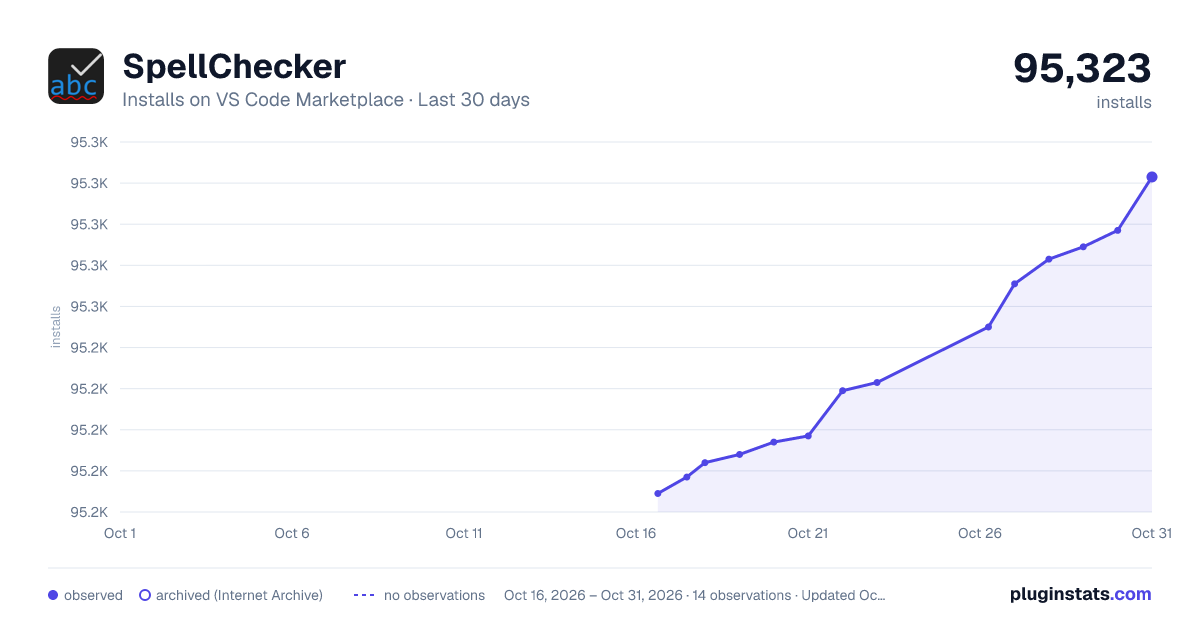
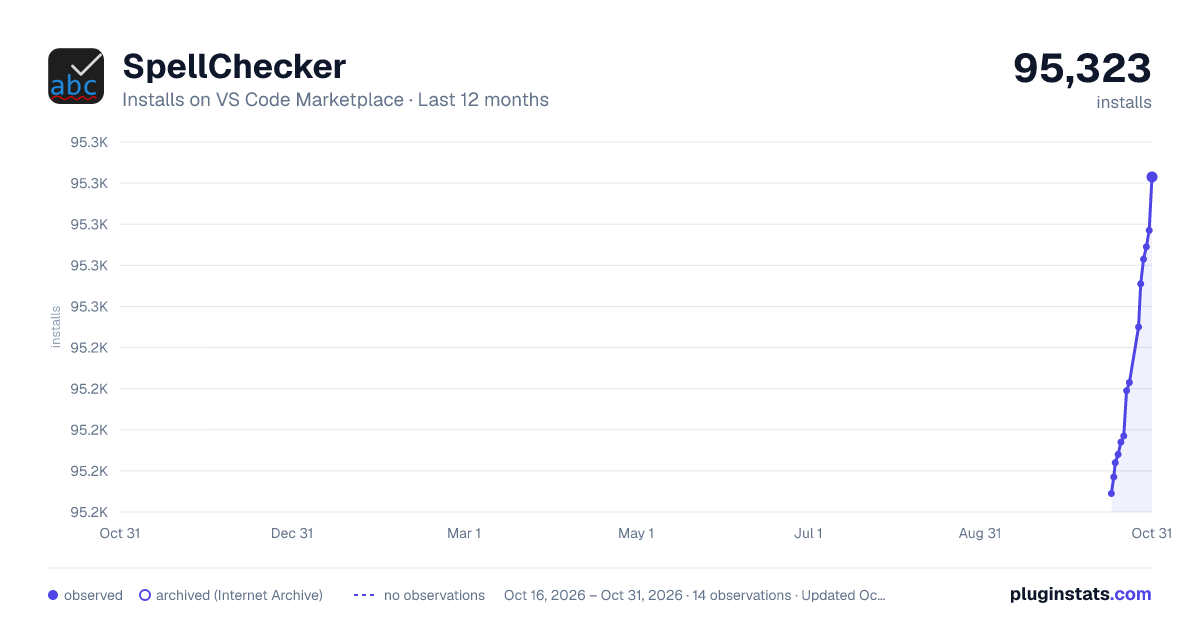
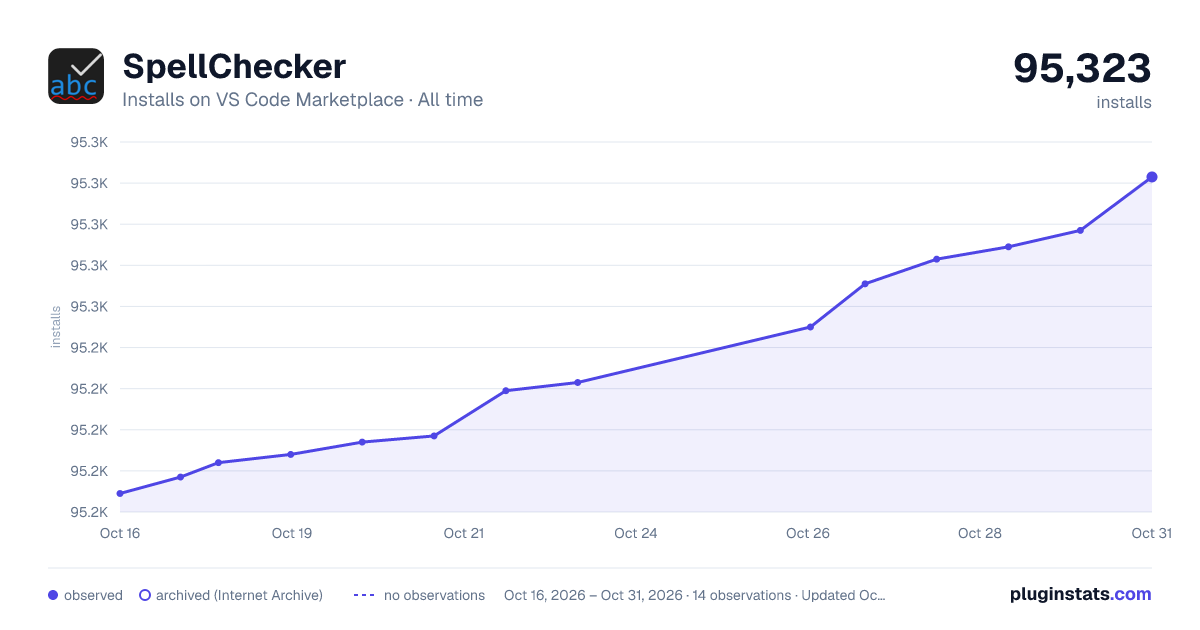
SpellChecker has 95,184 recorded installs on VS Code Marketplace.
It ranks #2447 of 2,500 tracked VS Code Marketplace listings by installs.
It is rated 3.6 out of 5 from 16 ratings.
PluginStats has 3 daily observations since Oct 16, 2026; the latest is from Oct 18, 2026.
Rating: 3.56 / 5 from 16 ratings
About SpellChecker
Offline Spell Checker
Description
This extension is a spell checker that uses a local dictionary for offline usage. hunspell-spellchecker is used to load hunspell formatted dictionaries. Errors are highlighted, and hovering over them will show possible suggestions. The suggest function was modified according to [https://github.com/GitbookIO/hunspell-spellchecker/pull/7] to speed up word suggestions.
This extension can be found on the VSCode Marketplace.
Functionality
Once errors are highlighted, there are several ways to view word suggestions.
Hover over the error:
By pressing F8 to step through errors:
You can correct the error by clicking on the Quick Fix (light bulb) icon.
Configuration File
You can configure the operation of this extension by editing settings in File > Preferences > Settings.
The following settings can be changed:
• spellchecker.language: supported languages are: • English ("en_US", "en_GB-ize", or "en_GB-ise") • French ("fr") • Greek ("el_GR") • Spanish ("es_ANY") • Swedish ("sv_SE") • spellchecker.ignoreWordsList: an array of strings that contain the words that will not be checked by the spell checker • spellchecker.documentTypes: an array of strings that limit the document types that this extension will check. Default document types are "markdown", "latex", and "plaintext". • spellchecker.ignoreFileExtensions: an array of file extensions that will not be spell checked • spellchecker.checkInterval: number of milliseconds to delay between full document spell checks. Default: 5000 ms. • spellchecker.ignoreRegExp: an array of regular expressions that will be used to remove text from the document before it is checked. Since the expressions are represented in the JSON as strings, all backslashes need to be escaped with three additional backslashes, e.g. /\s/g becomes "/\\\\s/g". The following are examples provided in the example configuration file: • "/\\\\(.*\\\\.(jpg|jpeg|png|md|gif|JPG|JPEG|PNG|MD|GIF)\\\\)/g": remove links to image and markdown files • "/((http|https|ftp|git)\\\\S*)/g": remove hyperlinks • "/^(\\\\s*)\\\\n*$/gm": remove code blocks • spellchecker.emitErrors: Emit errors instead of warnings for spelling mistakes
Additional sections are already removed from files, including:
• YAML header for pandoc settings • • Pandoc citations • Inline code blocks • Email addresses
Benchmarks (sort of)
A 397-line document was used to test the functionality. This was a conference paper that I recently wrote using Pandoc (citeproc and crossref). Simple space separation results in 5134 words. Here are some of the processing times as functionality was added. These were measured using new Date().getTime() so results were not consistent.
• Initial test: 1.577 minutes • Added suggestion dictionary for suggestions that have already been processed: 1.0507 minutes • Removed YAML settings at the beginning of the document (Pandoc settings): 0.841 minutes • Removed inline citations: 0.50695 minutes • Removed inline image links: 0.2913 minutes • Words of length >= 4: 13.931 seconds
Rechecking the document during edits happens much faster ( Preferences > Settings. • Added command to set language. • Pandoc YAML front matter can end with ... or ---. • Added Greek language support (Thanks tsangiotis). • Added French language support (Thanks adrienjoly). • Added extension icon. • Changed spell check actions to 'Ignore' (add to workspace dictionary) and 'Always Ignore' (add to user dictionary). • Changes to either the user or workspace settings.json will be automatically loaded when changed. • v1.2.9: • Fixed #28. The last character of the last suggestion was being cut off. • v1.2.8: • Fixed bug introduced by context menu changes when there are no suggested spellings. • v1.2.6: • Added Spanish dictionary, es_ANY. Thanks jmalarcon • Fixed context menu not handling special characters in suggestions (#25) • v1.2.5: • Detect Insider version for different user settings file. • v1.2.4: • Add svg and pdf to ignoreRegExp (#16, Thanks wingsuitist) • Fixed wrong/incomplete comment removal in settings (#20, Thanks devjb) • v1.2.3: • Adding extra output to configuration file creation to help track down errors during this process • v1.2.2: • Only process files with uri.scheme = 'file' (See #15) • Find suggestions for words that do not contain numbers (See #15) • Added GB English dictionary (#12) • v1.2.1: • Fixed some regex's mangling text parsing by replacing spaces instead of null. • Fixed error with creating settings file to .vscode folder that doesn't exist. • Added command to show current documentType to make it easier to add new types to check. • v1.2.0: • Fixed files not being opened when workspace was not opened. • Added checkInterval setting so that spelling isn't checked with every edit but rather after a specified interval. • For long files or files with lots of errors, VSCode can freeze because the spell checker takes too long. The error list only shows 250 errors, so checking is stopped after that number has been found. When this happens, a message "Over 250 spelling errors found!" is displayed in the status bar for 5 seconds. • Add word to dictionary function now saves the word to the workspace's spellchecker.json. • User Preferences can now include Spell Checker settings. • Added Always ignore word option. Settings save in the User Preferences. • Added ~ to the list of characters to ignore before spell checking. • Removed latex commands from spell checking, e.g. \begin{matrix}. • Added Create Spell Checker Settings File command. • v1.1.6: • Words under 50 characters in length will be checked for suggestions. The longest English word is 45 characters. • Add setting ignoreFileExtensions to ignore spell checking on files with certain extensions • v1.1.5: • Fixed parsing leading quotation marks didn't work when the marks were in front of a number • v1.1.4: • Fixed error with tab characters not being removed from text • v1.1.3: • Fixed error in parsing quotation marks…
Description from the VS Code Marketplace listing.
- keybindings
- markdown
Where SpellChecker sits in the listing
Each band is one page of 20. Installs on a log scale. Placement is projected from installs, so it can differ from the marketplace's own sort order. Hover a dot to see the listing.


Charts
Images: 30d · 1y · all time · 1600×900 dark

Adoption over time


7/30/90-day growth


Ranking history


Filled points are observed values; hollow points come from Internet Archive snapshots of the listing page. Dashed segments span periods with no observations — values between points are not interpolated.
Recent observations
Full history (3)Similar VS Code Marketplace Other plugins
Data source
Install counts, average rating, and rating counts come from the public Visual Studio Marketplace gallery API. Installs are cumulative and exclude updates.
Listing: https://marketplace.visualstudio.com/items?itemName=swyphcosmo.spellchecker. First seen Oct 16, 2026; last successful collection Oct 18, 2026. See the methodology.