 PluginStats
Chef Infra Extension for Visual Studio Code installs statistics
By Chef · VS Code Marketplace · Programming Languages
Official Chef Infra extension for VSCode with code linting support and snippets.
Chef Infra Extension for Visual Studio Code has 102,049 recorded installs on VS Code Marketplace.
It ranks #2335 of 2,500 tracked VS Code Marketplace listings by installs.
It is rated 4.8 out of 5 from 5 ratings.
PluginStats has 3 daily observations since Oct 16, 2026; the latest is from Oct 18, 2026.
Rating: 4.80 / 5 from 5 ratings
About Chef Infra Extension for Visual Studio Code
Progress Chef Infra Extension for Visual Studio Code
The Progress Chef Infra Extension for Visual Studio Code offers rich language support for Chef Infra and Chef InSpec when using Visual Studio Code.
Features
Syntax/keyword highlighting
• Chef Infra Language (traditional and YAML-based) including built-in resources • Chef Infra Custom Resources • Chef InSpec
Cookstyle linting and source analysis
• Enabled by default (disable by adding in user/workspace settings) and activated when the first Ruby file is loaded. • The entire repo will be linted when files are saved, unless there are more than 400 *.rb files in the workspace, in which case only open files will be linted. Adjust this threshold using the setting in user/workspace settings. • You may lint the entire workspace, even if it is larger than the above threshold, using the Chef: Validate Entire Workspace command from the Command Palette. • If you have Chef Workstation installed, linting should "just work" on Windows, macOS, and Linux. Cookstyle will be used by default. • If you do not have Chef Workstation but do have Rubocop installed, you can set the executable path by setting in user/workspace settings. • To override the config file used by Rubocop/Cookstyle, use the in user/workspace settings
Snippet support (with tabbing) for all Chef Infra built-in Resources
• Please review the Resource snippets for a complete list.
Snippet support (with tabbing) for all Chef Infra Metadata fields
• Please review the Metadata snippets for a complete list.
Snippet support (with tabbing) for all Chef Infra Language helpers included in chef-utils
• Please review the DSL snippets for a complete list.
Snippet support (with tabbing) for all Chef Infra YAML Recipe format
• Please review the Chef YAML Recipe snippets for a complete list.
Snippet support for all Chef InSpec
• Please review the Chef InSpec snippets for a complete list of included resources. • Please review the Chef InSpec Common snippets for a listing of common snippets included for Chef InSpec.
Installation
• You will need to install Visual Studio Code 1.0 or higher. • From the command palette (Windows, Linux) or (OSX) select Install Extension, choose Chef and reload Visual Studio Code.
Contributions
Contributions are welcomed, please file issues and pull requests via the project homepage.
• Community Slack: Chef Community
Building and releasing the extension
This project contains development launch settings. A recent Node.js LTS build is required.
Quick Reference
Note: Always commit package-lock.json when updating dependencies.
Build Verification
To verify your build matches the frozen lockfile:
Pull Request Checklist
Before submitting your PR, ensure:
• [ ] Code builds successfully (npm run vscode:prepublish) • [ ] Extension packages successfully (npm run package) • [ ] Tested locally by installing the .vsix file • [ ] All commits are signed-off (DCO): Use git commit -s • [ ] package-lock.json updated if dependencies changed • [ ] No unrelated changes included
Need Help?
• Issues: GitHub Issues • Detailed build instructions: See sections above • Chef Community: Community Slack
Updating Snippets
The following Snippet configurations are included with this extension:
| Snippet File | Description | Update Method |
| automated_dsl_snippets.json | Chef Infra Language/DSL Snippets | Autogenerated using Rakefile | | chef_inspec_resources.json | Chef InSpec Resource Snippets | Autogenerated using Rakefile | | chef_dsl_and_helpers.json | Chef Infra Language/DSL Snippets | Manually generated and maintained | | chef_inspec_common.json | Chef InSpec Common Control Snippets| Manually generated and maintained | | chef_metadata.json | Chef Infra Metadata Snippets | Manually generated and maintained | | chef_resources.json | Chef Infra Recipe Resources (Ruby Format) | Manually generated and maintained | | chef_yaml_resources.json | Chef Infra Recipe Resources (YAML Format) | Manually generated and maintained | | chefspec.json | Chef Infra ChefSpec | Manually generated and maintained | | shell_out.json | Chef Infra Language Helpers for shell_out type Examples | Manually generated and maintained |
Autogenerated Snippet Updates
The directory autogeneration located within this project contains tooling which is used to perform updates on autogenerated Snippet data.
• From a terminal, cd to the autogeneration directory: • Verify that local Ruby gems which are required for Snippet updates have been installed (defined within ./autogeneration/Gemfile): • Run Rake task generate_snippets to perform any required Snippet updates, which are handled via autogeneration process:
Packaging/releasing
To produce a local .vsix for testing use npx vsce package:
To test the extension locally:
To release requires a PAT token for the relevant publisher on the Visual Studio Marketplace:
Author
This extension was written by Stuart Preston (stuart@chef.io)
License
This extension is licensed under an Apache 2 license.
Copyright
See COPYRIGHT.md.
Description from the VS Code Marketplace listing.
- chef
- chef_berksfile
- chef_inspec
- chef_metadata
- chef_policyfile
- chef_recipe_yaml
- chef-client
- ChefInfraBerksfile
- ChefInfraLanguageYAML
- ChefInfraMetadata
- ChefInfraPolicyfile
- ChefInSpec
- cookstyle
- language
- linters
- ruby
- snippet
Where Chef Infra Extension for Visual Studio Code sits in the listing
Each band is one page of 20. Installs on a log scale. Placement is projected from installs, so it can differ from the marketplace's own sort order. Hover a dot to see the listing.


Charts
Images: 30d · 1y · all time · 1600×900 dark
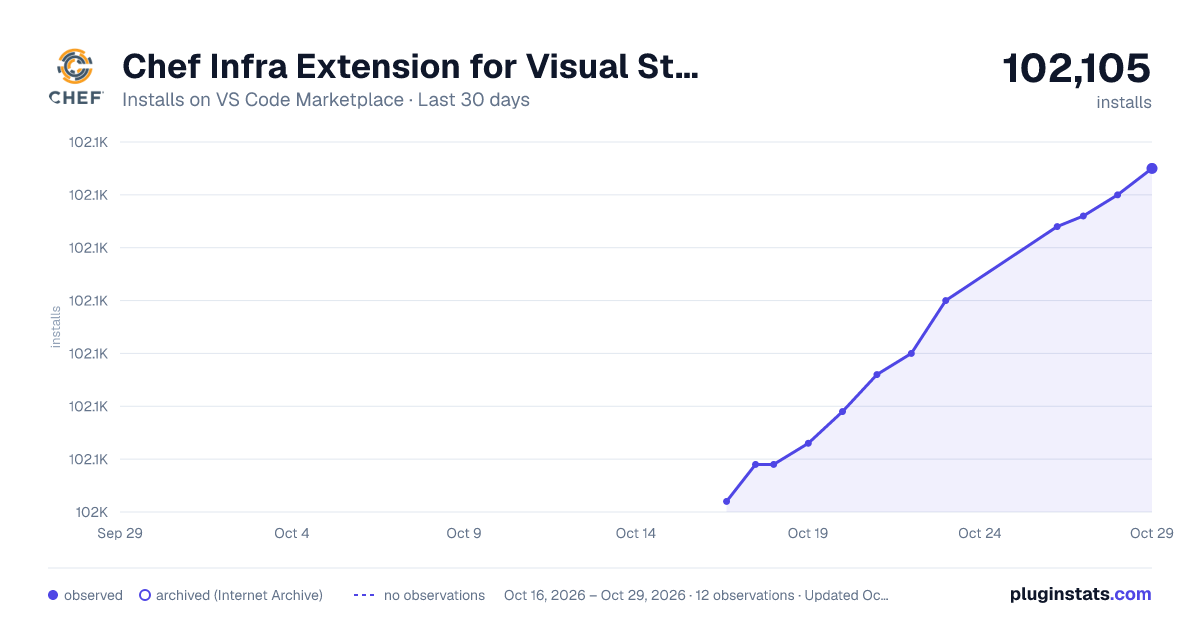
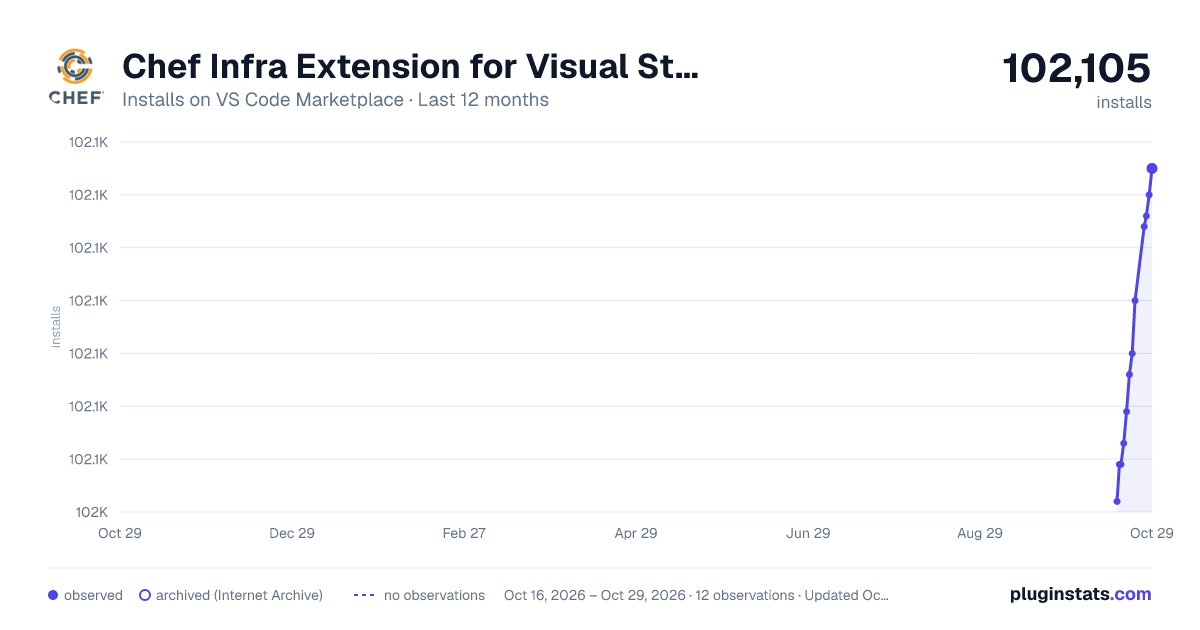
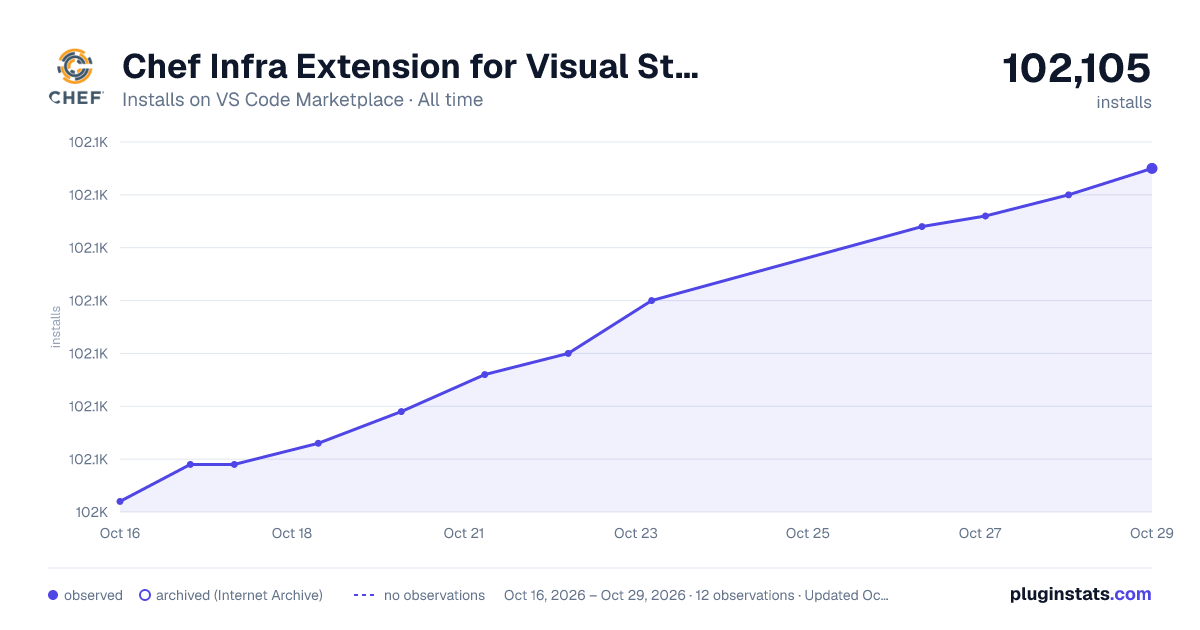

Adoption over time


7/30/90-day growth


Ranking history


Filled points are observed values; hollow points come from Internet Archive snapshots of the listing page. Dashed segments span periods with no observations — values between points are not interpolated.
Recent observations
Full history (3)Similar VS Code Marketplace Programming Languages plugins
Data source
Install counts, average rating, and rating counts come from the public Visual Studio Marketplace gallery API. Installs are cumulative and exclude updates.
Listing: https://marketplace.visualstudio.com/items?itemName=chef-software.Chef. First seen Oct 16, 2026; last successful collection Oct 18, 2026. See the methodology.