 PluginStats
Subtle Match Brackets installs statistics
By Rafa Mel · VS Code Marketplace · Other
Underlined matching brackets and more
Subtle Match Brackets has 278,489 recorded installs on VS Code Marketplace.
It ranks #1211 of 2,501 tracked VS Code Marketplace listings by installs.
It is rated 5.0 out of 5 from 25 ratings.
PluginStats has 4 daily observations since Oct 16, 2026; the latest is from Oct 19, 2026.
Rating: 4.96 / 5 from 25 ratings
About Subtle Match Brackets
Subtle Brackets
_Underlined matching brackets and more for Visual Studio Code._
Subtle Brackets @ Visual Studio Marketplace
_Subtle Brackets_ allows custom styling of matching brackets as VSCode currently boxes them, impairing visibility. By default, it applies a subtle light/dark underline to the bracket next to the cursor and its matching pair:
You can also customize the style applied to matching brackets.
Extension Settings
| Setting | Default | Description |
| subtleBrackets.disableNative | true | _Subtle Brackets_ permanently disables the native matchBrackets by default. Turn to false to prevent this behavior. | | subtleBrackets.parse | true | If true, documents will be properly parsed via Prism, whenever possible, so brackets within strings and comments don't trigger the decoration. There are some edge cases. | | subtleBrackets.style | { "borderWidth": "1px", "borderStyle": "none none solid none" } | Change the default style applied to matching brackets. The default is a light/dark underline (depending on your current theme). | | subtleBrackets.pairs | [{ "open": "(", "close": ")" }, { "open": "[", "close": "]" }, { "open": "{", "close": "}" }] | An array of objects defining the bracket pairs to match. They can also define specific styles and whether to take parsing into account for each specific pair. |
Pairs
Each pair definitition must have the open and close keys, and can optionally take custom style and parse keys for the pair.
As an example, here's how you would disable parsing for the () bracket pair, and set a red underline for {}.
Style
If you wish, you can change the default style applied to matching brackets by modifying the subtleBrackets.style property. For a list of allowed styles check DecorationRenderOptions.
As an example, here's how you would set a 2px blue underline default style:
You can also target a specific bracket pair by setting a style key within its definition. As an example, here's how we'd assign a white font over red a background to the "[]" pair.
Description from the VS Code Marketplace listing.
- bracket
- brackets
- match
- matching
Where Subtle Match Brackets sits in the listing
Each band is one page of 20. Installs on a log scale. Placement is projected from installs, so it can differ from the marketplace's own sort order. Hover a dot to see the listing.


Charts
Images: 30d · 1y · all time · 1600×900 dark
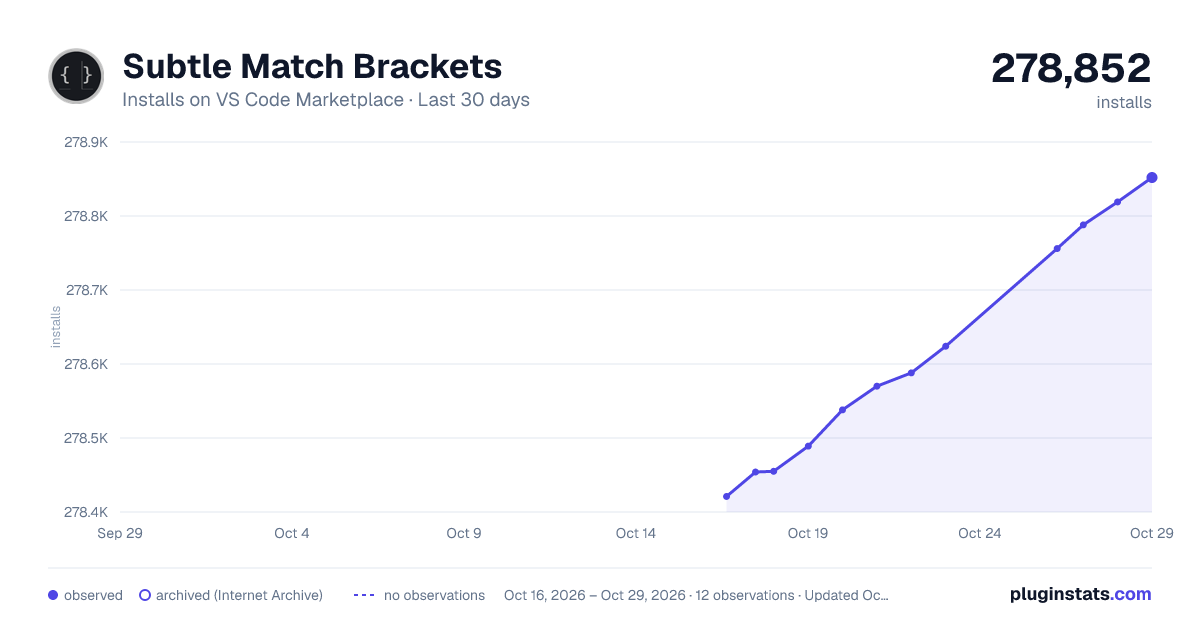
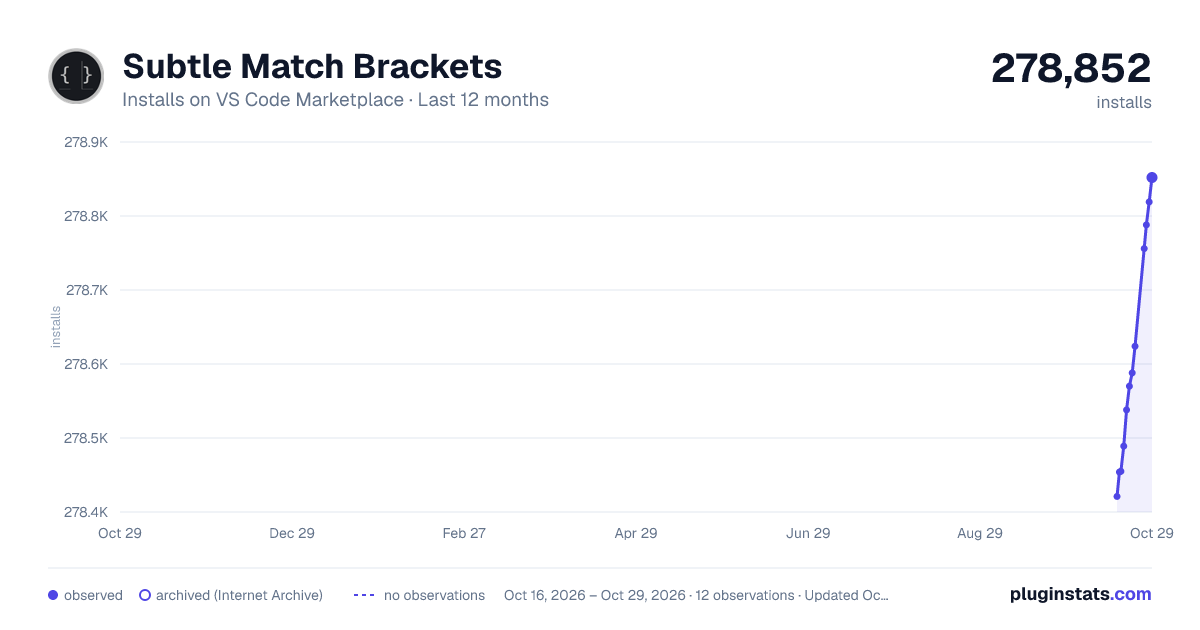
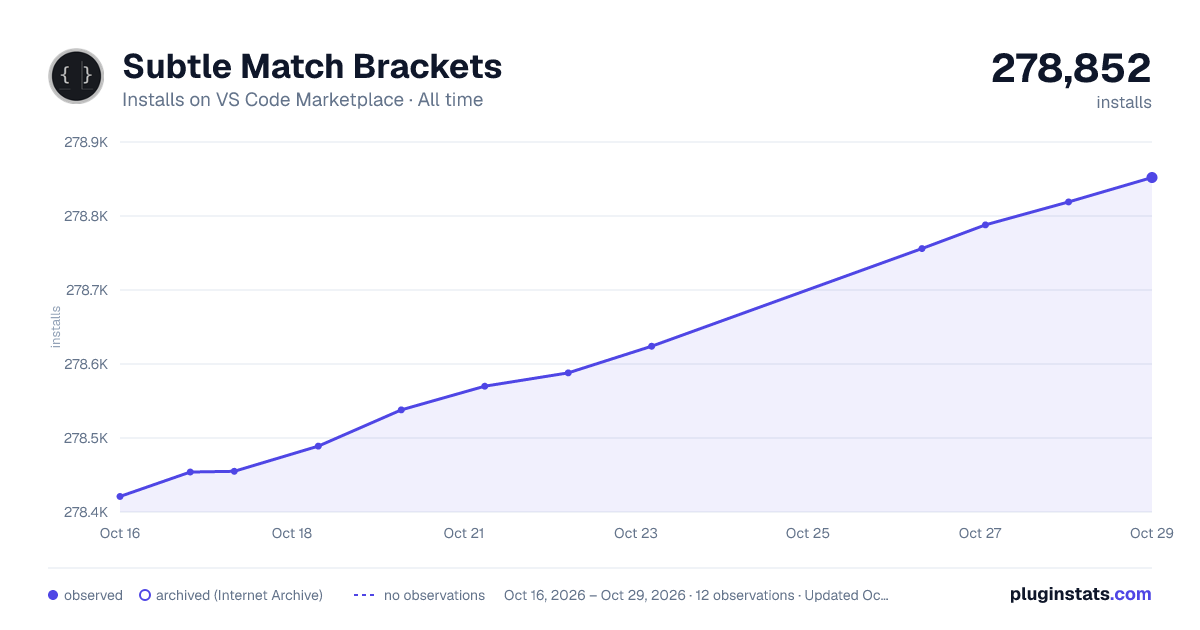

Adoption over time


7/30/90-day growth


Ranking history


Filled points are observed values; hollow points come from Internet Archive snapshots of the listing page. Dashed segments span periods with no observations — values between points are not interpolated.
Recent observations
Full history (4)Similar VS Code Marketplace Other plugins
Data source
Install counts, average rating, and rating counts come from the public Visual Studio Marketplace gallery API. Installs are cumulative and exclude updates.
Listing: https://marketplace.visualstudio.com/items?itemName=rafamel.subtle-brackets. First seen Oct 16, 2026; last successful collection Oct 19, 2026. See the methodology.