 PluginStats
Bookmarks installs statistics
By Alessandro Fragnani (8 listings) · VS Code Marketplace · Other
Mark lines and jump to them
Bookmarks has 5,188,298 recorded installs on VS Code Marketplace.
It ranks #177 of 2,500 tracked VS Code Marketplace listings by installs.
It is rated 4.6 out of 5 from 201 ratings.
PluginStats has 3 daily observations since Oct 16, 2026; the latest is from Oct 18, 2026.
Rating: 4.58 / 5 from 201 ratings
About Bookmarks
What's new in Bookmarks 14.1
• Adds Export support • Improved Side Bar • Improved Labeled Bookmark • Fully Open Source again • Adds Persian, French, Hindi and Polish translations • Setting to customize overview ruler lane • Published to Open VSX
Support
Bookmarks is an extension created for Visual Studio Code. If you find it useful, please consider supporting it.
Bookmarks
It helps you to navigate in your code, moving between important positions easily and quickly. _No more need to search for code._ It also supports a set of selection commands, which allows you to select bookmarked lines and regions between bookmarked lines. It's really useful for log file analysis.
Here are some of the features that Bookmarks provides:
• Mark/unmark positions in your code • Mark positions in your code and give it name • Jump forward and backward between bookmarks • Icons in gutter and overview ruler • See a list of all Bookmarks in one file and project • Select lines and regions with bookmarks • A dedicated Side Bar
Features
Available commands
• Bookmarks: Toggle Mark/unmark positions with bookmarks • Bookmarks: Toggle Labeled Mark labeled bookmarks • Bookmarks: Jump to Next Move the cursor forward, to the bookmark below • Bookmarks: Jump to Previous Move the cursor backward, to the bookmark above • Bookmarks: List List all bookmarks in the current file • Bookmarks: List from All Files List all bookmarks from all files • Bookmarks: Clear remove all bookmarks in the current file • Bookmarks: Clear from All Files remove all bookmarks from all files • Bookmarks: Export Export all bookmarks to a Markdown document with customizable format • Bookmarks (Selection): Select Lines Select all lines that contains bookmarks • Bookmarks (Selection): Expand Selection to Next Expand the selected text to the next bookmark • Bookmarks (Selection): Expand Selection to Previous Expand the selected text to the previous bookmark • Bookmarks (Selection): Shrink Selection Shrink the select text to the Previous/Next bookmark
Manage your bookmarks
Toggle / Toggle Labeled
You can easily Mark/Unmark bookmarks on any position. You can even define Labels for each bookmark.
Navigation
Jump to Next / Previous
Quicky move between bookmarks backward and forward, even if located outside the active file.
List / List from All Files
List all bookmarks from the current file/project and easily navigate to any of them. It shows a line preview and temporarily scroll to its position.
• Bookmarks from the active file only shows the line number and its contents • Bookmarks from other files in the project also shows the relative path
Side Bar
The Bookmarks extension has its own Side Bar, with a variety of commands to improve you productivity.
| Single Folder | Multi-root Workspace |
| | |
Improved Multi-root support
When you work with multi-root workspaces, the extension can manage the bookmarks individually for each folder.
Simply define saveBookmarksInProject as true on your User Settings or in the Workspace Settings, and when you run the Bookmarks: List from All Files command, you will be able to select from which folder the bookmarks will be shown.
Remote Development support
The extension now fully supports Remote Development scenarios.
It means that when you connect to a _remote_ location, like a Docker Container, SSH or WSL, the extension will be available, ready to be used.
You don't need to install the extension on the remote anymore.
Better yet, if you use bookmarks.saveBookmarksInProject setting defined as true, the bookmarks saved locally _will be available_ remotely, and you will be able to navigate and update the bookmarks. Just like it was a resource from folder you opened remotely.
Selection
You can use Bookmarks to easily select lines or text blocks. Simply toggle bookmarks in any position of interest and use some of the _Selection_ commands available.
Select Lines
Select all bookmarked lines. Specially useful while working with log files.
Expand Selection to the Next/Previous Bookmark or Shrink the Selection
Manipulate the selection of lines _between_ bookmarks, up and down.
Export
Export all bookmarks to a new Markdown document with a customizable format. This is especially useful for documentation and sharing bookmarks with others.
The default format exports bookmarks as a Markdown table, grouped by file and sorted by line number:
| File | Line | Column | Label | Content |
| src/example.ts | 10 | 5 | Important | function calculateTotal() { | | src/utils.ts | 25 | 1 | TODO | // TODO: Implement error handling |
You can customize the export format using the bookmarks.export.pattern setting with the following variables: • $file - File path (relative to workspace) • $line - Line number • $column - Column number • $label - Bookmark label • $content - Line content
Example custom formats:
CSV format:
Simple list:
Available Settings
• Allow navigation through all files that contains bookmarks _(true by default)_ • Allow navigation to wrap around at the first and last bookmarks in scope (current file or all files) _(true by default)_ • Bookmarks are always saved between sessions, and you can decide if it should be saved _in the Project_, so you can add it to your Git/SVN repo and have it in all your machines _(false by default)_ • Path to another image to be shown as Bookmark (16x16 px)
Deprecated in 13.3: Use bookmarks.gutterIconFillColor and bookmarks.gutterIconBorderColor instead
• Specifies the fill color of the bookmark icon • Specifies the border color of the bookmark icon • Choose the background color to use on a bookmarked line
Deprecated in 10.7: Use workbench.colorCustomizations instead. More info in Available Colors…
Description from the VS Code Marketplace listing.
- bookmark
- jump
- keybindings
- mark
- multi-root ready
- navigation
- selection
- sticky
Where Bookmarks sits in the listing
Each band is one page of 20. Installs on a log scale. Placement is projected from installs, so it can differ from the marketplace's own sort order. Hover a dot to see the listing.


Charts
Images: 30d · 1y · all time · 1600×900 dark
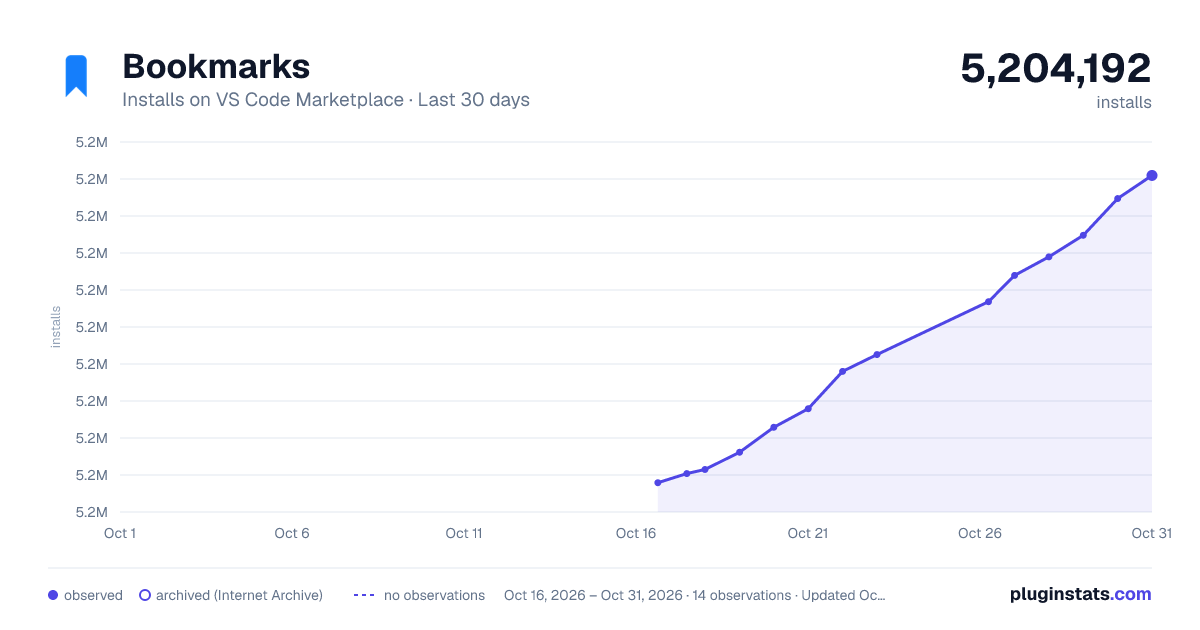
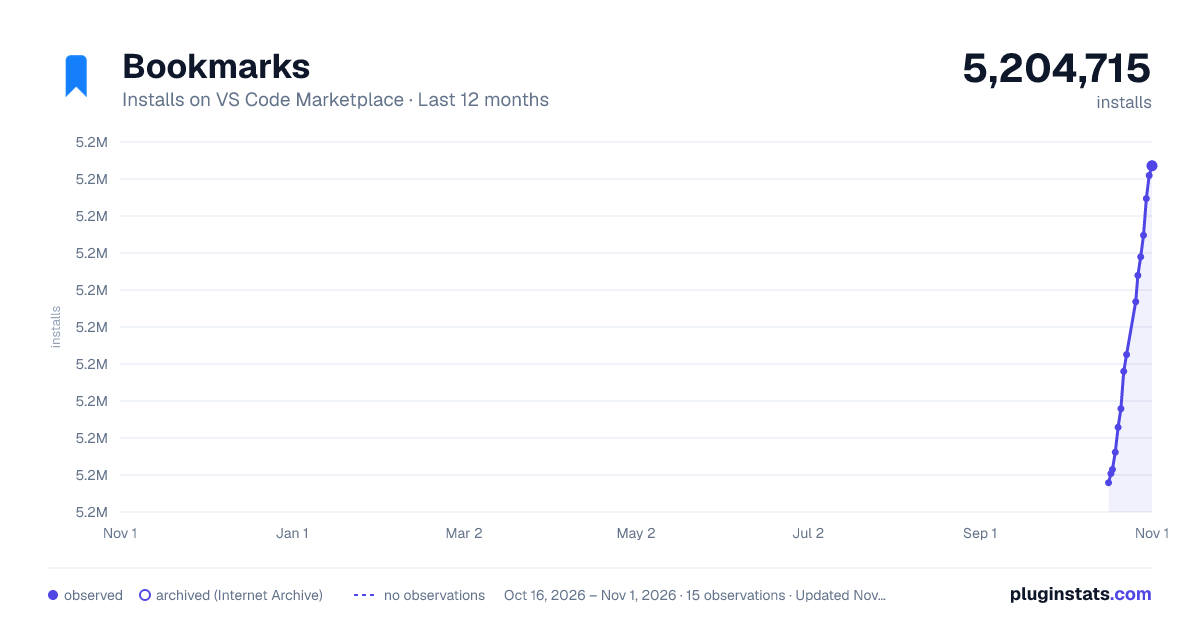
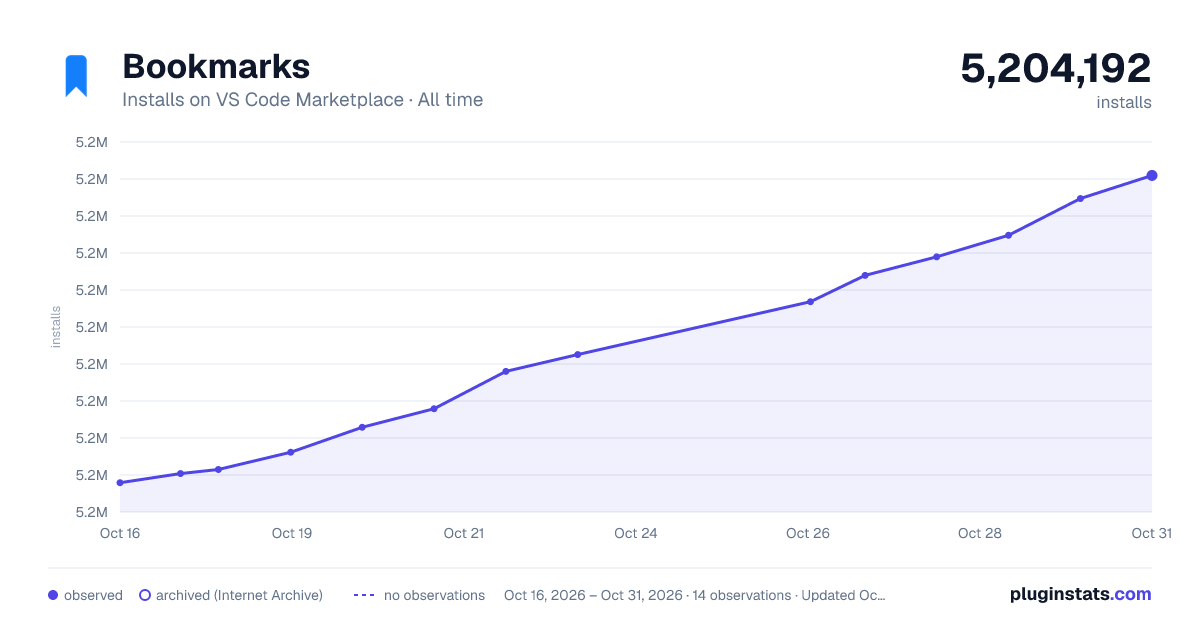

Adoption over time


7/30/90-day growth


Filled points are observed values; hollow points come from Internet Archive snapshots of the listing page. Dashed segments span periods with no observations — values between points are not interpolated.
Recent observations
Full history (3)Similar VS Code Marketplace Other plugins
Data source
Install counts, average rating, and rating counts come from the public Visual Studio Marketplace gallery API. Installs are cumulative and exclude updates.
Listing: https://marketplace.visualstudio.com/items?itemName=alefragnani.Bookmarks. First seen Oct 16, 2026; last successful collection Oct 18, 2026. See the methodology.