 PluginStats
Dart installs statistics
By Dart Code (2 listings) · VS Code Marketplace · Programming Languages
Dart language support and debugger for Visual Studio Code.
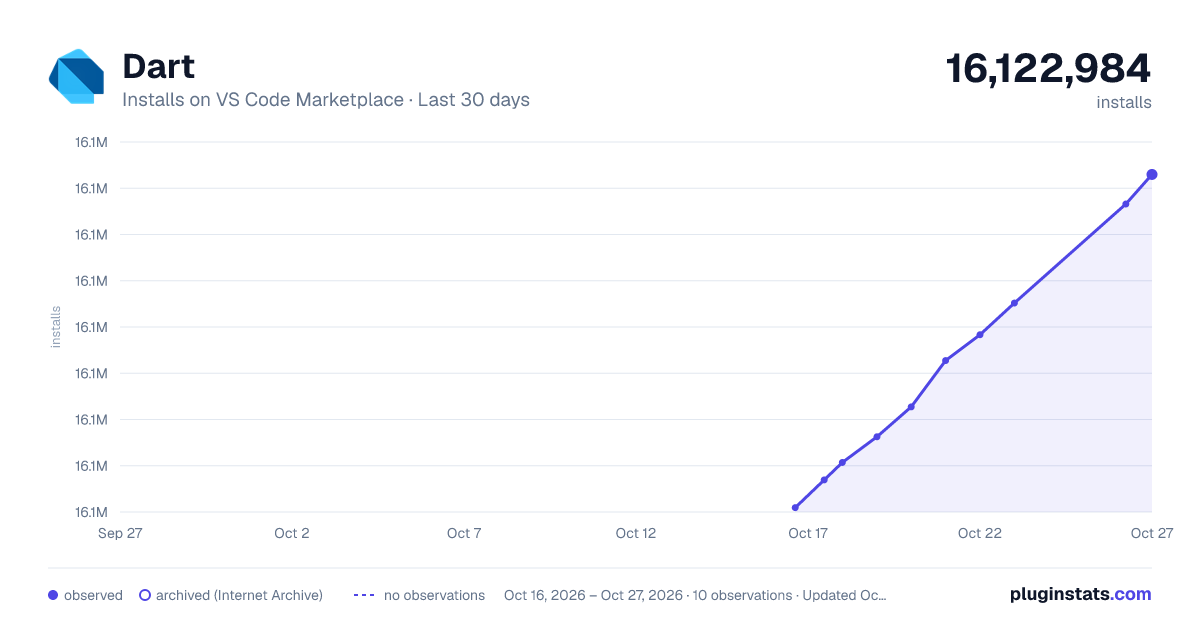
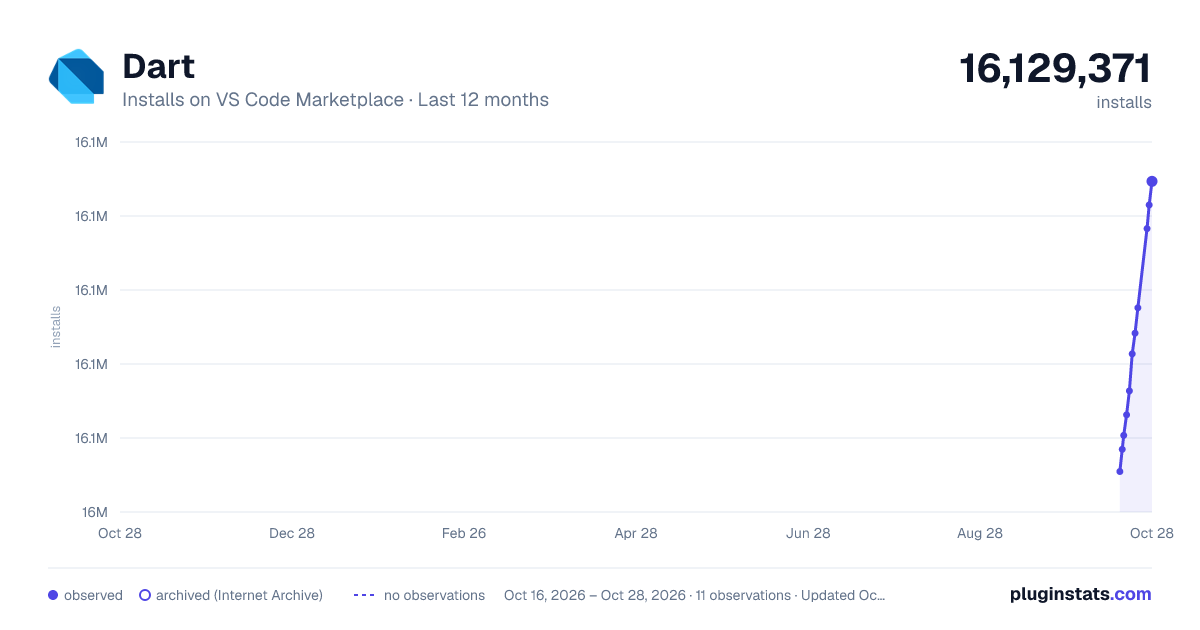
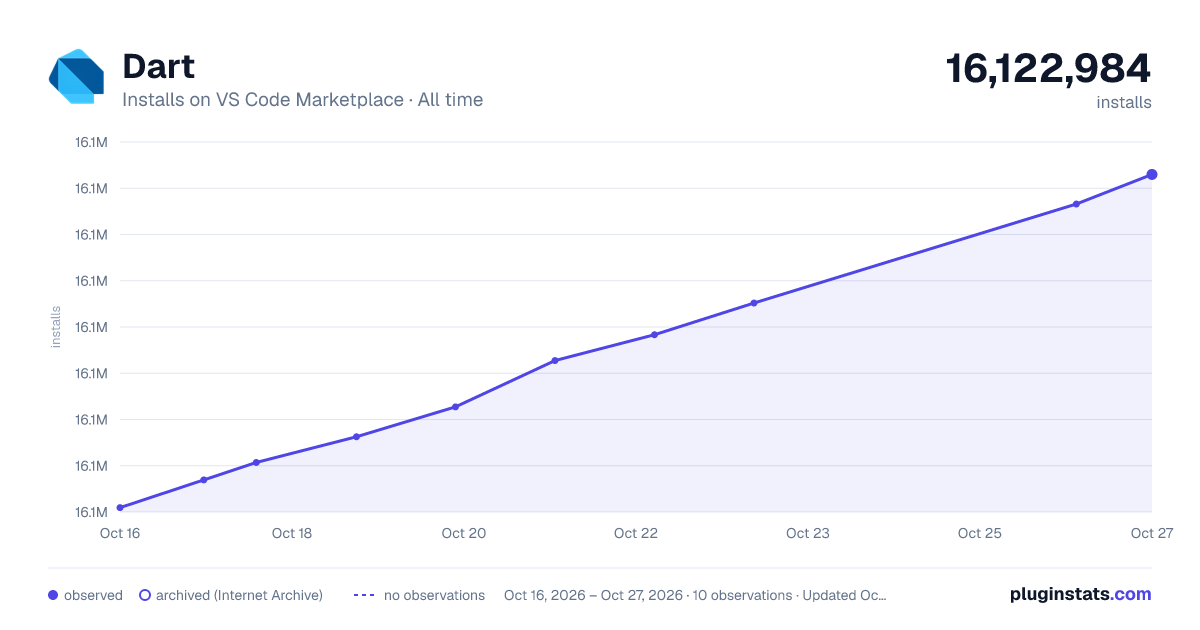
Dart has 16,060,710 recorded installs on VS Code Marketplace.
It ranks #66 of 2,500 tracked VS Code Marketplace listings by installs.
It is rated 4.8 out of 5 from 88 ratings.
PluginStats has 3 daily observations since Oct 16, 2026; the latest is from Oct 18, 2026.
Rating: 4.80 / 5 from 88 ratings
About Dart
Introduction
Dart Code extends VS Code with support for the Dart programming language, and provides tools for effectively editing, refactoring, running, and reloading Flutter mobile apps.
Installation
Dart Code can be installed from the Visual Studio Code Marketplace or by searching within VS Code.
If you have any issues using Dart Code, please file issues on GitHub at https://github.com/Dart-Code/Dart-Code/issues/new/choose.
Features
• Edit and Debug Flutter mobile apps (launch using F5 or the Debug menu) • Edit and Debug Dart command line apps (launch using F5 or the Debug menu) • Automatic hot reloads for Flutter • Refactorings and Code fixes (lightbulb) • Quickly switch between devices for Flutter • Flutter Doctor command • Flutter Get Packages command • Flutter Upgrade Packages command • Automatically gets packages when pubspec.yaml is saved • Automatically finds SDKs from PATH • Notification of new stable Dart SDK releases • Sort Members command • Support for debugging "just my code" or SDK/libraries too (dart.debugSdkLibraries and dart.debugExternalPackageLibraries) • Prompts to get packages when out of date • Syntax highlighting • Code completion • Snippets • Realtime errors/warnings/TODOs • Documentation in hovers/tooltips • Go to Definition • Find References • Rename refactoring • Format document • Support for format-on-save (editor.formatOnSave) • Support for format-on-type (editor.formatOnType) • Workspace symbol search • Document symbol search • Organize Imports command • Pub Get Packages command • Pub Upgrade Packages command • Type Hierarchy
Extension Settings
A full list of settings is available here.
Frequently Asked Questions
A list of frequently asked questions is available here.
Key Bindings
A list of useful key bindings is available here.
Refactorings and Code Fixes
A full list of supported refactors is available here.
Analytics
This extension reports some analytics such as:
• Extension load and analysis times • Version numbers for the Dart/Flutter extensions and SDKs • The values of some settings (such as Flutter UI Guidelines and Format-on-Save) • Frequency of use of features like Hot Reload and Hot Restart
Reporting can be disabled via VS Code's standard Telemetry: Telemetry Level setting.
Release Notes
For full release notes, see the changelog.
Description from the VS Code Marketplace listing.
- dart
- debuggers
- flutter
- fuchsia
- keybindings
- language-model-tools
- multi-root ready
- tools
Where Dart sits in the listing
Each band is one page of 20. Installs on a log scale. Placement is projected from installs, so it can differ from the marketplace's own sort order. Hover a dot to see the listing.


Charts
Images: 30d · 1y · all time · 1600×900 dark

Adoption over time


7/30/90-day growth


Filled points are observed values; hollow points come from Internet Archive snapshots of the listing page. Dashed segments span periods with no observations — values between points are not interpolated.
Recent observations
Full history (3)Similar VS Code Marketplace Programming Languages plugins
Data source
Install counts, average rating, and rating counts come from the public Visual Studio Marketplace gallery API. Installs are cumulative and exclude updates.
Listing: https://marketplace.visualstudio.com/items?itemName=Dart-Code.dart-code. First seen Oct 16, 2026; last successful collection Oct 18, 2026. See the methodology.