 PluginStats
Flow Language Support installs statistics
By Facebook Flow · VS Code Marketplace · Programming Languages
Flow support for VS Code
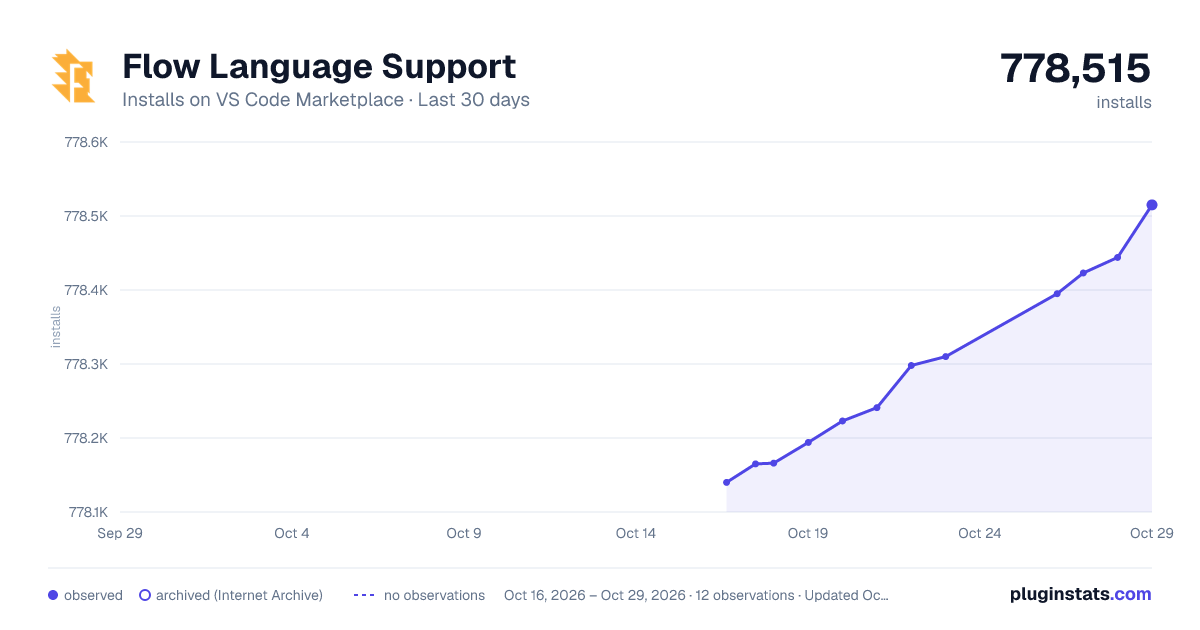
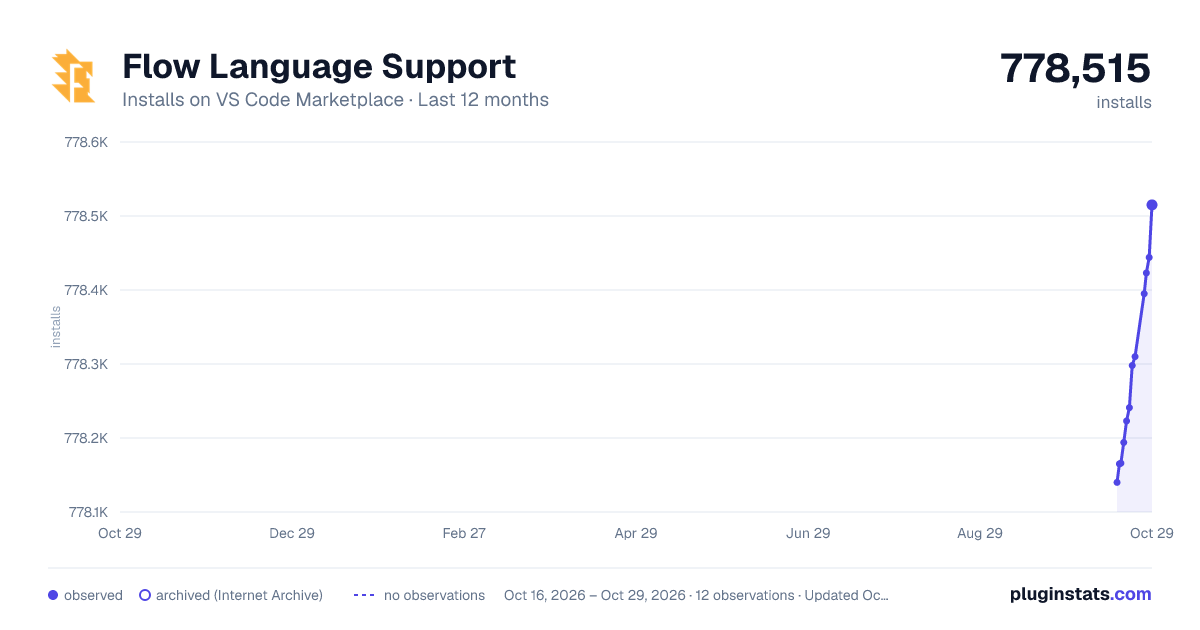
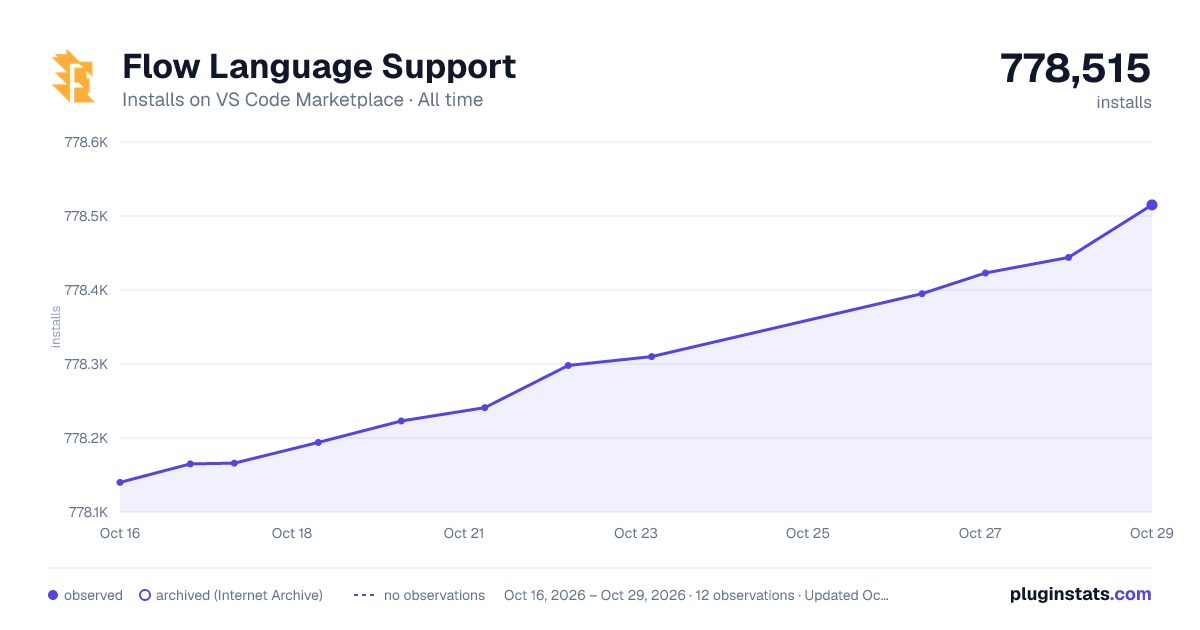
Flow Language Support has 778,166 recorded installs on VS Code Marketplace.
It ranks #635 of 2,500 tracked VS Code Marketplace listings by installs.
It is rated 2.8 out of 5 from 43 ratings.
PluginStats has 3 daily observations since Oct 16, 2026; the latest is from Oct 18, 2026.
Rating: 2.79 / 5 from 43 ratings
About Flow Language Support
Flow for Visual Studio Code
This extension adds Flow support for VS Code. Flow is a static type checker, designed to find type errors in JavaScript programs. Follow the official guide to get started.
Want to help make Flow in VS Code really shine? If this is you, you can get set up for development easily.
Installation
Search for "Flow Language Support" in the VS Code extensions panel or install through the marketplace.
Setup
• Make sure you have a .flowconfig file somewhere in your project. • Make sure you are able to run the flow command from the command line (or see Configuration to customize the command or use NPM packaged flow). • Set javascript.validate.enable option to false or completely disable the built-in TypeScript extension for your project (see gif below): • If you install Flow via flow-bin (recommended), then we will by default try to use this installation of flow by looking for it in node_modules. This behavior can be disabled by setting the flow.useNPMPackagedFlow setting to false. • If you install Flow globally (for example, npm install -g flow-bin), make sure flow is available on your PATH. If neither are true, then a version bundled with this extension will be used, but this is discouraged as it may change over time.
Configuration
You can specify a configuration by amending the VS Code settings.json file. Access this through Preferences → Settings. You must reload VS Code after installing this extension for these settings to take effect.
• flow.useNPMPackagedFlow (default: true) allows using flow from your node_modules for VSCode. Note: Plugin will look for node_modules in flowconfigDir and root of workspaceFolder • flow.pathToFlow (default: 'flow') Absolute path to flow binary. ` Note: Path is normalized and ".cmd" is added if needed. • flow.useBundledFlow (default: true) fallback to flow bundled with this plugin if nothing else works. • flow.showUncovered (default: false) If true will show uncovered code by default. You can also toggle it later by using command or clicking on status bar widget. • flow.coverageSeverity (default: 'info'): Type coverage diagnostic severity. • flow.stopFlowOnExit (default: true) stop flow server on exit from Project. • flow.useCodeSnippetOnFunctionSuggest (default: true) Complete functions with their parameter signature. • flow.enabled (default: true) you can disable flow for some Project for example.
Features
• Supports multiple flowconfig and vscode multi-root workspaces • IntelliSense • Go to Definition / Peek Definition • Diagnostics (Errors, Warnings) • Hover type information • Toggle-able Code Coverage reports
Commands
• Toggle display of uncovered areas: Show|hide coverage uncovered areas. • Restart Client: Restarts flow client. • Show Client Status: Show current status of client. • Log Client Debug Info: Log client debug info in output panel. • Show Output Channel: Opens plugin output panel.
Known Issues
• If you're having problems with syntax highlighting try Babel Javascript.
Debugger configuration
First, follow the instructions to setup your launch configuration file, launch.json.
To use flow-remove-types:
• Follow the flow-remove-type Quick Start. • In launch.json, add "runtimeArgs": ["-r", "flow-remove-types/register"] to the "launch" configuration.
To use Babel:
• Follow the Babel Quick Start. • Install babel-register. • In .babelrc, add "retainLines": true. • In launch.json, add "runtimeArgs": ["-r", "babel-register"] to the "launch" configuration.
Contributing
• please refer to CONTRIBUTING.md
Contributors
This project exists thanks to all the people who contribute. [Contribute].
Backers
Thank you to all our backers! 🙏 [Become a backer]
Sponsors
Support this project by becoming a sponsor. Your logo will show up here with a link to your website. [Become a sponsor]
License
See here
Description from the VS Code Marketplace listing.
- ini
- javascript
- javascriptreact
- js
- multi-root ready
Where Flow Language Support sits in the listing
Each band is one page of 20. Installs on a log scale. Placement is projected from installs, so it can differ from the marketplace's own sort order. Hover a dot to see the listing.


Charts
Images: 30d · 1y · all time · 1600×900 dark

Adoption over time


7/30/90-day growth


Ranking history


Filled points are observed values; hollow points come from Internet Archive snapshots of the listing page. Dashed segments span periods with no observations — values between points are not interpolated.
Recent observations
Full history (3)Similar VS Code Marketplace Programming Languages plugins
Data source
Install counts, average rating, and rating counts come from the public Visual Studio Marketplace gallery API. Installs are cumulative and exclude updates.
Listing: https://marketplace.visualstudio.com/items?itemName=flowtype.flow-for-vscode. First seen Oct 16, 2026; last successful collection Oct 18, 2026. See the methodology.