 PluginStats
Microsoft Fabric installs statistics
By Microsoft (225 listings) · VS Code Marketplace · Data Science
View, manage, and develop your Microsoft Fabric items directly in VS Code.
Microsoft Fabric has 91,582 recorded installs on VS Code Marketplace, ranking #2499 of 2,508 tracked listings.
Rating: 3.00 / 5 from 2 ratings
About Microsoft Fabric
Microsoft Fabric for Visual Studio Code
Microsoft Fabric support for Visual Studio Code is provided through a rich set of extensions that make it easy to discover and interact with the Fabric items and workspaces.
Sign up for Free Microsoft Fabric Trial capacity and get Microsoft Fabric free of charge. It includes access to the Fabric product workloads and the resources to create and host Fabric items.
Data engineering
Data engineering in Microsoft Fabric enables users to design, build, and maintain infrastructures and systems that enable their organizations to collect, store, process, and analyze large volumes of data. With this extension, you can now develop in VS Code for data engineering needs.
Get started with Microsoft Fabric extension for VS Code
The Fabric Workspaces extension for VS Code allows you to view and manage Fabric workspaces within VS Code. The Fabric workspaces extension is the Core extension that enables Fabric App development extension to support additional features for developing data function sets within your workspace.
Sign in and Sign out
- When you open Microsoft Fabric extension in VS Code, you will see a sign in
- You can sign out from the extension, by selecting Accounts and choose the user account using Fabric extension to sign out.
View all your workspaces and items
You can view all your workspaces, items within it. You can filter the workspaces you want to work with in VS Code.

Switch tenants
You can enable Microsoft Fabric for your tenant such that everyone in the tenant has access to Microsoft Fabric. You may have access to more than one tenant; you can switch between tenants using the tenant switcher.
-
Sign in to Microsoft Fabric.
-
Select Switch tenant.

Create a Fabric item in VS Code
With the Microsoft Fabric Extension, you can now create, delete, and rename any Fabric item directly within VS Code, streamlining your workflow without ever leaving VS Code. You can also view the newly created items in Fabric portal.
-
Select your workspace in Fabric explorer.
-
Select + next to the workspace and create item.
-
Select the item type and provide a name to create the item in Fabric.
-
Select Open in Explorer to open an item definition to edit in VS Code. Here is a list of (supported items).

Command palette
You can access almost all Azure services provided by these extensions through the Command palette in VS Code. Press F1, then type in Fabric to find the available commands.

Open Fabric SQL database
You can open your Fabric SQL database in MSSQL extension to design your schema and query your data.

Git and version control
- You can clone your git enabled workspace when opened in VS Code.
- You can open item definitions in VS Code, make your changes and commit them to your repository using the source control experience in VS Code.

Manage trusted extensions
You can manage which account can use Fabric extension using Manage trusted extension settings in VS Code when you open your account in VS Code. You can enable and remove the extension for that user account as needed.
Feedback
Provide feature requests or report issues here.
Security reporting
Please see SECURITY.md for information on how to report security vulnerabilities.
Code of Conduct
Please see CODE_OF_CONDUCT.md for information on our code of conduct.
Telemetry
Read our privacy statement to learn more. If you don't wish to send usage data to Microsoft, you can set the telemetry.enableTelemetry setting to false. Learn more in our FAQ.
Data Collection. The software may collect information about you and your use of the software and send it to Microsoft. Microsoft may use this information to provide services and improve our products and services. You may turn off the telemetry as described in the repository. There are also some features in the software that may enable you and Microsoft to collect data from users of your applications. If you use these features, you must comply with applicable law, including providing appropriate notices to users of your applications together with a copy of Microsoft's privacy statement. Our privacy statement is located at https://go.microsoft.com/fwlink/?LinkID=824704. You can learn more about data collection and use in the help documentation and our privacy statement. Your use of the software operates as your consent to these practices.
License…
Description from the VS Code Marketplace listing.
- Data Engineering
- Data Science
- Fabric
- Functions
- Python
README badge
Show your rank in a README or on your website. The badge updates automatically.
Charts
Images: 30d · 1y · all time · 1600×900 dark
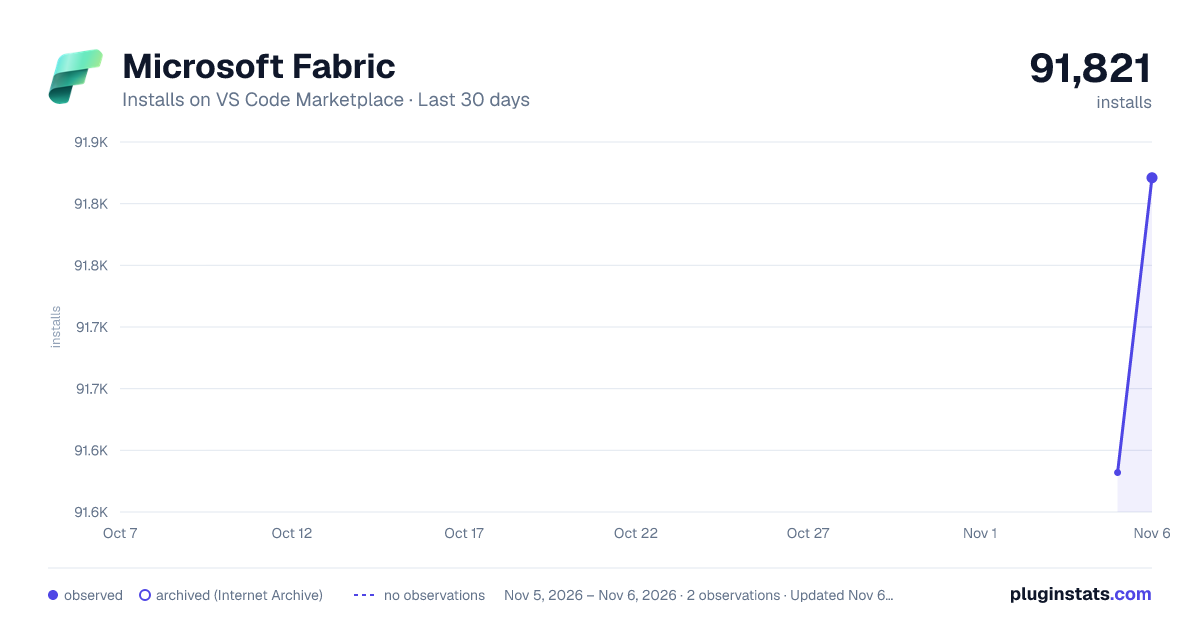
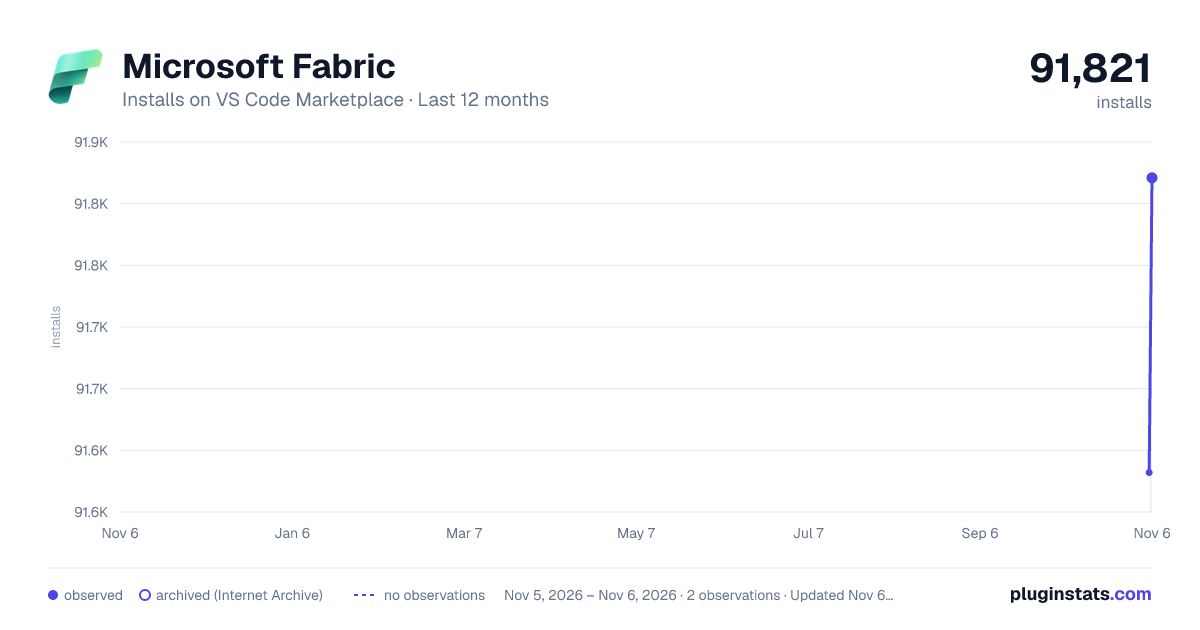
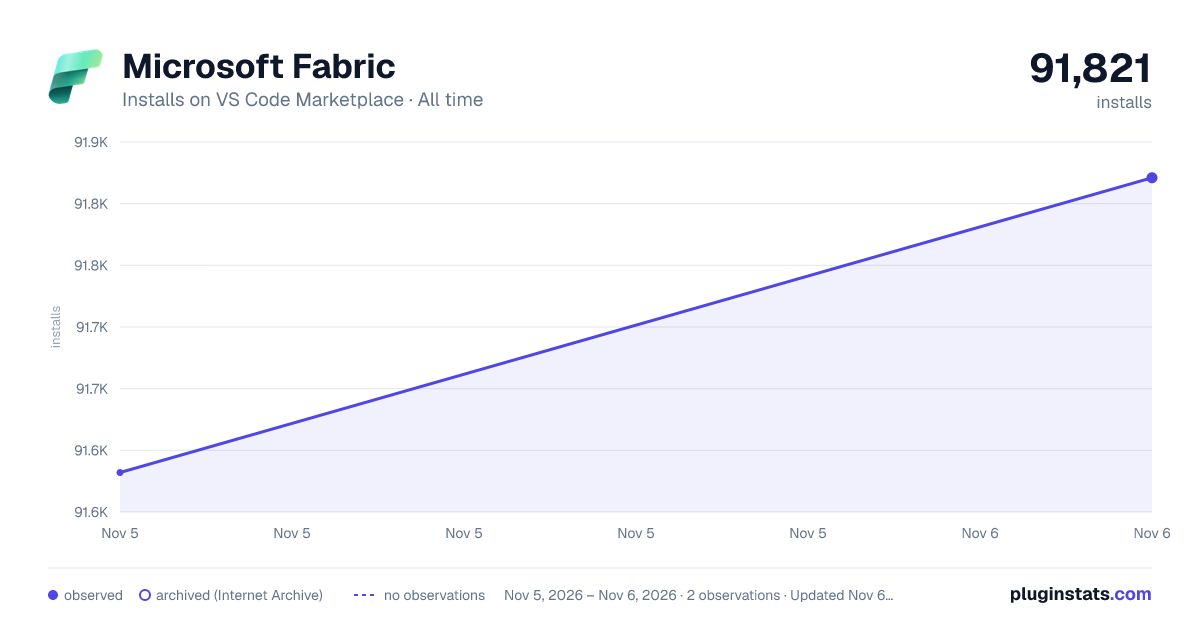

Adoption over time
7/30/90-day growth
Ranking history
Ratings over time
Listing placement
Listing placement
Filled points are observed values; hollow points come from Internet Archive snapshots of the listing page. Dashed segments span periods with no observations — values between points are not interpolated.
Each band is one page of 20. Installs on a linear scale. Placement is projected from installs, so it can differ from the marketplace's own sort order. Hover a dot to see the listing.
Recent observations
Full history (1)Similar VS Code Marketplace Data Science plugins
All 20 Microsoft Fabric alternativesData source
Install counts, average rating, and rating counts come from the public Visual Studio Marketplace gallery API. Installs are cumulative and exclude updates.
Listing: https://marketplace.visualstudio.com/items?itemName=fabric.vscode-fabric. First seen Nov 5, 2026; last successful collection Nov 5, 2026. See the methodology.